

Modern email marketing integrated seamlessly with Webflow.
What it costs
- Free tier
- Yes
Free plan covers 1,000 contacts ($0/mo) and pricing scales by list size, but the cheapest paid tier's price wasn't captured on the scraped pricing page.
Auto-checked on 8 August 2026Source
About Audienceful
What Is Audienceful?
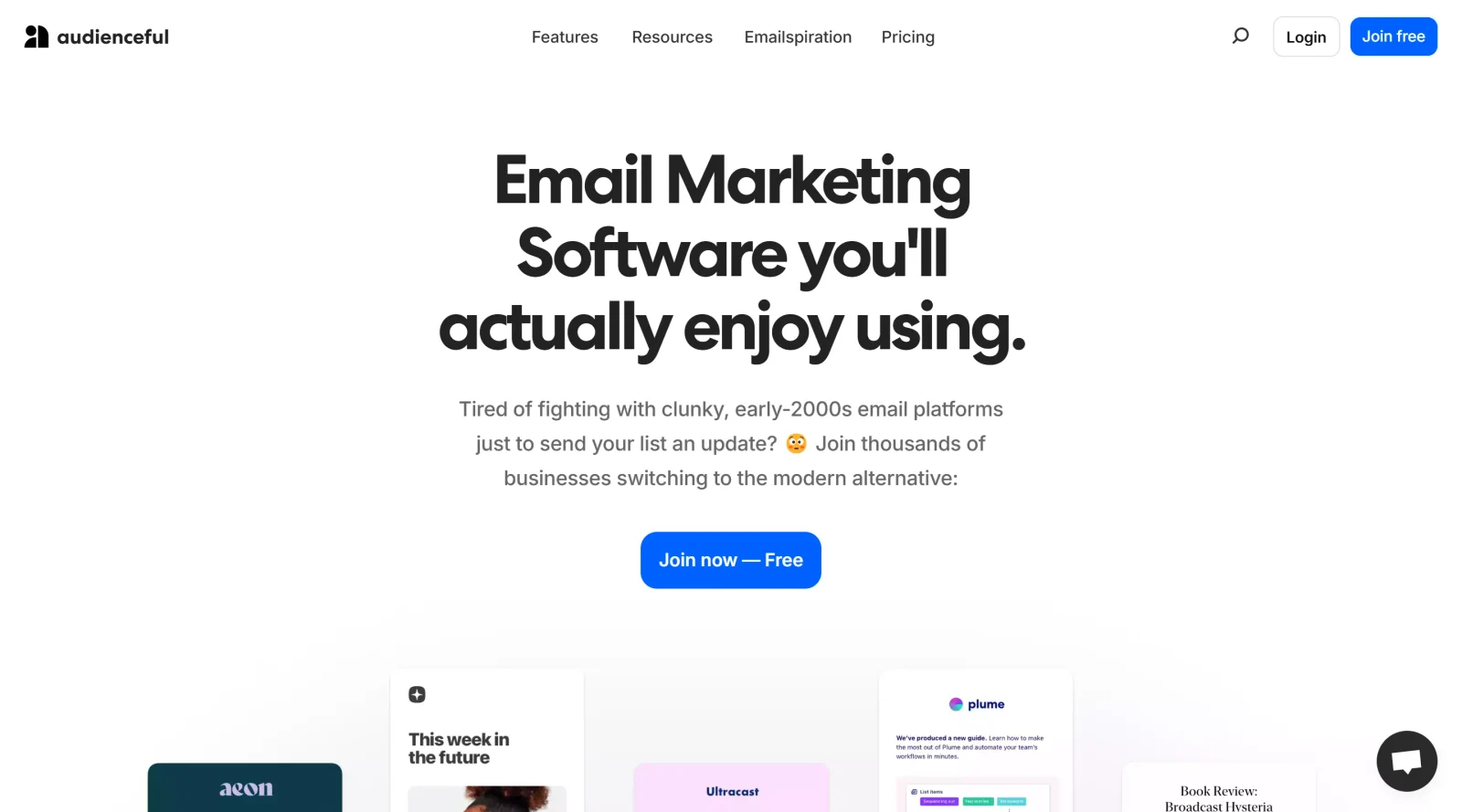
Audienceful is an email marketing and content publishing tool categorized under Design, with a freemium pricing model that offers a free plan alongside paid options for additional features. It integrates with Webflow to enable seamless creation and distribution of emails, blog posts, newsletters, and social content, using a lightweight editor resembling a notes app. Audienceful centralizes content workflows by supporting real-time collaboration, audience segmentation, and automated publishing across platforms, fitting into design processes where creators need to produce and manage personalized digital communications without complex builders.
What Audienceful Does
- Provides a clean, document-style editor for writing emails, blog posts, and newsletters that automatically apply mobile-friendly, dark mode-compatible templates.
- Enables direct publishing to Webflow sites, including multiple collections for blogs, changelogs, job listings, and help docs.
- Supports audience segmentation using tags, custom fields, and live filtering to create dynamic groups for targeted messaging.
- Builds automated email sequences and drip campaigns triggered by user actions like subscriptions or purchases.
- Offers real-time team collaboration on content drafts and integrates with tools via Zapier for contact syncing from platforms like Stripe or Shopify.
- Includes form builders for signup embeds, popups, and landing pages, plus analytics for tracking opens, engagement, and performance.
How Audienceful Can Be Used
- Designers import contacts via CSV or Zapier, write project updates in the editor, and publish simultaneously to Webflow blogs and email lists for client newsletters.
- Teams segment subscribers by tags for architecture firms to send tailored inspiration content to leads, automating drip sequences for onboarding new inquiries.
- Content creators set up welcome journeys by linking Stripe purchases to automated emails, using the editor for branded follow-ups without template adjustments.
- Marketing users build popup forms on Webflow sites to grow lists, then filter audiences live and export segments for A/B testing campaigns.
- Collaborators edit emails in real-time, apply branding like logos and footers, and schedule posts across email, blogs, and social channels from one interface.
Who Is Audienceful For?
Audienceful serves designers, creator-designers, architects, interior design firms, and non-designers managing client engagement through Webflow-integrated workflows. It suits roles needing streamlined email marketing, content publishing, and automation without heavy tools, particularly for small teams or solo users handling newsletters, lead nurturing, and audience-owned channels on projects like portfolios, client updates, or educational series. Experience levels range from beginners using the simple editor to advanced users leveraging segmentation and integrations. Visit Audienceful
Featured Tools
Sponsored
Artlist
Royalty-free music, SFX, 8K footage, templates, LUTs and 100+ AI models on a single subscription for video creators.

Icons8
Large icon packs featuring over 10,000 icons for consistent design themes.

Vidu
AI video generator with text, image and reference-to-video modes, producing 3–16 second clips at up to 1080p with characters that stay consistent across shots.
Your tool here
The tools above are our own picks until the slots sell.
Spotlight
SponsoredRotates daily
Animated Icons 2.0
Enhance your projects with 900+ animated icons.
Tools we recommend

Base44
Build full-stack apps from a prompt (by Wix)

SITE123
Free website builder with hosting included

Wegic
Build & manage a whole site by chatting with AI
Editorially chosen. Some links above are affiliate links — if you sign up we may earn a commission, at no extra cost to you.
More Website Builders Tools


Framer
Design and launch your dream website with no coding required.
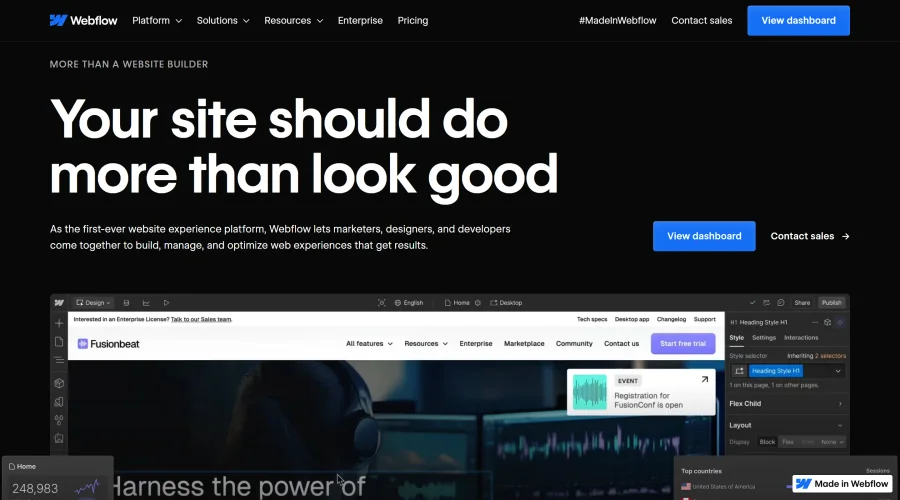

Webflow
Accelerate website creation without needing to code.
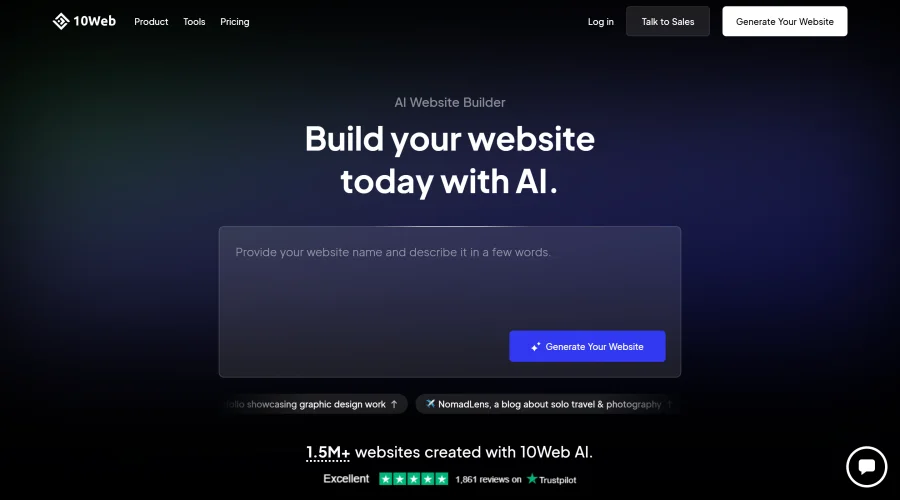

10Web
AI-enhanced WordPress website builder for easy site creation.
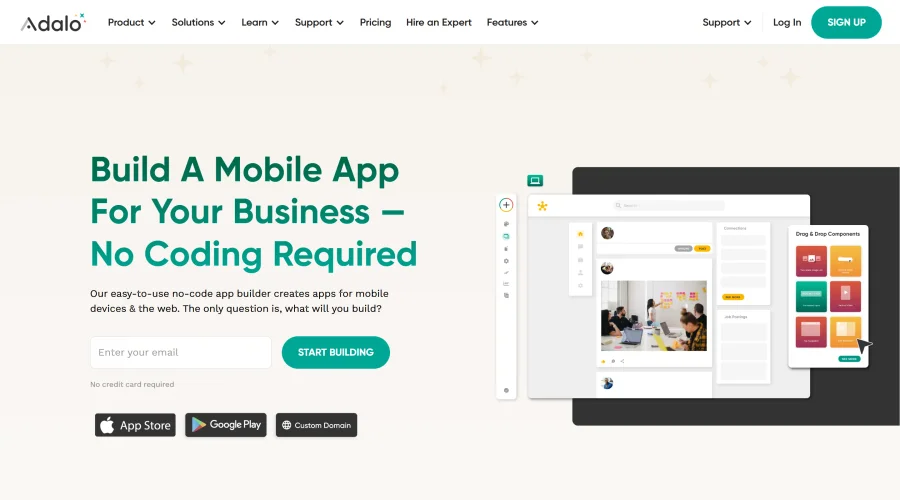

Adalo
Turn app ideas into reality without needing to code.
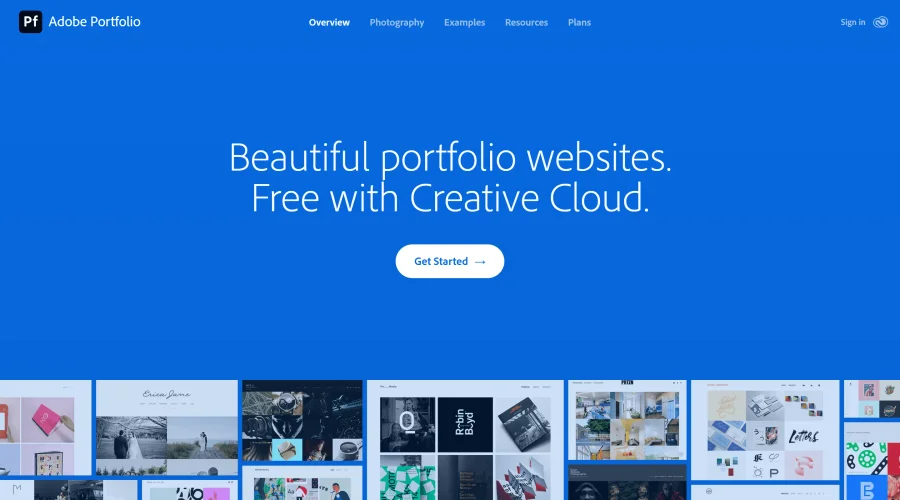

Adobe Portfolio
Build stunning portfolio websites, free with Creative Cloud.
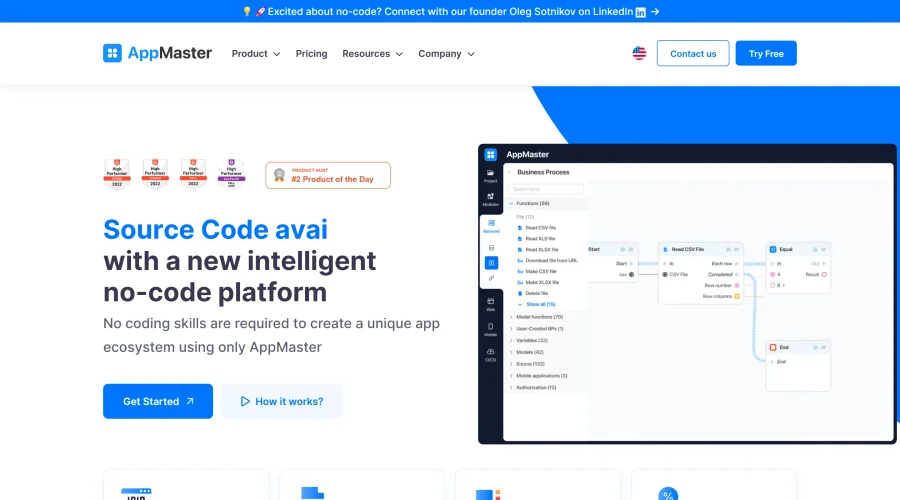

AppMaster
Next-gen no-code platform for automating business processes and building native apps.
Explore Other Categories
Discover more design resources
New to Design?
Explore our comprehensive design glossary to master essential terminology from A/B Testing to Wireframes.
Browse GlossaryLooking for something specific?
Search through our entire collection of design tools and resources