

Enhance your portfolio and increase engagement from your bio.
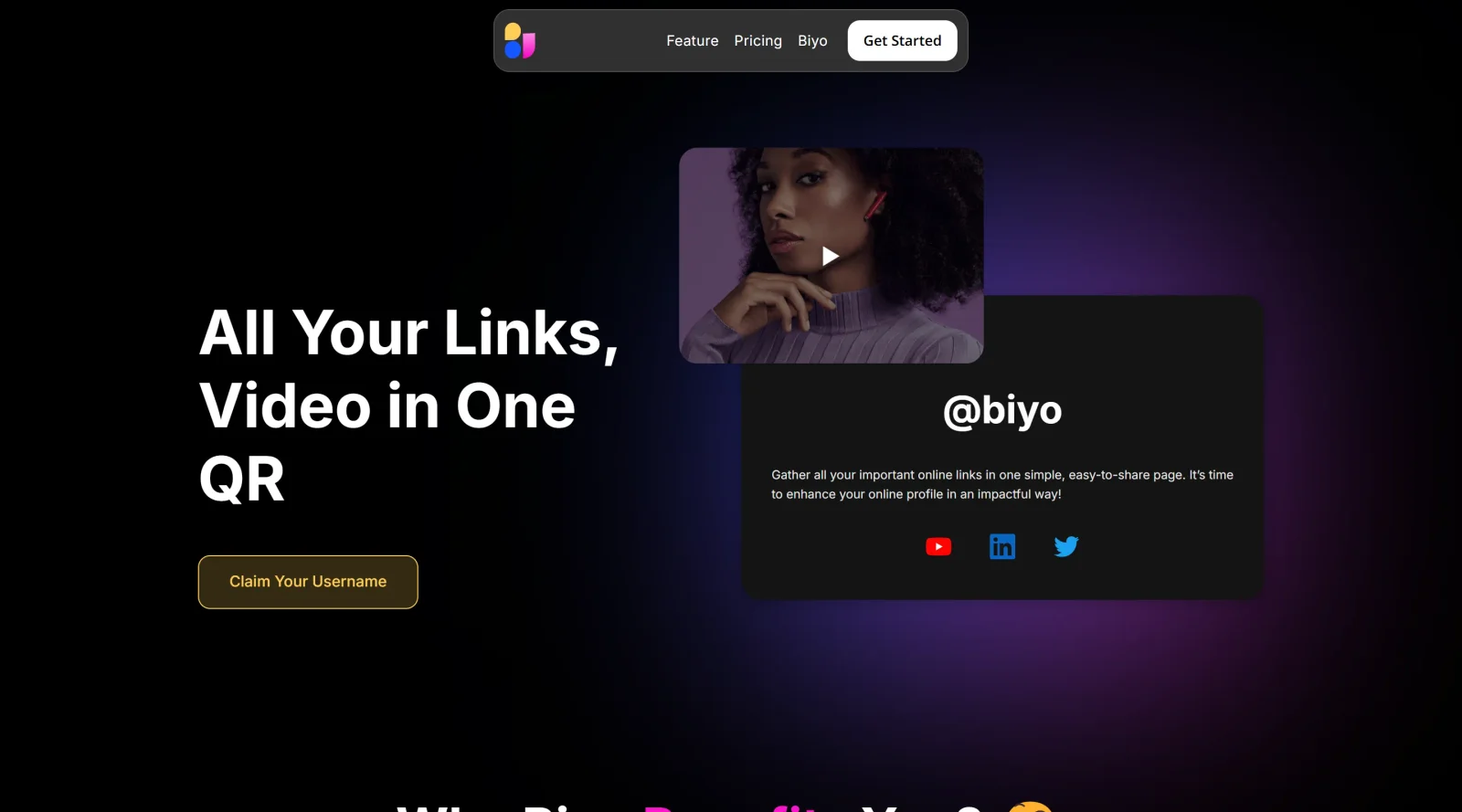
What it costs
- Free tier
- No
The scrape returned unrelated content (a Vietnamese online-gambling site), not the Biyo product, so the domain appears parked/expired or redirected and needs manual verification.
Auto-checked on 8 August 2026Source
About Biyo
What Is Biyo?
Biyo is a point-of-sale (POS) system categorized under design tools for its customizable interface and modular software components that support business operations. It serves as a cloud-based solution for managing front office tasks, inventory, finances, analytics, and customer relationship management (CRM) in one platform. With a freemium pricing model, Biyo allows users to access core features for free while offering paid plans starting from basic tiers for expanded capabilities. The system fits into design workflows for businesses requiring streamlined transaction processing, inventory tracking, and reporting interfaces, particularly in retail and hospitality settings where visual order management and customizable screens enhance operational design.
What Biyo Does
- Manages inventory across multiple locations with tracking, stock transfers, product variants, and barcode printing.
- Automates ordering and supports online billing through integrated sales and order management tools.
- Tracks sales data with analytics and reporting for performance metrics and decision-making.
- Handles customer profiles, loyalty programs, gift card processing, and discount management.
- Supports commission tracking, pricing controls, and layaway options for retail operations.
- Provides kitchen display system (KDS) features like real-time order updates, color-coded status, and multi-station syncing via companion app.
How Biyo Can Be Used
- In restaurants, Biyo syncs POS orders to kitchen displays in real time, allowing staff to track preparation by course or priority without manual input.
- Retail stores use it for barcode scanning, inventory updates, and multi-location stock transfers during peak sales periods.
- Cafés and food trucks employ the touch-screen billing and offline mode to process transactions smoothly even during internet outages.
- Businesses migrating from other POS systems leverage proprietary transition tools to automate data import and setup.
- Hospitality operations integrate loyalty programs and customer profiles to personalize repeat visits and manage payments securely.
Who Is Biyo For?
Biyo targets restaurant owners, retail managers, café operators, food truck vendors, and hospitality businesses handling point-of-sale transactions. It suits small to large enterprises needing integrated inventory, order management, and analytics tools, including those using companion apps for kitchen workflows. Experience levels range from business owners setting up quickly with 24/7 support to staff managing daily operations via intuitive interfaces. Teams in multi-location setups or those requiring biometric payment options like palm vein scanning find it applicable for secure, efficient processing. Visit Biyo
Featured Tools
Sponsored
Artlist
Royalty-free music, SFX, 8K footage, templates, LUTs and 100+ AI models on a single subscription for video creators.

Icons8
Large icon packs featuring over 10,000 icons for consistent design themes.

Vidu
AI video generator with text, image and reference-to-video modes, producing 3–16 second clips at up to 1080p with characters that stay consistent across shots.
Your tool here
The tools above are our own picks until the slots sell.
Spotlight
SponsoredRotates daily
Animated Icons 2.0
Enhance your projects with 900+ animated icons.
Tools we recommend
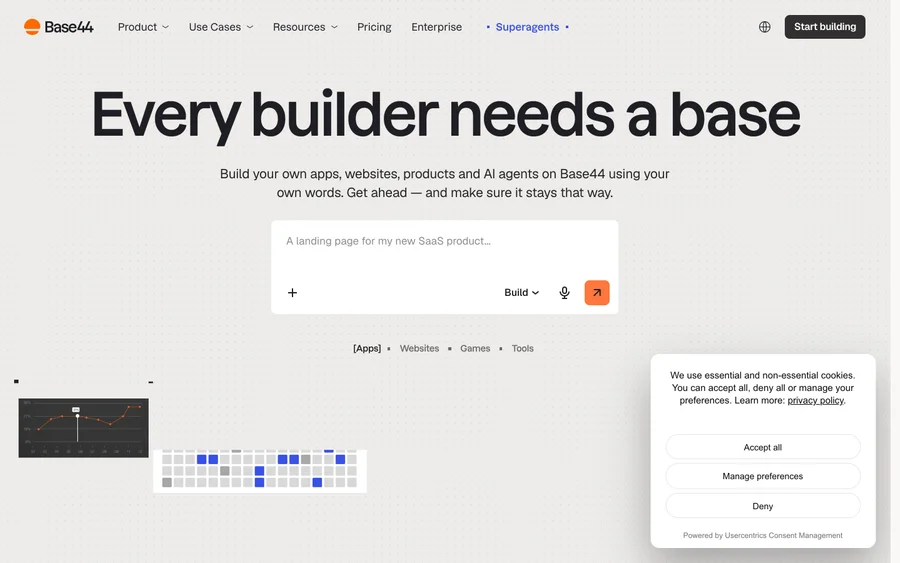

Base44
Build full-stack apps from a prompt (by Wix)
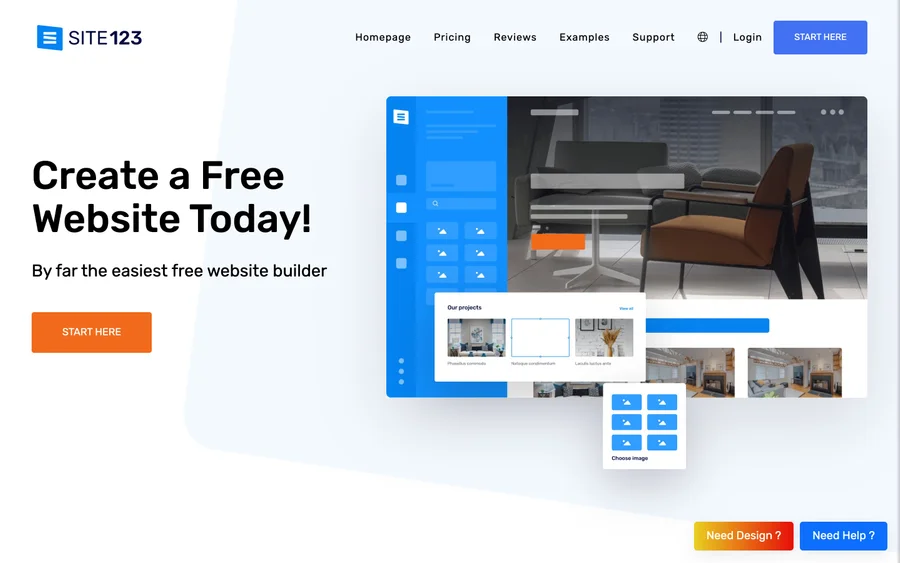

SITE123
Free website builder with hosting included
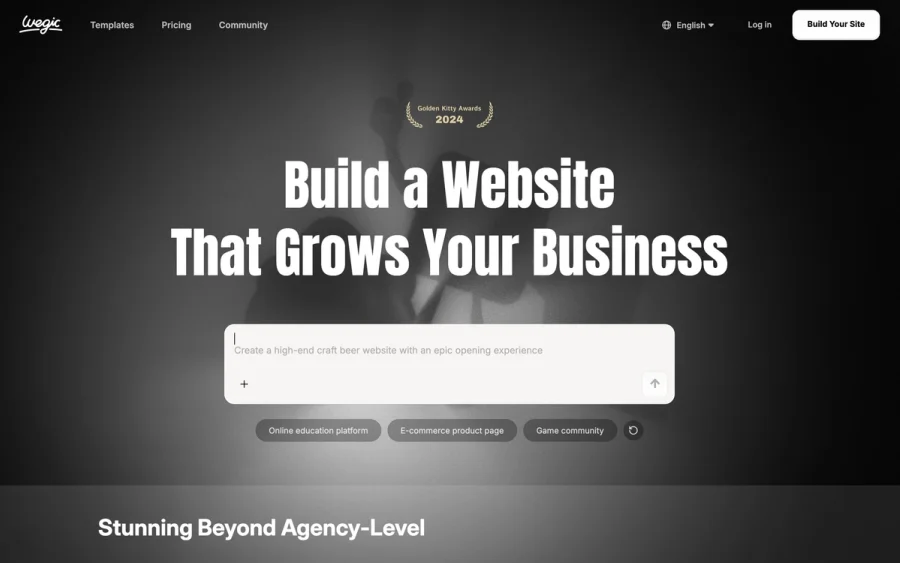

Wegic
Build & manage a whole site by chatting with AI
Editorially chosen. Some links above are affiliate links — if you sign up we may earn a commission, at no extra cost to you.
More Website Builders Tools


Framer
Design and launch your dream website with no coding required.
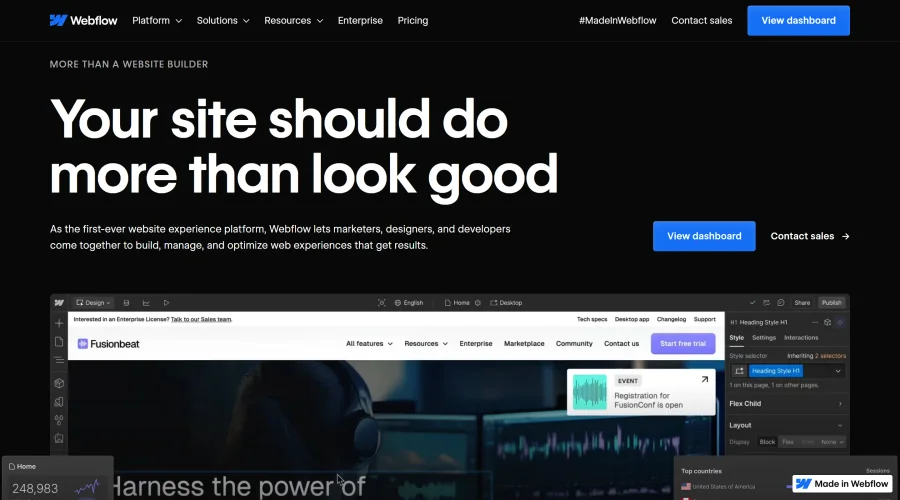

Webflow
Accelerate website creation without needing to code.
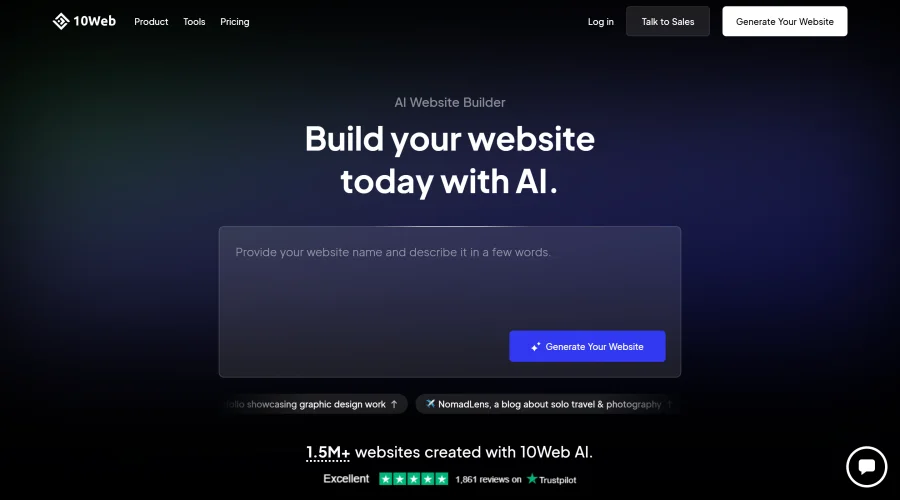

10Web
AI-enhanced WordPress website builder for easy site creation.
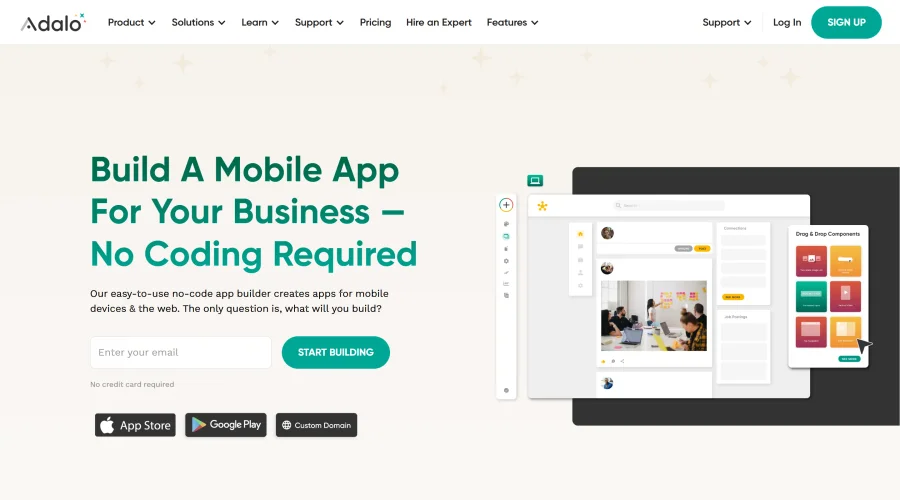

Adalo
Turn app ideas into reality without needing to code.
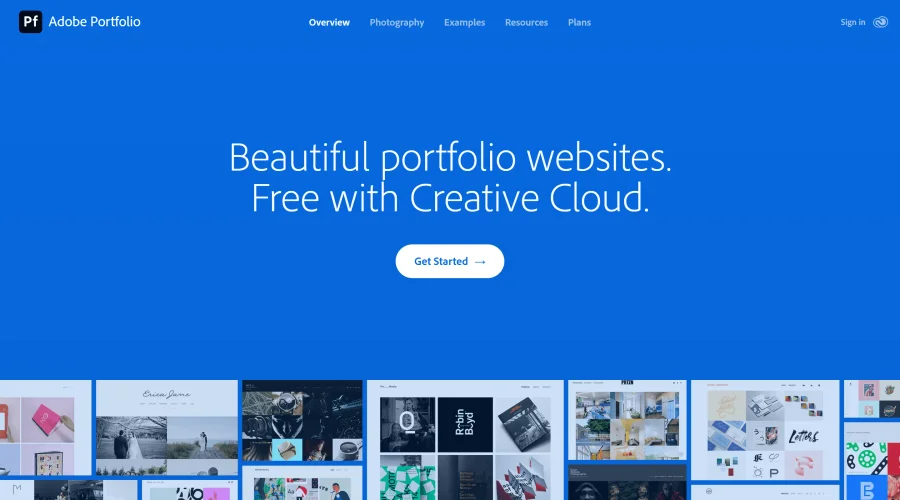

Adobe Portfolio
Build stunning portfolio websites, free with Creative Cloud.
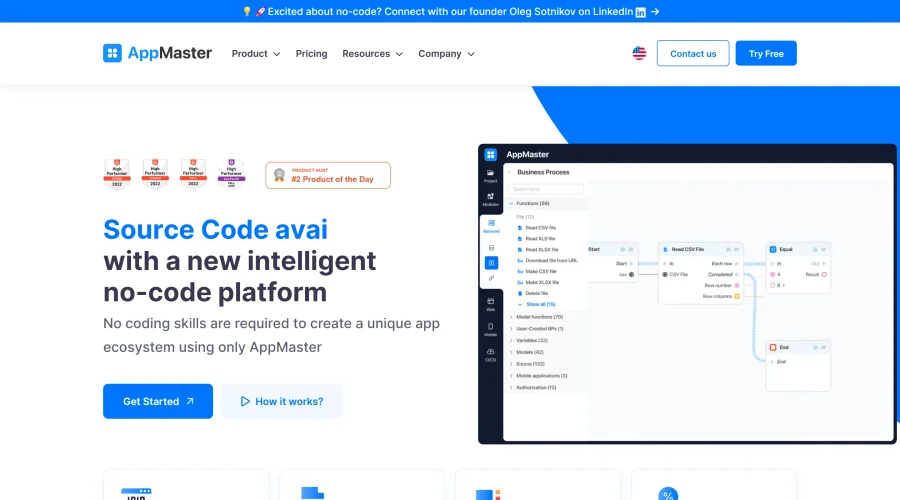

AppMaster
Next-gen no-code platform for automating business processes and building native apps.
Explore Other Categories
Discover more design resources
New to Design?
Explore our comprehensive design glossary to master essential terminology from A/B Testing to Wireframes.
Browse GlossaryLooking for something specific?
Search through our entire collection of design tools and resources