

What it costs
- Free tier
- Yes
Free and open-source 3D creation suite funded by donations; no paid tier.
Auto-checked on 8 August 2026Source
About Blender
What Is Blender?
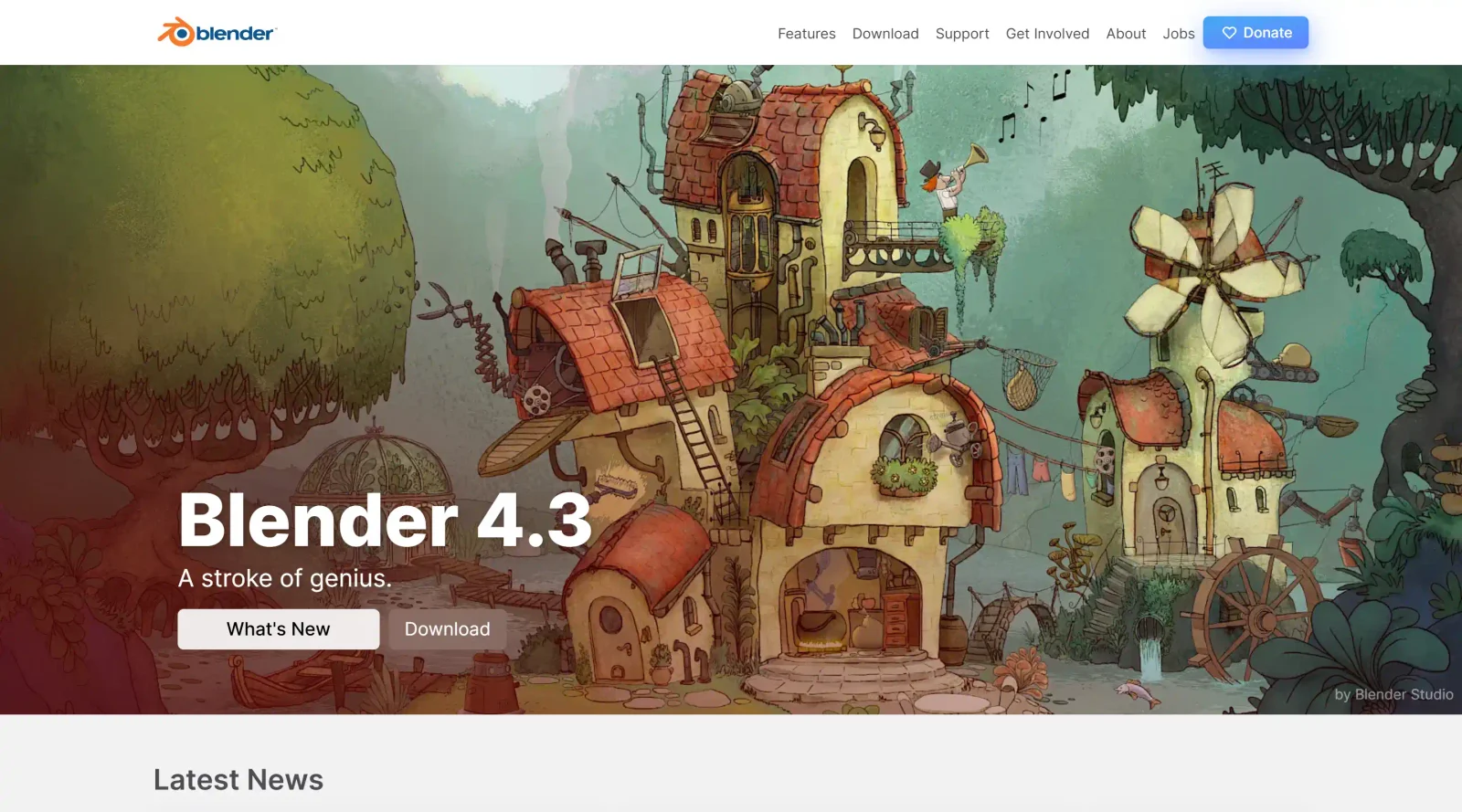
Blender is a free and open source 3D creation suite in the **Design** category that supports the full 3D pipeline, from modeling to rendering and beyond. It provides tools for creating 3D models, animations, visual effects, and more, fitting into design workflows for individuals, small studios, and professionals handling complex 3D projects. As a cross-platform application available at no cost, Blender enables efficient content creation without licensing fees.
What Blender Does
- Supports geometric primitives such as polygon meshes, Bézier curves, NURBS surfaces, metaballs, and icospheres for 3D modeling.
- Offers advanced polygonal modeling tools including extrusion, beveling, subdividing, and an n-gon system called B-mesh.
- Includes sculpting tools with brushes for organic shape creation and multi-resolution subdivision.
- Provides rigging and animation features like envelope and skeleton skinning, curve editors, dope sheets, and sound synchronization.
- Features simulation capabilities for fluids, smoke, cloth, rigid bodies, particles, and soft-body dynamics.
- Supports rendering with Cycles and Eevee engines, offering CPU/GPU rendering, PBR shaders, and real-time viewport previews.
- Contains a node-based compositor for post-production effects like color grading and Gaussian blur, plus a Video Sequence Editor for non-linear video editing.
- Enables motion tracking with camera reconstruction, object tracking, and planar tracking integration into 3D scenes.
How Blender Can Be Used
- Game developers create 3D models, environments, animations, and assets for integration with engines like Unity and Unreal Engine.
- Architects and interior designers generate photorealistic visualizations of buildings and interiors using rendering engines for client presentations.
- VFX artists perform camera and object tracking on raw footage, masking areas, and reconstructing movements within 3D scenes for compositing.
- Animators build rigged characters, set keyframes, and produce animations for short films, TV series, or advertisements with simulation effects.
- 3D printers prepare models with tools for terrains, fracturing objects, and export formats suitable for additive manufacturing.
- Video editors assemble sequences with transitions, effects, audio mixing, and speed controls in the Video Sequence Editor.
Who Is Blender For?
Blender serves 3D artists, modelers, animators, VFX professionals, game developers, architects, and small studios working on modeling, rigging, simulation, rendering, compositing, motion tracking, video editing, and game asset creation. It suits users across experience levels who need a unified pipeline for 3D design tasks, from beginners exploring free tools to advanced scripters using Python for custom add-ons. Visit Blender
Featured Tools
Sponsored
Artlist
Royalty-free music, SFX, 8K footage, templates, LUTs and 100+ AI models on a single subscription for video creators.

Icons8
Large icon packs featuring over 10,000 icons for consistent design themes.

Vidu
AI video generator with text, image and reference-to-video modes, producing 3–16 second clips at up to 1080p with characters that stay consistent across shots.
Your tool here
The tools above are our own picks until the slots sell.
Spotlight
SponsoredRotates daily
Animated Icons 2.0
Enhance your projects with 900+ animated icons.
Tools we recommend


getimg.ai
20+ AI models for image, video & audio in one workspace


OpenArt
All-in-one AI image, video & audio generator


YouCam Online Editor
Free online AI photo & video editor
Editorially chosen. Some links above are affiliate links — if you sign up we may earn a commission, at no extra cost to you.
More Design Tools Tools


Pryzm
Pryzm is a real-time studio for designers who need backgrounds that don't look like everyone else's. Layer procedural gradients, then stack glass, grain, light and blobs.


Modeinspect
Mode turns your product’s codebase into editable canvas frames. Refine real UI with visual controls, experiment with AI then share or hand off for review.


GoProd
Remove backgrounds and upscale images effectively.


Kittl
AI-first design platform with image, vector, and video generation, plus templates, mockups, and print-ready exports.


Lunacy
Free design software enhanced with AI tools and built-in graphics.


Smart Upscaler
Automatically improve image clarity using AI technology.
Explore Other Categories
Discover more design resources
New to Design?
Explore our comprehensive design glossary to master essential terminology from A/B Testing to Wireframes.
Browse GlossaryLooking for something specific?
Search through our entire collection of design tools and resources