

What it costs
- Free tier
- Yes
Free open-source animated-blob generator with no paid plan.
Auto-checked on 8 August 2026Source
About Blob Animation
What Is Blob Animation?
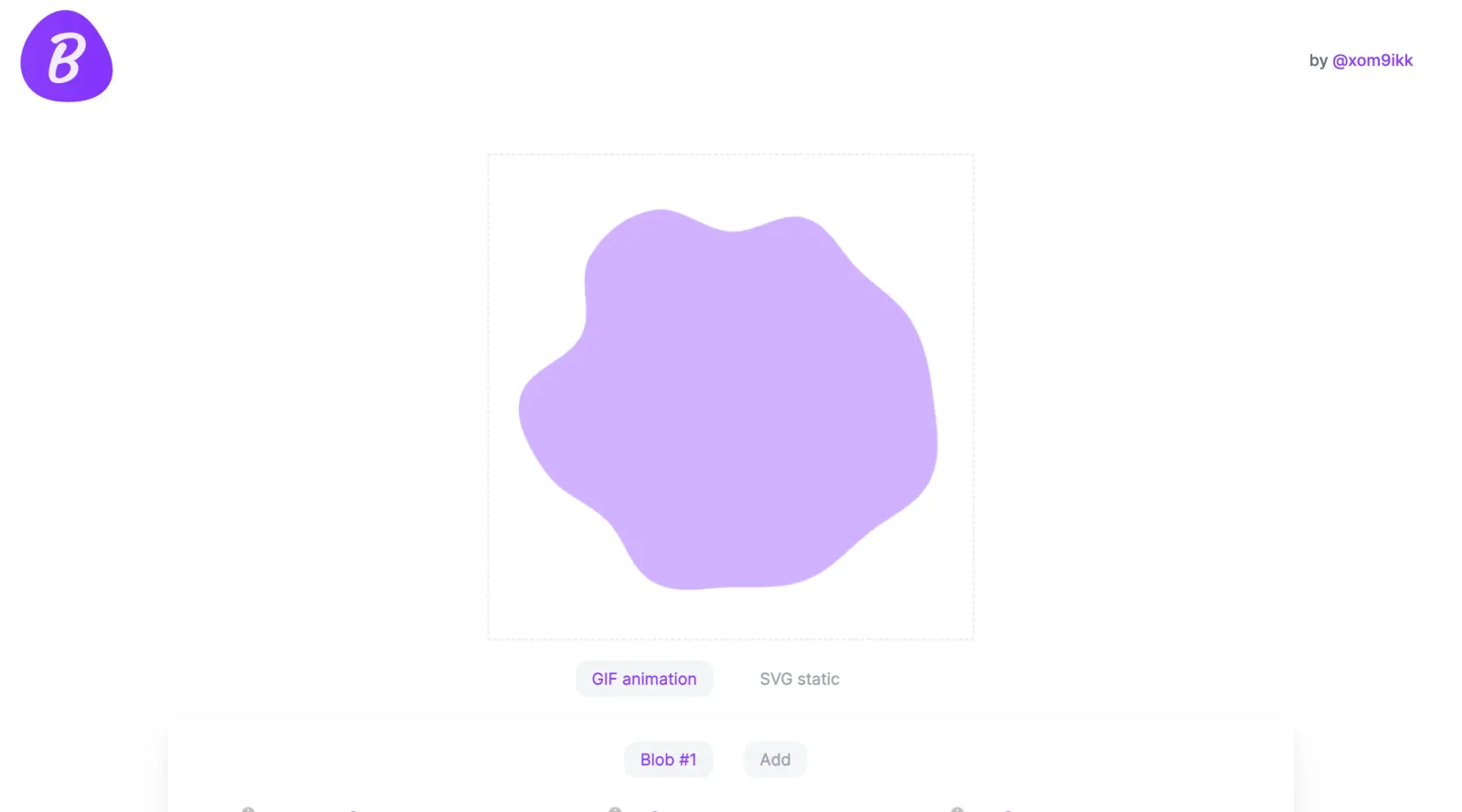
Blob Animation is a free design tool in the **Design** category that generates animated blob shapes. It enables users to create organic, morphing forms suitable for web graphics, backgrounds, and visual elements in design workflows. Designers and developers use Blob Animation to produce dynamic SVG or GIF outputs that add fluid motion to interfaces, illustrations, and animations without requiring manual drawing or complex software.
What Blob Animation Does
- Generates animated blob shapes using adjustable parameters like complexity and number of points.
- Supports creation of single animated blobs or multiple blobs for layering in designs.
- Allows customization of blob colors, including solid fills and gradients.
- Produces non-animated SVG blobs for static use cases.
- Provides controls for regenerating new blob forms via a randomizer tool.
- Enables export of animations in formats such as GIF or SVG for web integration.
How Blob Animation Can Be Used
- In web design to create animated backgrounds or decorative elements that morph smoothly over time.
- For generating organic shapes in UI components, such as buttons, loaders, or hero sections.
- To produce layered blob animations by overlaying multiple generated blobs for depth in compositions.
- In prototyping interactive elements where blobs respond visually to user actions or timelines.
- As a source for SVG assets in developer workflows, embedding directly into HTML or CSS for lightweight animations.
Who Is Blob Animation For?
Blob Animation serves web designers, front-end developers, and motion graphics creators seeking procedural generation of organic shapes. It fits projects requiring quick, randomized animated assets, from beginner experiments with SVG animations to professional workflows for websites and apps. Users with basic familiarity in design tools benefit from its parameter-based interface for iterating shapes efficiently.Visit Blob Animation
Blob Animation pros and cons
- Free, no account, and the source is published on GitHub under the MIT license
- Detailed animation controls: opacity, duration, delay, FPS, size and quality
- Randomness and point-count sliders, plus a dice button that rerolls the shape with the same settings
- Gradients work for both animated GIF blobs and static SVG blobs
- Animation exports only as GIF; SVG mode is static, with no animated SVG or CSS output
- GIF can't hold translucency, a limit the tool itself flags for layered blobs
- No code changes since August 2022, and the footer still reads © 2021
- A 2022 GitHub issue about stray black dots in exported GIFs is still open with no reply
Blob Animation is a small, single-purpose generator: set a shape's randomness and point count, pick a color or gradient, tune duration, FPS, size and quality, then save the result as an animated GIF or a static SVG. The author built it for a React Native app, where pre-rendered GIFs are cheaper than animating blobs in real time, and that is its sweet spot: lightweight decorative motion where a raster loop is acceptable. The trade-offs are GIF's lack of translucency and a codebase untouched since 2022. If you need scalable animated vectors, CSS keyframes or a Lottie file, look for a generator that outputs code instead.
Frequently asked questions
Is Blob Animation free?
Yes. It is a free browser tool with no sign-up, and its source code is published on GitHub under the MIT license.
What formats does Blob Animation export?
Animated blobs are saved as GIFs, and static blobs as SVG. There is no animated SVG, CSS or video export.
Can I layer several blobs?
Yes. You can add more than one blob and overlay them afterwards. Because GIF doesn't support translucency, any semi-transparent overlap has to be applied where you place the GIFs, which is how the author used them in a React Native app.
Is Blob Animation still maintained?
The site still works, but the GitHub repository's last code commit was in August 2022, and a 2022 bug report about black dots in exported GIFs remains open.
Featured Tools
Sponsored
Artlist
Royalty-free music, SFX, 8K footage, templates, LUTs and 100+ AI models on a single subscription for video creators.

Icons8
Large icon packs featuring over 10,000 icons for consistent design themes.

Vidu
AI video generator with text, image and reference-to-video modes, producing 3–16 second clips at up to 1080p with characters that stay consistent across shots.
Your tool here
The tools above are our own picks until the slots sell.
Spotlight
SponsoredRotates daily
Animated Icons 2.0
Enhance your projects with 900+ animated icons.
Tools we recommend


getimg.ai
20+ AI models for image, video & audio in one workspace


OpenArt
All-in-one AI image, video & audio generator


YouCam Online Editor
Free online AI photo & video editor
Editorially chosen. Some links above are affiliate links — if you sign up we may earn a commission, at no extra cost to you.
More Design Tools Tools


Pryzm
Pryzm is a real-time studio for designers who need backgrounds that don't look like everyone else's. Layer procedural gradients, then stack glass, grain, light and blobs.


Modeinspect
Mode turns your product’s codebase into editable canvas frames. Refine real UI with visual controls, experiment with AI then share or hand off for review.


GoProd
Remove backgrounds and upscale images effectively.


Kittl
AI-first design platform with image, vector, and video generation, plus templates, mockups, and print-ready exports.


Lunacy
Free design software enhanced with AI tools and built-in graphics.


Smart Upscaler
Automatically improve image clarity using AI technology.
Explore Other Categories
Discover more design resources
New to Design?
Explore our comprehensive design glossary to master essential terminology from A/B Testing to Wireframes.
Browse GlossaryLooking for something specific?
Search through our entire collection of design tools and resources