

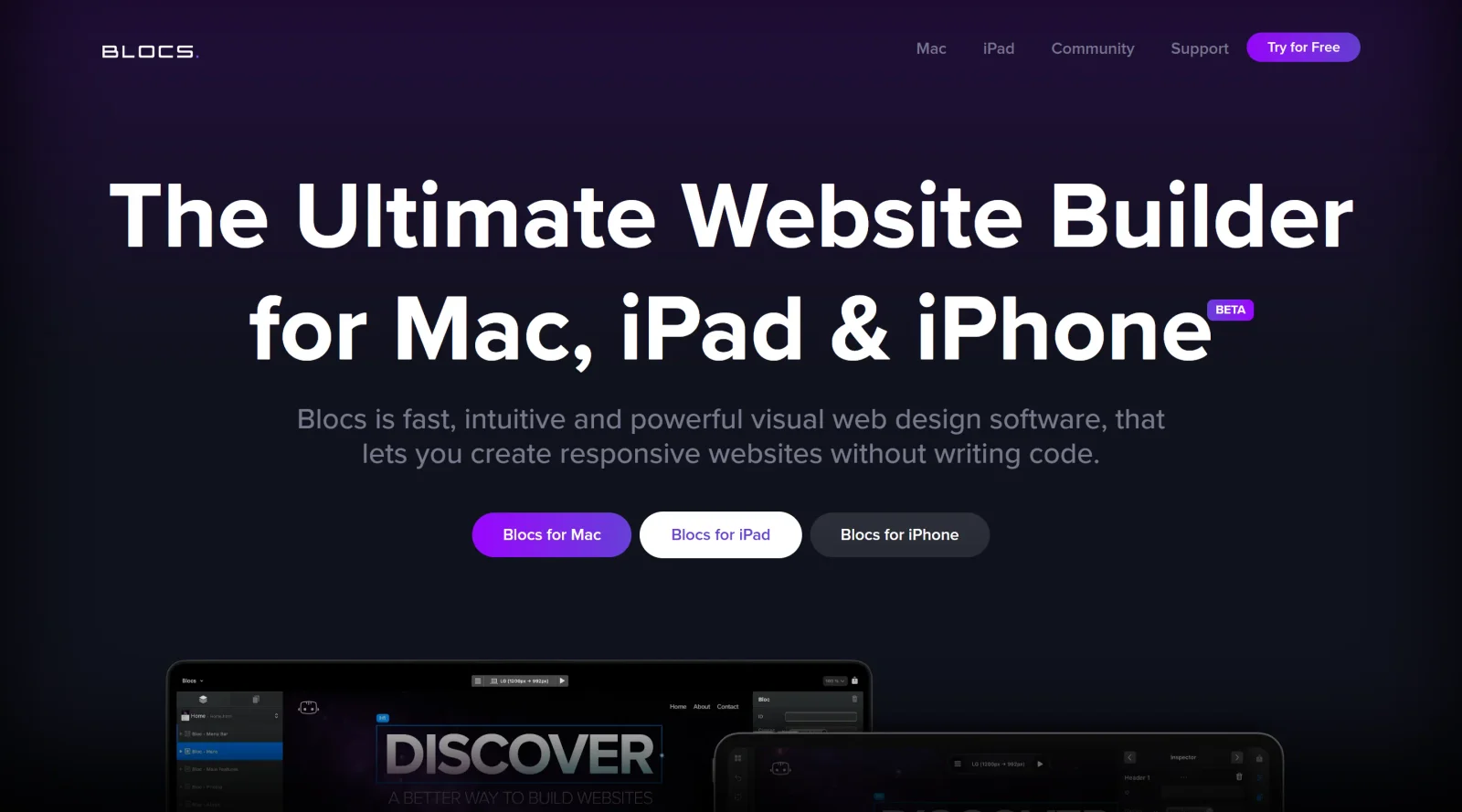
Mac application for building responsive websites easily.
What it costs
- Free tier
- Yes
- Paid plans from
- $109.99 one-time
Catalog listed this as Paid, but the page shows a genuine free tier plus one-off (non-subscription) licenses — Standard $109.99 and Plus $179.99 — with the free version unable to export code or publish.
Auto-checked on 8 August 2026Source
About Blocs
What Is Blocs?
Blocs is a visual web-design tool for Mac, iPad, and iPhone that enables users to build responsive websites without writing code. It fits into the design category as a paid software with a one-time purchase model, allowing designers to create modern sites using drag-and-drop elements on a central design canvas. Blocs supports the Bootstrap 5 framework and provides pre-built templates and components for structuring pages visually, making it suitable for workflows that prioritize offline development and pixel-perfect control.
What Blocs Does
- Offers a drag-and-drop interface with pre-made Blocs and Brics for stacking sections to build page layouts from templates or scratch.
- Generates fully responsive websites that adapt to different screen sizes using customizable breakpoints.
- Provides intuitive styling controls via the Inspector for typography, colors, backgrounds, gradients, shadows, and CSS filters like blur or sepia.
- Supports animations, scroll-based parallax effects, and user interactions such as carousels, modals, and tabbed content.
- Includes tools like Layer Tree for managing page structure, Page Navigator for quick access, and Class Editor for reusable styles.
- Allows direct publishing of websites or export as HTML, CSS, and JavaScript files, with options for WordPress theme extraction.
How Blocs Can Be Used
- Designers stack pre-built sections on the canvas to prototype multi-page sites, adjusting layouts with rows, columns, and CSS Grid for fluid or fixed positioning.
- Freelancers customize templates for client projects, applying brand-specific typography from Google or local fonts and integrating third-party services like Google Analytics or MailChimp.
- Teams use the annotation feature to add design notes and track project sessions via Project Overview during collaborative edits.
- Developers edit custom classes and data attributes for advanced control, then preview across breakpoints before exporting clean code for hosting.
- Users build feature-rich pages with media players and interactive elements, testing real-time changes without leaving the app.
Who Is Blocs For?
Blocs serves designers, freelancers, and developers seeking a desktop-based no-code builder for Mac ecosystems, particularly those handling multiple client sites or preferring offline work over cloud platforms. It accommodates beginners with its visual interface and pre-made components, while offering advanced users precise styling and code export options for projects requiring responsive web design control. Small agencies or individuals focused on Bootstrap-based sites find its layer management and publishing tools efficient for rapid iteration. Visit Blocs
Featured Tools
Sponsored
Artlist
Royalty-free music, SFX, 8K footage, templates, LUTs and 100+ AI models on a single subscription for video creators.

Icons8
Large icon packs featuring over 10,000 icons for consistent design themes.

Vidu
AI video generator with text, image and reference-to-video modes, producing 3–16 second clips at up to 1080p with characters that stay consistent across shots.
Your tool here
The tools above are our own picks until the slots sell.
Spotlight
SponsoredRotates daily
HyNote
Records and transcribes interviews and meetings, then turns them into summaries and action items.
Tools we recommend

Base44
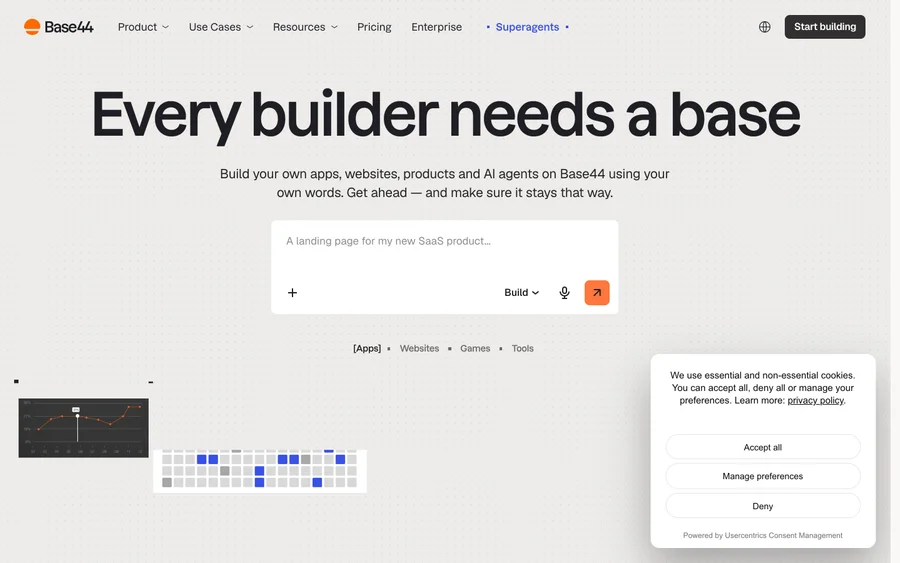
Build full-stack apps from a prompt (by Wix)

SITE123
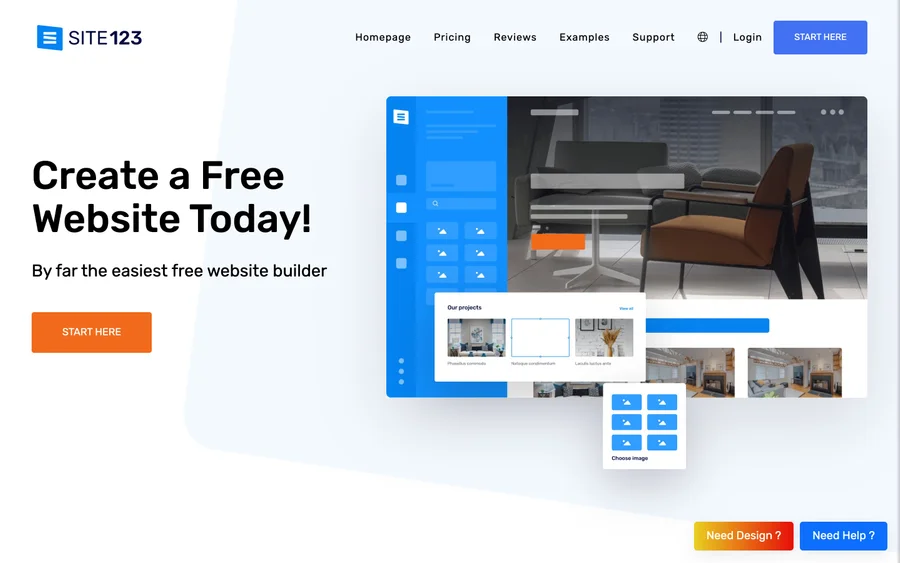
Free website builder with hosting included

Wegic
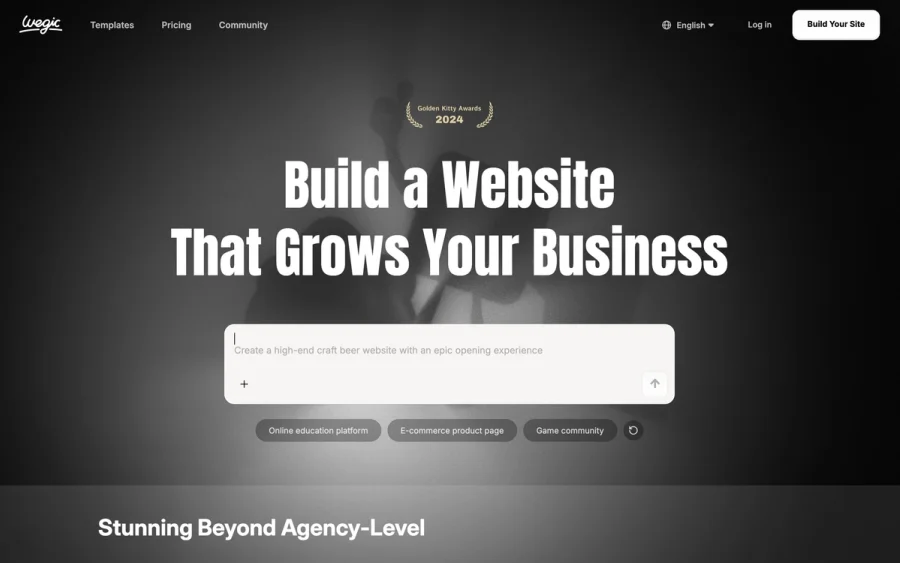
Build & manage a whole site by chatting with AI
Editorially chosen. Some links above are affiliate links — if you sign up we may earn a commission, at no extra cost to you.
More Website Builders Tools


Framer
Design and launch your dream website with no coding required.

Webflow
Accelerate website creation without needing to code.

10Web
AI-enhanced WordPress website builder for easy site creation.
Adalo
Turn app ideas into reality without needing to code.
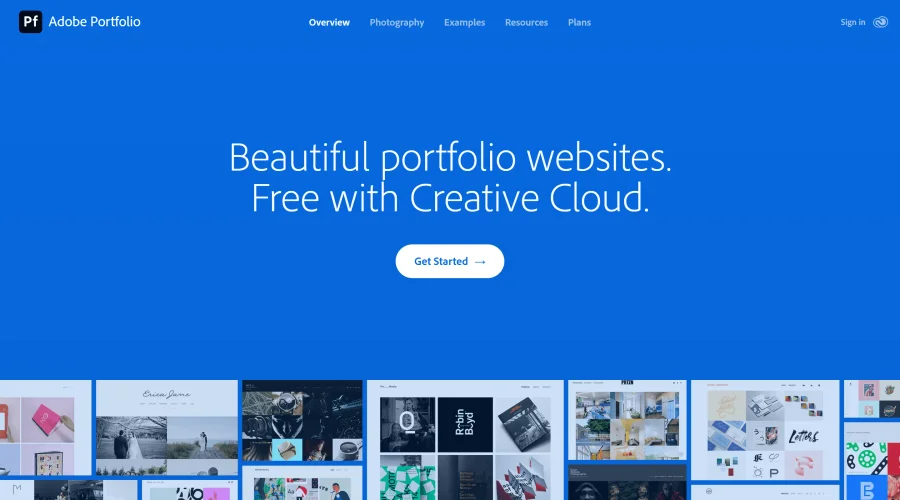

Adobe Portfolio
Build stunning portfolio websites, free with Creative Cloud.
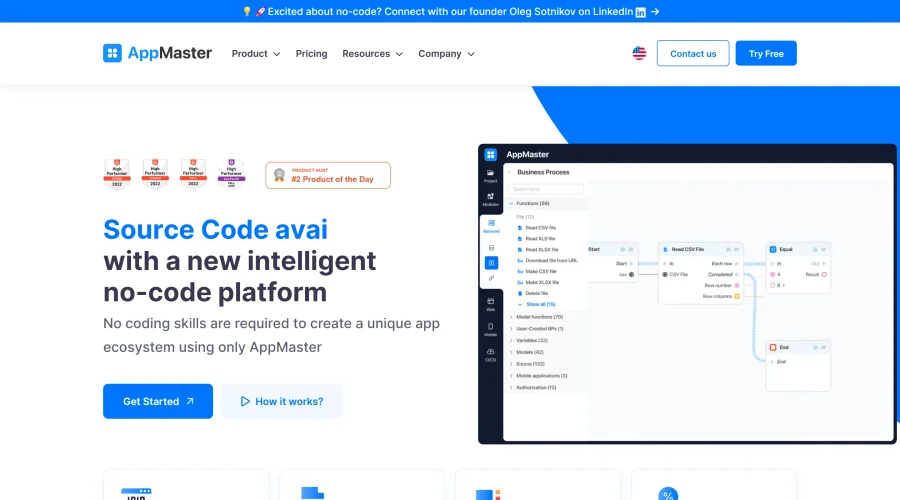

AppMaster
Next-gen no-code platform for automating business processes and building native apps.
Explore Other Categories
Discover more design resources
New to Design?
Explore our comprehensive design glossary to master essential terminology from A/B Testing to Wireframes.
Browse GlossaryLooking for something specific?
Search through our entire collection of design tools and resources