

What it costs
- Free tier
- No
- Paid plans from
- $50/mo
Catalog listed this as Freemium, but the pricing page shows no free tier — the cheapest plan is Brand at $50/mo ($500/yr) for 2 guidelines, with Portfolio at $125/mo and Enterprise via parent company Papirfly.
Auto-checked on 8 August 2026Source
About Brandpad
What Is Brandpad?
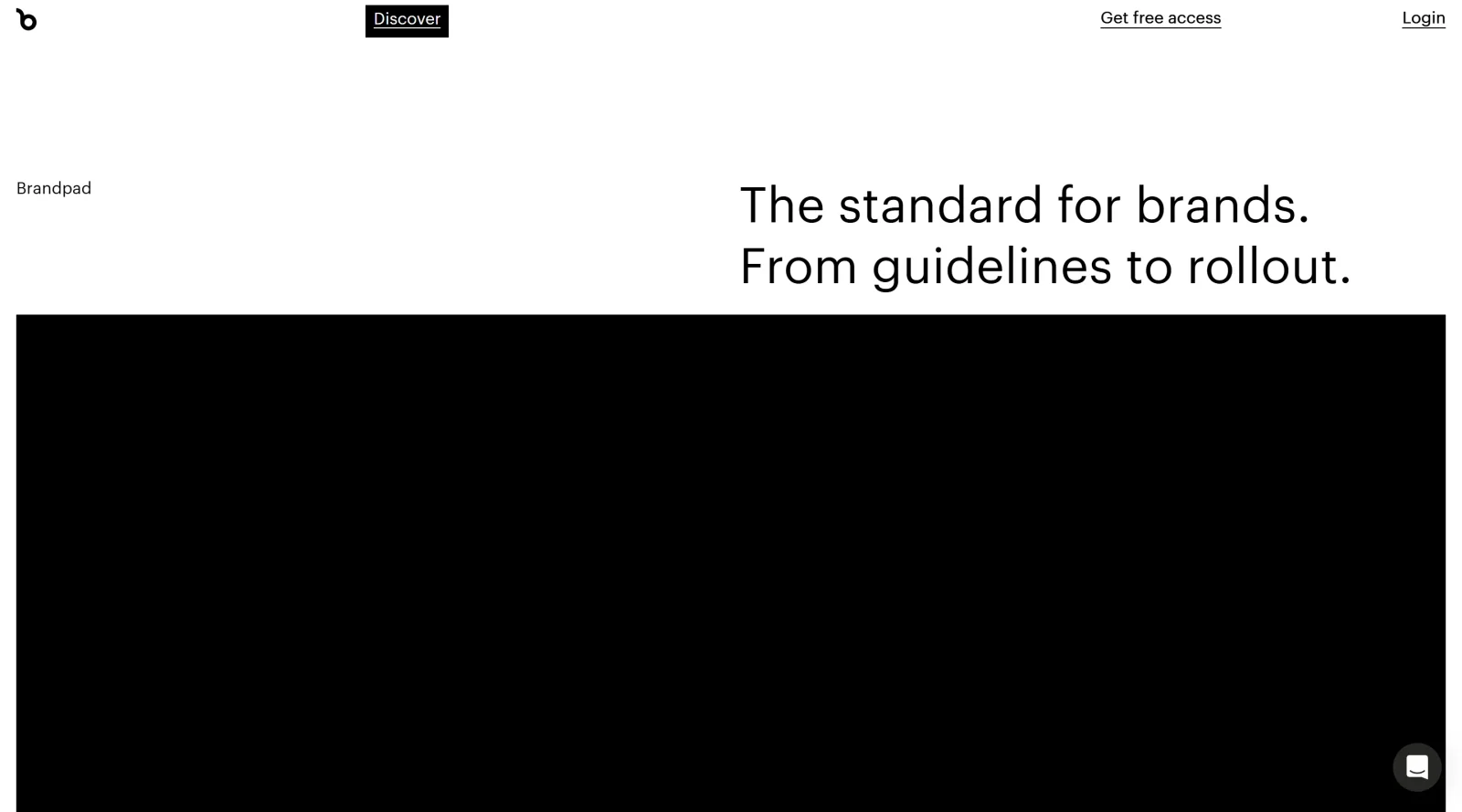
Brandpad is a cloud-based platform in the **design** category that enables the creation and management of interactive brand guidelines. Its core purpose is to serve as a centralized hub for designing, organizing, and sharing visual identities, replacing static PDFs with digital experiences that stay current and accessible. Brandpad fits into the design workflow after brand identity development, supporting maintenance, updates, and distribution to teams and clients. As a freemium tool, it offers basic access for free with paid plans for expanded features like multiple guidelines and custom options.
What Brandpad Does
- Provides asset management for images, videos, logos, fonts, and other brand elements with direct download capabilities.
- Allows creation of online brand guidelines with unique URLs for easy sharing across organizations.
- Supports editing of images, videos, and text within the platform to maintain up-to-date content.
- Enables automatic updates to guidelines, eliminating version control issues like multiple PDF iterations.
- Offers templates and customization for building digital brand experiences without coding.
- Handles multiple brands and collaborators, with options for unlimited editors and users in higher plans.
How Brandpad Can Be Used
- Design studios use Brandpad to deliver client projects by uploading assets and usage rules into interactive guidelines, streamlining handovers as seen in cases like North Design's work for Munchmuseet.
- Brand owners maintain consistency by sharing live URLs with teams, ensuring access to the latest colors, typography, tone of voice, and visuals for content creation across websites, social media, and emails.
- Agencies manage portfolios with multiple brands, inviting collaborators to edit specific guidelines while tracking usage through analytics in bespoke plans.
- Teams replace email chains and PDF updates by centralizing assets, where changes sync automatically and content creators download on-brand materials directly.
- Freelancers or small studios start with basic plans to create single-brand hubs, scaling to portfolio or bespoke options for white-labeled experiences on custom domains.
Who Is Brandpad For?
Brandpad serves design studios, creative agencies, and brand owners handling visual identities, particularly those managing multiple brands or portfolios. It suits designers seeking a design-first platform for scalable delivery, from freelancers using freemium access to larger teams needing bespoke customization like SSO and unlimited storage. Small to mid-sized operations benefit from its focus on simplicity over enterprise complexity, while clients and partners gain easy access without technical barriers. Visit Brandpad
Featured Tools
Sponsored
Artlist
Royalty-free music, SFX, 8K footage, templates, LUTs and 100+ AI models on a single subscription for video creators.

Icons8
Large icon packs featuring over 10,000 icons for consistent design themes.

Vidu
AI video generator with text, image and reference-to-video modes, producing 3–16 second clips at up to 1080p with characters that stay consistent across shots.
Your tool here
The tools above are our own picks until the slots sell.
Spotlight
SponsoredRotates daily
HyNote
Records and transcribes interviews and meetings, then turns them into summaries and action items.
Tools we recommend


getimg.ai
20+ AI models for image, video & audio in one workspace


OpenArt
All-in-one AI image, video & audio generator


YouCam Online Editor
Free online AI photo & video editor
Editorially chosen. Some links above are affiliate links — if you sign up we may earn a commission, at no extra cost to you.
More Design Tools Tools


Pryzm
Pryzm is a real-time studio for designers who need backgrounds that don't look like everyone else's. Layer procedural gradients, then stack glass, grain, light and blobs.


Modeinspect
Mode turns your product’s codebase into editable canvas frames. Refine real UI with visual controls, experiment with AI then share or hand off for review.


GoProd
Remove backgrounds and upscale images effectively.


Kittl
AI-first design platform with image, vector, and video generation, plus templates, mockups, and print-ready exports.


Lunacy
Free design software enhanced with AI tools and built-in graphics.


Smart Upscaler
Automatically improve image clarity using AI technology.
Explore Other Categories
Discover more design resources
New to Design?
Explore our comprehensive design glossary to master essential terminology from A/B Testing to Wireframes.
Browse GlossaryLooking for something specific?
Search through our entire collection of design tools and resources