

Build better prototypes and launch products quickly without coding.
What it costs
- Free tier
- Yes
There's a free signup and a €999 one-off "Bravo To Go" concierge build, but the recurring Bravo Studio plan tiers live on the separate /pricing page that wasn't fetched, so the cheapest subscription price isn't confirmed.
Auto-checked on 8 August 2026Source
About Bravo
What Is Bravo?
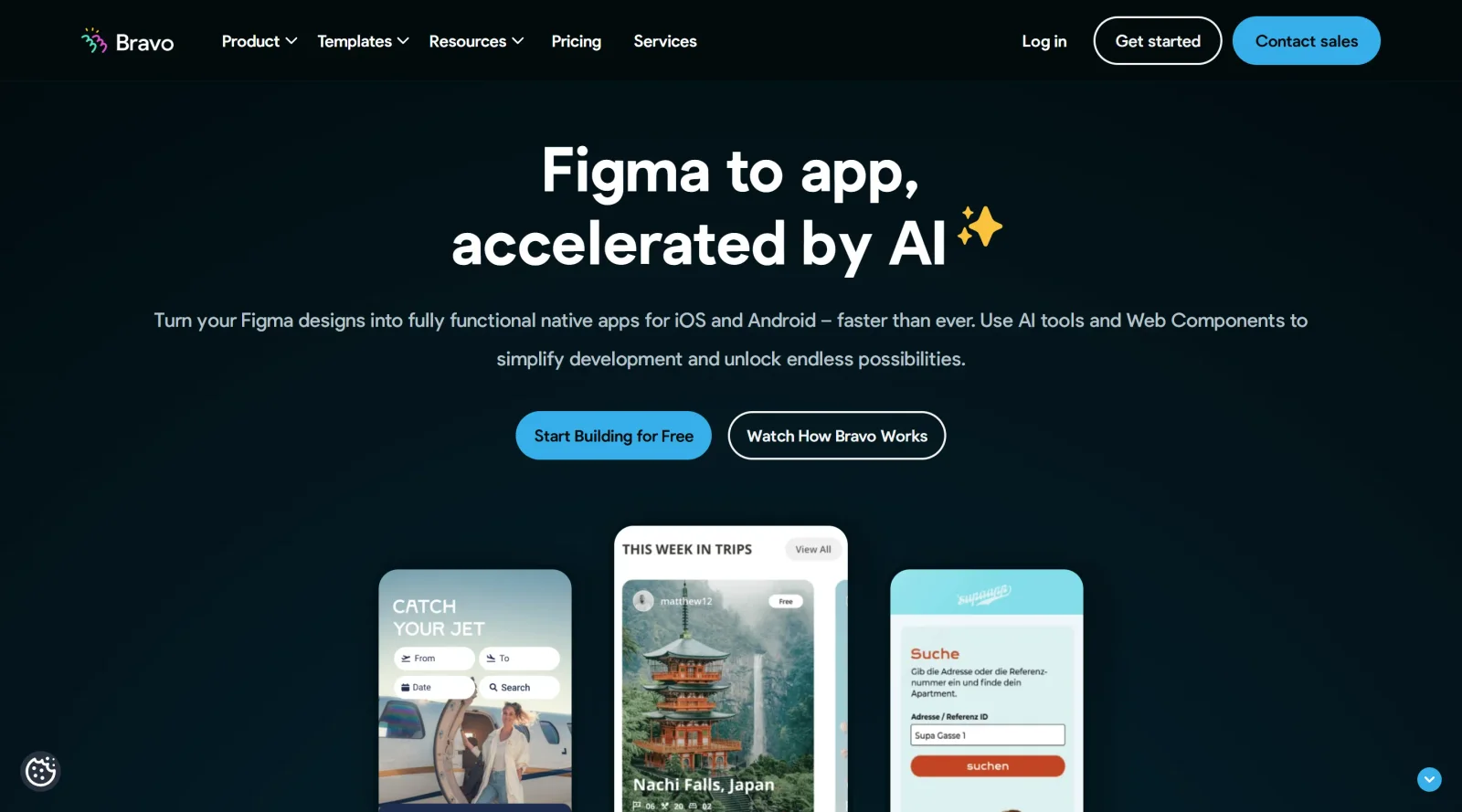
Bravo is a no-code platform in the **design** category that converts designs from tools like Figma or Adobe XD into functional native mobile apps for iOS and Android. It operates on a freemium pricing model, with a free Starter plan allowing unlimited projects and up to 15 screens per project, and paid plans for advanced features like publishing and integrations. Bravo fits into the design-to-development workflow by enabling designers to import prototypes directly, add functionality through tags and APIs, and generate testable apps without coding.
What Bravo Does
- Imports Figma or Adobe XD designs via plugin and converts them into native iOS and Android apps.
- Connects to REST APIs, backends like Xano, Airtable, or Firebase, and supports OAuth2 authentication for dynamic data.
- Adds native mobile elements such as maps with custom markers, QR code scanning, camera access, and user location services.
- Supports interactive components including sliders, modals, pop-ups, Lottie animations, GIFs, charts, and AI-powered web components.
- Enables real-time syncing between Figma updates and the app, with previews via Bravo Vision on mobile devices.
- Integrates push notifications through OneSignal, sharing dialogs, and bulk API imports from Postman or OpenAPI.
How Bravo Can Be Used
Designers use Bravo by creating screens in Figma, applying Bravo tags to layers for functionality like buttons or data displays, importing the design into Bravo Studio, linking API collections for data, and previewing changes in real-time on devices. In workflows, developers connect multiple data sources to a single page for apps displaying filtered lists or personalized content based on GPS location. Teams iterate quickly by updating Figma designs, which sync automatically to Bravo for testing or production pushes without rebuilding. Common scenarios include building prototypes with search and filter tools, embedding webviews for URLs, or adding payment integrations like Stripe for e-commerce apps.
Who Is Bravo For?
Bravo serves designers transitioning prototypes to functional apps, no-code builders creating custom mobile tools, startups validating ideas through quick app launches, freelancers delivering client projects without developers, and small businesses automating workflows with data integrations. It suits non-technical users handling up to 15 screens on the free plan and teams needing advanced publishing on paid tiers, including enterprises managing secure apps with authentication.Visit Bravo
Featured Tools
Sponsored
Artlist
Royalty-free music, SFX, 8K footage, templates, LUTs and 100+ AI models on a single subscription for video creators.

Icons8
Large icon packs featuring over 10,000 icons for consistent design themes.

Vidu
AI video generator with text, image and reference-to-video modes, producing 3–16 second clips at up to 1080p with characters that stay consistent across shots.
Your tool here
The tools above are our own picks until the slots sell.
Spotlight
SponsoredRotates daily
Base44
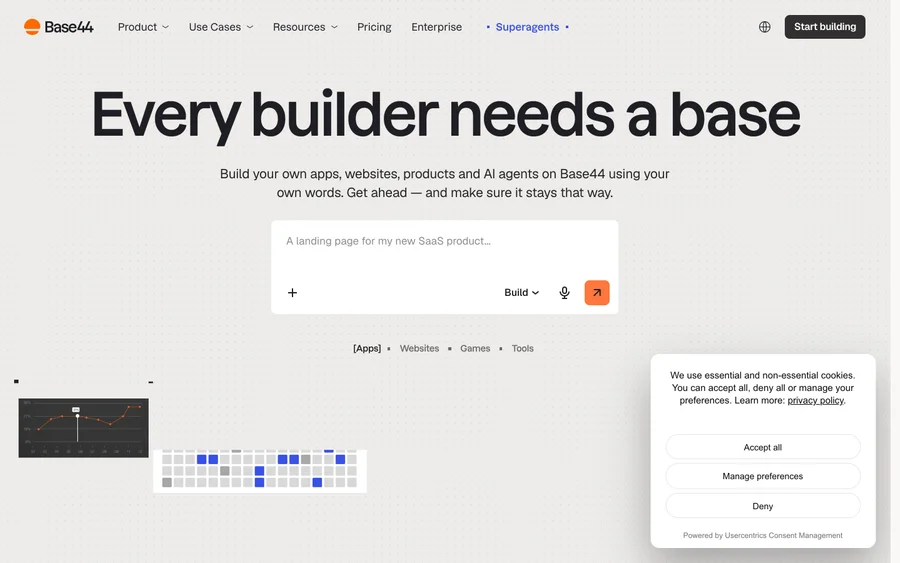
No-code AI platform that builds full-stack apps and websites from plain-language prompts.
Tools we recommend

Base44
Build full-stack apps from a prompt (by Wix)

SITE123
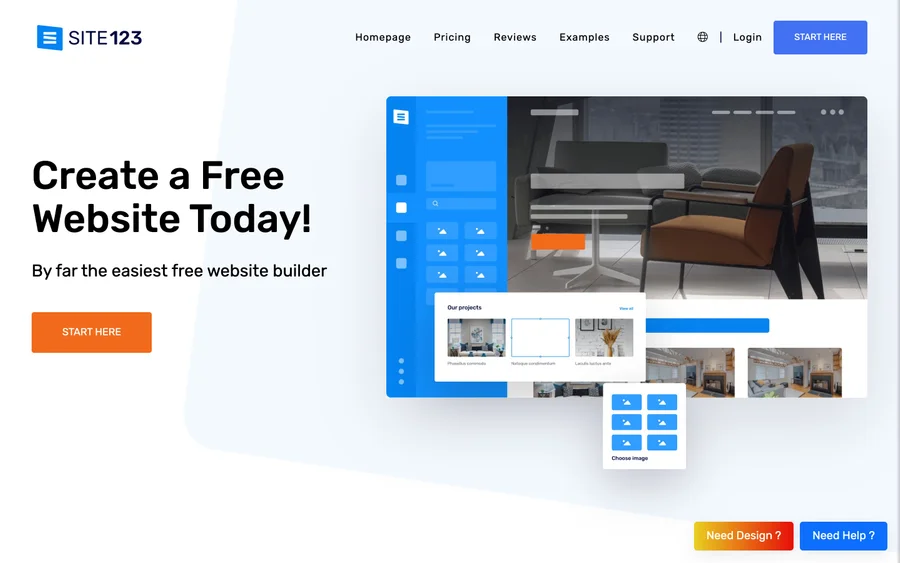
Free website builder with hosting included

Wegic
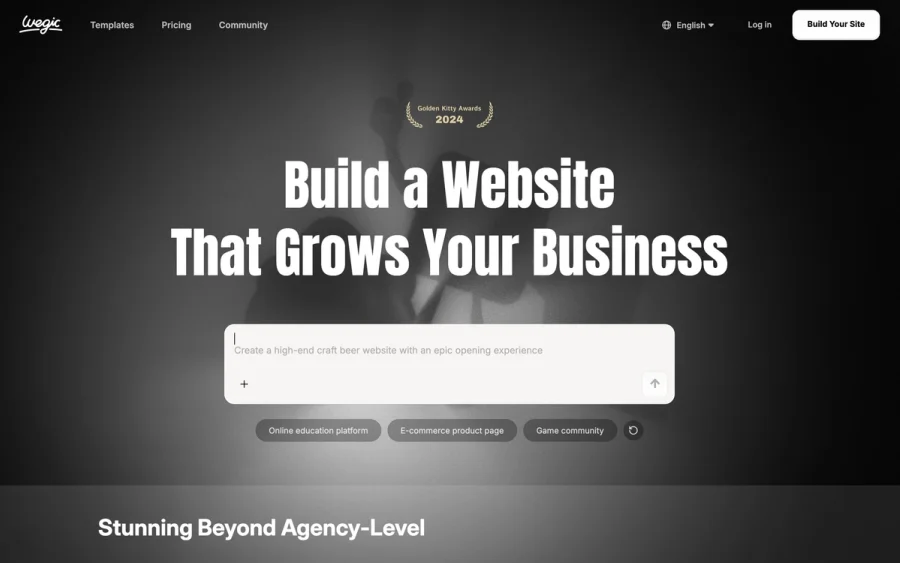
Build & manage a whole site by chatting with AI
Editorially chosen. Some links above are affiliate links — if you sign up we may earn a commission, at no extra cost to you.
More Website Builders Tools


Framer
Design and launch your dream website with no coding required.
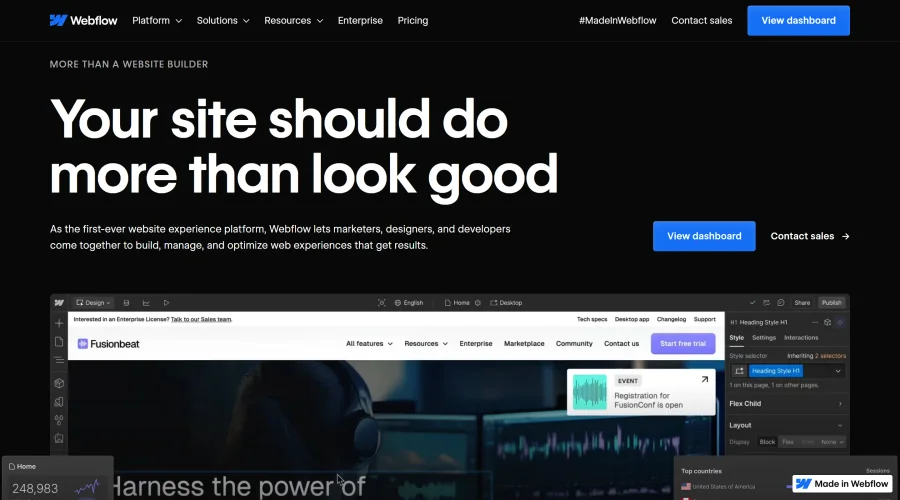

Webflow
Accelerate website creation without needing to code.
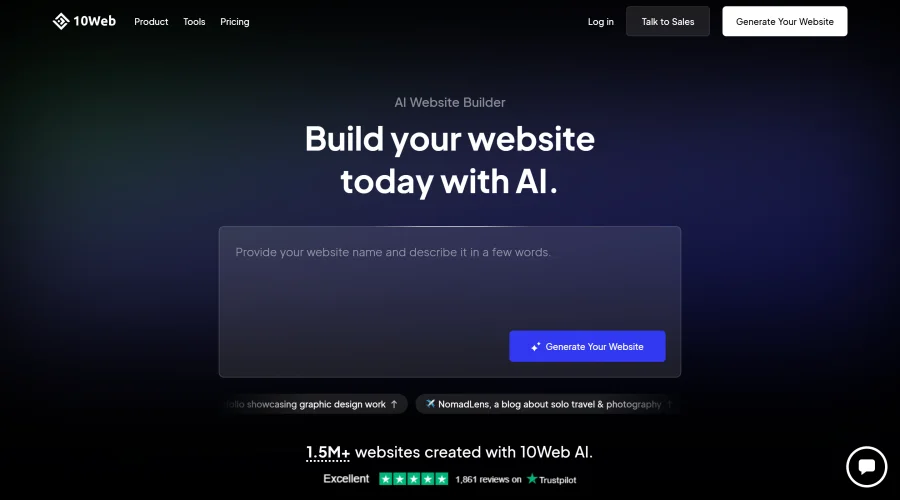

10Web
AI-enhanced WordPress website builder for easy site creation.
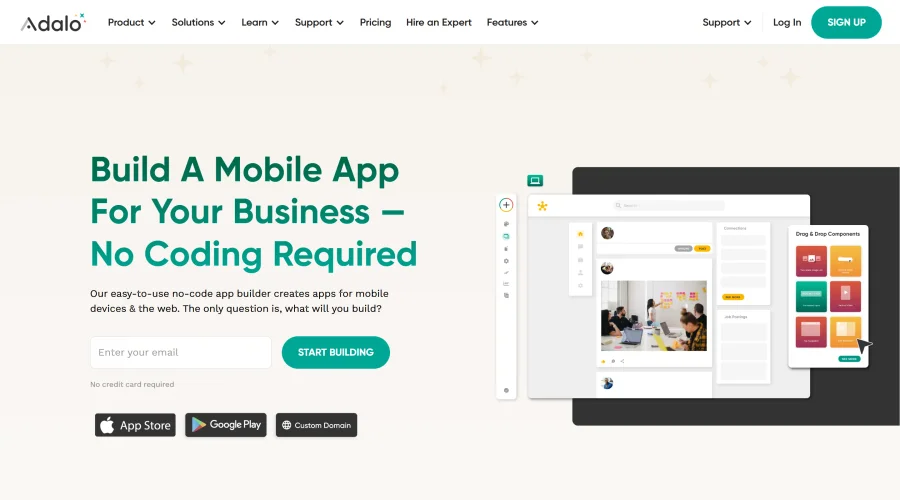
Adalo
Turn app ideas into reality without needing to code.
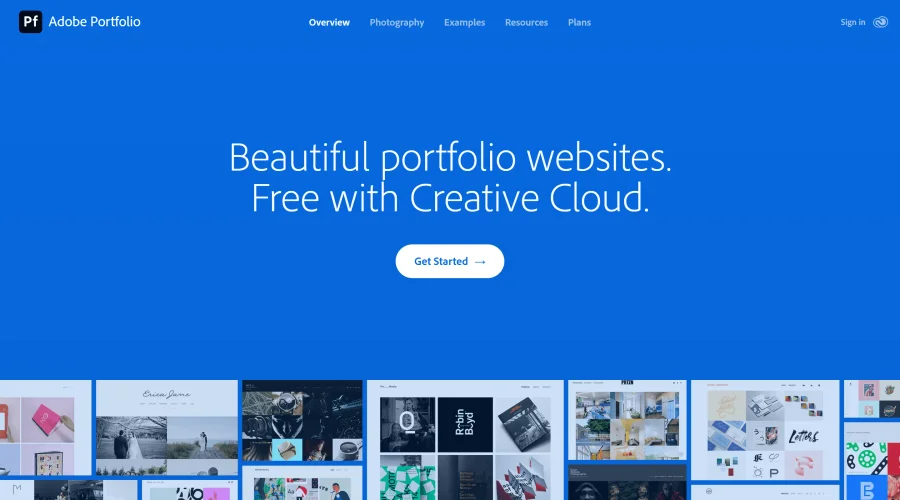

Adobe Portfolio
Build stunning portfolio websites, free with Creative Cloud.
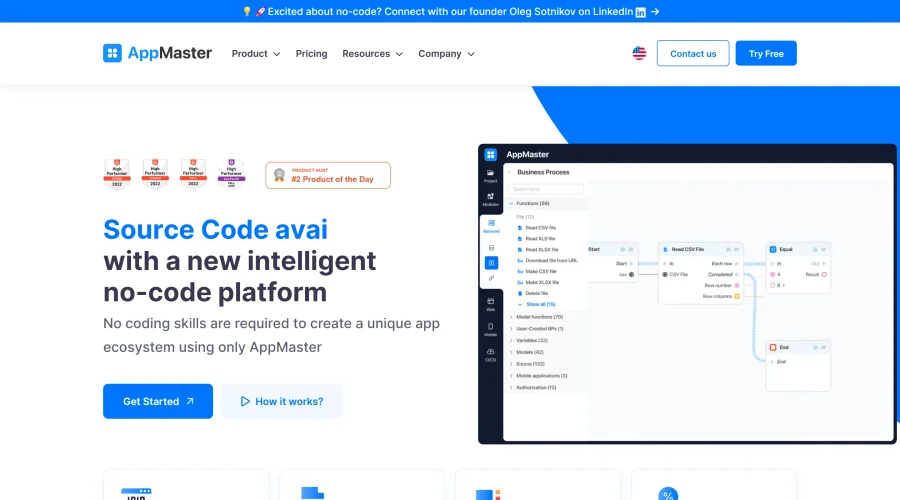

AppMaster
Next-gen no-code platform for automating business processes and building native apps.
Explore Other Categories
Discover more design resources
New to Design?
Explore our comprehensive design glossary to master essential terminology from A/B Testing to Wireframes.
Browse GlossaryLooking for something specific?
Search through our entire collection of design tools and resources