

Free tool for creating impactful one-page websites.
What it costs
- Free tier
- Yes
Canva has a free tier; Pro/Business pricing lives on the /pricing page that wasn't captured.
Auto-checked on 8 August 2026Source
About Canva Websites
What Is Canva Websites?
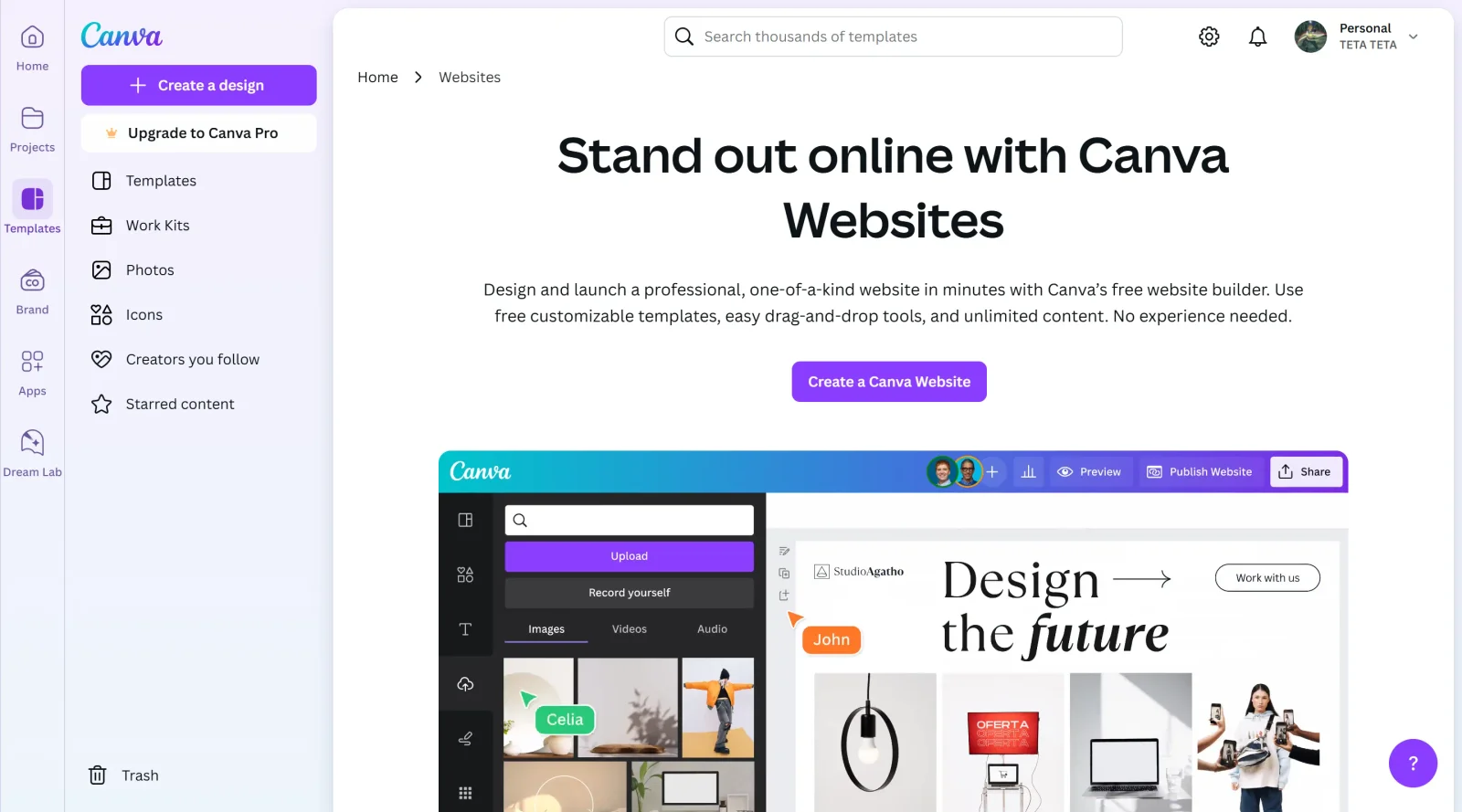
Canva Websites is a drag-and-drop website builder integrated into the Canva platform, enabling users to create responsive websites without coding. It serves as a design tool in the **Design** category, offering a free pricing model with options for custom domains. Canva Websites fits into the design workflow by allowing quick assembly of visual sites using familiar Canva elements like templates, images, and text, bridging graphic design and basic web publishing.
What Canva Websites Does
- Provides thousands of free, designer-made templates for one-page and multi-page websites that adapt to different screen sizes.
- Supports drag-and-drop placement of images, text, graphics, illustrations, videos, and animations from Canva's library.
- Enables multi-page layouts with up to 45 pages and 10 sections per page, including navigation menus and section linking.
- Includes AI tools such as Magic Write for generating text, Magic Media for creating images and videos, and Canva Code for adding interactive widgets.
- Offers real-time collaboration by inviting team members to edit drafts simultaneously.
- Generates automatic mobile-responsive versions and allows previewing on desktop, tablet, or mobile before publishing.
How Canva Websites Can Be Used
- Designers build single-page portfolios or landing pages by selecting a template, adding custom images and text, and linking sections for smooth navigation.
- Teams collaborate on event promotion sites, dragging in graphics and videos while sharing editable links for feedback.
- Content creators assemble multi-page personal sites with subpages for about, services, and contact sections using built-in linking tools.
- Marketers create product showcase pages, applying color palettes and AI-generated copy to match branding across pages.
- Freelancers prototype client websites in a WYSIWYG editor, testing responsiveness and publishing to a free Canva domain or custom domain.
Who Is Canva Websites For?
Canva Websites suits beginners, non-technical designers, and small teams needing simple, visually focused websites without advanced coding or e-commerce features. It works well for freelancers creating portfolios, coaches building landing pages, and creators sharing multi-page content like resumes or event sites. Roles such as graphic designers, marketers, and content producers with limited web development experience find it accessible for rapid prototyping and publishing. Businesses requiring basic brochure-style sites or link-in-bio pages also use it effectively, though it lacks deep SEO tools, blogging, or complex embeds. Visit Canva Websites
Featured Tools
Sponsored
Artlist
Royalty-free music, SFX, 8K footage, templates, LUTs and 100+ AI models on a single subscription for video creators.

Icons8
Large icon packs featuring over 10,000 icons for consistent design themes.

Vidu
AI video generator with text, image and reference-to-video modes, producing 3–16 second clips at up to 1080p with characters that stay consistent across shots.
Your tool here
The tools above are our own picks until the slots sell.
Spotlight
SponsoredRotates daily
Animated Icons 2.0
Enhance your projects with 900+ animated icons.
Tools we recommend

Base44
Build full-stack apps from a prompt (by Wix)

SITE123
Free website builder with hosting included

Wegic
Build & manage a whole site by chatting with AI
Editorially chosen. Some links above are affiliate links — if you sign up we may earn a commission, at no extra cost to you.
More Website Builders Tools


Framer
Design and launch your dream website with no coding required.
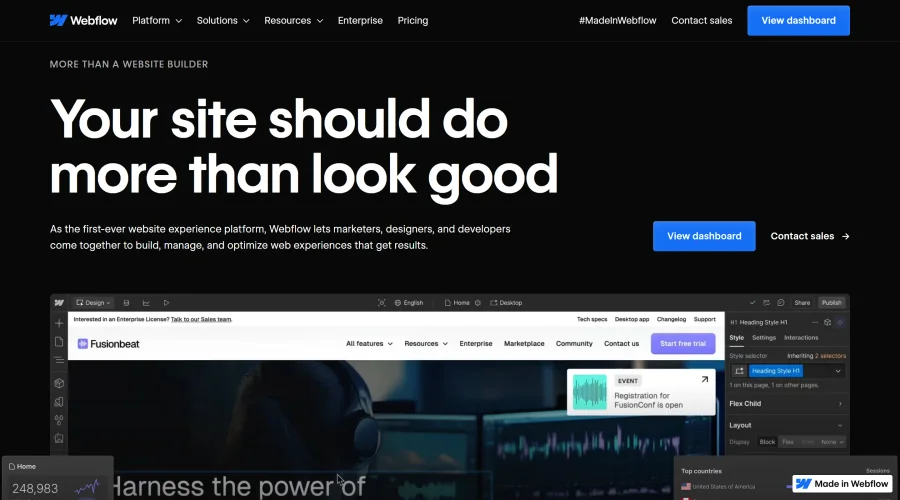

Webflow
Accelerate website creation without needing to code.
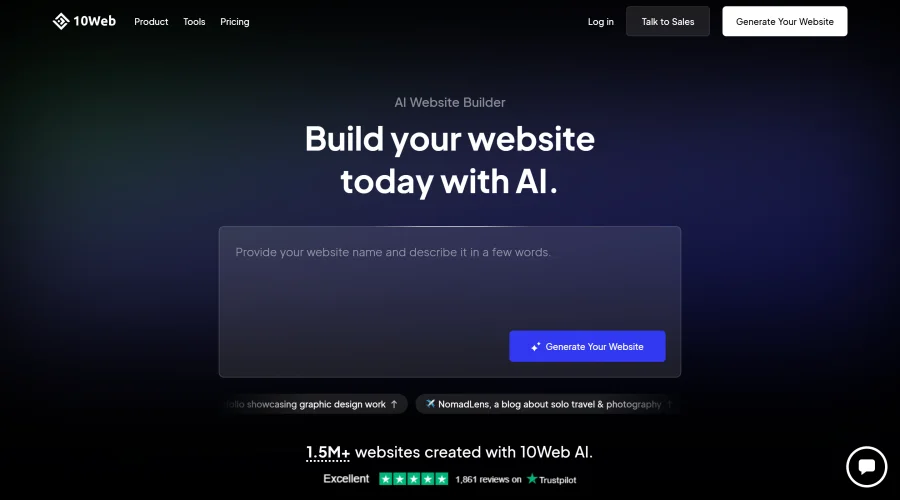

10Web
AI-enhanced WordPress website builder for easy site creation.
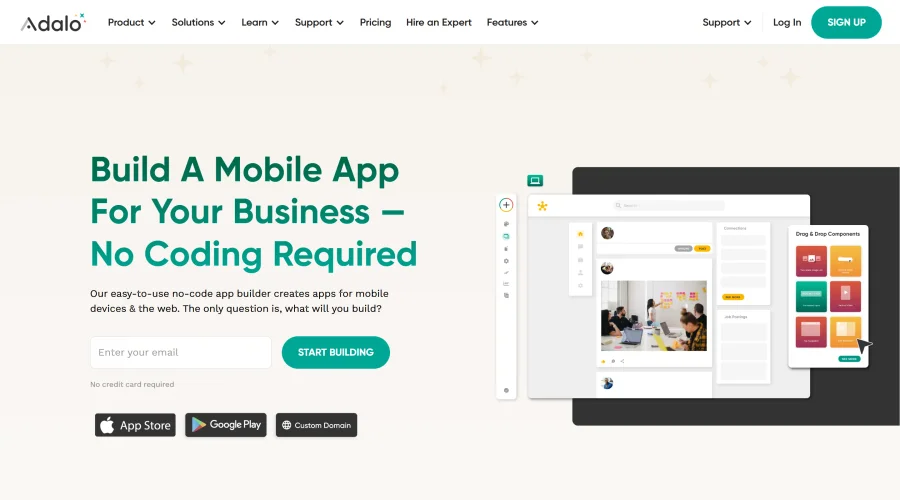
Adalo
Turn app ideas into reality without needing to code.
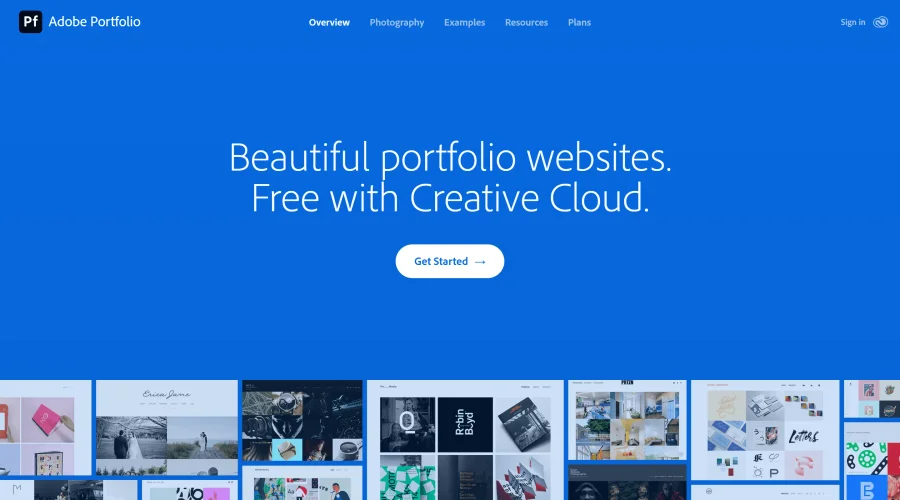

Adobe Portfolio
Build stunning portfolio websites, free with Creative Cloud.
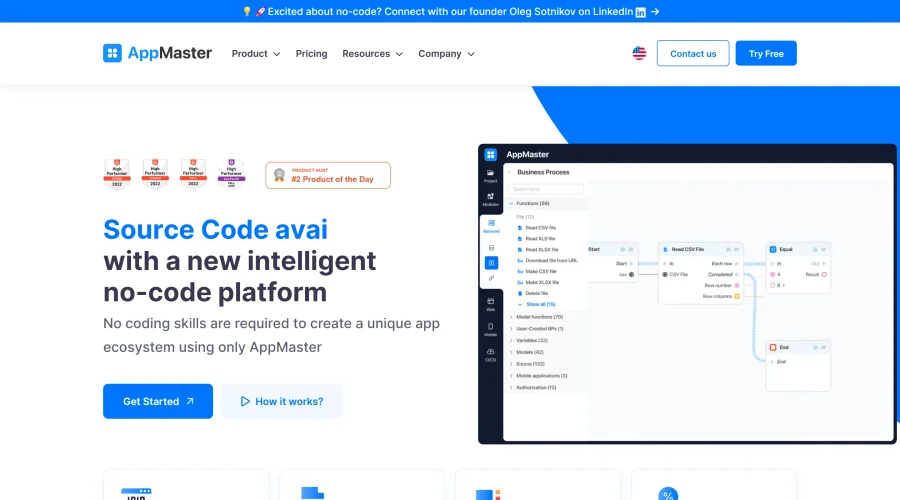

AppMaster
Next-gen no-code platform for automating business processes and building native apps.
Explore Other Categories
Discover more design resources
New to Design?
Explore our comprehensive design glossary to master essential terminology from A/B Testing to Wireframes.
Browse GlossaryLooking for something specific?
Search through our entire collection of design tools and resources