

What it costs
- Free tier
- Yes
Free library of 110 design checklists plus a Figma plugin with AI reviews; no product pricing shown (the 'pricing' links are checklist examples, not the tool's own price).
Auto-checked on 8 August 2026Source
About Checklist Design
What Is Checklist Design?
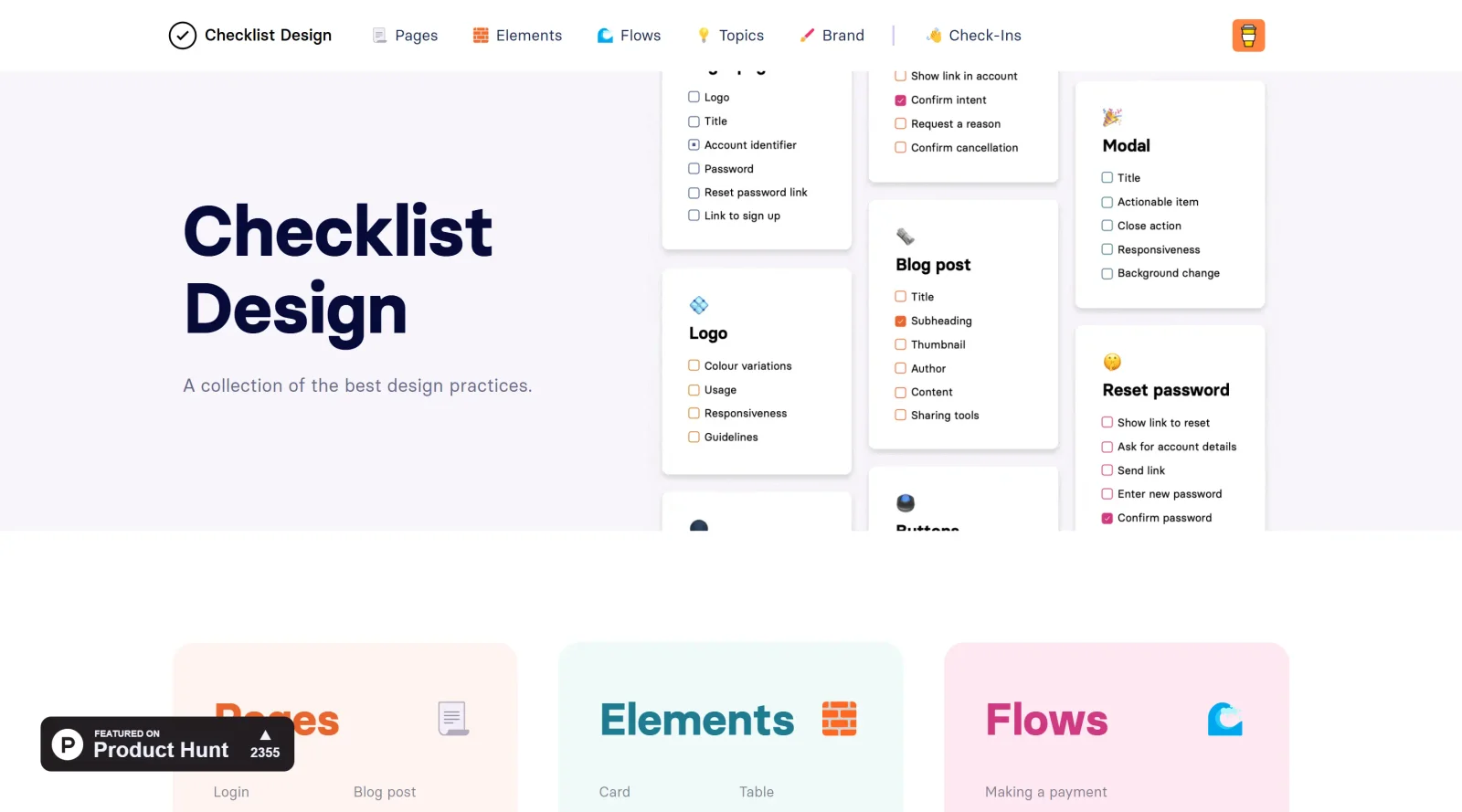
Checklist Design is a free resource in the **design** category that provides a curated collection of checklists for design practices. It covers areas from website pages and UI components to branding assets, helping designers reference essential requirements during the design workflow.
What Checklist Design Does
- Offers checklists for components, which serve as essential building blocks for applications and websites.
- Provides checklists for flows, mapping user movements through multiple steps and scenarios.
- Includes specific checklists for common interactions, such as uploading media, verifying accounts, adding to cart, canceling subscriptions, saving changes, entering promo codes, and showing input errors.
- Integrates with tools like the Figma plugin to check details, save progress, and support design processes.
- Lists best practices for UI/UX elements, including responsiveness and dark modes.
- Supplies resources like articles and tools alongside checklists for expanded reference.
How Checklist Design Can Be Used
- Designers reference component checklists when building UI elements to ensure coverage of standard requirements like variety and simplicity.
- Teams use flow checklists to map user journeys, such as login processes or error handling, verifying states and scenarios from start to finish.
- In Figma workflows, the plugin allows checking details during design creation and saving progress for iterative reviews.
- UX designers apply checklists for responsiveness testing across devices and incorporating features like dark modes.
- Product teams consult interaction-specific checklists during prototyping to address common user flows without overlooking details.
Who Is Checklist Design For?
Checklist Design serves UI/UX designers, product designers, and teams building applications or websites who need structured references for components, flows, and interactions. It fits roles requiring systematic checks for best practices in design language, responsiveness, and user flows, particularly in early-stage planning and review phases. Junior designers use it as a starter reference for standards, while experienced teams apply it for consistency across projects.Visit Checklist Design
Featured Tools
Sponsored
Artlist
Royalty-free music, SFX, 8K footage, templates, LUTs and 100+ AI models on a single subscription for video creators.

Icons8
Large icon packs featuring over 10,000 icons for consistent design themes.

Vidu
AI video generator with text, image and reference-to-video modes, producing 3–16 second clips at up to 1080p with characters that stay consistent across shots.
Your tool here
The tools above are our own picks until the slots sell.
Spotlight
SponsoredRotates daily
HyNote
Records and transcribes interviews and meetings, then turns them into summaries and action items.
More Educational Tools


10x Designers
Broaden your design skills with this resource.


AJ Smart
Premier resource for UX/UI, design sprints, and design thinking.


Android Design Hub
Android UI design best practices for creating beautiful interfaces.


Baseline
Expertly crafted free design bootcamp for skill enhancement.


Better Web Type
Complimentary web typography course for designers and developers.


Biased by Design
Insights on recognizing and countering cognitive bias in design.
Explore Other Categories
Discover more design resources
New to Design?
Explore our comprehensive design glossary to master essential terminology from A/B Testing to Wireframes.
Browse GlossaryLooking for something specific?
Search through our entire collection of design tools and resources