

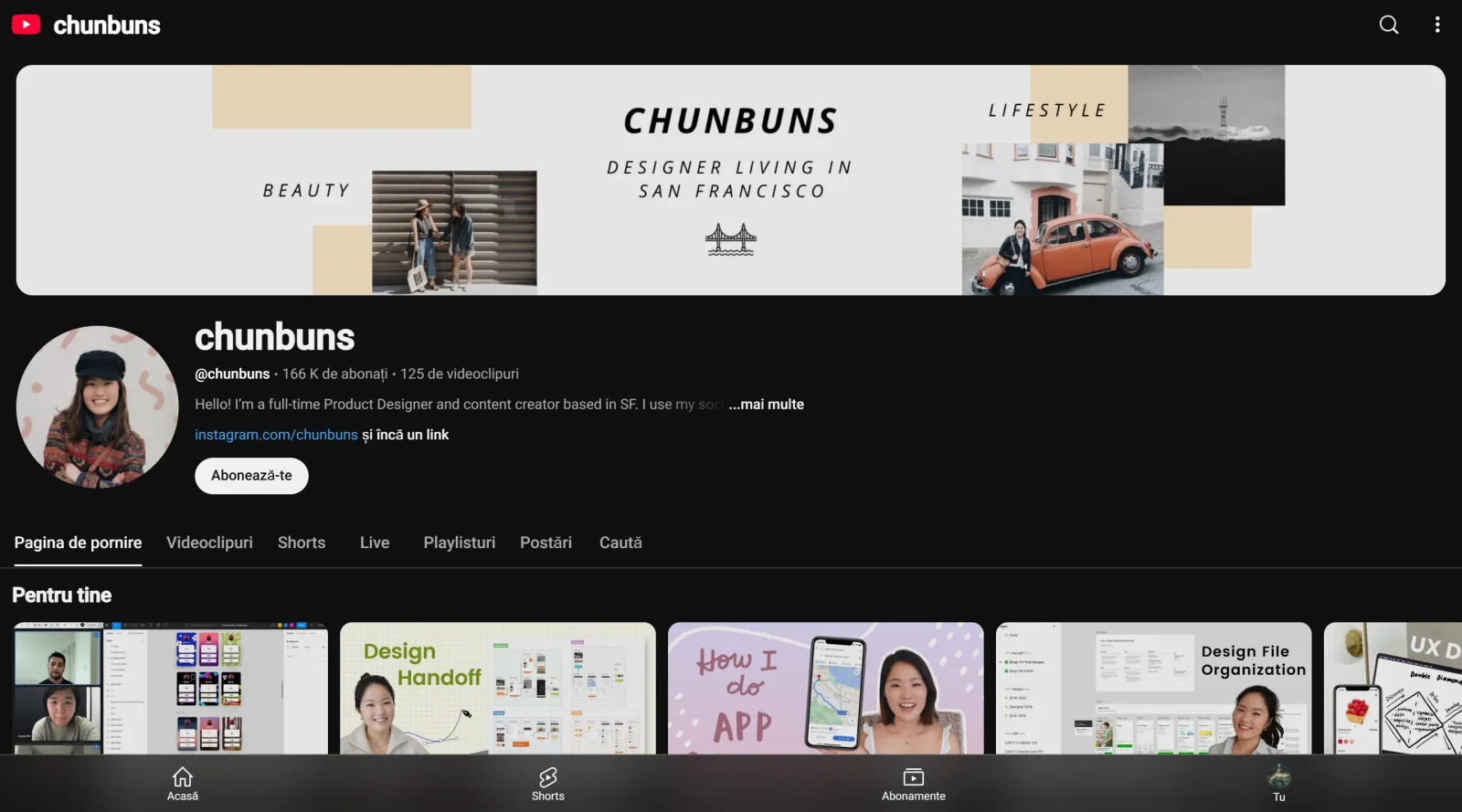
Experiences and knowledge from a San Francisco-based Product Designer.
What it costs
- Free tier
- Yes
Free YouTube channel; scrape returned a YouTube 401 error page rather than the channel content.
Auto-checked on 8 August 2026Source
About Chunbuns
What Is Chunbuns?
Chunbuns is a YouTube channel in the design category that provides educational video content on UX and product design topics. Created by Christine Chun, a product and UI designer based in San Francisco, Chunbuns offers free access to tutorials, career advice, and practical insights for designers. It fits into the design workflow as a learning resource for building skills in portfolio creation, case study development, and professional development, supporting aspiring and practicing designers at various stages.
What Chunbuns Does
- Delivers step-by-step tutorials on creating UX design portfolio websites using platforms like Wix.
- Provides guidance on writing UX design case studies, including structure, visuals, and storytelling elements.
- Shares personal experiences on transitioning into UX design roles without prior experience or formal degrees.
- Offers tips for design interviews, such as handling app critiques and networking strategies.
- Covers product design concepts, UI techniques, and career progression from freelance to industry positions.
- Produces content on resume building for graphic and UX designers, with focus on essential skills and presentation.
How Chunbuns Can Be Used
- Designers follow Chunbuns tutorials to build personal portfolio sites, starting from basic layouts with headings, images, and sections like work, blog, and about pages.
- Aspiring UX professionals use case study videos to structure their own projects, incorporating prototypes, gifs, and focused narratives that highlight problem-solving.
- Job seekers watch career story content to learn pathways into design roles, applying advice on self-teaching and entry without degrees.
- Teams reference interview preparation videos during hiring processes to practice critiques and refine presentation skills.
- Freelancers and juniors integrate UI design sessions into their workflow for ideation, sketching, and high-fidelity mockups in tools like Figma.
Who Is Chunbuns For?
Chunbuns serves UX designers, product designers, and UI professionals at beginner to intermediate levels, particularly those entering the field without formal training or seeking to advance careers. It targets freelancers transitioning to full-time roles, job applicants preparing portfolios and interviews, and self-taught creators building professional websites and case studies. Content aligns with needs in San Francisco's design scene and broader industry demands for practical UX knowledge. Visit Chunbuns
Featured Tools
Sponsored
Artlist
Royalty-free music, SFX, 8K footage, templates, LUTs and 100+ AI models on a single subscription for video creators.

Icons8
Large icon packs featuring over 10,000 icons for consistent design themes.

Vidu
AI video generator with text, image and reference-to-video modes, producing 3–16 second clips at up to 1080p with characters that stay consistent across shots.
Your tool here
The tools above are our own picks until the slots sell.
Spotlight
SponsoredRotates daily
Animated Icons 2.0
Enhance your projects with 900+ animated icons.
More Educational Tools


10x Designers
Broaden your design skills with this resource.


AJ Smart
Premier resource for UX/UI, design sprints, and design thinking.


Android Design Hub
Android UI design best practices for creating beautiful interfaces.


Baseline
Expertly crafted free design bootcamp for skill enhancement.


Better Web Type
Complimentary web typography course for designers and developers.


Biased by Design
Insights on recognizing and countering cognitive bias in design.
Explore Other Categories
Discover more design resources
New to Design?
Explore our comprehensive design glossary to master essential terminology from A/B Testing to Wireframes.
Browse GlossaryLooking for something specific?
Search through our entire collection of design tools and resources