
Web-based vector application suitable for design enthusiasts and beginners.
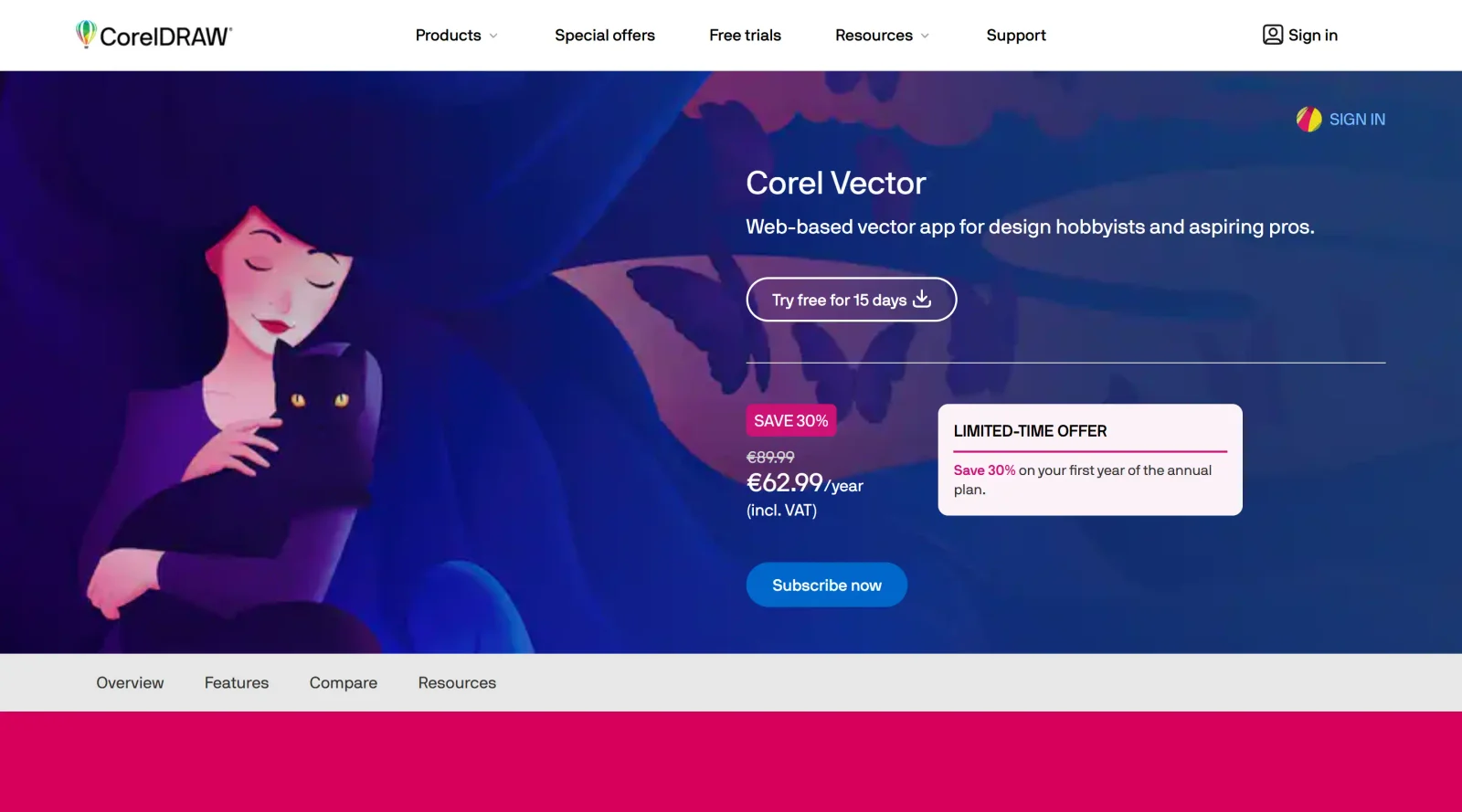
What it costs
- Free tier
- No
CorelDRAW subscription suite offering a free, no-credit-card trial only; subscription prices are not shown on the homepage.
Auto-checked on 8 August 2026Source
About Corel Designer
What Is Corel Designer?
Corel Designer is a vector graphics editor in the design category, developed by Corel Corporation for creating scalable illustrations, layouts, and technical graphics. It serves as a paid tool within professional design workflows, enabling users to produce vector-based artwork that maintains quality at any scale, from logos and icons to complex diagrams and print-ready files. As part of the Corel graphics suite, Corel Designer integrates vector illustration with layout and editing functions, fitting into workflows that require precise control over shapes, paths, and typography.
What Corel Designer Does
- Provides vector editing tools for creating and manipulating paths, Bezier curves, and shapes using pen and anchor point systems.
- Supports shape manipulation operations such as combining, subtracting, intersecting, and path-finding to build complex forms from basic elements.
- Offers text handling as editable vectors, with advanced typography settings for scalable, modifiable type in designs.
- Includes layer management for organizing elements in multi-layered projects like illustrations or UI mockups.
- Features color management tools, including gradients, patterns, strokes, and color libraries for precise application.
- Enables object transformations like scaling, rotating, and aligning with precision guides and grids.
How Corel Designer Can Be Used
- Designers create logos and icons by drawing precise vector paths and applying live effects that remain editable throughout the process.
- Illustrators build scalable artwork for print or digital media, using shape tools and layer organization to manage intricate compositions.
- Technical artists produce diagrams and schematics with alignment guides, perspective tools, and export options for formats like SVG, EPS, PDF, and AI.
- UI/UX professionals sketch interface elements, combining vectors with text and gradients for prototypes that scale across devices.
- Print specialists prepare files for signmaking, vinyl cutting, or engraving by leveraging tools for borders, grommets, and large-format prep.
Who Is Corel Designer For?
Corel Designer suits graphic designers, illustrators, and technical artists who work with vector graphics in professional settings, including roles in logo creation, packaging design, digital publishing, and production art for print-on-demand or signage. It accommodates users across experience levels, from hobbyists handling basic illustrations to advanced professionals managing complex workflows with features like non-destructive effects and extensive file compatibility. Those needing cross-platform access on Windows, macOS, or web-based environments find it adaptable for collaborative or multi-device projects. Visit Corel Designer
Featured Tools
Sponsored
Artlist
Royalty-free music, SFX, 8K footage, templates, LUTs and 100+ AI models on a single subscription for video creators.

Icons8
Large icon packs featuring over 10,000 icons for consistent design themes.

Vidu
AI video generator with text, image and reference-to-video modes, producing 3–16 second clips at up to 1080p with characters that stay consistent across shots.
Your tool here
The tools above are our own picks until the slots sell.
Spotlight
SponsoredRotates daily
HyNote
Records and transcribes interviews and meetings, then turns them into summaries and action items.
Tools we recommend
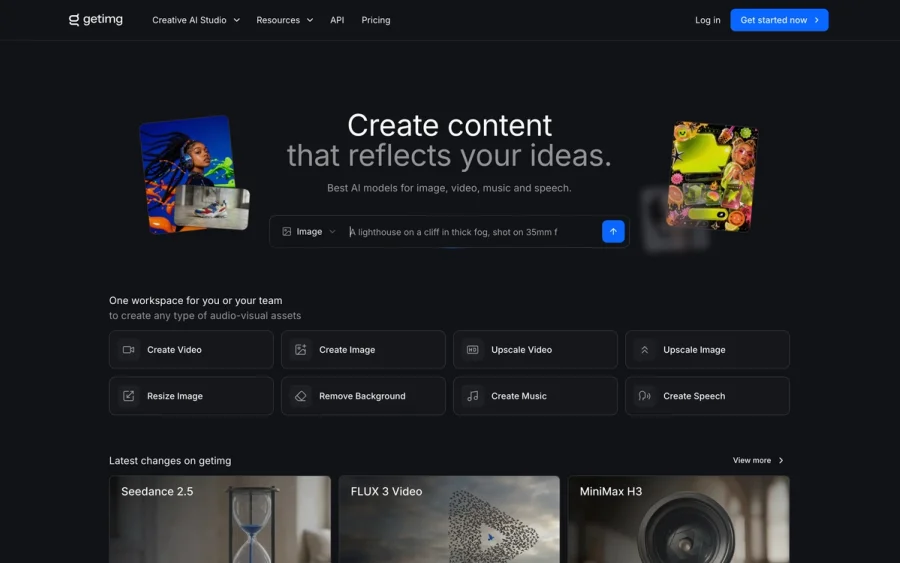

getimg.ai
20+ AI models for image, video & audio in one workspace
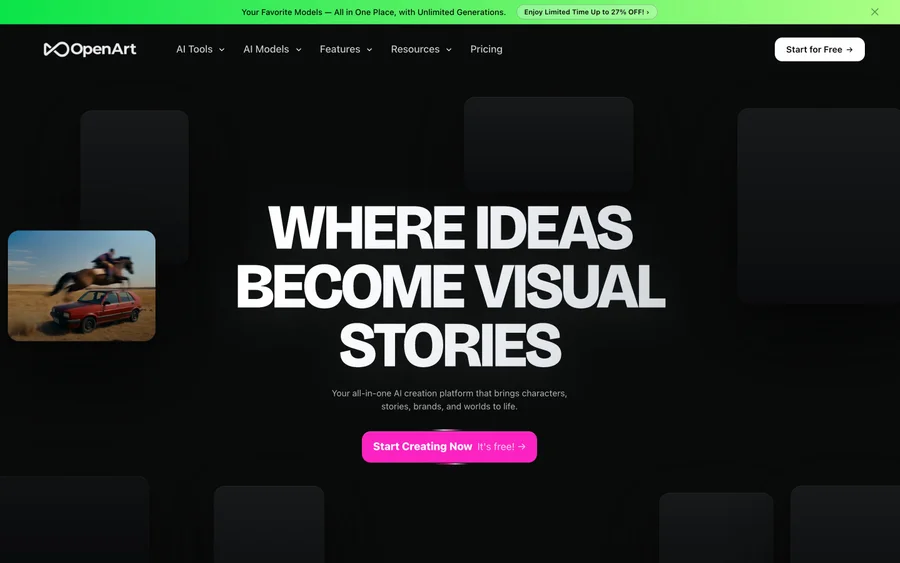

OpenArt
All-in-one AI image, video & audio generator


YouCam Online Editor
Free online AI photo & video editor
Editorially chosen. Some links above are affiliate links — if you sign up we may earn a commission, at no extra cost to you.
More Design Tools Tools
Pryzm
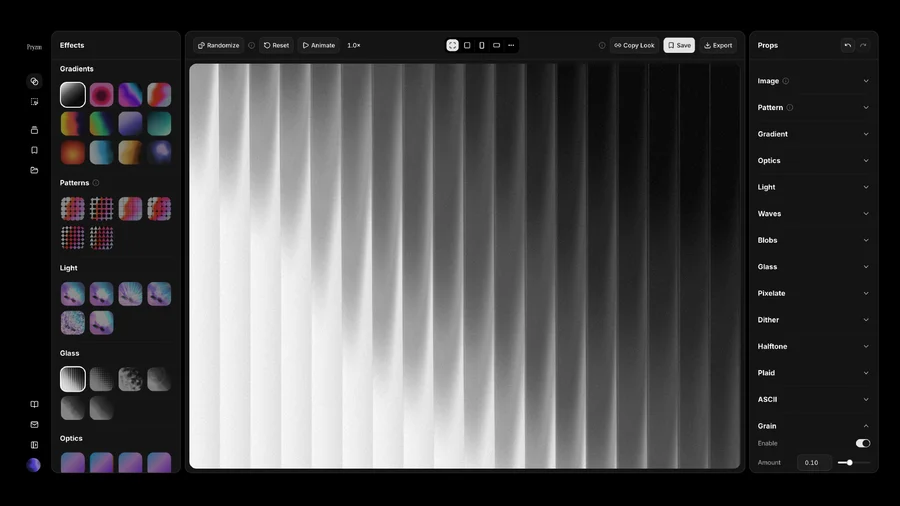
Pryzm is a real-time studio for designers who need backgrounds that don't look like everyone else's. Layer procedural gradients, then stack glass, grain, light and blobs.

Modeinspect
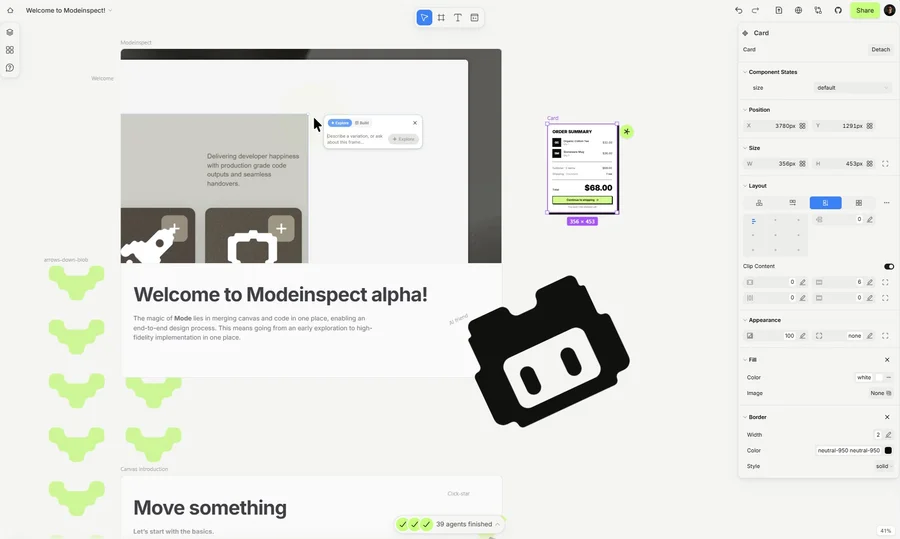
Mode turns your product’s codebase into editable canvas frames. Refine real UI with visual controls, experiment with AI then share or hand off for review.

GoProd
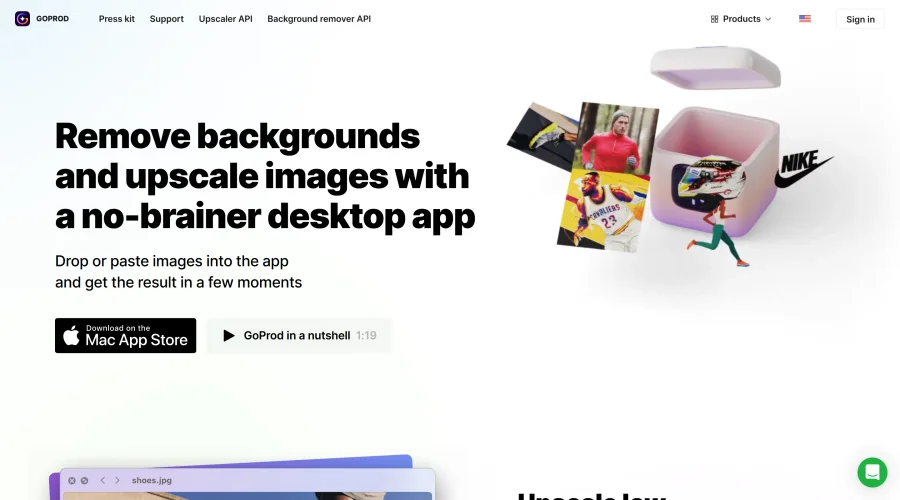
Remove backgrounds and upscale images effectively.
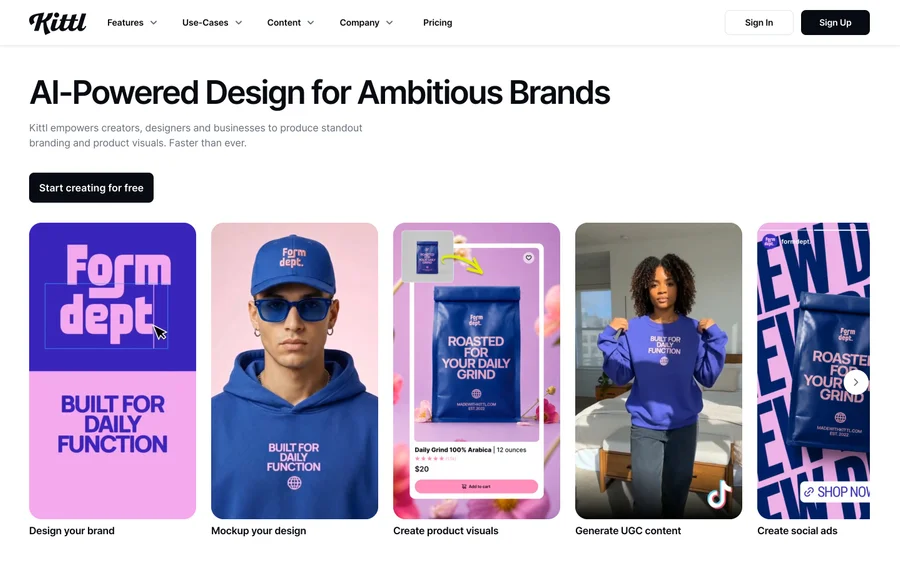

Kittl
AI-first design platform with image, vector, and video generation, plus templates, mockups, and print-ready exports.
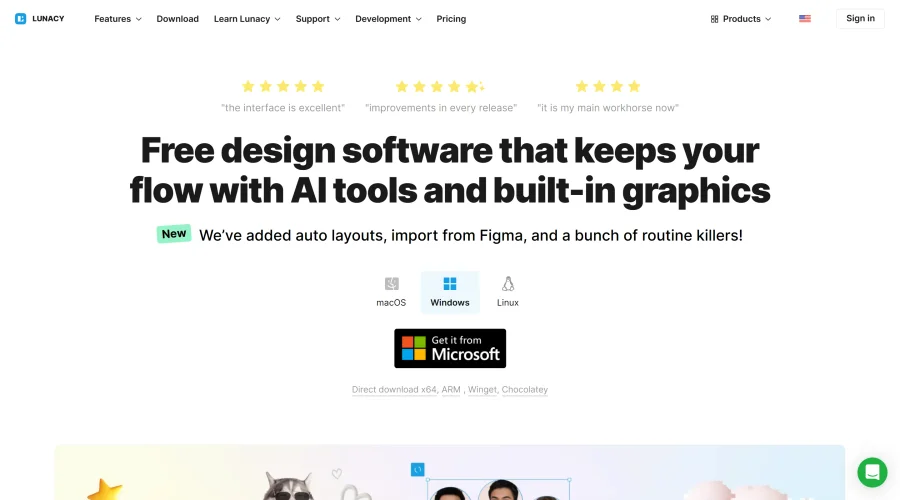

Lunacy
Free design software enhanced with AI tools and built-in graphics.
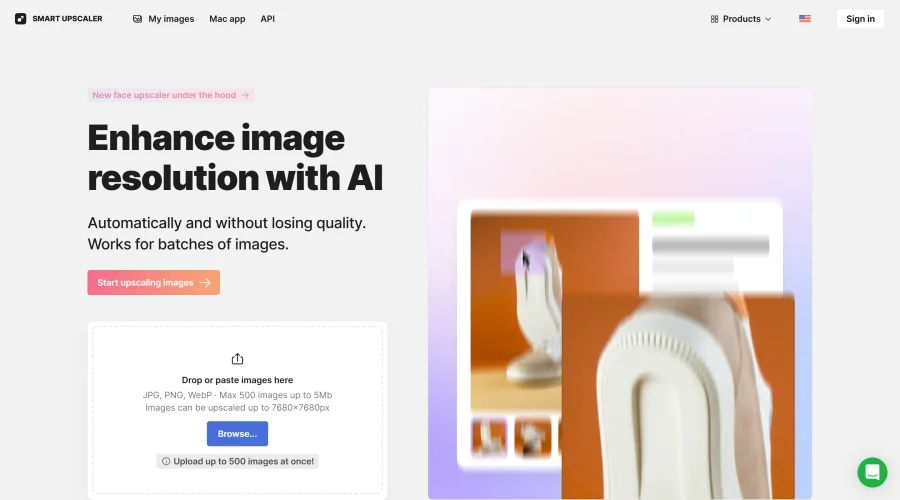

Smart Upscaler
Automatically improve image clarity using AI technology.
Explore Other Categories
Discover more design resources
New to Design?
Explore our comprehensive design glossary to master essential terminology from A/B Testing to Wireframes.
Browse GlossaryLooking for something specific?
Search through our entire collection of design tools and resources