

Over 700 CSS icons in SVG Sprite, styled-components, NPM, and API.

What it costs
- Free tier
- Yes
Free, open-source icon library (700+ icons via GitHub/Figma); an optional 'Pro' is linked but no price is shown.
Auto-checked on 8 August 2026Source
About CSS Icons
What Is CSS Icons?
CSS Icons is a free **icon library** in the Design category, providing a collection of open-source icons implemented purely in CSS, SVG, and Figma formats. Accessible via its web application at css.gg/app, CSS Icons enables designers and developers to integrate lightweight, scalable icons into web projects without relying on external image files or heavy font downloads. It fits into the design workflow during UI development, prototyping, and front-end implementation, where vector-based icons ensure consistent rendering across devices and browsers.
What CSS Icons Does
- Offers a comprehensive set of icons rendered using vanilla CSS for direct embedding in HTML elements.
- Provides SVG versions of icons for scalable, resolution-independent use in modern web designs.
- Includes Figma-compatible icons for seamless integration into design prototyping workflows.
- Supports customization through CSS properties like size, color, and positioning without additional assets.
- Delivers lightweight icon implementations that reduce page load times compared to image-based alternatives.
- Maintains open-source availability for modification and redistribution in various projects.
How CSS Icons Can Be Used
- Incorporate icons into HTML via simple class names, styling them with CSS media queries for responsive layouts across desktop and mobile devices.
- Use SVG sprites from CSS Icons in web applications to create interactive elements like navigation menus or button indicators.
- Import Figma icons during the design phase to build wireframes and high-fidelity mockups, then export to CSS for development handoff.
- Apply icons in CSS frameworks by overriding default styles, ensuring brand consistency in component libraries.
- Embed icons in email templates or static sites where minimal file sizes and no JavaScript dependencies are required.
Who Is CSS Icons For?
CSS Icons serves web designers, front-end developers, and UI/UX professionals working on projects that require efficient, customizable **icon libraries**. It suits beginners learning CSS-based asset integration as well as experienced teams handling large-scale applications, particularly those prioritizing performance and scalability in design systems. Roles in agencies, startups, or freelance workflows benefit from its free access and versatile formats for tasks like interface prototyping, theme development, and cross-platform consistency. Visit CSS Icons
Featured Tools
Sponsored
Artlist
Royalty-free music, SFX, 8K footage, templates, LUTs and 100+ AI models on a single subscription for video creators.

Icons8
Large icon packs featuring over 10,000 icons for consistent design themes.

Vidu
AI video generator with text, image and reference-to-video modes, producing 3–16 second clips at up to 1080p with characters that stay consistent across shots.
Your tool here
The tools above are our own picks until the slots sell.

Tools we recommend


Editorially chosen. Some links above are affiliate links — if you sign up we may earn a commission, at no extra cost to you.
More Icons Tools
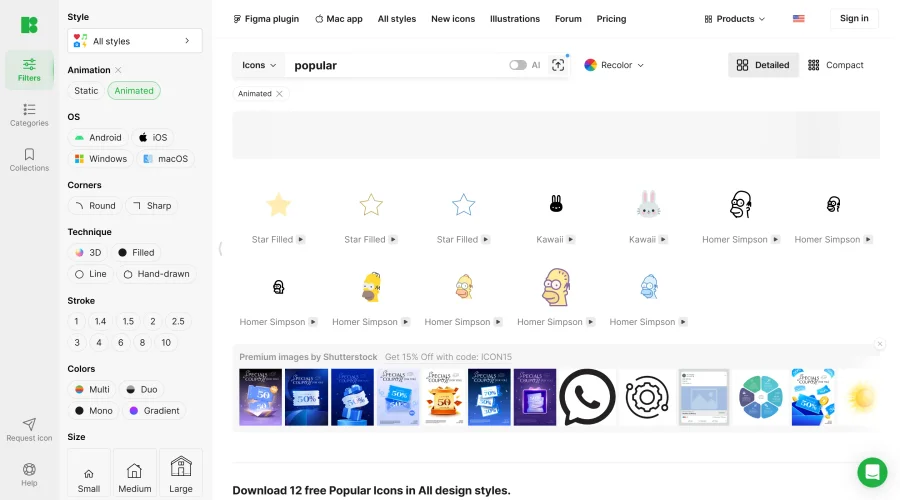

Animated Icons 2.0
Enhance your projects with 900+ animated icons.
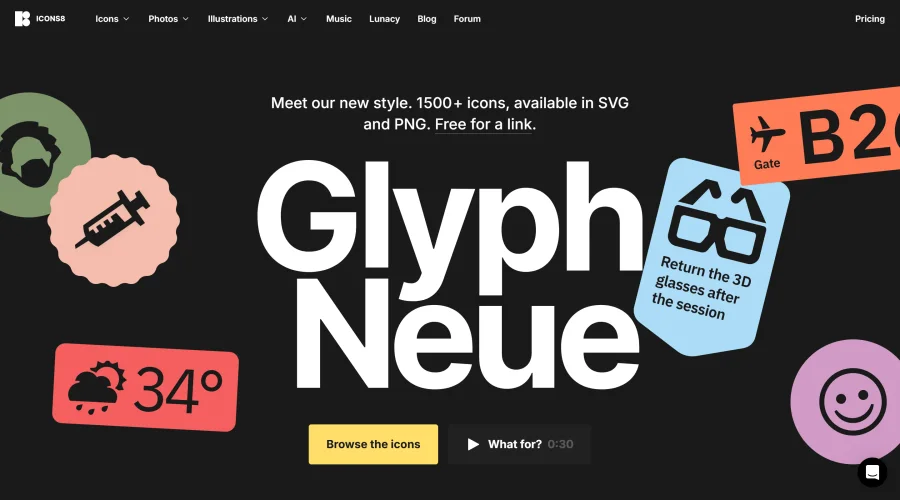

Glyph Neue
Over 1,500 icons in SVG and PNG formats, free with attribution.
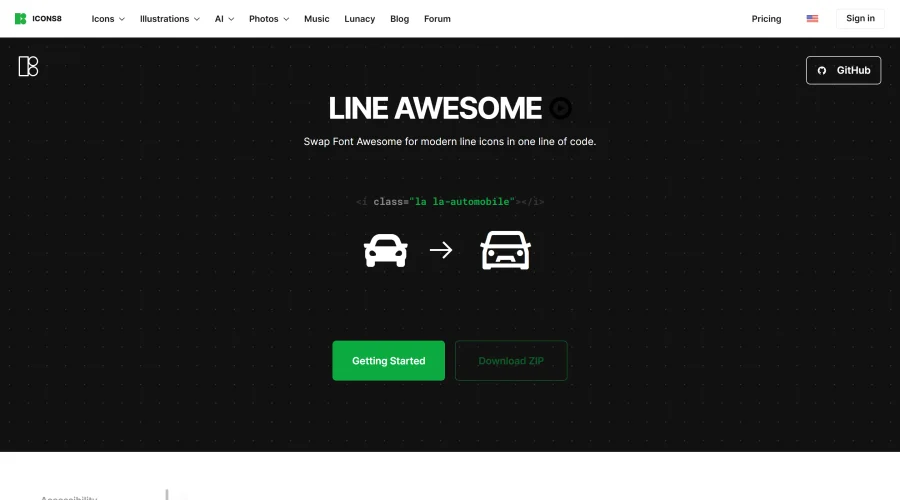

Line Awesome
Easily replace Font Awesome with modern line icons using one line of code.
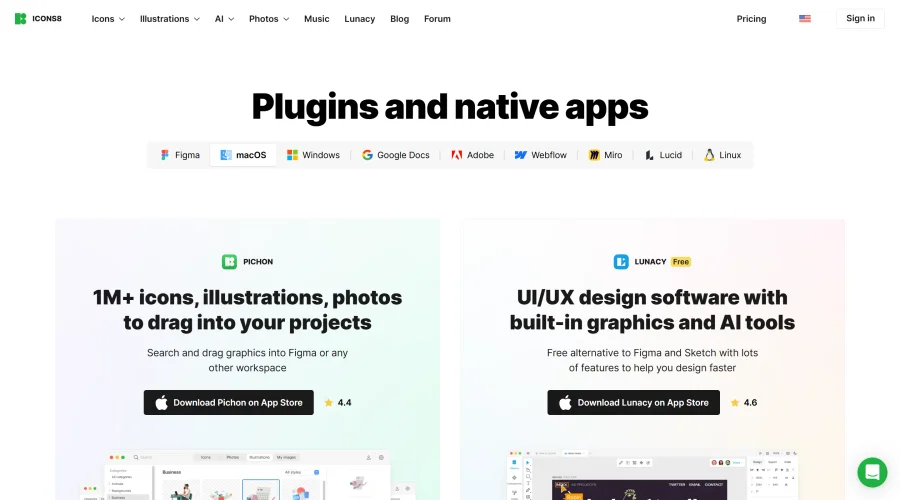

Pichon
Drag and drop the best design graphics with ease.
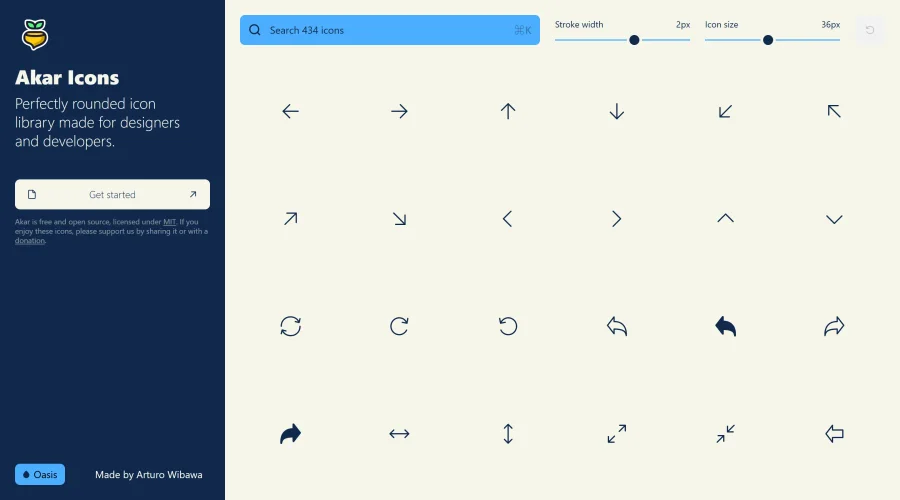

Akar Icons
A perfectly rounded icon library designed for designers and developers.
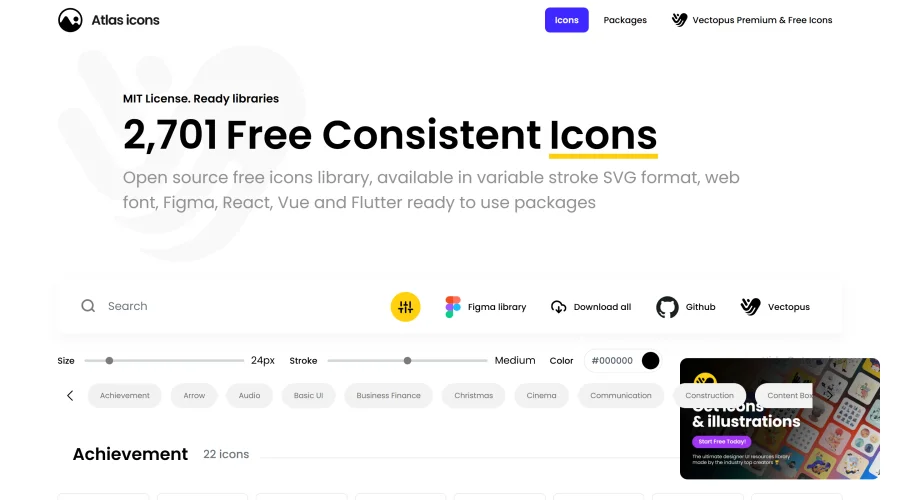

Atlas Icons
Versatile open-source icon library, offering various stroke widths and formats.
Explore Other Categories
Discover more design resources
New to Design?
Explore our comprehensive design glossary to master essential terminology from A/B Testing to Wireframes.
Browse GlossaryLooking for something specific?
Search through our entire collection of design tools and resources