

What it costs
- Free tier
- Yes
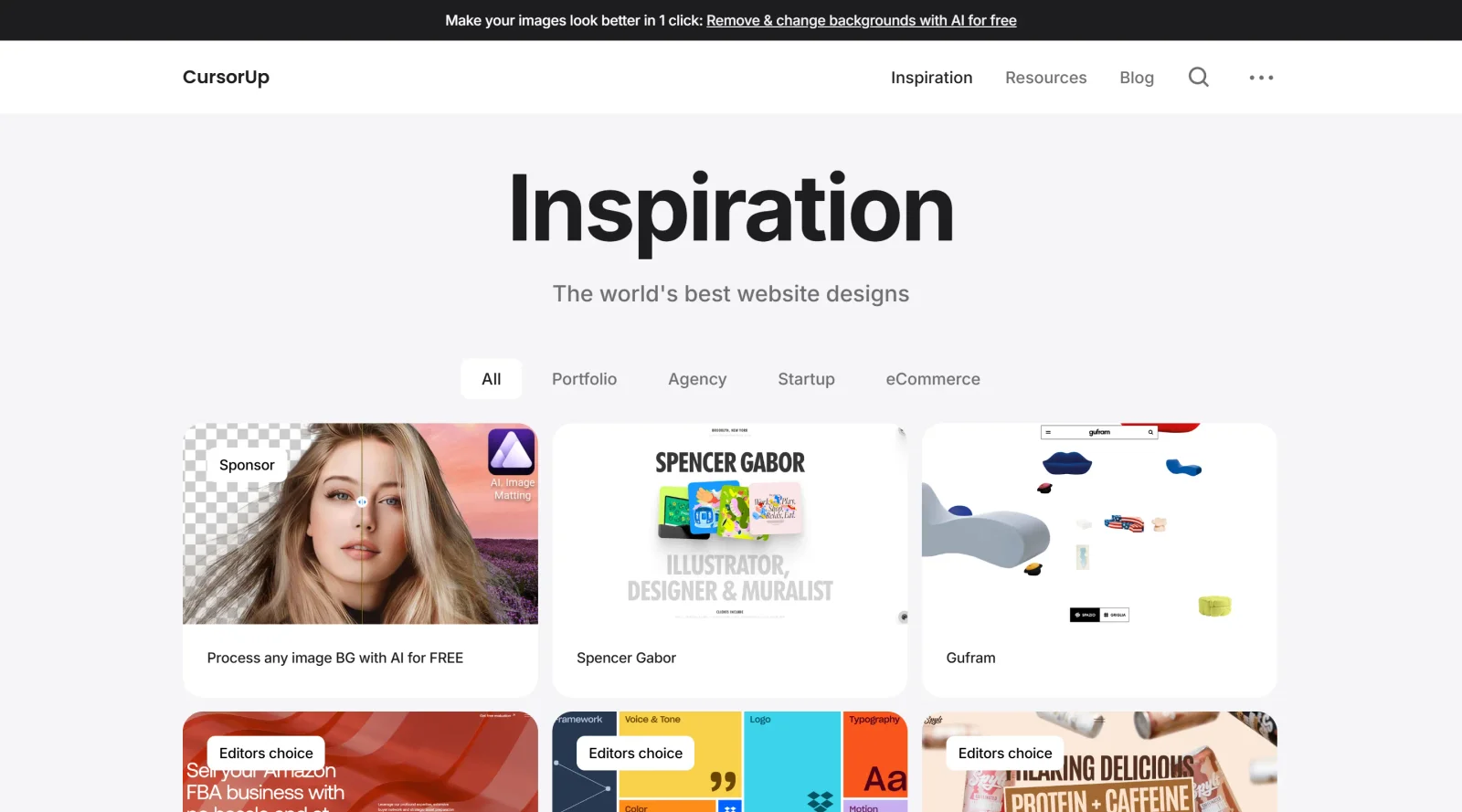
Free website-design inspiration gallery with no paid plans.
Auto-checked on 8 August 2026Source
About CursorUp
What Is CursorUp?
CursorUp is a **design tool** integrated into the Cursor environment, providing visual editing capabilities for web applications and codebases. It enables users to inspect, manipulate, and modify interface elements directly within a browser-like interface inside the IDE. As a free tool in the Design category, CursorUp bridges the gap between visual design adjustments and code implementation, allowing changes to be applied to underlying source code without switching contexts.
What CursorUp Does
- Offers a visual inspector similar to browser DevTools, with a sidebar for selecting elements and adjusting CSS properties or React props.
- Supports drag-and-drop rearrangement of rendered elements across the DOM tree to test layouts, such as swapping button order or reconfiguring grids.
- Provides interactive controls like sliders, color pickers, and palettes for fine-tuning styles, typography, spacing, alignment, and flexbox or grid properties.
- Allows point-and-prompt editing, where users select an element and describe changes in natural language for AI-assisted modifications.
- Exposes component states and props in React applications, enabling testing and adjustments across different variants directly in the interface.
- Generates code updates from visual edits, integrating changes into the codebase for immediate application.
How CursorUp Can Be Used
- Designers prototype UI layouts by dragging sections into new positions and previewing grid configurations before coding.
- Developers refine spacing and alignment on live pages, such as centering elements or adjusting gaps between cards, using sidebar controls.
- Teams iterate on component styles by selecting elements, tweaking colors with token-aware pickers, and applying changes across multiple instances.
- Non-coders use natural language prompts to modify elements, like enlarging buttons or swapping their order, for quick fixes in running apps.
- Web projects benefit from inspecting network requests or console logs alongside visual edits within the same window for debugging workflows.
Who Is CursorUp For?
CursorUp serves designers building functional prototypes, developers handling UI refinements in React or web apps, and teams working on internal tools where rapid visual-to-code iteration is needed. It fits intermediate users familiar with codebases who seek integrated visual editing without dedicated design software, as well as those transitioning between design and development roles. Experience levels range from designers shipping small fixes to coders testing component states. Visit CursorUp
Featured Tools
Sponsored
Artlist
Royalty-free music, SFX, 8K footage, templates, LUTs and 100+ AI models on a single subscription for video creators.

Icons8
Large icon packs featuring over 10,000 icons for consistent design themes.

Vidu
AI video generator with text, image and reference-to-video modes, producing 3–16 second clips at up to 1080p with characters that stay consistent across shots.
Your tool here
The tools above are our own picks until the slots sell.

More Educational Tools


10x Designers
Broaden your design skills with this resource.


AJ Smart
Premier resource for UX/UI, design sprints, and design thinking.


Android Design Hub
Android UI design best practices for creating beautiful interfaces.


Baseline
Expertly crafted free design bootcamp for skill enhancement.


Better Web Type
Complimentary web typography course for designers and developers.


Biased by Design
Insights on recognizing and countering cognitive bias in design.
Explore Other Categories
Discover more design resources
New to Design?
Explore our comprehensive design glossary to master essential terminology from A/B Testing to Wireframes.
Browse GlossaryLooking for something specific?
Search through our entire collection of design tools and resources