

What it costs
- Free tier
- Yes
Free (pay-what-you-want on Gumroad) macro extension; it requires the separate paid Keyboard Maestro app.
Auto-checked on 8 August 2026Source
About Design Maestro
What Is Design Maestro?
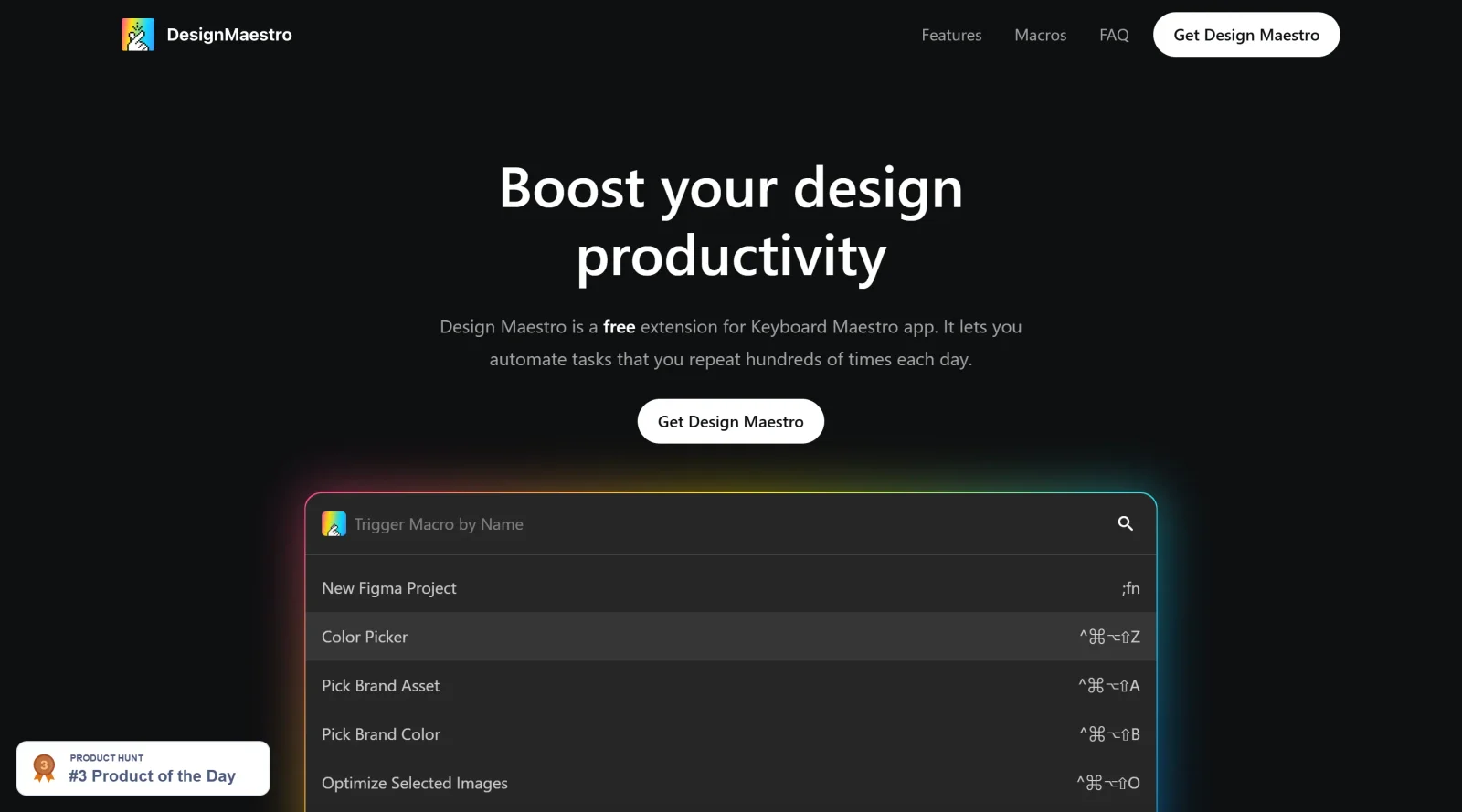
Design Maestro is a free extension for Keyboard Maestrothat automates repetitive design tasks on macOS. It functions as a productivity tool within the Keyboard Maestro app, enabling designers to create and execute custom macros—quick actions that streamline workflows by eliminating time-consuming manual processes. The tool is lightweight, weighing less than 1 MB, and operates entirely on local storage without requiring cloud synchronization.
What Design Maestro Does
- Launches macros through the Design Maestro launcher using the keyboard shortcut ⌘⇧D or custom-assigned hotkeys
- Eliminates repetitive tasks such as navigating, typing, searching, and copying across design applications
- Provides a library of pre-built macros specifically designed for designer workflows
- Allows users to configure and assign keyboard shortcuts to individual actions for instant execution
- Maintains data security by storing all automation settings locally on the user's Mac
- Includes step-by-step tutorials to guide users through setup and macro creation
How Design Maestro Can Be Used
Design Maestro addresses the cumulative time loss from small repetitive actions that individually take seconds but collectively consume hours each month. Designers can use it to automate frequent tasks like accessing specific tools, applying consistent formatting, navigating between panels, or executing multi-step processes with a single keystroke. The tool is particularly useful for designers working in professional design software who perform the same sequences repeatedly throughout their day.
Who Is Design Maestro For?
Design Maestro is designed for macOS-based designerswho use Keyboard Maestro and want to reduce time spent on routine manual actions. It serves professionals seeking efficiency gains through task automation without complex programming, offering an accessible alternative to building custom scripts. The tool's community-driven development means users can submit automation suggestions for future versions.Visit Design Maestro
Featured Tools
Sponsored
Artlist
Royalty-free music, SFX, 8K footage, templates, LUTs and 100+ AI models on a single subscription for video creators.

Icons8
Large icon packs featuring over 10,000 icons for consistent design themes.

Vidu
AI video generator with text, image and reference-to-video modes, producing 3–16 second clips at up to 1080p with characters that stay consistent across shots.
Your tool here
The tools above are our own picks until the slots sell.
Spotlight
SponsoredRotates daily
Hailuo AI
AI video generator from MiniMax with cinematic, language-driven camera control.
Tools we recommend
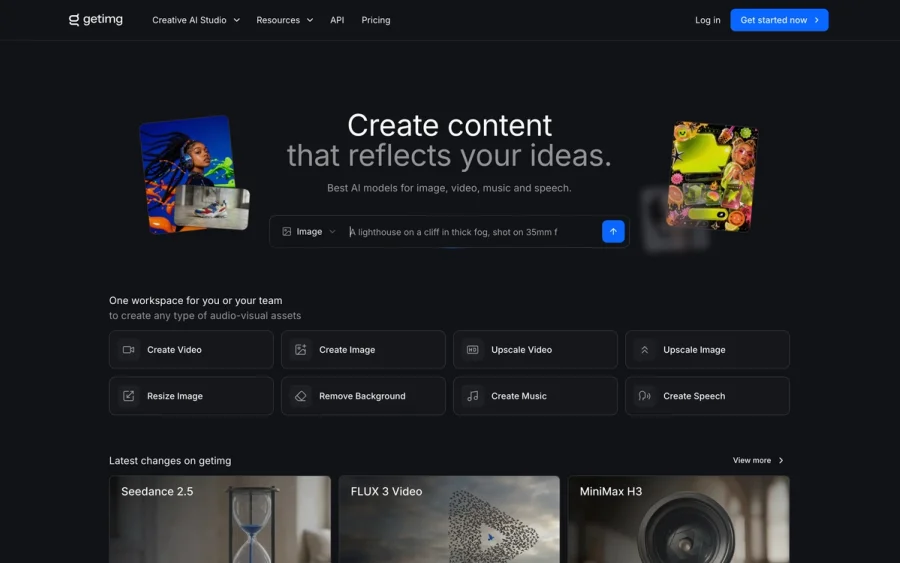

getimg.ai
20+ AI models for image, video & audio in one workspace
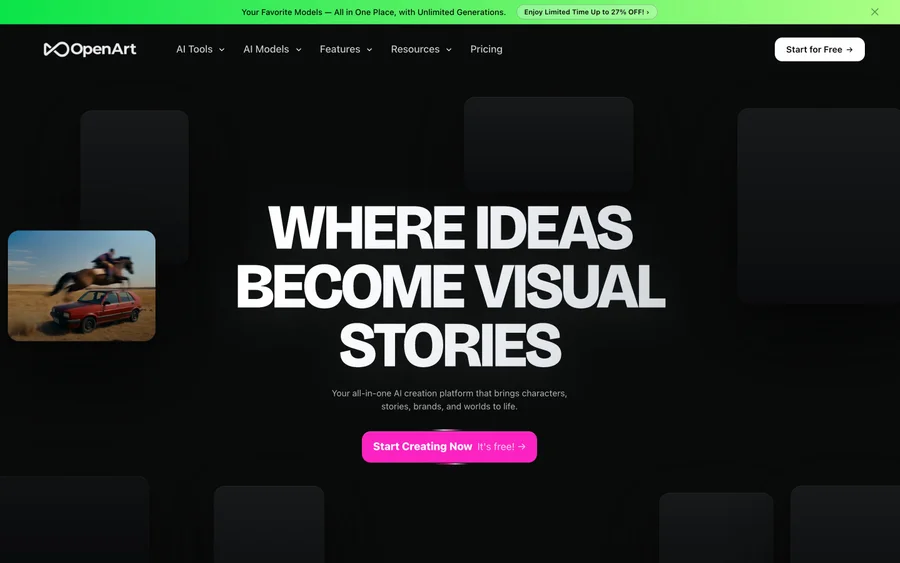

OpenArt
All-in-one AI image, video & audio generator


YouCam Online Editor
Free online AI photo & video editor
Editorially chosen. Some links above are affiliate links — if you sign up we may earn a commission, at no extra cost to you.
More Design Tools Tools
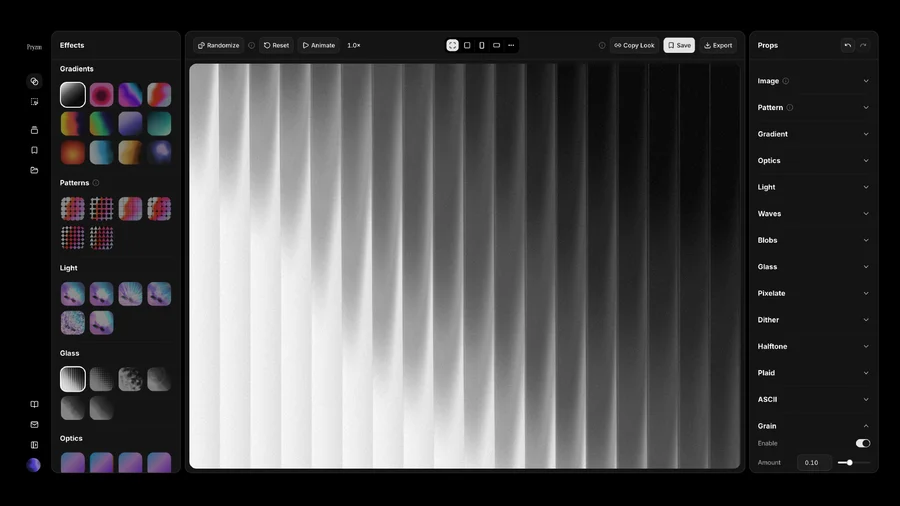

Pryzm
Pryzm is a real-time studio for designers who need backgrounds that don't look like everyone else's. Layer procedural gradients, then stack glass, grain, light and blobs.
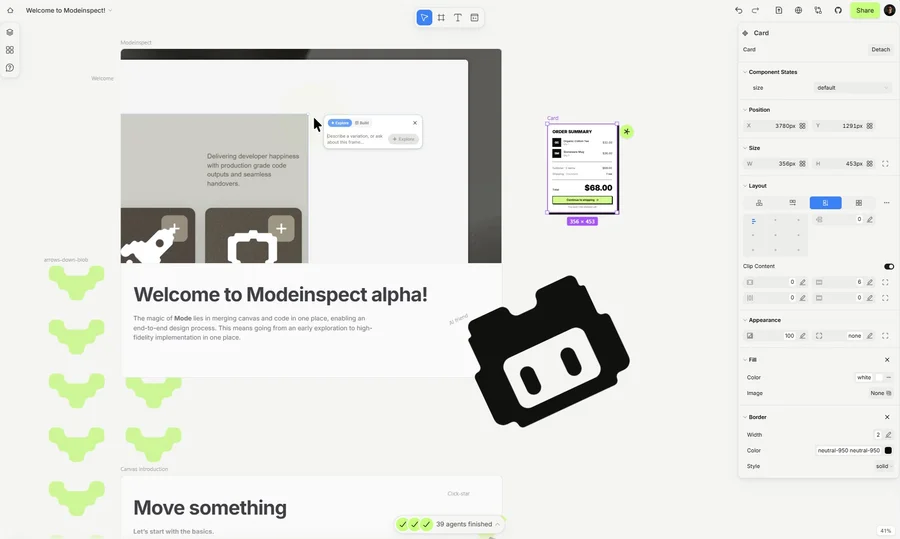

Modeinspect
Mode turns your product’s codebase into editable canvas frames. Refine real UI with visual controls, experiment with AI then share or hand off for review.
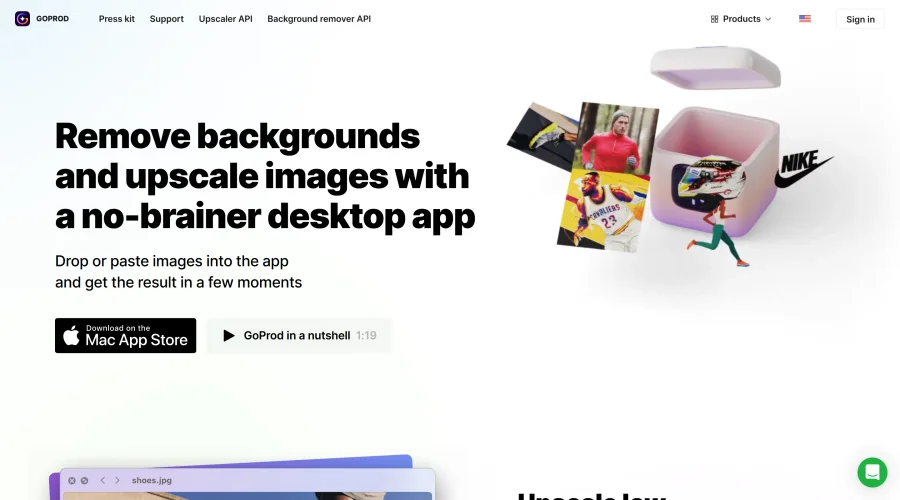

GoProd
Remove backgrounds and upscale images effectively.


Kittl
AI-first design platform with image, vector, and video generation, plus templates, mockups, and print-ready exports.
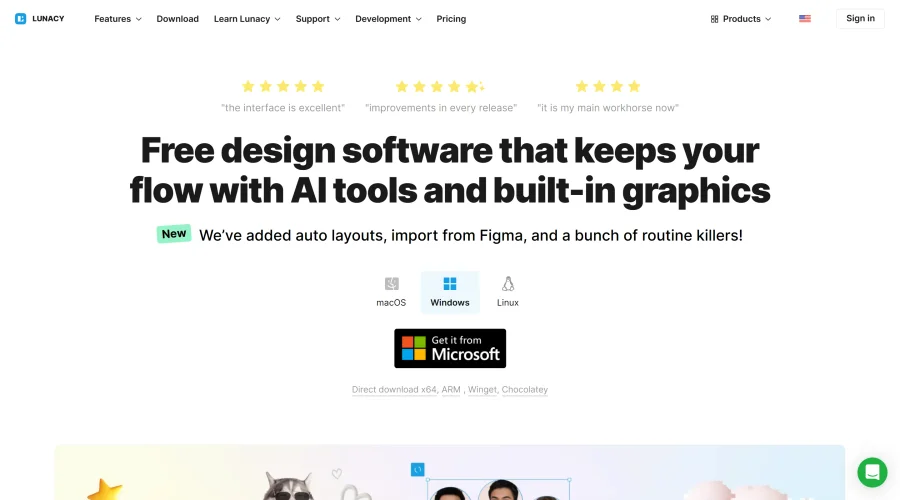

Lunacy
Free design software enhanced with AI tools and built-in graphics.
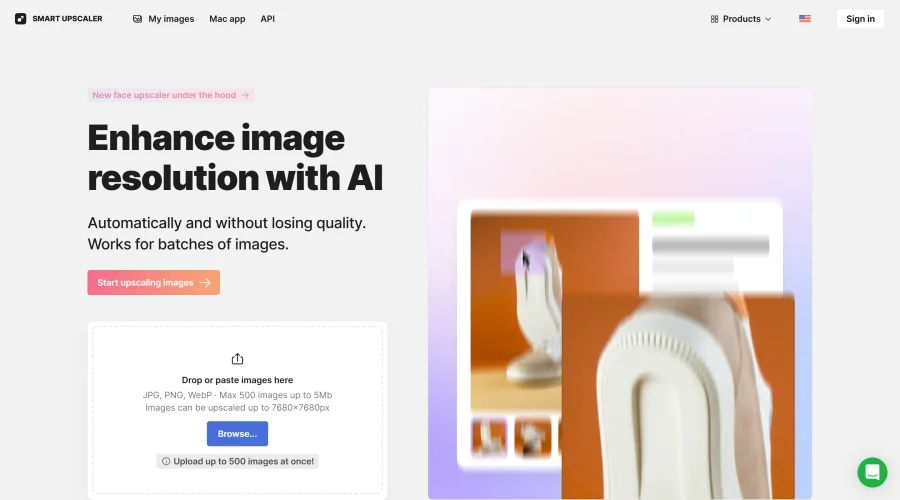

Smart Upscaler
Automatically improve image clarity using AI technology.
Explore Other Categories
Discover more design resources
New to Design?
Explore our comprehensive design glossary to master essential terminology from A/B Testing to Wireframes.
Browse GlossaryLooking for something specific?
Search through our entire collection of design tools and resources