

Explore a collection of open source design systems.
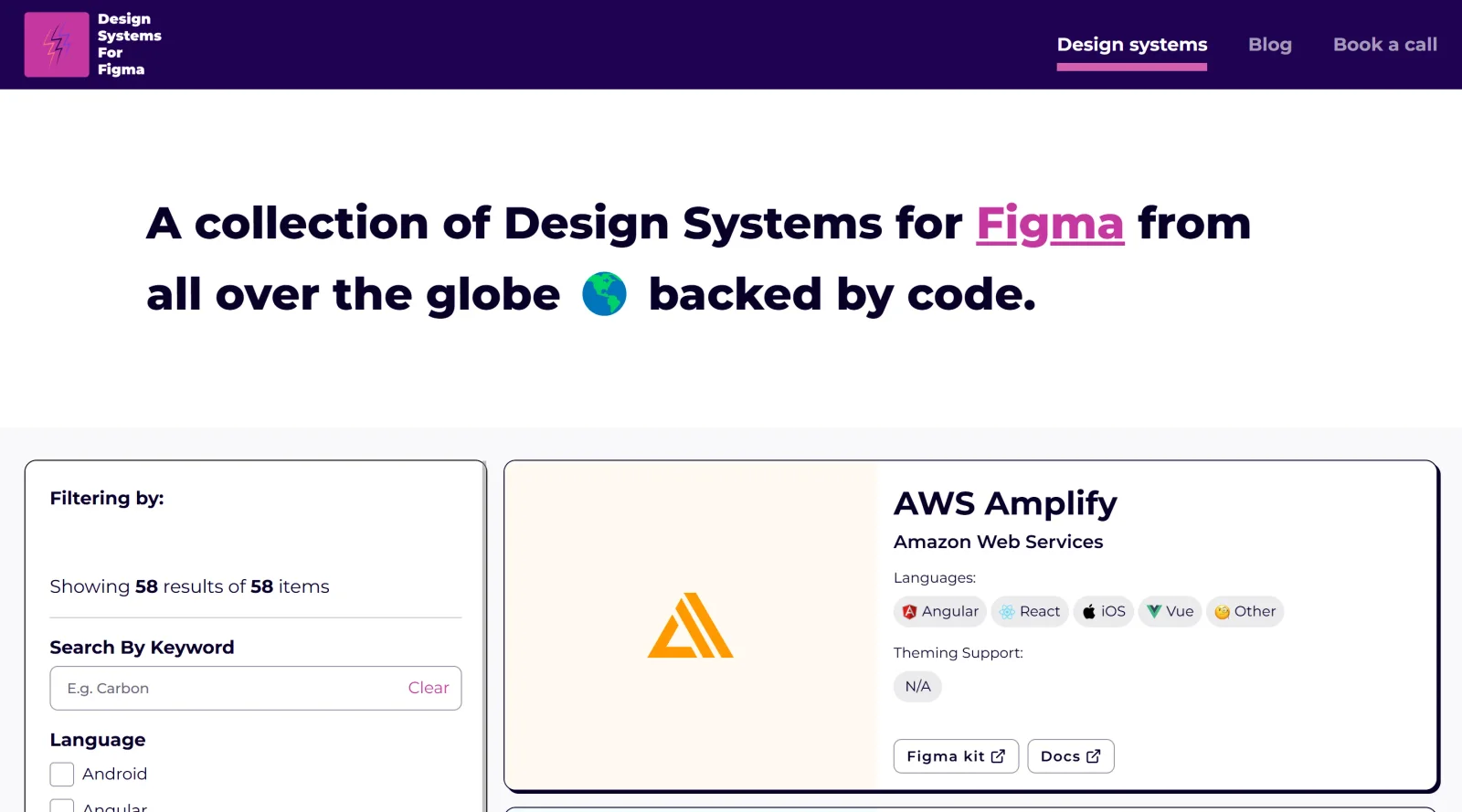
About Design Systems for Figma
What Is Design Systems for Figma?
Design Systems for Figma is a resource hub dedicated to creating, managing, and scaling design systems within the Figma environment. It falls under the Design category and is available for free, providing designers with expert insights, tools, and practical guidance to build consistent UI elements like components, variables, and styles. This tool fits into the design workflow by supporting the standardization of design tokens, typography, colors, and spacing, enabling teams to maintain uniformity across projects from initial ideation to final handoff.
What Design Systems for Figma Does
- Offers case studies from real-world implementations of Figma-based design systems, illustrating scalable component libraries and variable usage.
- Provides best practices for organizing design tokens, including color variables, typography scales, and spacing guidelines within Figma files.
- Delivers tools and templates for managing reusable assets such as UI components, styles, and Auto Layout structures.
- Supports documentation strategies for design systems, covering versioning, changelogs, and feedback integration.
- Facilitates theme management through modes and variables for light/dark variants and brand adaptations.
- Includes resources for syncing design libraries across teams, ensuring drag-and-drop access to approved elements.
How Design Systems for Figma Can Be Used
- Designers reference case studies to set up foundational elements like color palettes and typography styles for new projects, accelerating consistency in UI kits.
- Teams apply best practices to migrate legacy styles to variables, enabling bulk updates via Figma's REST API for large-scale systems.
- Product designers build component libraries with slots and properties, allowing customizable instances without detaching from the master design system.
- Collaborative workflows use the resources to document spatial systems and track component usage analytics, streamlining handoff to developers.
- Small teams prototype scalable designs by importing pre-structured assets, adapting them for apps or websites with Auto Layout support.
Who Is Design Systems for Figma For?
Design Systems for Figma serves UI/UX designers, design system managers, and product teams working in Figma who need structured approaches to maintain consistency across multiple products and brands. It suits individual designers starting component libraries as well as larger organizations scaling systems with variables, tokens, and shared libraries. Experience levels range from intermediate users familiar with Figma components to advanced practitioners handling enterprise-level documentation and updates. Those building UI kits, managing design tokens, or bridging design-to-code gaps find its insights applicable to real-world scenarios like theme switching and asset publishing.Visit Design Systems for Figma
Featured Tools
Sponsored
Artlist
Royalty-free music, SFX, 8K footage, templates, LUTs and 100+ AI models on a single subscription for video creators.

Icons8
Large icon packs featuring over 10,000 icons for consistent design themes.

Vidu
AI video generator with text, image and reference-to-video modes, producing 3–16 second clips at up to 1080p with characters that stay consistent across shots.
Your tool here
The tools above are our own picks until the slots sell.

Tools we recommend
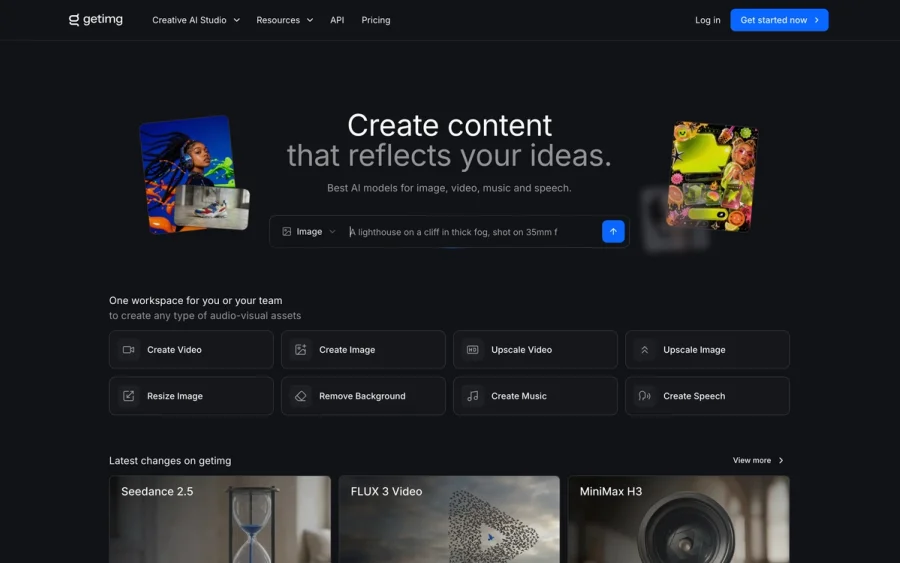

getimg.ai
20+ AI models for image, video & audio in one workspace
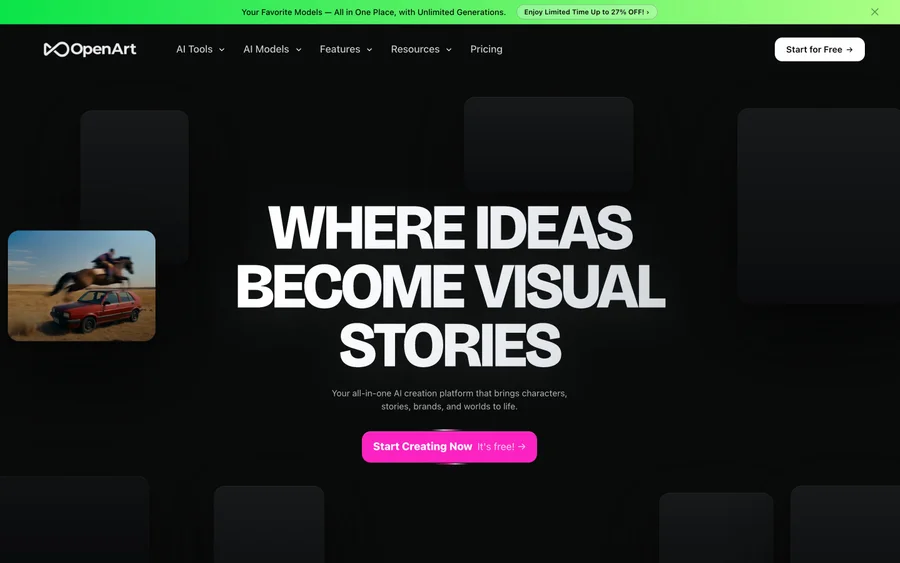

OpenArt
All-in-one AI image, video & audio generator


YouCam Online Editor
Free online AI photo & video editor
Editorially chosen. Some links above are affiliate links — if you sign up we may earn a commission, at no extra cost to you.
More Design Tools Tools
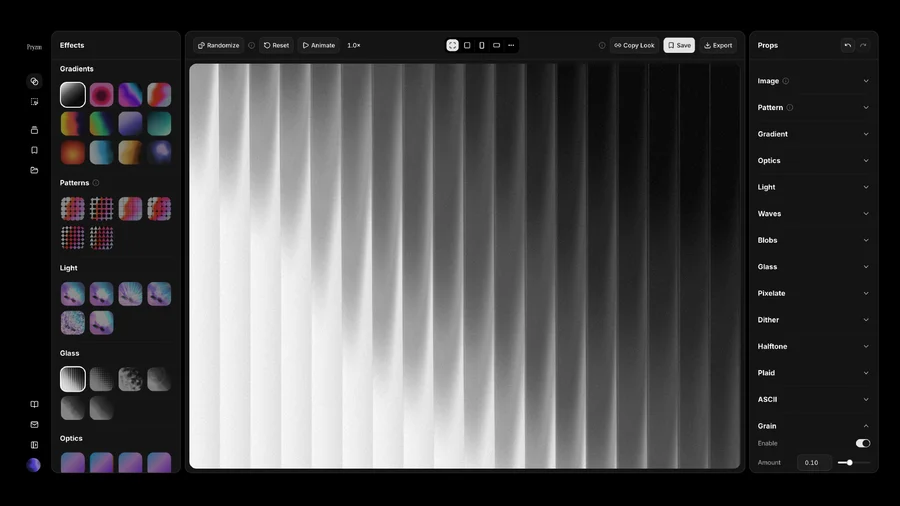

Pryzm
Pryzm is a real-time studio for designers who need backgrounds that don't look like everyone else's. Layer procedural gradients, then stack glass, grain, light and blobs.

Modeinspect
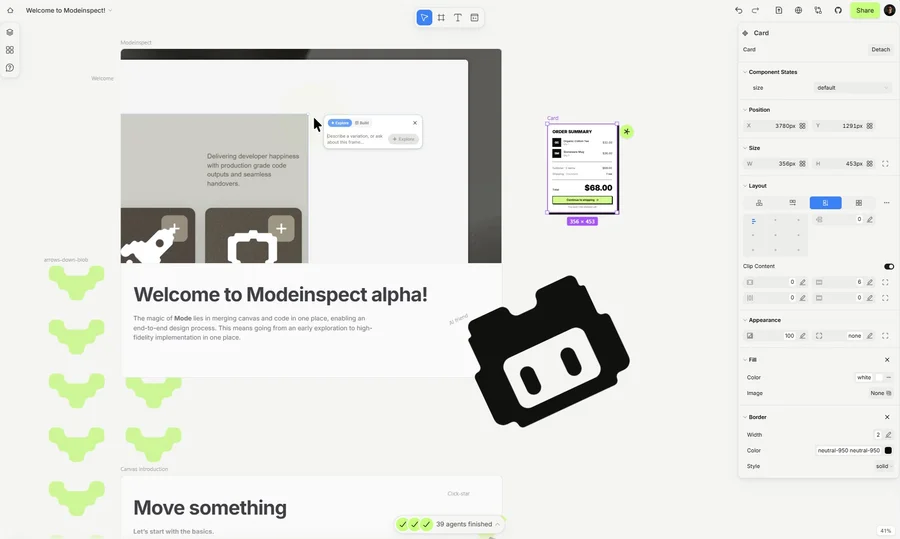
Mode turns your product’s codebase into editable canvas frames. Refine real UI with visual controls, experiment with AI then share or hand off for review.

GoProd
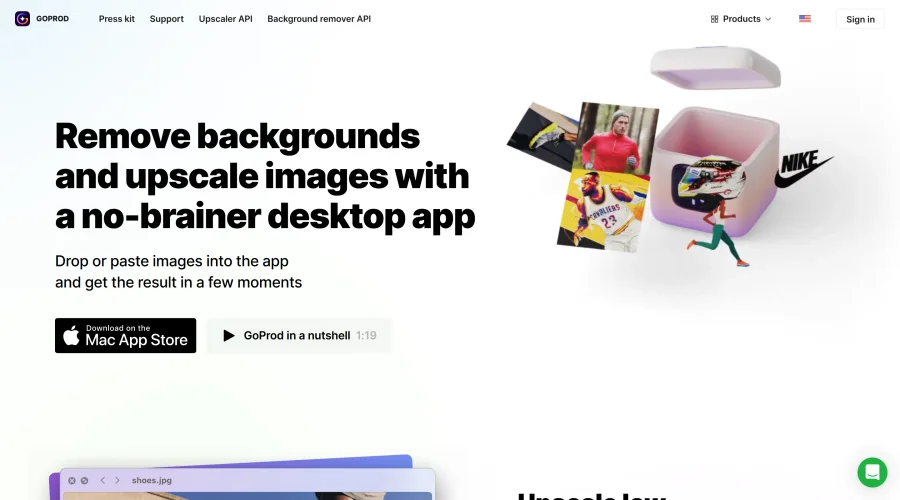
Remove backgrounds and upscale images effectively.

Kittl
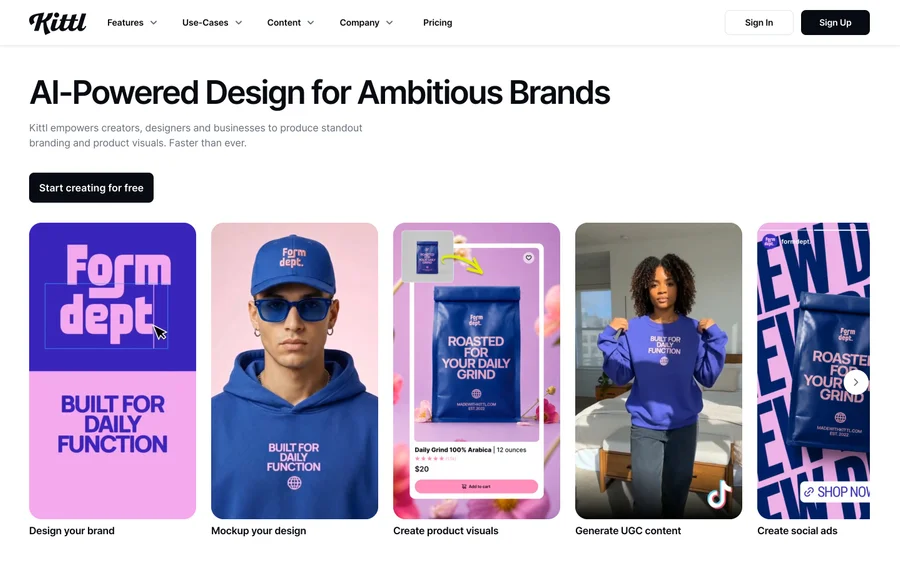
AI-first design platform with image, vector, and video generation, plus templates, mockups, and print-ready exports.

Lunacy
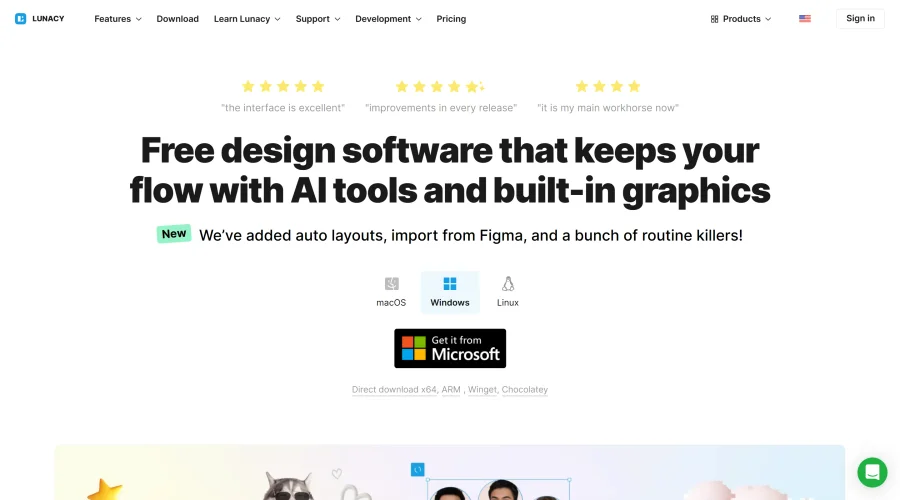
Free design software enhanced with AI tools and built-in graphics.
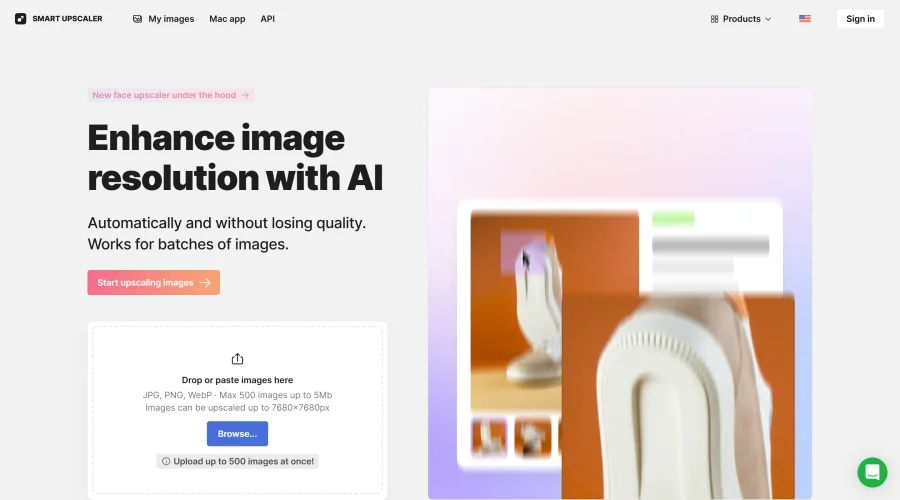

Smart Upscaler
Automatically improve image clarity using AI technology.
Explore Other Categories
Discover more design resources
New to Design?
Explore our comprehensive design glossary to master essential terminology from A/B Testing to Wireframes.
Browse GlossaryLooking for something specific?
Search through our entire collection of design tools and resources