

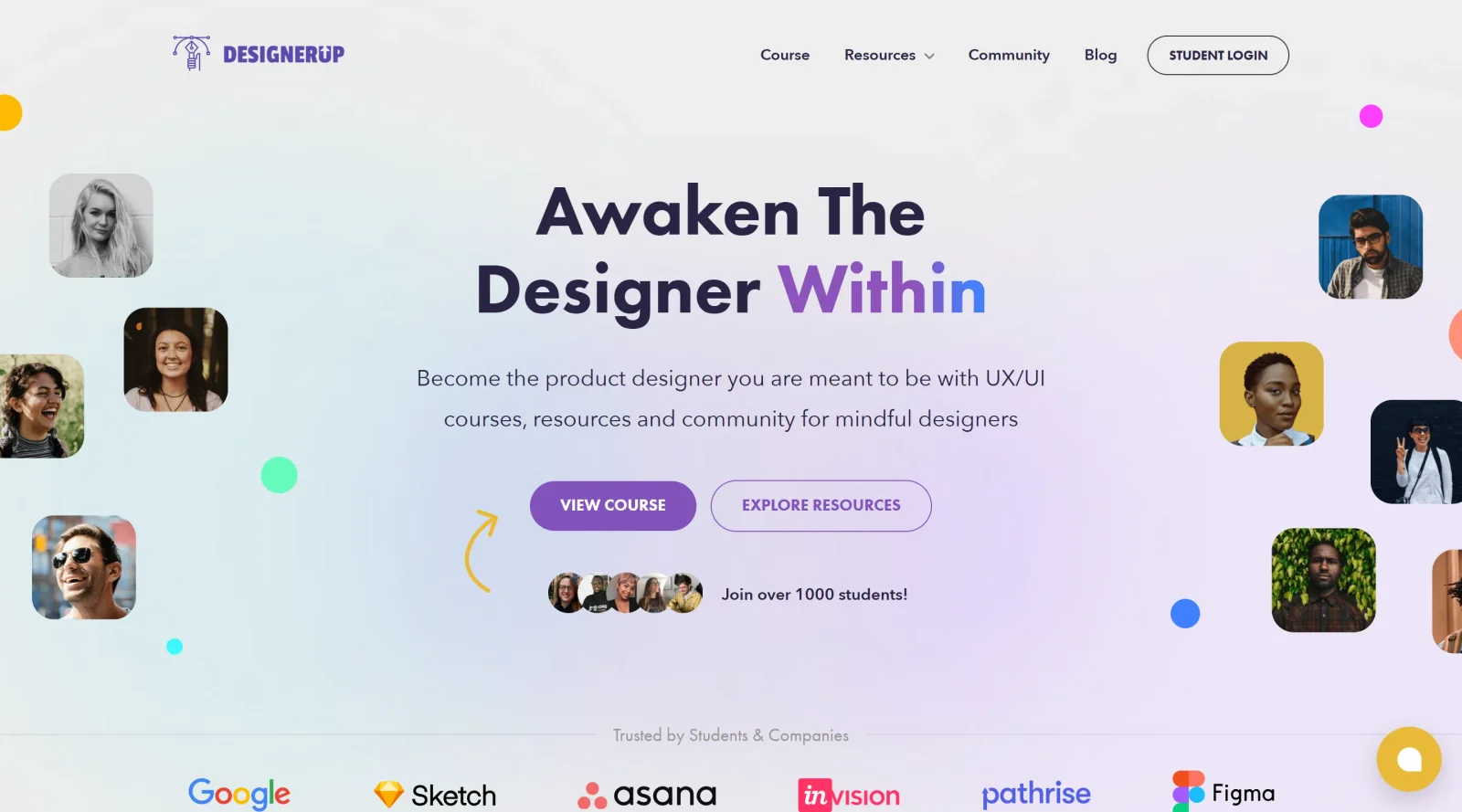
Self-paced learning in UX/UI and Product Design with a supportive student and mentor community.
What it costs
- Free tier
- No
Paid self-paced UX/UI product-design course (with free lessons/resources as a lead-in); the course price is not shown on the homepage.
Auto-checked on 8 August 2026Source
About DesignerUp
What Is DesignerUp?
DesignerUp is a paid educational platform and ecosystem designed to teach product design, UX/UI design, and related skills to designers at various career stages. Rather than a traditional design software tool, DesignerUp functions as a comprehensive learning resource that combines structured courses, free articles, webinars, and curated design knowledge to help individuals develop proficiency in digital product design workflows and methodologies.
What DesignerUp Does
- Offers a structured product design and UX/UI course covering foundational and advanced design concepts
- Provides free educational content including articles, webinars, and design talks accessible to learners at all levels
- Curates and recommends essential design tools, resources, and software for product designers
- Teaches design system creation, component libraries, and implementation strategies
- Guides learners through the stages of UI design and user experience workflows
- Offers templates and frameworks for design documentation, research, and project organization
How DesignerUp Can Be Used
- As a learning pathway for designers transitioning into UX/UI or product design roles
- For understanding how to integrate complementary design tools like Figma, Canva, and prototyping software into a cohesive workflow
- To develop knowledge about design systems, component architecture, and design-to-development handoffs
- As a reference resource for best practices in wireframing, prototyping, user research, and design validation
- For building design portfolios by learning project organization and presentation methods
Who Is DesignerUp For?
DesignerUp serves aspiring and practicing UX/UI designers, product designers, and design professionals seeking structured education and practical knowledge. The platform accommodates learners at different stages—from beginners exploring product design for the first time to experienced designers refining advanced skills like design systems and collaborative workflows. It is particularly valuable for those looking to understand how different design tools fit together and how to approach product design projects systematically. Visit DesignerUp
Featured Tools
Sponsored
Artlist
Royalty-free music, SFX, 8K footage, templates, LUTs and 100+ AI models on a single subscription for video creators.

Icons8
Large icon packs featuring over 10,000 icons for consistent design themes.

Vidu
AI video generator with text, image and reference-to-video modes, producing 3–16 second clips at up to 1080p with characters that stay consistent across shots.
Your tool here
The tools above are our own picks until the slots sell.
Spotlight
SponsoredRotates daily
HyNote
Records and transcribes interviews and meetings, then turns them into summaries and action items.
More Educational Tools


10x Designers
Broaden your design skills with this resource.


AJ Smart
Premier resource for UX/UI, design sprints, and design thinking.


Android Design Hub
Android UI design best practices for creating beautiful interfaces.


Baseline
Expertly crafted free design bootcamp for skill enhancement.


Better Web Type
Complimentary web typography course for designers and developers.


Biased by Design
Insights on recognizing and countering cognitive bias in design.
Explore Other Categories
Discover more design resources
New to Design?
Explore our comprehensive design glossary to master essential terminology from A/B Testing to Wireframes.
Browse GlossaryLooking for something specific?
Search through our entire collection of design tools and resources