

What it costs
- Free tier
- Yes
Free device-mockup generator ('create device mockups... for free'); no paid plan shown.
Auto-checked on 8 August 2026Source
About Device Shots
What Is Device Shots?
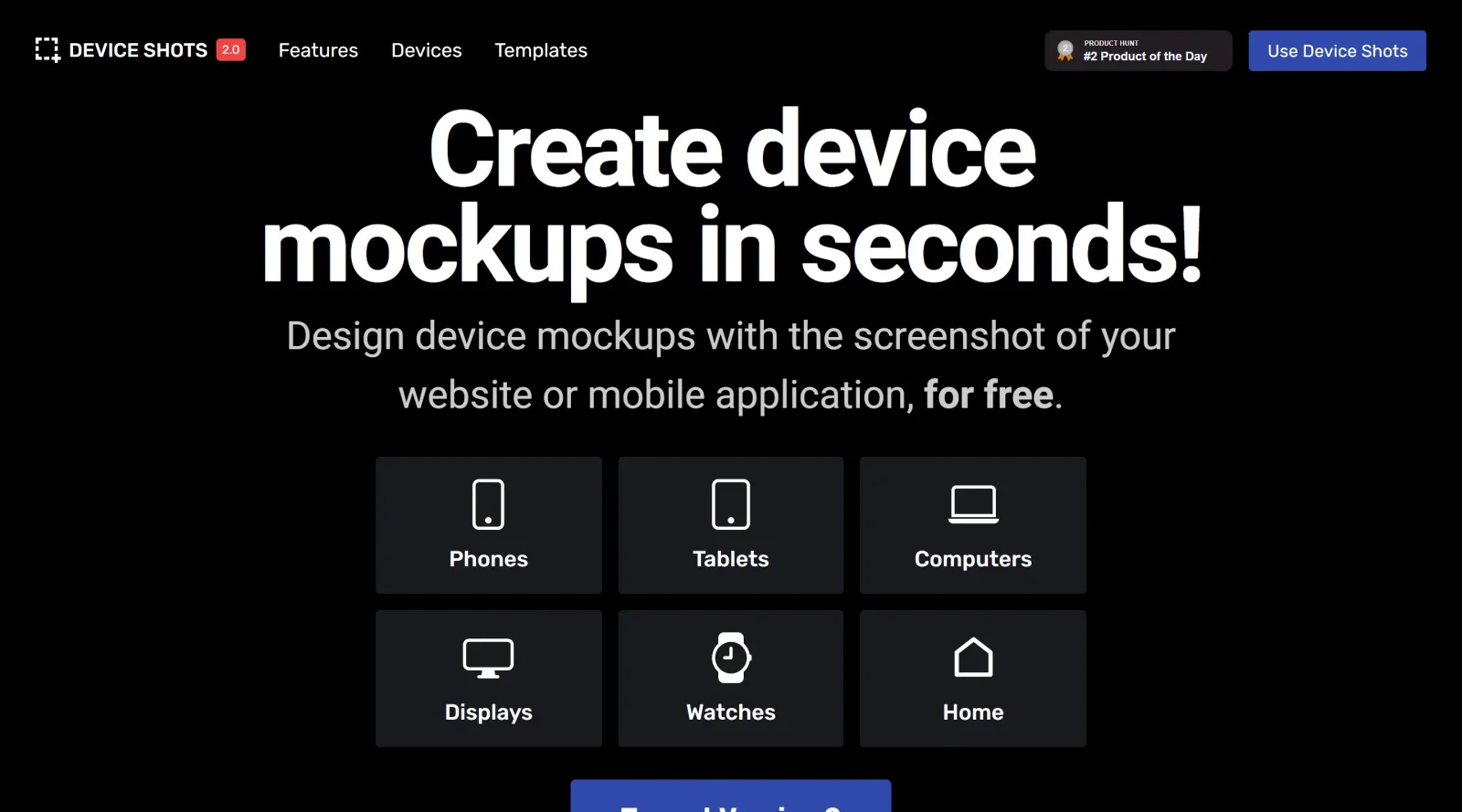
Device Shots is a free web-based design tool that generates high-resolution device mockups from screenshots and images. It allows designers and developers to quickly showcase website and app designs within realistic device frames—such as phones, tablets, computers, and watches—without requiring complex design software. The tool streamlines the mockup creation process by combining template selection, image insertion, and customization in a browser-based interface.
What Device Shots Does
- Generates device mockups across multiple device categories including smartphones, tablets, laptops, smartwatches, displays, and home gadgets
- Accepts screenshot and image files in JPG, PNG, GIF, and SVG formats for placement on device screens
- Provides customizable templates tailored for various social media platforms and presentation contexts
- Offers design customization options including background colors, text alignment, object resizing, and rotation
- Exports mockups as high-resolution images ready for social sharing and marketing materials
- Requires no software installation or account creation for basic use
How Device Shots Can Be Used
- Creating app and website mockups for portfolio presentations and case studies
- Generating social media graphics that showcase product UI and user experience design
- Producing marketing assets for app launches and product announcements
- Building pitch deck visuals for investor presentations and client proposals
- Designing promotional materials that display responsive design across multiple devices
Who Is Device Shots For?
Device Shots is designed for web designers, mobile app developers, UI/UX professionals, and product marketers who need to present digital designs in realistic contexts. It serves teams looking to create polished mockups without investing time in complex design tools like Photoshop or Figma. The tool works well for freelancers, agencies, and in-house teams at any scale who regularly need to generate device mockups for portfolios, client presentations, or marketing campaigns. Visit Device Shots
Featured Tools
Sponsored
Artlist
Royalty-free music, SFX, 8K footage, templates, LUTs and 100+ AI models on a single subscription for video creators.

Icons8
Large icon packs featuring over 10,000 icons for consistent design themes.

Vidu
AI video generator with text, image and reference-to-video modes, producing 3–16 second clips at up to 1080p with characters that stay consistent across shots.
Your tool here
The tools above are our own picks until the slots sell.
Spotlight
SponsoredRotates daily
Hailuo AI
AI video generator from MiniMax with cinematic, language-driven camera control.
More Mockups Tools
3D Transformer
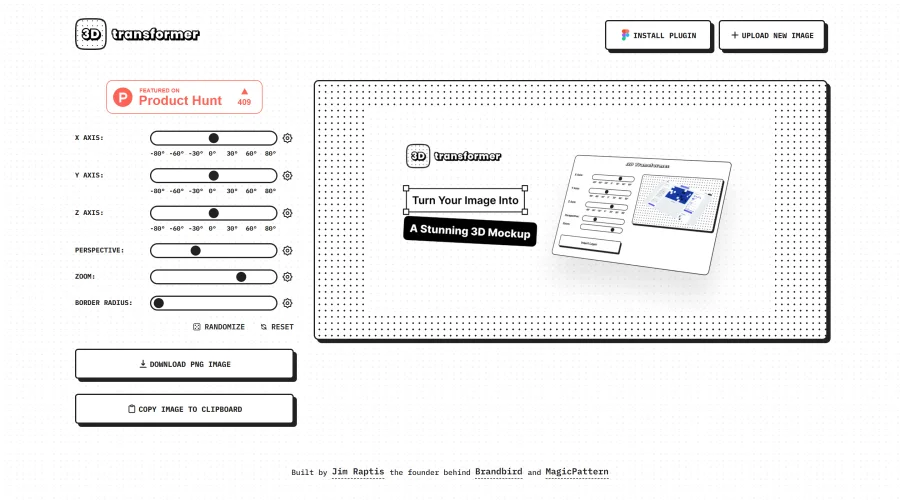
Transform frames into striking 3D mockups online and in Figma.
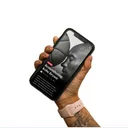
All Hands
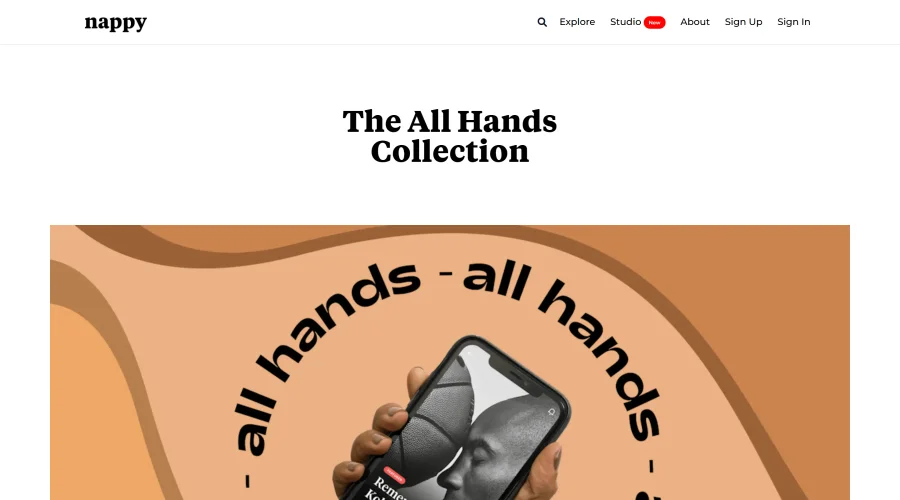
25 free device mockups showcasing diverse hand types.
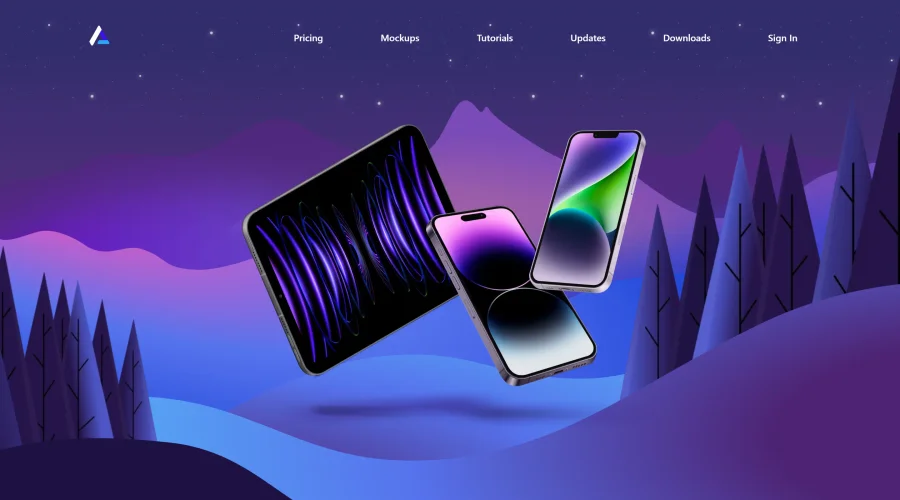

Angle
1,000 vector and 3D device mockups compatible with Sketch, Figma, and XD.
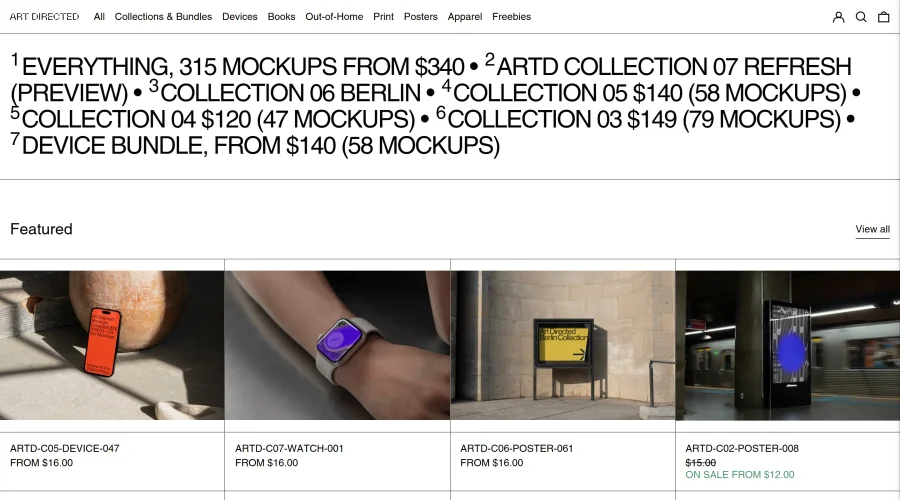
Art Directed
Modern mockups designed for contemporary design presentations.
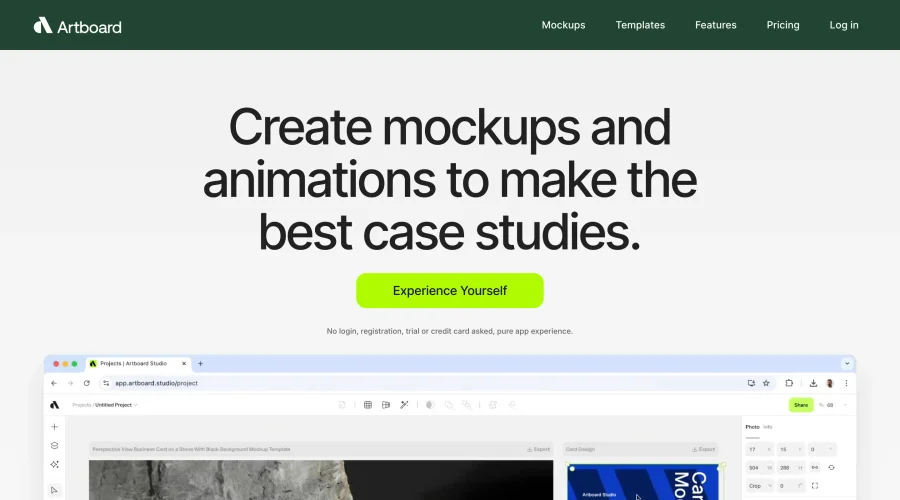

Artboard Studio Mockup Generator
Design amazing mockups and realistic scenes effortlessly.
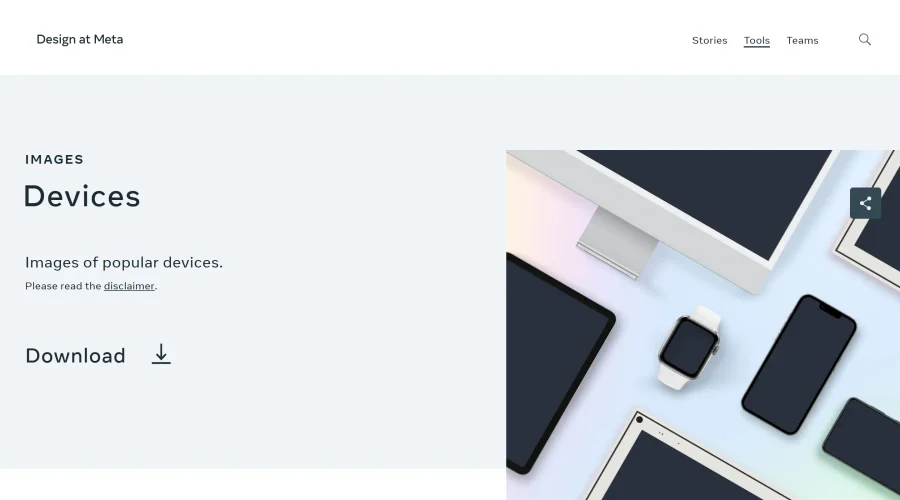
Design at Meta - Devices
Gallery of popular device images for diverse uses.
Explore Other Categories
Discover more design resources
New to Design?
Explore our comprehensive design glossary to master essential terminology from A/B Testing to Wireframes.
Browse GlossaryLooking for something specific?
Search through our entire collection of design tools and resources