

What it costs
- Free tier
- Yes
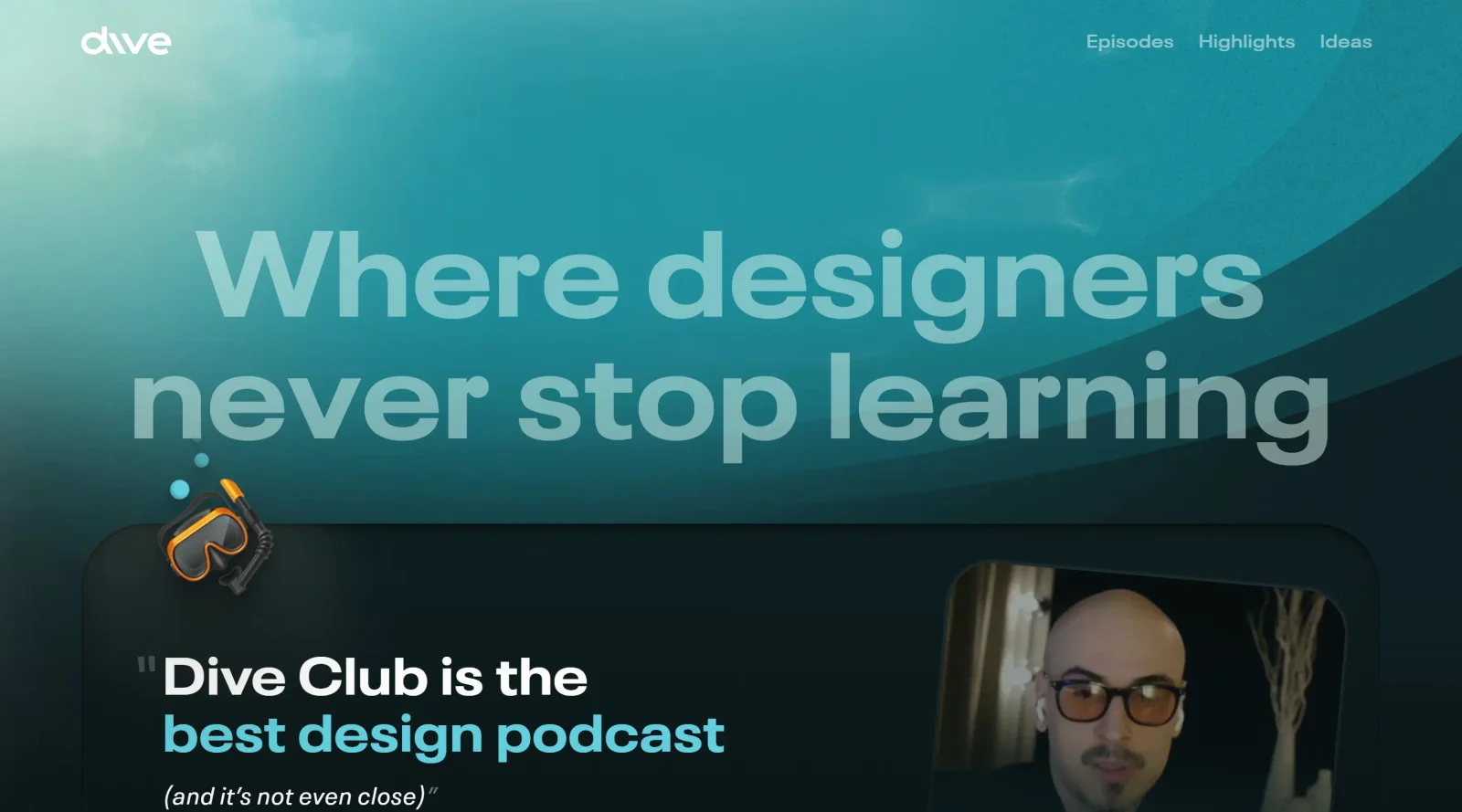
Now presents as a free design podcast + weekly newsletter with no pricing shown (catalog lists 'Paid'); the same creator's paid Figma Academy is a separate product.
Auto-checked on 8 August 2026Source
About Dive
What Is Dive?
Dive is a **design** platform that supports ongoing learning and skill development for designers. It operates as a paid service in the design category, providing resources and tools tailored to professional workflows in UI/UX and product design. Dive fits into the design process by offering continuous education and idea exploration, helping designers stay updated amid evolving tools and practices.
What Dive Does
- Delivers curated content on design tooling, including AI integrations and future trends in design software.
- Facilitates idea sharing through a club-like community structure for design professionals.
- Supports exploration of advanced design workflows, such as prompt-based creation and custom tool building.
- Provides access to discussions on innovative features like those in modern AI-assisted design environments.
- Enables designers to engage with content on building custom design tools without starting from scratch.
- Hosts resources on product feedback gathering and analysis using AI prompts for design improvement.
How Dive Can Be Used
- Designers use Dive to research emerging AI tools for generating UI components from text prompts during early ideation phases.
- Teams access Dive's ideas section to study trends in design tooling, applying insights to refine Figma plugins or custom workflows.
- Individual contributors browse Dive for learning paths on advanced design practices, integrating new techniques into daily prototyping sessions.
- Product designers leverage Dive content to analyze user feedback themes, extracting actionable quotes to inform iteration cycles.
- Collaborative groups within Dive discuss and prototype custom design solutions, transitioning ideas from concept to implementation.
Who Is Dive For?
Dive serves designers at intermediate to advanced levels, including UI/UX specialists, product designers, and teams focused on AI-enhanced workflows. It suits those working on complex projects requiring continuous upskilling in design tools, from prototyping with generative AI to building bespoke solutions. Roles in software design agencies or tech product teams find particular value in its focus on forward-looking design practices. Visit Dive
Featured Tools
Sponsored
Artlist
Royalty-free music, SFX, 8K footage, templates, LUTs and 100+ AI models on a single subscription for video creators.

Icons8
Large icon packs featuring over 10,000 icons for consistent design themes.

Vidu
AI video generator with text, image and reference-to-video modes, producing 3–16 second clips at up to 1080p with characters that stay consistent across shots.
Your tool here
The tools above are our own picks until the slots sell.
Spotlight
SponsoredRotates daily
HyNote
Records and transcribes interviews and meetings, then turns them into summaries and action items.
More Educational Tools


10x Designers
Broaden your design skills with this resource.


AJ Smart
Premier resource for UX/UI, design sprints, and design thinking.


Android Design Hub
Android UI design best practices for creating beautiful interfaces.


Baseline
Expertly crafted free design bootcamp for skill enhancement.


Better Web Type
Complimentary web typography course for designers and developers.


Biased by Design
Insights on recognizing and countering cognitive bias in design.
Explore Other Categories
Discover more design resources
New to Design?
Explore our comprehensive design glossary to master essential terminology from A/B Testing to Wireframes.
Browse GlossaryLooking for something specific?
Search through our entire collection of design tools and resources