

What it costs
- Free tier
- Yes
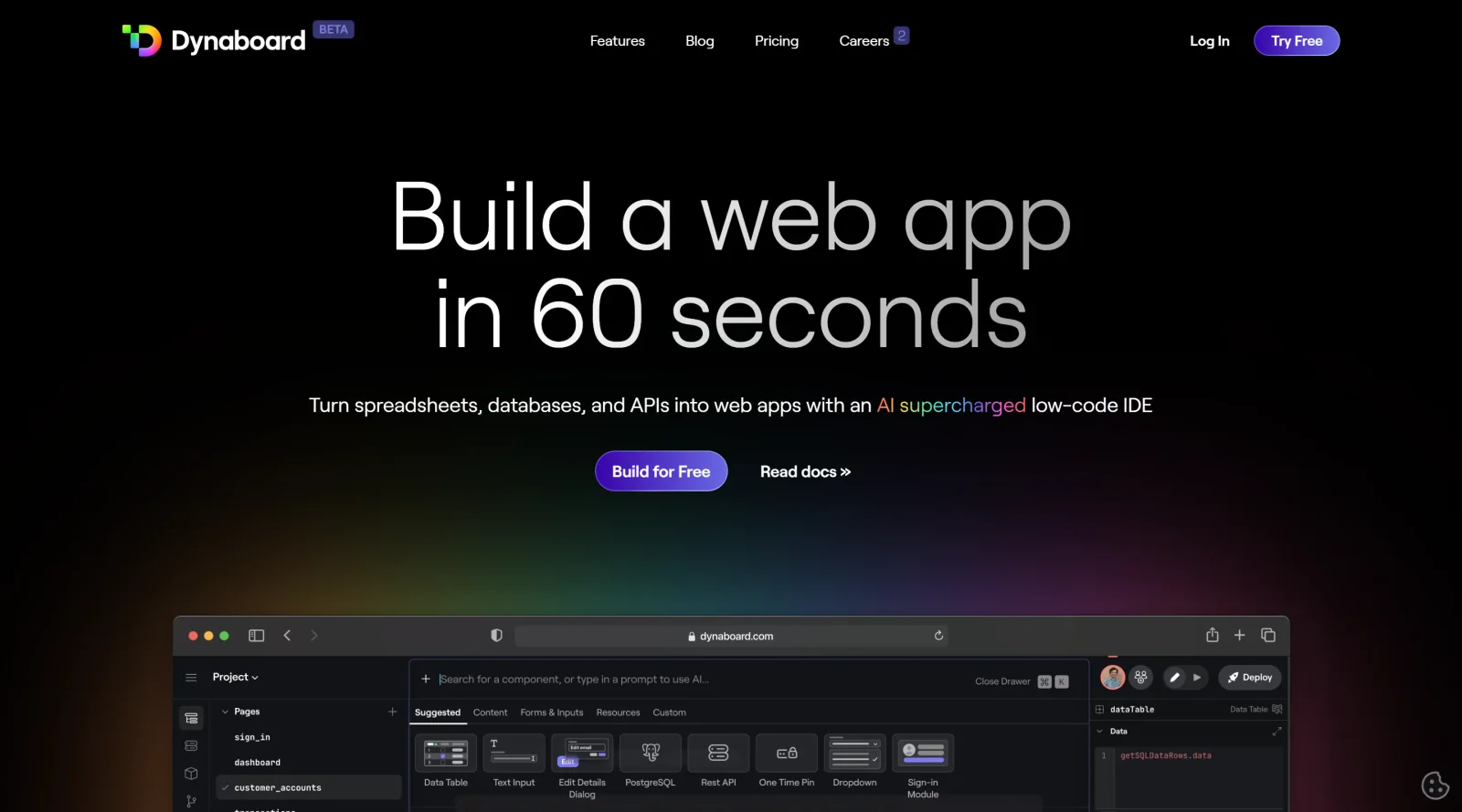
Free tier ('Build for free') but no prices shown; a banner notes Dynaboard is being acquired by Figma.
Auto-checked on 8 August 2026Source
About Dynaboard
What Is Dynaboard?
Dynaboard is a collaborative low-code IDE designed for building web applications quickly. It combines drag-and-drop visual building with code editing capabilities, generative AI features, and real-time collaboration tools to support design, development, and deployment workflows. Categorized under design tools, Dynaboard fits into the design phase by enabling UI component creation and extends into development for full app assembly. Currently available in beta, it targets teams needing to turn data sources like spreadsheets, databases, and APIs into interactive web apps.
What Dynaboard Does
- Generates UI components, code in TypeScript/JavaScript, SQL, and CSS using natural language prompts in any editor.
- Connects to databases such as PostgreSQL, MySQL, and BigQuery to create data-rich forms, charts, tables, and dropdowns with automatic linking.
- Supports real-time multiplayer editing powered by CRDTs for code, UI elements, data manipulation, and debugging across team members.
- Provides a drag-and-drop builder alongside a code editor for integrating APIs, databases, and custom logic.
- Allows creation and reuse of custom components, including React inline, with flexible theming and multi-page app support like navigation bars and sidebars.
- Enables production deployments with multi-environment support, automatic versioning, rollbacks, and server-side code execution.
How Dynaboard Can Be Used
- Developers prompt AI in the editor to generate interactive dashboards from database queries, adding filters that update charts and tables in real-time.
- Teams collaborate on admin panels by simultaneously editing UI designs and TypeScript logic, with live previews eliminating build waits.
- Product managers and designers fork templates for customer portals, customizing components and integrating APIs without full coding.
- Analysts build business intelligence apps by querying data sources and embedding dynamic widgets into websites.
- Remote groups conduct pair programming sessions to review code, fix bugs, or assemble approval flows with cron job triggers.
Who Is Dynaboard For?
Dynaboard serves developers, designers, product managers, analysts, and business stakeholders working on interactive web apps. It suits teams building custom CMS, admin panels, customer portals, BI dashboards, approval workflows, or embeddable widgets, especially those valuing real-time collaboration and low-code efficiency alongside code flexibility. Experience levels range from developer-adjacent users handling visual builds to engineers extending with custom TypeScript and serverless functions. Visit Dynaboard
Featured Tools
Sponsored
Artlist
Royalty-free music, SFX, 8K footage, templates, LUTs and 100+ AI models on a single subscription for video creators.

Icons8
Large icon packs featuring over 10,000 icons for consistent design themes.

Vidu
AI video generator with text, image and reference-to-video modes, producing 3–16 second clips at up to 1080p with characters that stay consistent across shots.
Your tool here
The tools above are our own picks until the slots sell.

Tools we recommend
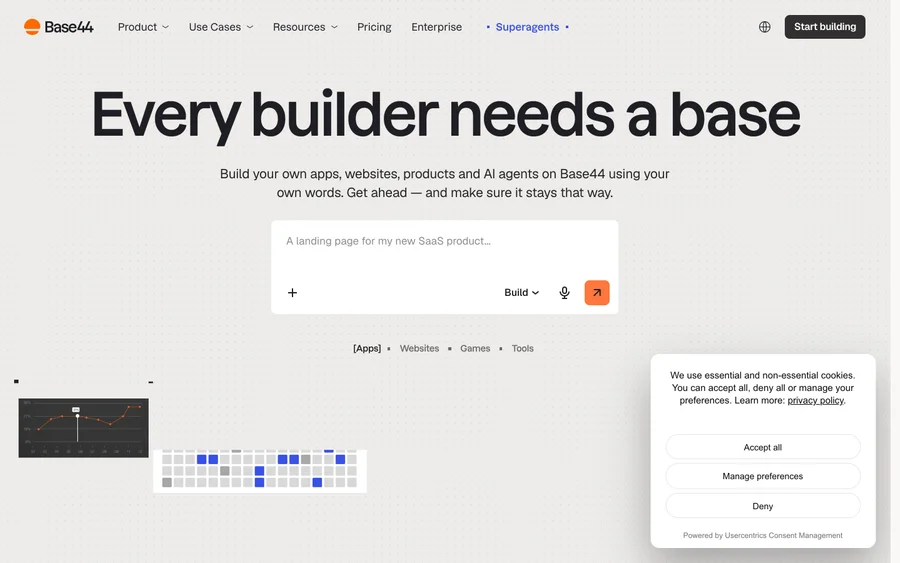

Base44
Build full-stack apps from a prompt (by Wix)
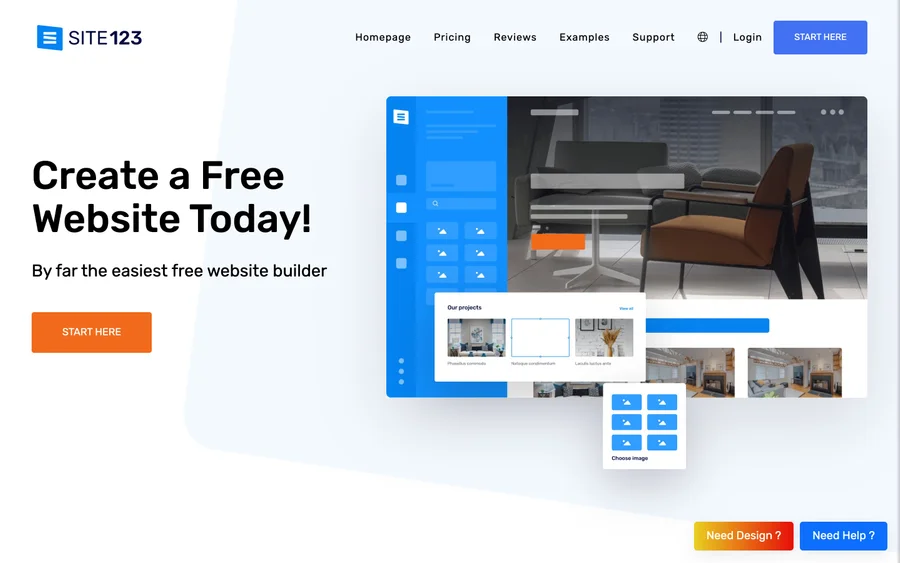

SITE123
Free website builder with hosting included
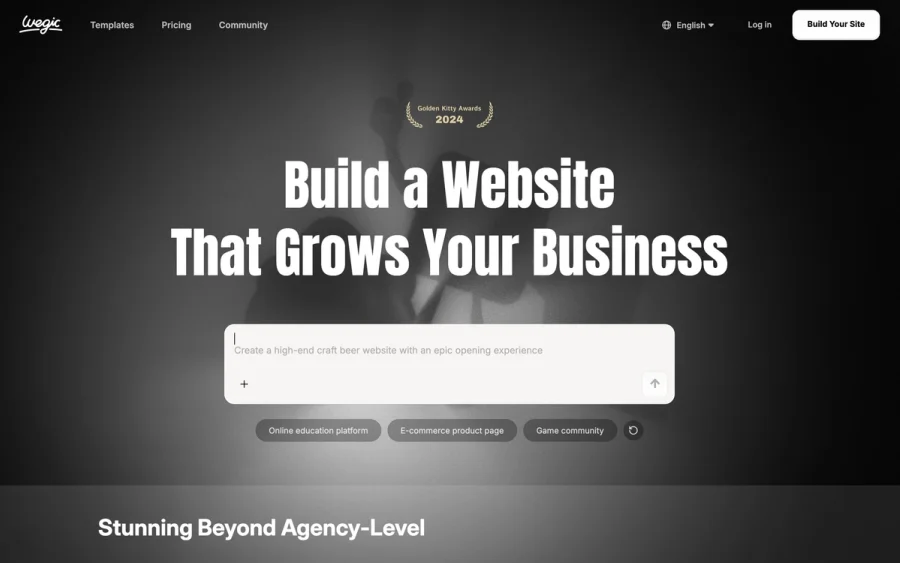

Wegic
Build & manage a whole site by chatting with AI
Editorially chosen. Some links above are affiliate links — if you sign up we may earn a commission, at no extra cost to you.
More Website Builders Tools


Framer
Design and launch your dream website with no coding required.
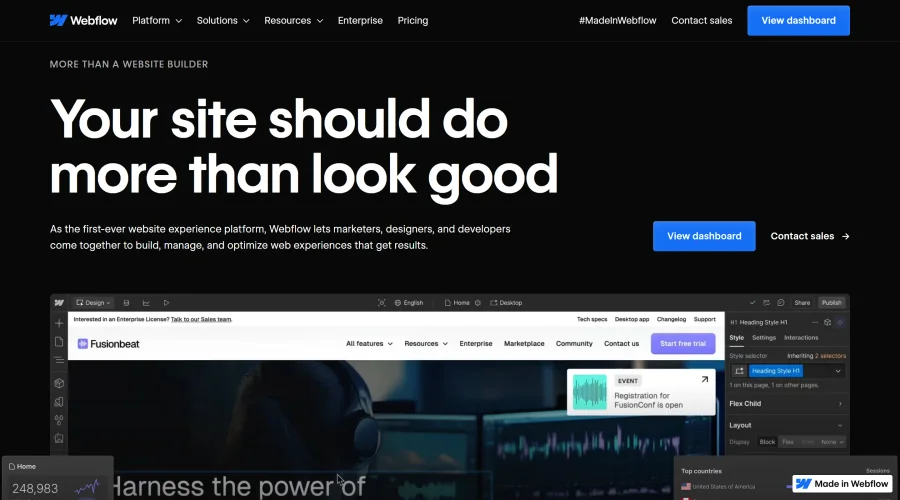

Webflow
Accelerate website creation without needing to code.
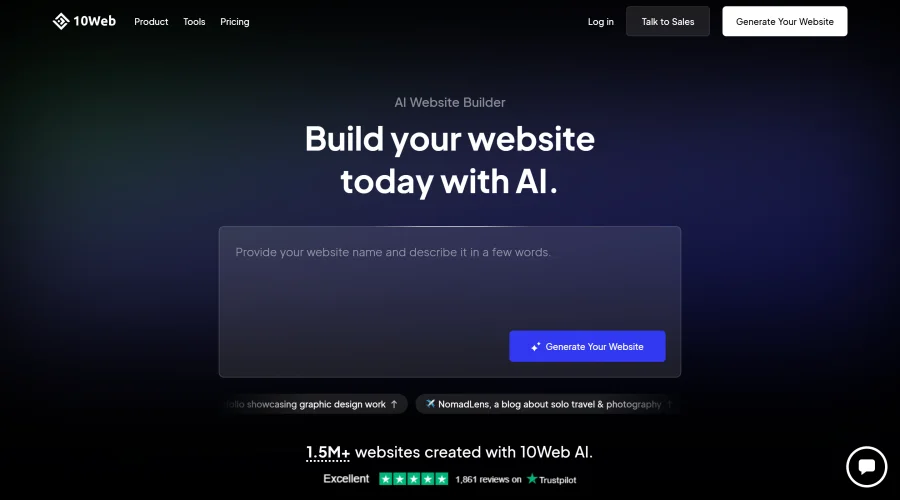

10Web
AI-enhanced WordPress website builder for easy site creation.
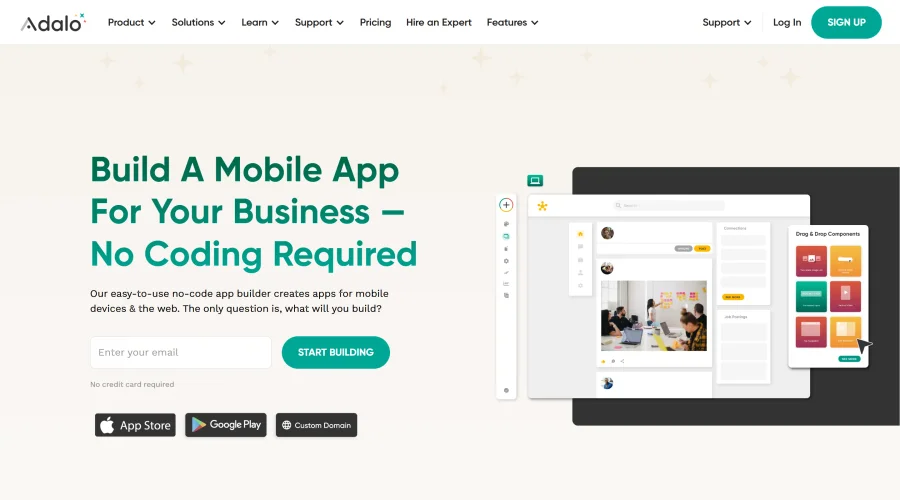

Adalo
Turn app ideas into reality without needing to code.
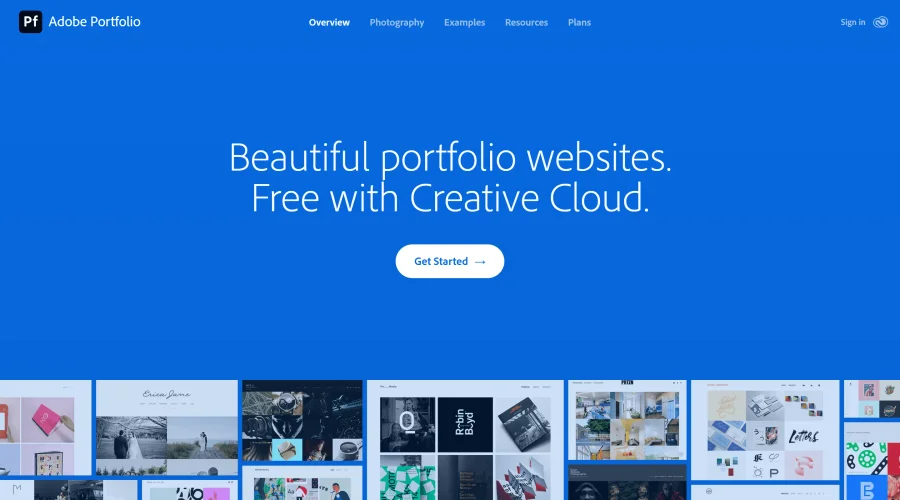

Adobe Portfolio
Build stunning portfolio websites, free with Creative Cloud.

AppMaster
Next-gen no-code platform for automating business processes and building native apps.
Explore Other Categories
Discover more design resources
New to Design?
Explore our comprehensive design glossary to master essential terminology from A/B Testing to Wireframes.
Browse GlossaryLooking for something specific?
Search through our entire collection of design tools and resources