

A free library of Figma components for easy copying and pasting.
What it costs
- Free tier
- No
Domain now resolves to an unrelated gambling/spam site (KANTORBOLA); original tool appears dead.
Auto-checked on 8 August 2026Source
About Figcomponents
What Is Figcomponents?
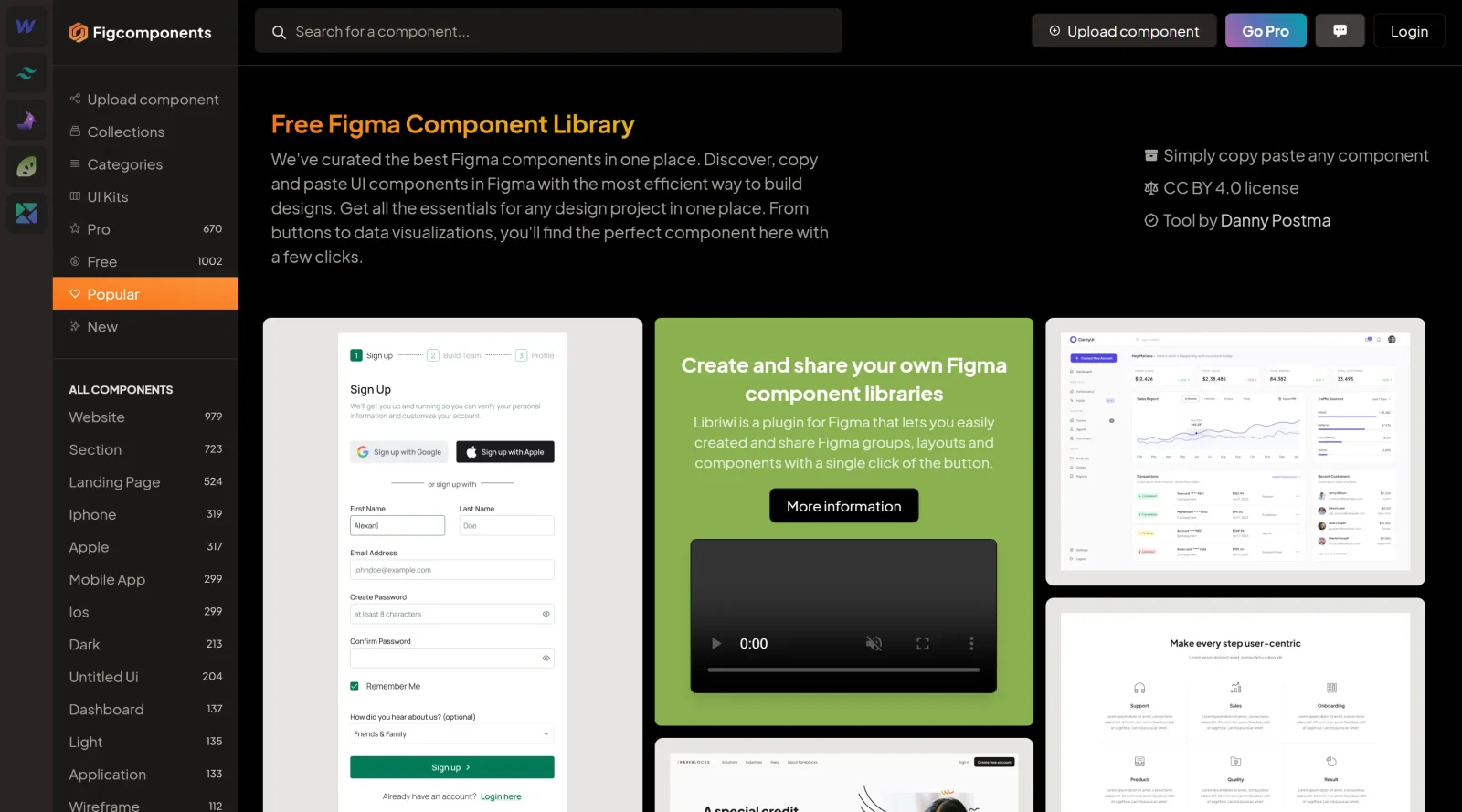
Figcomponents is a **free Figma component library** in the design category that provides access to curated UI components for Figma users. Its core purpose is to enable designers to discover, copy, and paste pre-designed elements directly into their projects, streamlining the process of building interfaces. Figcomponents fits into the early to mid stages of the design workflow, where creators assemble layouts, prototypes, and design systems using reusable assets rather than starting from scratch.
What Figcomponents Does
- Offers a collection of hundreds of predesigned UI components, including buttons, navigation elements, charts, and data visualizations.
- Allows one-click copy and paste functionality to insert components directly into Figma files.
- Provides organized categories such as products, roadmaps, integrations, newsletters, tables, carts, and dashboards for targeted selection.
- Uses CC BY 4.0 licensing to permit free use and integration into projects without legal restrictions.
- Curates components from various designers, covering essentials for web and mobile design projects.
- Supports efficient building of design systems through reusable, production-ready assets.
How Figcomponents Can Be Used
- Designers copy and paste buttons or navigation menus into a new Figma file to quickly prototype app interfaces.
- Teams assemble dashboard layouts using table stacks, charts, and data stats components for analytics pages.
- Product designers integrate newsletter signup forms or product overview sections into landing page wireframes.
- Developers and designers collaborate by pasting shared components like modals or checkout flows to maintain consistency across files.
- Freelancers build complete web app mockups by selecting from categories like carts, teams, or blog grids to match client requirements.
These workflows reduce time spent on basic element creation, allowing focus on custom layouts and iterations within Figma.
Who Is Figcomponents For?
Figcomponents serves Figma users including designers, developers, and creative professionals who need quick access to UI components for web and mobile projects. It suits solo practitioners building prototypes, teams maintaining design systems, and beginners learning interface assembly through reusable elements. Those working on dashboards, e-commerce pages, or SaaS interfaces find its curated library particularly applicable, as it handles common patterns like forms, menus, and visualizations.
Featured Tools
Sponsored
Artlist
Royalty-free music, SFX, 8K footage, templates, LUTs and 100+ AI models on a single subscription for video creators.

Icons8
Large icon packs featuring over 10,000 icons for consistent design themes.

Vidu
AI video generator with text, image and reference-to-video modes, producing 3–16 second clips at up to 1080p with characters that stay consistent across shots.
Your tool here
The tools above are our own picks until the slots sell.
Spotlight
SponsoredRotates daily
Base44
No-code AI platform that builds full-stack apps and websites from plain-language prompts.
More UI Kits Tools
Apple Design Resources
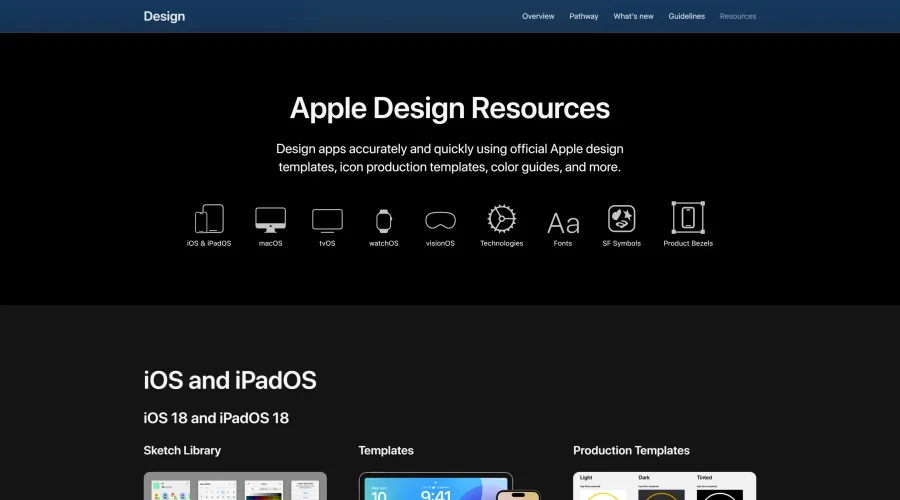
Apple’s official resources for iOS: Sketch, Photoshop, and XD templates and guides.

Blank 2.5
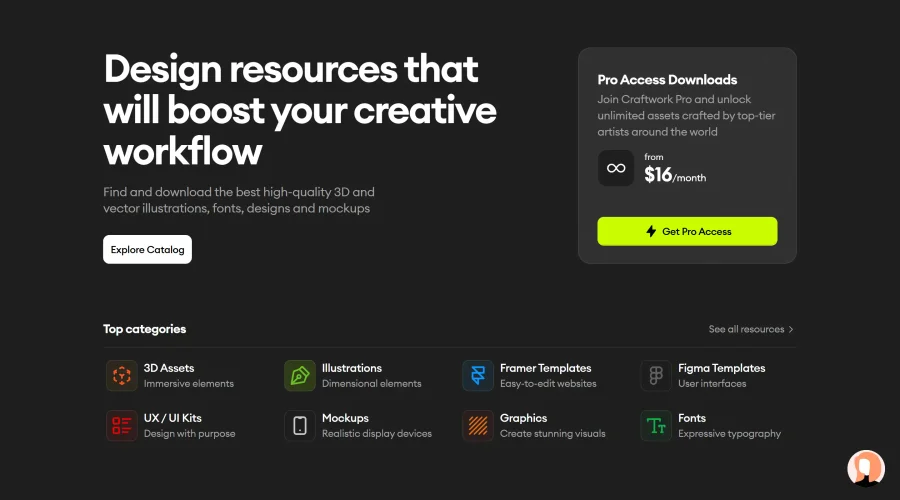
Fast and efficient UI kit and design system for landing page projects.
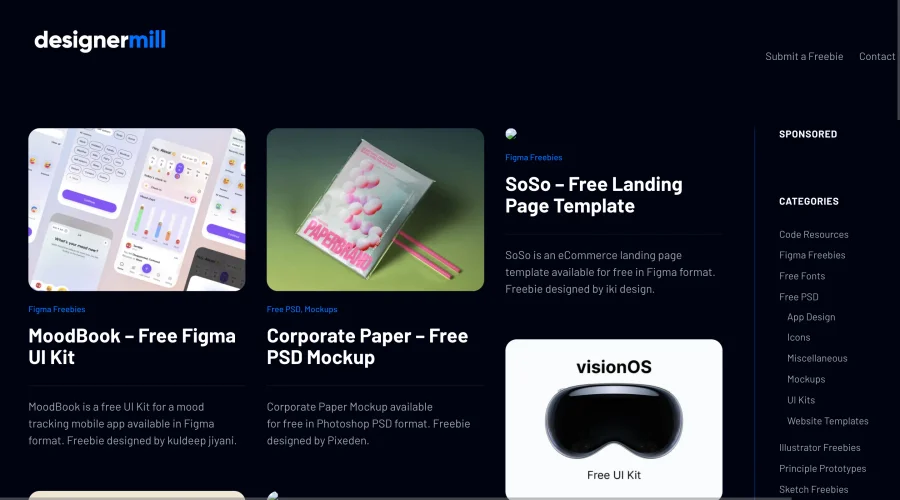

DesignerMill
Free collection of PSDs, Sketch files, fonts, and more for designers.
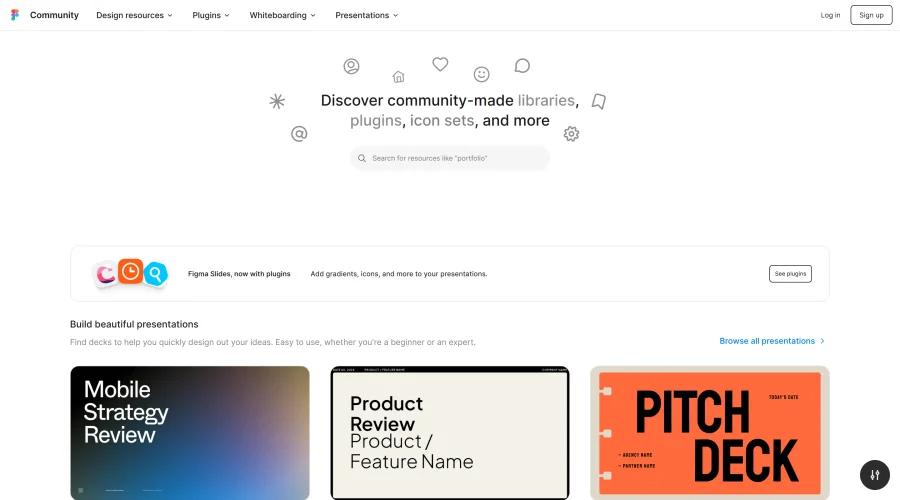
Figma Community
Exclusive files and plugins designed for Figma.
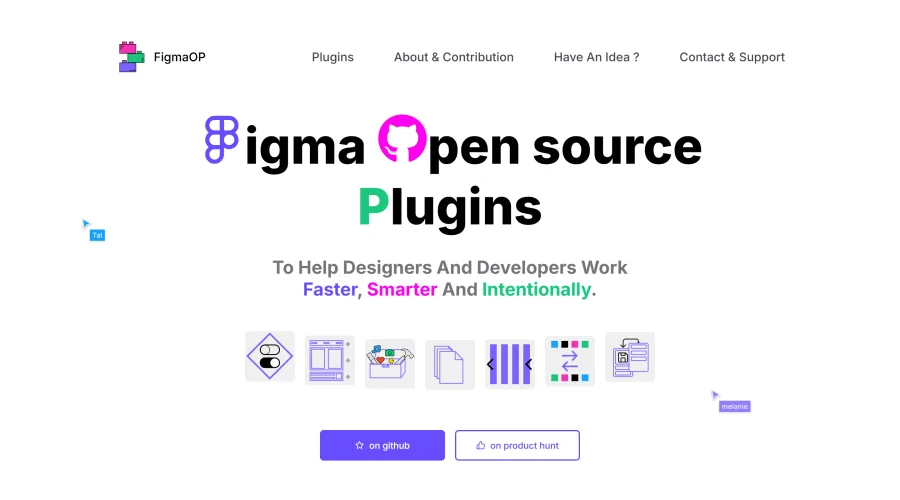

FigmaOP
Open-source plugins to enhance efficiency and intentionality in design.
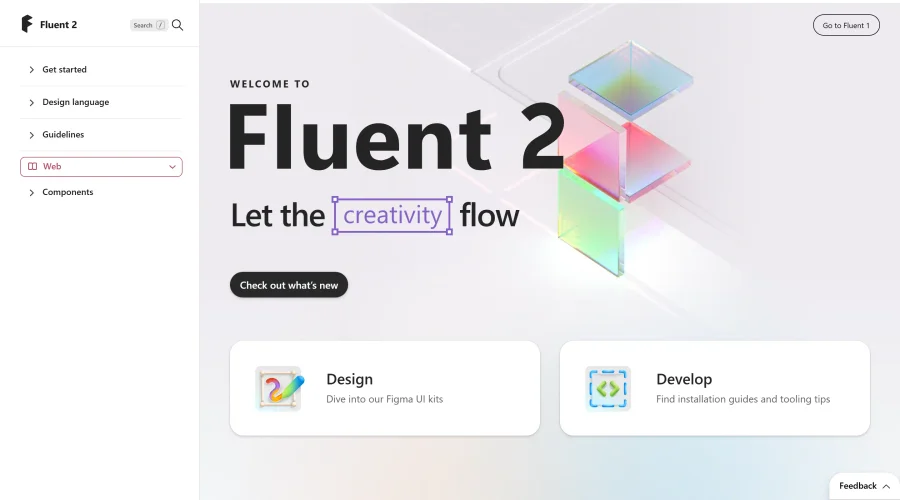

Fluent 2
The advanced iteration of Microsoft's design system.
Explore Other Categories
Discover more design resources
New to Design?
Explore our comprehensive design glossary to master essential terminology from A/B Testing to Wireframes.
Browse GlossaryLooking for something specific?
Search through our entire collection of design tools and resources