
Open-source plugins to enhance efficiency and intentionality in design.
What it costs
- Free tier
- Yes
Free, open-source Figma plugins; optional 'Buy me a coffee' donations.
Auto-checked on 8 August 2026Source
About FigmaOP
What Is FigmaOP?
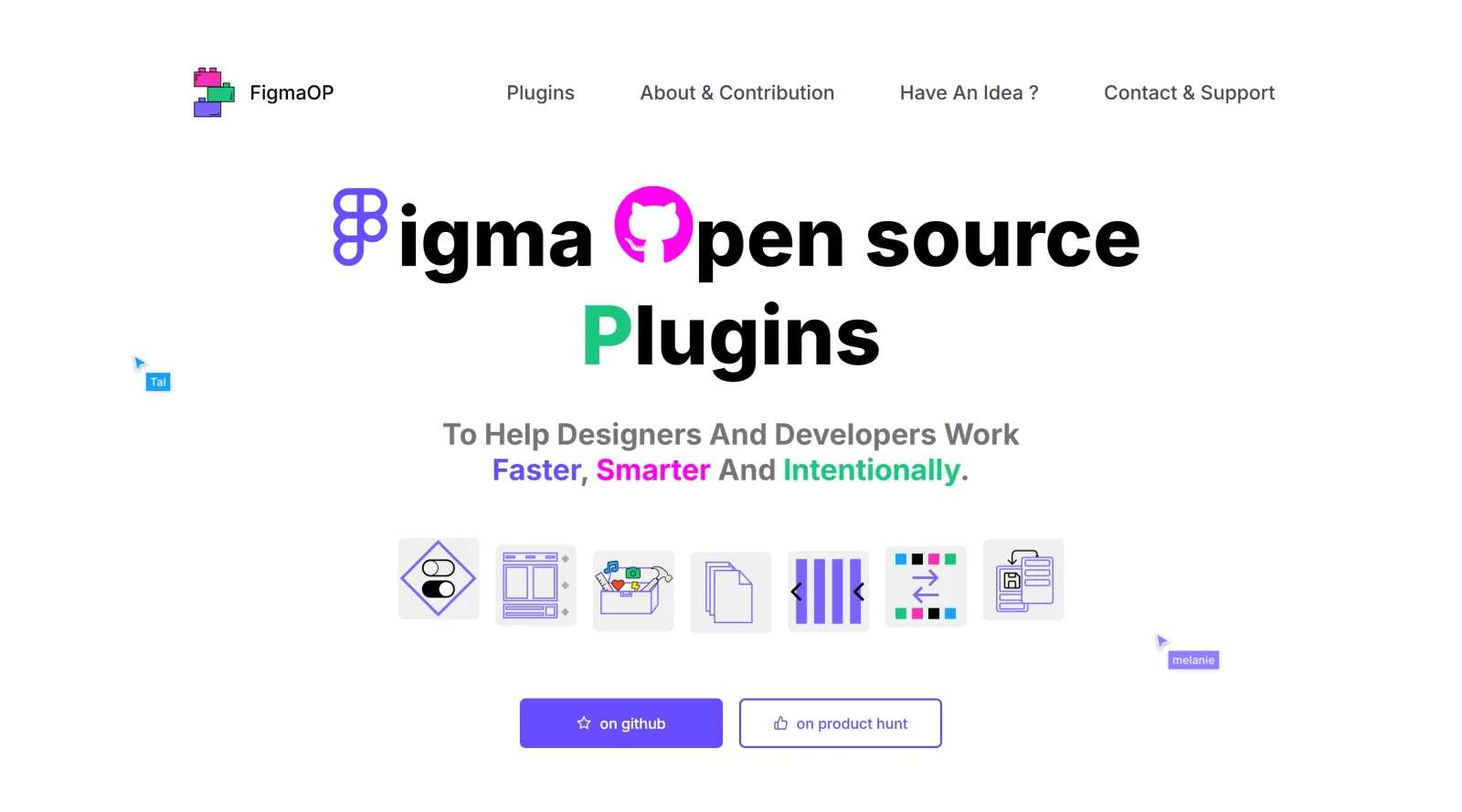
FigmaOP is a free design tool in the **Design** category, accessible via a web-based interface at figmaop.netlify.app. It serves as an online platform for creating user interfaces, prototypes, and collaborative design files, fitting into the early to mid stages of the design workflow where teams build and iterate on visual layouts without software installation.
What FigmaOP Does
- Supports UI design with responsive layouts, grids, and customizable typography for websites and applications.
- Enables interactive prototyping through clickable flows, transitions, and animations without coding.
- Provides real-time collaboration features, allowing multiple users to edit files simultaneously with comments.
- Includes auto layout for automatic resizing and positioning of elements to maintain responsive designs across screen sizes.
- Offers component creation and libraries for reusable design elements like buttons and styles.
- Facilitates asset export and code inspection to support handoff to developers.
How FigmaOP Can Be Used
- Designers create wireframes and high-fidelity mockups for mobile apps or web pages, using frames and layout grids for pixel-perfect alignment.
- Teams collaborate on prototypes during UX workshops, adding interactions and testing user flows directly in the browser.
- Developers access exported assets, CSS snippets, and design specs from shared files to implement interfaces efficiently.
- Individuals build responsive headers or navigation elements, applying auto layout to adapt designs for desktop and mobile previews.
- Groups brainstorm with integrated tools for diagrams and feedback, iterating on components before finalizing prototypes.
Who Is FigmaOP For?
FigmaOP suits UI/UX designers, product teams, and developers working on web and app projects, particularly those at beginner to intermediate levels seeking browser-based tools for collaborative workflows. It works well for small teams handling responsive design tasks, prototyping, and cross-functional handoffs without complex setups. Visit FigmaOP
Featured Tools
Sponsored
Artlist
Royalty-free music, SFX, 8K footage, templates, LUTs and 100+ AI models on a single subscription for video creators.

Icons8
Large icon packs featuring over 10,000 icons for consistent design themes.

Vidu
AI video generator with text, image and reference-to-video modes, producing 3–16 second clips at up to 1080p with characters that stay consistent across shots.
Your tool here
The tools above are our own picks until the slots sell.

More UI Kits Tools
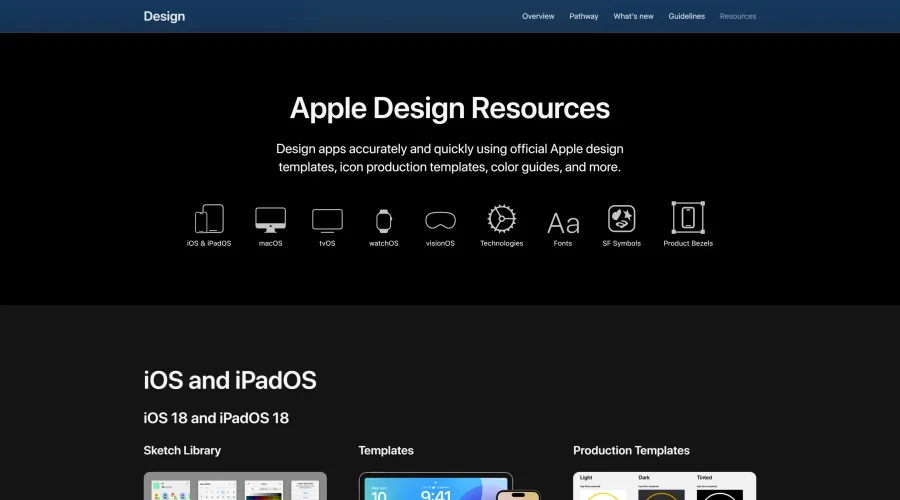
Apple Design Resources
Apple’s official resources for iOS: Sketch, Photoshop, and XD templates and guides.
Blank 2.5
Fast and efficient UI kit and design system for landing page projects.
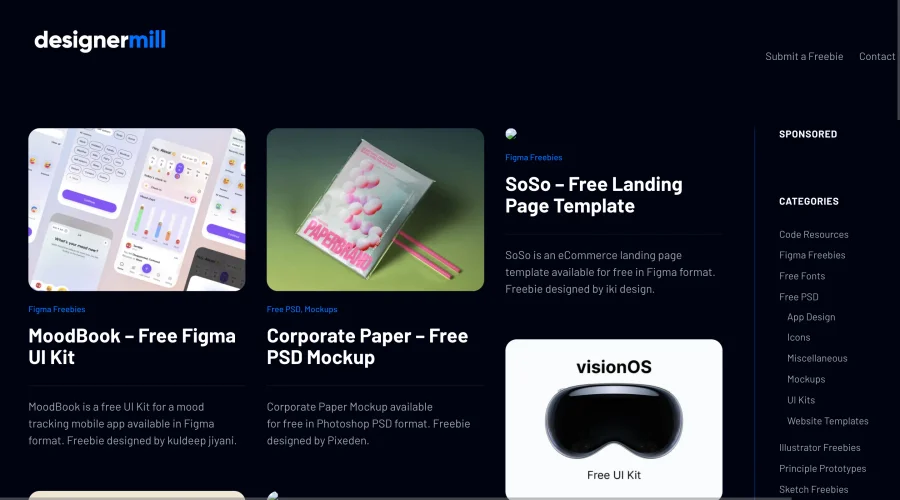

DesignerMill
Free collection of PSDs, Sketch files, fonts, and more for designers.
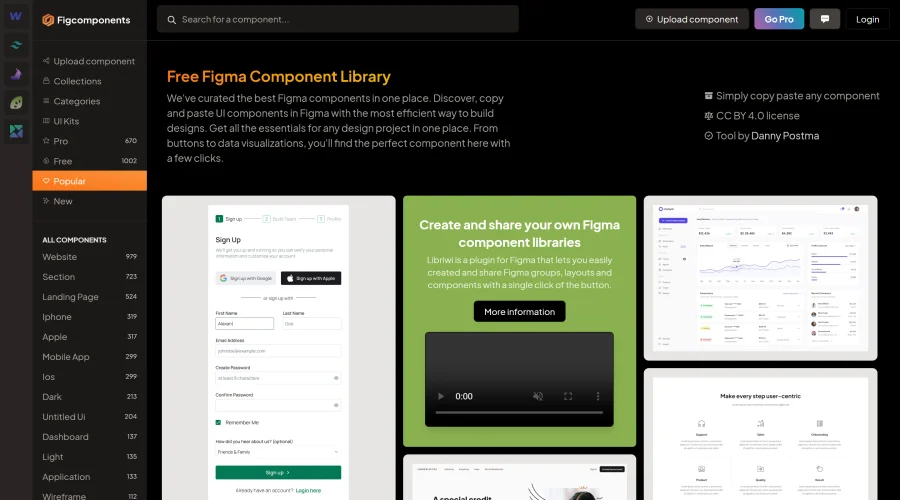

Figcomponents
A free library of Figma components for easy copying and pasting.
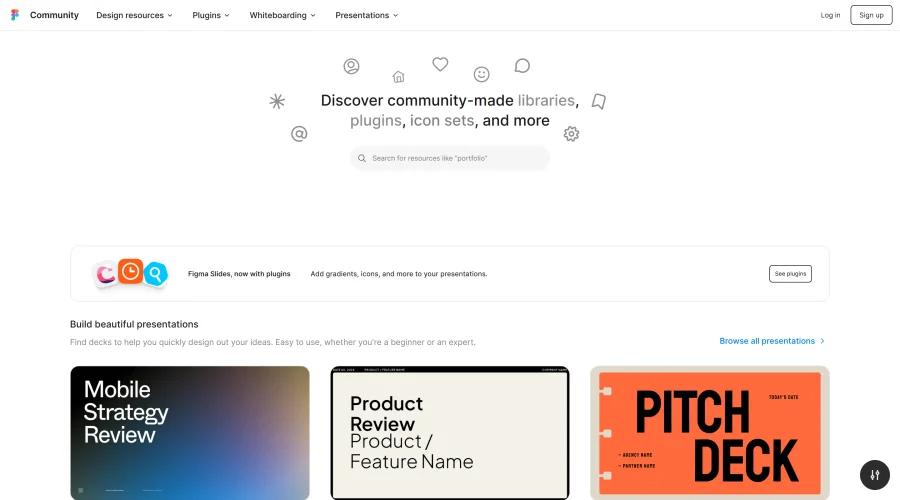
Figma Community
Exclusive files and plugins designed for Figma.
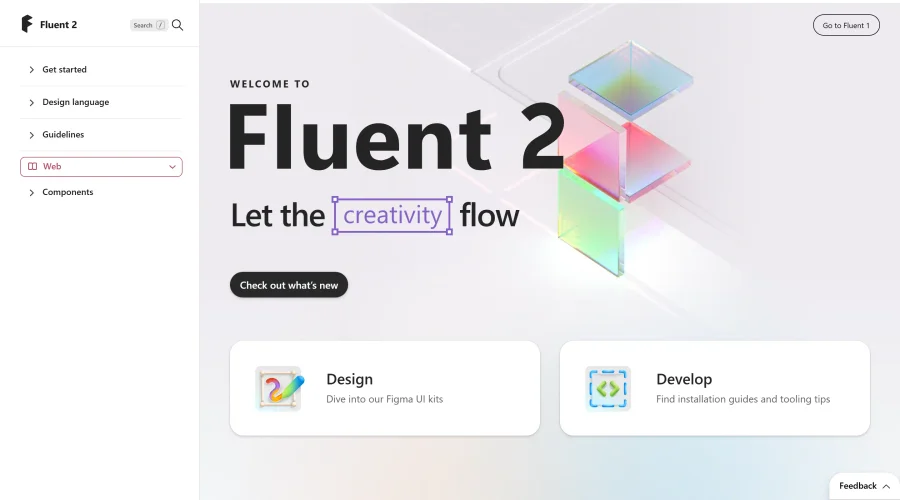

Fluent 2
The advanced iteration of Microsoft's design system.
Explore Other Categories
Discover more design resources
New to Design?
Explore our comprehensive design glossary to master essential terminology from A/B Testing to Wireframes.
Browse GlossaryLooking for something specific?
Search through our entire collection of design tools and resources