

What it costs
- Free tier
- Yes
Free Microsoft design system (Figma UI kits, docs, components); no paid tier.
Auto-checked on 8 August 2026Source
About Fluent 2
What Is Fluent 2?
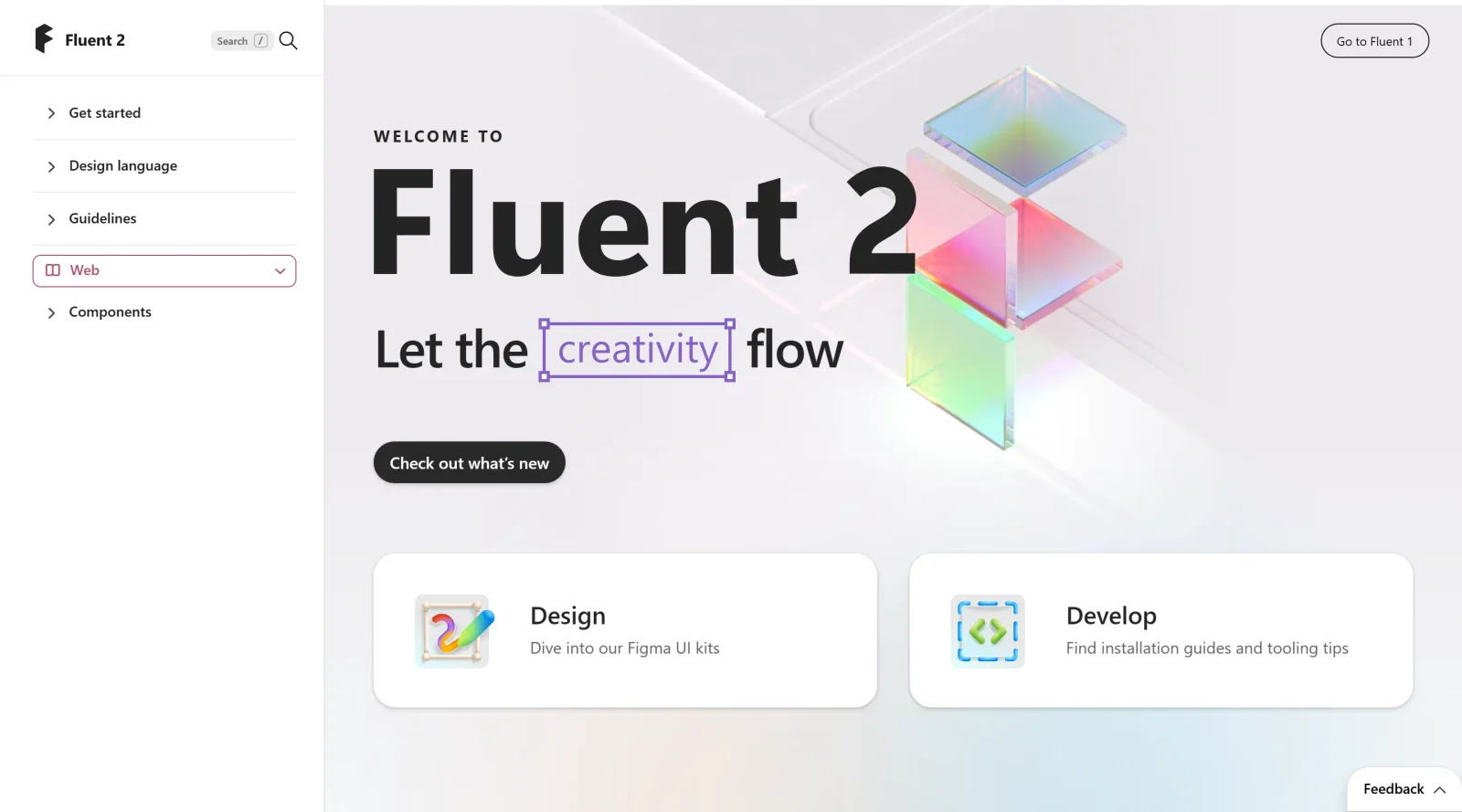
Fluent 2 is the advanced iteration of Microsoft's design system, serving as a comprehensive **UI kit** for creating consistent interfaces across platforms. It provides guidelines, components, and design assets that enable designers and developers to build applications for web, React, iOS, Windows, and Android. As a free resource in the UI kits category, Fluent 2 emphasizes seamless collaboration by aligning design files with code libraries, facilitating handoff from design to development.
What Fluent 2 Does
- Offers design tokens for color, spacing, typography, elevation, stroke width, size, and border radius to maintain consistency across projects.
- Provides Figma-based UI kits including Fluent 2 Core for web, iOS, and Android, with code-aligned components for smooth transitions to implementation.
- Supports materials such as solid, mica, acrylic, and smoke to define surface textures and transparency in interfaces.
- Includes layout systems with spacing ramps, grids, gutters, margins, and regions to organize content responsively across screen sizes.
- Delivers components like buttons, tables, and icons that incorporate variants and properties for flexibility and performance optimization.
- Integrates accessibility tools, such as focus order annotation and color contrast checkers, to ensure compliance with standards.
How Fluent 2 Can Be Used
- Designers import Fluent 2 UI kits into Figma to construct layouts using pre-built components, applying variables for light and dark modes.
- Teams prototype responsive interfaces by leveraging reflow, show/hide, and re-architect techniques for different window sizes and orientations.
- Developers reference the kits' assets to match designs in React for web or native code for iOS and Android, reducing discrepancies.
- Product teams apply Fluent 2 principles like light, depth, motion, material, and scale to create layered, animated experiences in apps like Teams or Office.
- Accessibility specialists use built-in tools to annotate focus orders and verify contrast, streamlining reviews in collaborative workflows.
Who Is Fluent 2 For?
Fluent 2 suits UI/UX designers and front-end developers working on cross-platform applications, particularly those targeting Microsoft ecosystems like Windows, web React, iOS, and Android. It supports teams building internal products or apps requiring consistent design languages, such as those in collaboration tools. Experience levels range from intermediate designers familiar with Figma to developers integrating UI components into codebases. Project types include enterprise software, productivity apps, and responsive web experiences where handoff efficiency and accessibility matter. Visit Fluent 2
Featured Tools
Sponsored
Artlist
Royalty-free music, SFX, 8K footage, templates, LUTs and 100+ AI models on a single subscription for video creators.

Icons8
Large icon packs featuring over 10,000 icons for consistent design themes.

Vidu
AI video generator with text, image and reference-to-video modes, producing 3–16 second clips at up to 1080p with characters that stay consistent across shots.
Your tool here
The tools above are our own picks until the slots sell.
Spotlight
SponsoredRotates daily
Base44
No-code AI platform that builds full-stack apps and websites from plain-language prompts.
More UI Kits Tools
Apple Design Resources
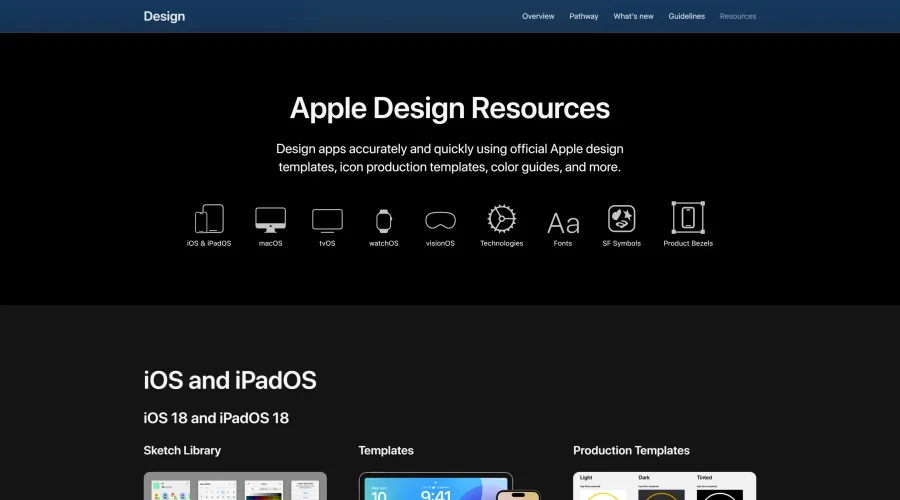
Apple’s official resources for iOS: Sketch, Photoshop, and XD templates and guides.
Blank 2.5
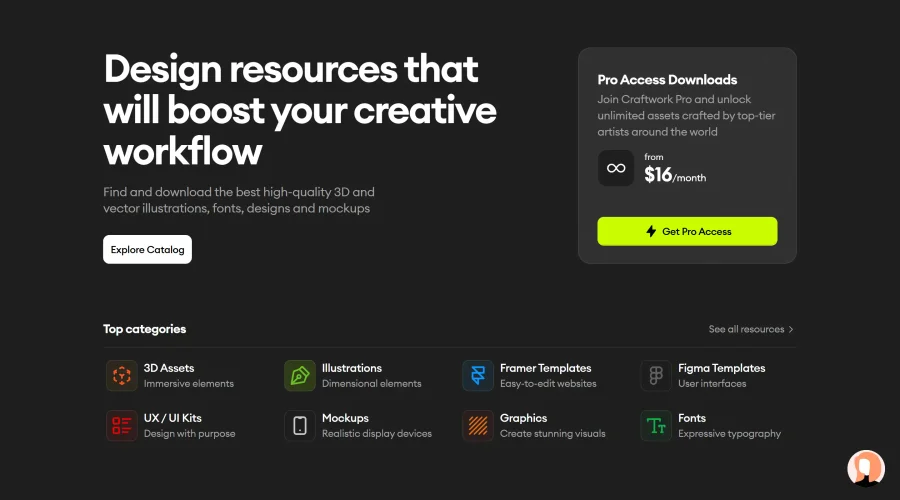
Fast and efficient UI kit and design system for landing page projects.

DesignerMill
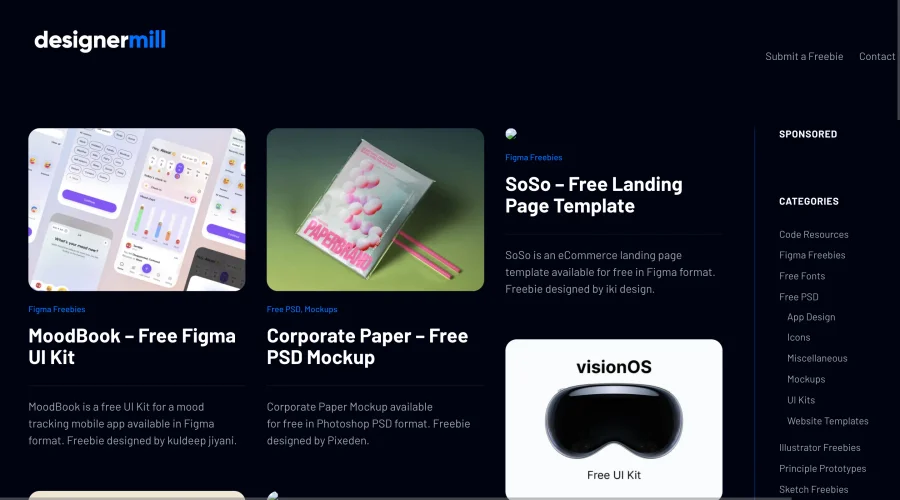
Free collection of PSDs, Sketch files, fonts, and more for designers.

Figcomponents
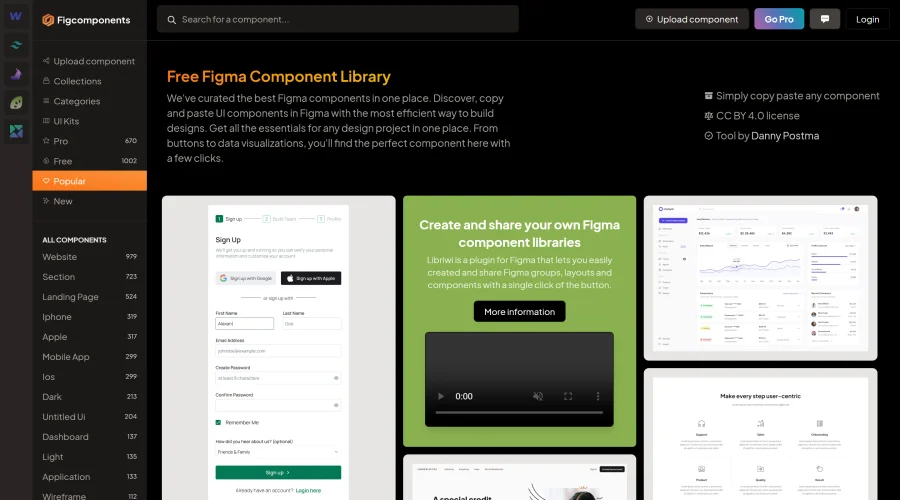
A free library of Figma components for easy copying and pasting.
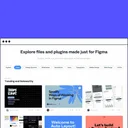
Figma Community
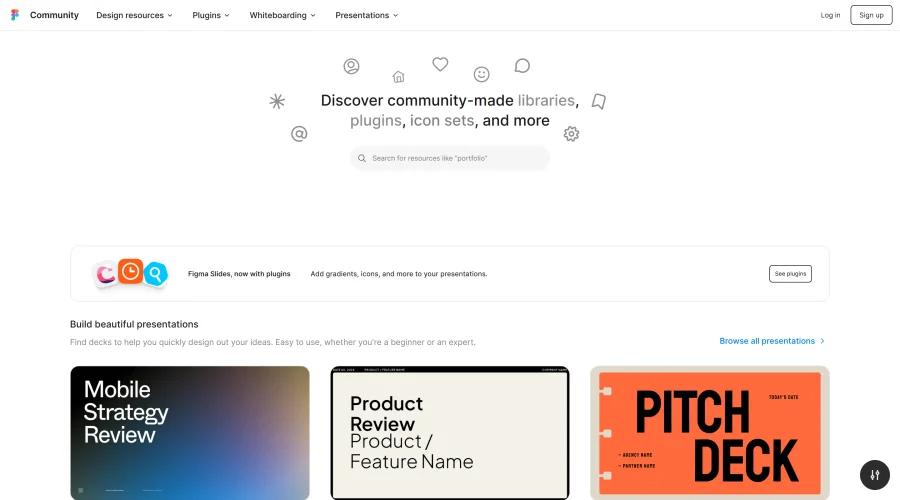
Exclusive files and plugins designed for Figma.
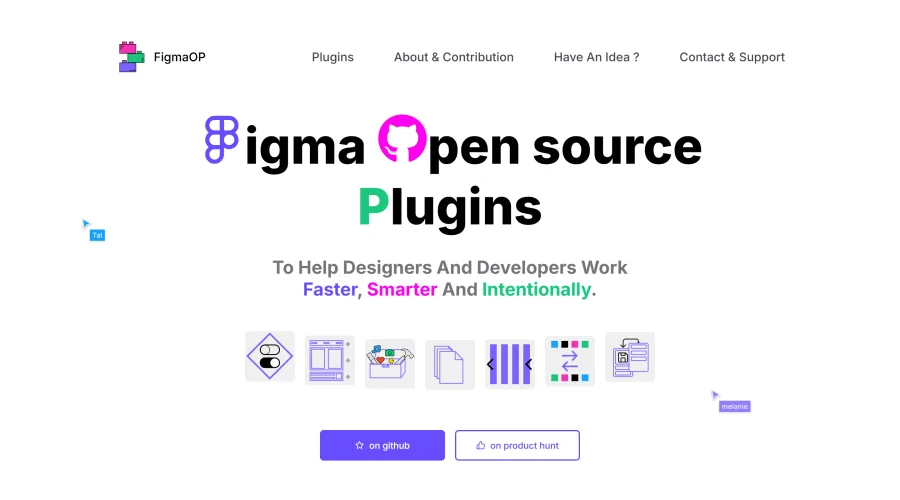
FigmaOP
Open-source plugins to enhance efficiency and intentionality in design.
Explore Other Categories
Discover more design resources
New to Design?
Explore our comprehensive design glossary to master essential terminology from A/B Testing to Wireframes.
Browse GlossaryLooking for something specific?
Search through our entire collection of design tools and resources