

What it costs
- Free tier
- No
- Paid plans from
- $499
One-time course purchase: $499 for individuals; teams of 3+ are $375/seat.
Auto-checked on 8 August 2026Source
About Figma Academy
What Is Figma Academy?
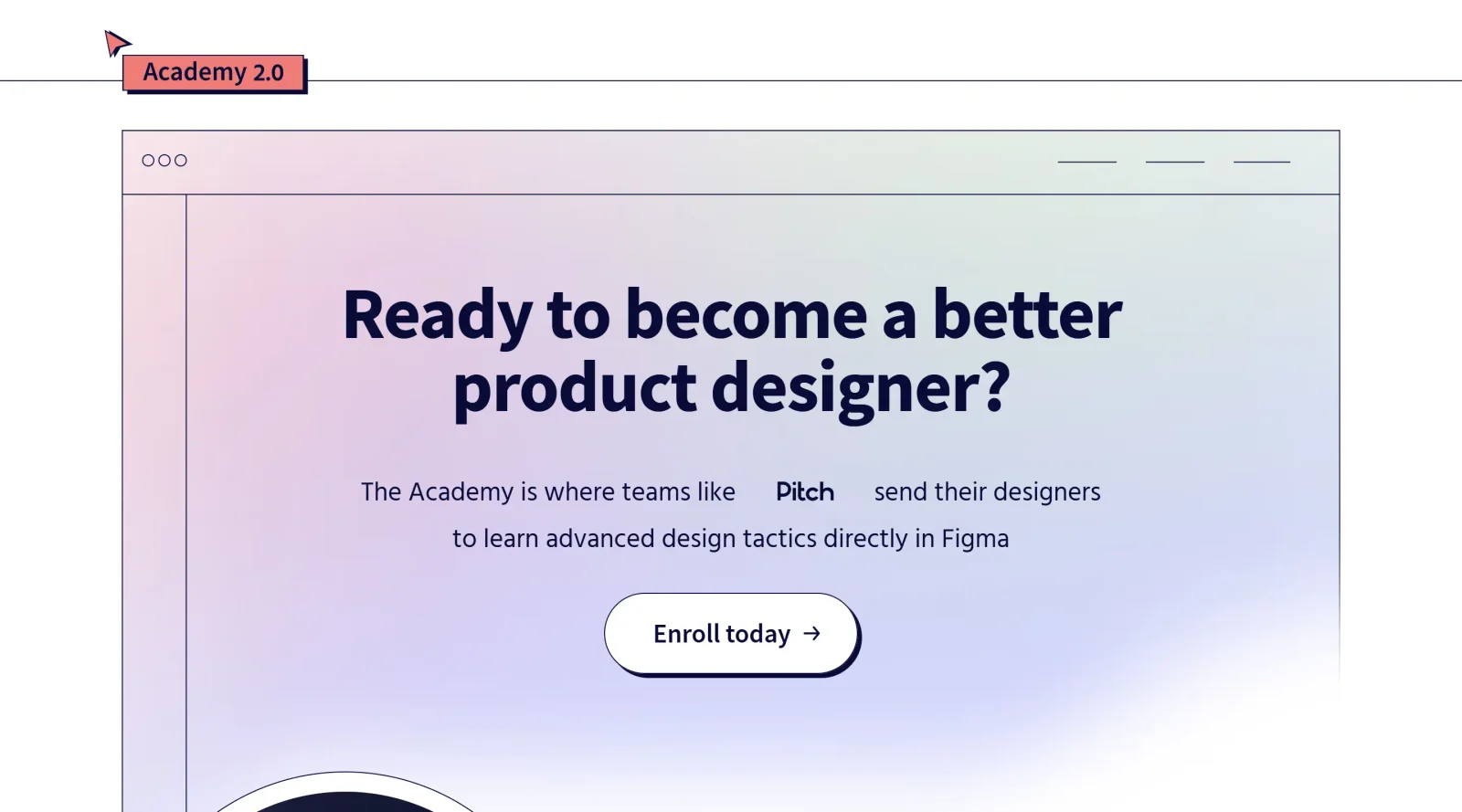
Figma Academy is an advanced design course integrated directly into the Figma platform, categorized under Design tools and offered as a paid program. It provides structured learning for mastering Figma's capabilities, focusing on techniques used by professional design teams. Figma Academy fits into the design workflow as an educational resource that teaches users to create wireframes, prototypes, and collaborative projects within Figma, bridging skill development with practical application in UI/UX design processes.
What Figma Academy Does
- Delivers lessons accessible on the Figma canvas, allowing users to interact with course content alongside design files.
- Covers advanced Figma techniques such as auto layout, constraints, variants, and responsive design elements.
- Teaches management of design assets, styles, components, grids, and column layouts.
- Includes instruction on prototyping features like animations, masking, blend modes, and interactive effects.
- Provides real-world examples from teams at companies like Stripe, Shopify, and Mercury.
- Supports learning through hands-on projects, including responsive navigation, branding, and advanced typography.
How Figma Academy Can Be Used
- Designers use Figma Academy to build responsive website sections, such as hero areas, navigation bars, and footers, applying grid setups and auto layout.
- Teams train on advanced prototyping workflows, creating interactive elements like animated gradients, Lottie animations, and sticky scroll effects for user testing.
- Individuals follow step-by-step modules to master file handling, copy-paste techniques, and variant management during complex UI kit development.
- Groups collaborate on class projects like branding exercises or dropdown menus, using Figma's real-time features alongside Academy lessons.
- Learners access updated materials for skills in masking images, advanced typography, and AI integration in UX design processes.
Who Is Figma Academy For?
Figma Academy serves designers with intermediate Figma experience seeking advanced tactics, including UI/UX professionals, design team members at tech companies, and individuals preparing for industry roles. It suits those working on design systems, prototypes, and collaborative projects who benefit from canvas-integrated learning. Visit Figma Academy
Featured Tools
Sponsored
Artlist
Royalty-free music, SFX, 8K footage, templates, LUTs and 100+ AI models on a single subscription for video creators.

Icons8
Large icon packs featuring over 10,000 icons for consistent design themes.

Vidu
AI video generator with text, image and reference-to-video modes, producing 3–16 second clips at up to 1080p with characters that stay consistent across shots.
Your tool here
The tools above are our own picks until the slots sell.
Spotlight
SponsoredRotates daily
HyNote
Records and transcribes interviews and meetings, then turns them into summaries and action items.
More Educational Tools


10x Designers
Broaden your design skills with this resource.


AJ Smart
Premier resource for UX/UI, design sprints, and design thinking.


Android Design Hub
Android UI design best practices for creating beautiful interfaces.


Baseline
Expertly crafted free design bootcamp for skill enhancement.


Better Web Type
Complimentary web typography course for designers and developers.


Biased by Design
Insights on recognizing and countering cognitive bias in design.
Explore Other Categories
Discover more design resources
New to Design?
Explore our comprehensive design glossary to master essential terminology from A/B Testing to Wireframes.
Browse GlossaryLooking for something specific?
Search through our entire collection of design tools and resources