

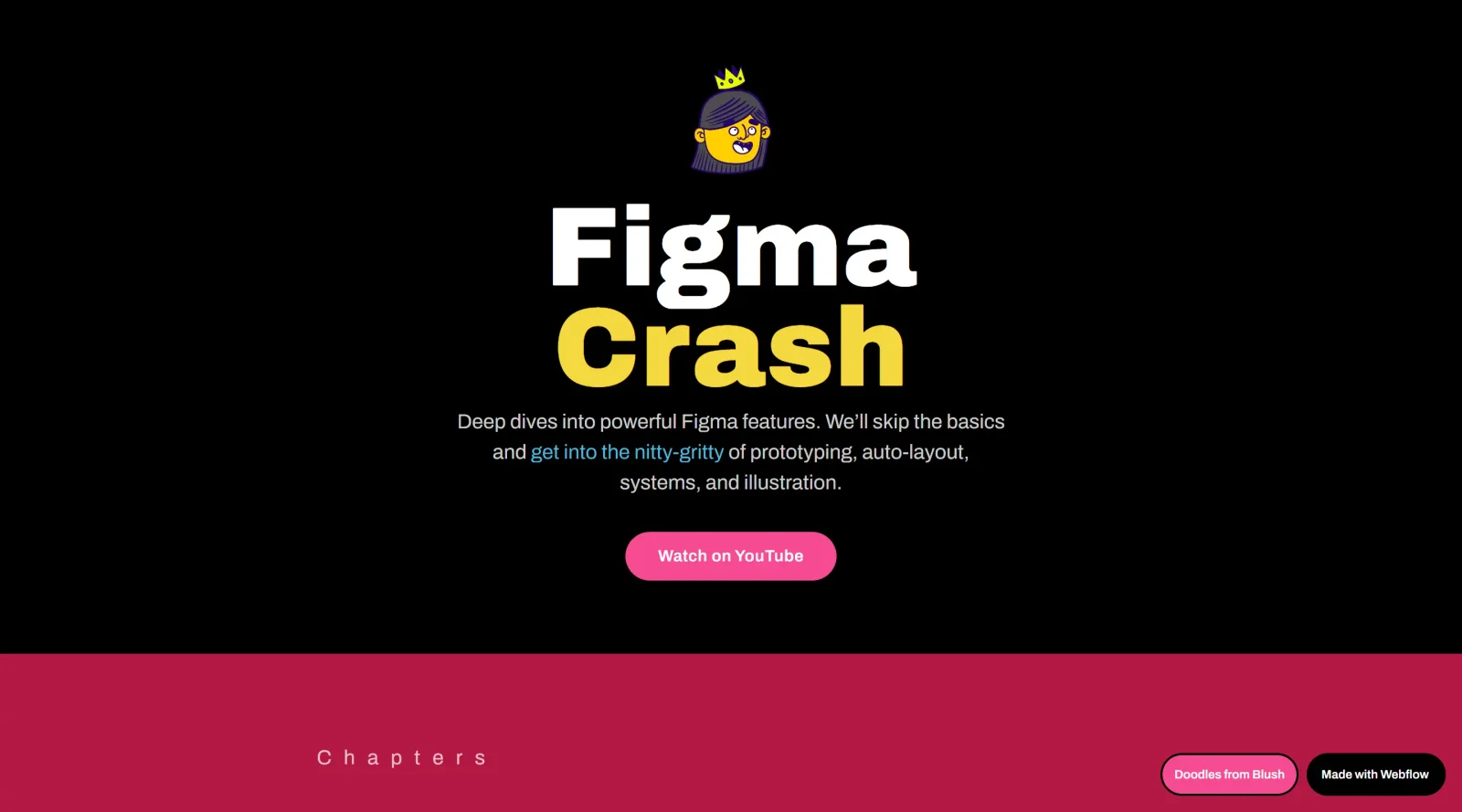
About Figma Crash Course
What Is Figma Crash Course?
Figma Crash Course is a free online learning resource in the Design category that teaches beginners the fundamentals of using Figma, a browser-based tool for UI/UX design. It provides step-by-step guidance through Figma's core interface, tools, and workflows, enabling users to create digital interfaces such as websites, mobile apps, and UI components. The course fits early in the design workflow, serving as an entry point for those new to Figma or transitioning from other tools, with hands-on exercises to build practical skills in vector editing, layouts, and prototyping.
What Figma Crash Course Does
- Introduces navigation of the Figma interface, including layers, panels, and basic tools for positioning elements.
- Covers creation and use of frames, shapes, and grids to structure design canvases for web and mobile projects.
- Teaches text handling, styling, fonts, line height, and alignment for UI elements like headers, buttons, and forms.
- Explains auto-layout features for responsive designs, including spacing, alignment, and content wrapping.
- Demonstrates components, variants, styles, and variables for reusable UI elements across projects.
- Guides on prototyping interactions, exporting assets, and developer handoff using Dev Mode.
How Figma Crash Course Can Be Used
- Follow structured lessons to recreate a sign-up screen for a mobile travel app, incorporating fields, buttons, logos, and social login options.
- Build a full website project from scratch, starting with hero sections, navigation bars, testimonials, galleries, and footers.
- Design dashboard interfaces using shapes, gradients, shadows, pen tool for vectors, and plugins for efficiency.
- Practice portfolio websites with responsive layouts, combining frames, auto-layout, and prototyping for interactive previews.
- Apply skills to real-world challenges like tic-tac-toe games or personal landing pages to reinforce concepts.
Who Is Figma Crash Course For?
Figma Crash Course targets beginners in UI/UX design, including those new to Figma, aspiring designers building portfolios, front-end developers learning design tools, and graphic designers switching to digital interface work. It suits users handling projects like mobile apps, websites, or illustrations who need foundational knowledge of Figma's features without prior experience. The free access model makes it accessible for self-paced learning in design workflows.Visit Figma Crash Course
Featured Tools
Sponsored
Artlist
Royalty-free music, SFX, 8K footage, templates, LUTs and 100+ AI models on a single subscription for video creators.

Icons8
Large icon packs featuring over 10,000 icons for consistent design themes.

Vidu
AI video generator with text, image and reference-to-video modes, producing 3–16 second clips at up to 1080p with characters that stay consistent across shots.
Your tool here
The tools above are our own picks until the slots sell.
Spotlight
SponsoredRotates daily
HyNote
Records and transcribes interviews and meetings, then turns them into summaries and action items.
More Educational Tools


10x Designers
Broaden your design skills with this resource.


AJ Smart
Premier resource for UX/UI, design sprints, and design thinking.


Android Design Hub
Android UI design best practices for creating beautiful interfaces.


Baseline
Expertly crafted free design bootcamp for skill enhancement.


Better Web Type
Complimentary web typography course for designers and developers.


Biased by Design
Insights on recognizing and countering cognitive bias in design.
Explore Other Categories
Discover more design resources
New to Design?
Explore our comprehensive design glossary to master essential terminology from A/B Testing to Wireframes.
Browse GlossaryLooking for something specific?
Search through our entire collection of design tools and resources