

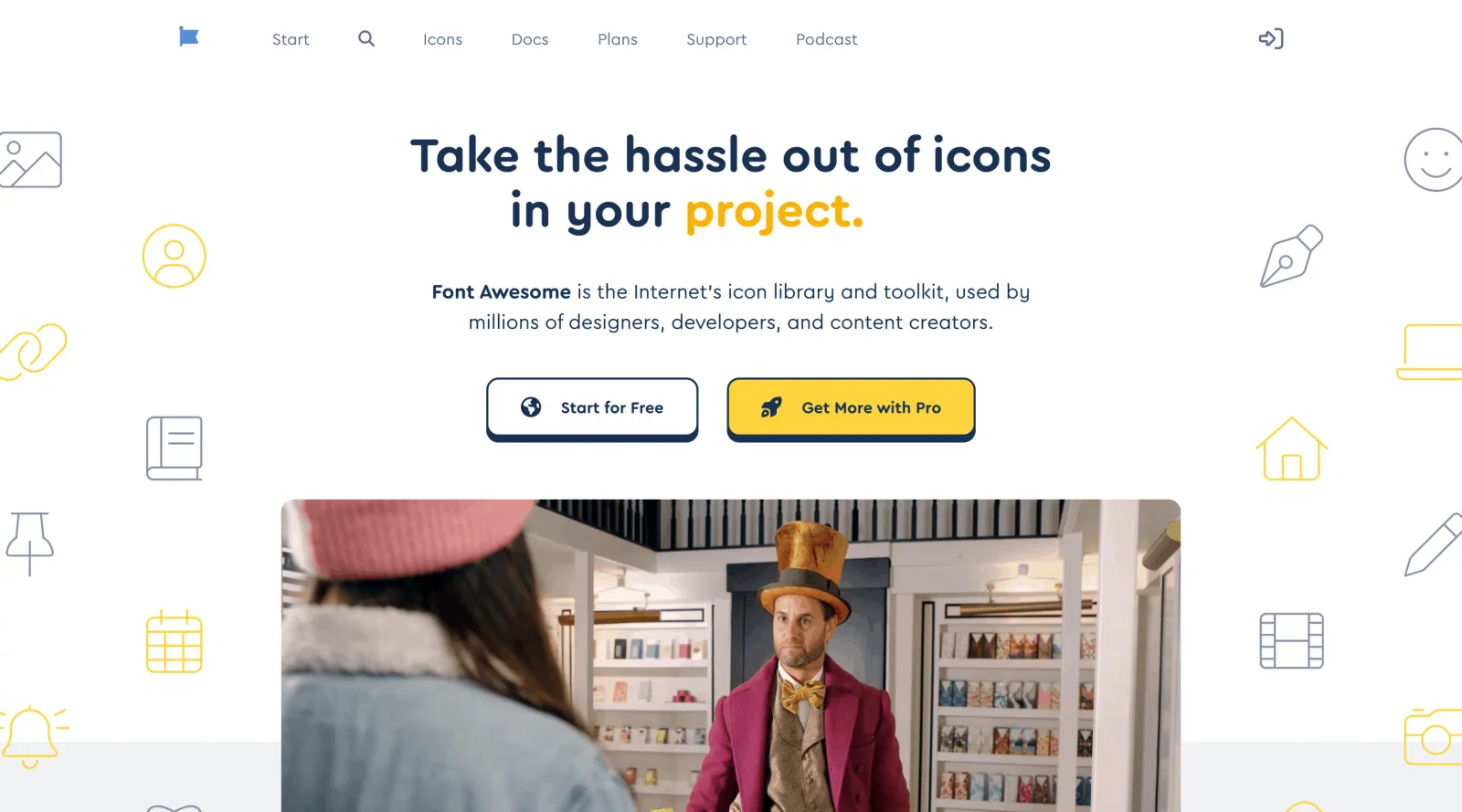
Extensive icon set that can be inserted as a font, with a pro option for additional icons.
What it costs
- Free tier
- Yes
Free-forever Kit (10k pageviews); paid Starter/Solo/Team plans are listed with features but no prices on the homepage.
Auto-checked on 8 August 2026Source
About Font Awesome
What Is Font Awesome?
Font Awesome is an extensive icon library that provides scalable vector icons delivered as a web font for use in web projects. Designers and developers insert Font Awesome icons directly into HTML using font-based classes, allowing them to scale without loss of quality across devices. Available in a free tier with core icons and a paid Pro version offering additional icons and styles, Font Awesome fits into front-end design workflows where visual symbols enhance user interfaces, such as navigation, buttons, and infographics.
What Font Awesome Does
- Delivers thousands of vector icons through a font file that integrates with CSS for easy embedding in web pages.
- Supports multiple styles including solid, regular, light, thin, duotone, and brands for varied design needs.
- Allows customization of icon size, color, rotation, stacking, and animation via CSS properties and utilities.
- Provides fixed-width icons to maintain consistent alignment in layouts.
- Enables layered and stacked icons for complex compositions like badges or multi-part symbols.
- Includes Pro-exclusive features such as additional icon sets and advanced duotone options with primary and secondary color controls.
How Font Awesome Can Be Used
- Incorporate icons into navigation menus by applying classes like fa-home to list items for intuitive user guidance.
- Enhance form elements with icons such as search or checkmark symbols positioned via CSS pseudo-elements.
- Build status indicators by stacking icons, like a circle with an inner notification badge, using fa-stack classes.
- Style buttons and calls-to-action with brand icons from social media sets to match platform aesthetics.
- Customize icon appearances in responsive designs by adjusting sizes from 1x to 10x and applying transforms for hover effects.
- Integrate into frameworks like Angular or Figma components for consistent icon usage across design and development stages.
Who Is Font Awesome For?
Font Awesome serves web designers, front-end developers, and UI/UX professionals working on websites, web applications, and digital products requiring scalable icons. It suits projects from simple static sites to complex single-page applications, accommodating beginners using basic free icons as well as advanced users leveraging Pro styles for custom duotone and sharp variants. Teams maintaining consistent visual language across platforms find its font-based delivery efficient for CSS integration. Visit Font Awesome
Featured Tools
Sponsored
Artlist
Royalty-free music, SFX, 8K footage, templates, LUTs and 100+ AI models on a single subscription for video creators.

Icons8
Large icon packs featuring over 10,000 icons for consistent design themes.

Vidu
AI video generator with text, image and reference-to-video modes, producing 3–16 second clips at up to 1080p with characters that stay consistent across shots.
Your tool here
The tools above are our own picks until the slots sell.
Spotlight
SponsoredRotates daily
Base44
No-code AI platform that builds full-stack apps and websites from plain-language prompts.
Tools we recommend


Editorially chosen. Some links above are affiliate links — if you sign up we may earn a commission, at no extra cost to you.
More Icons Tools
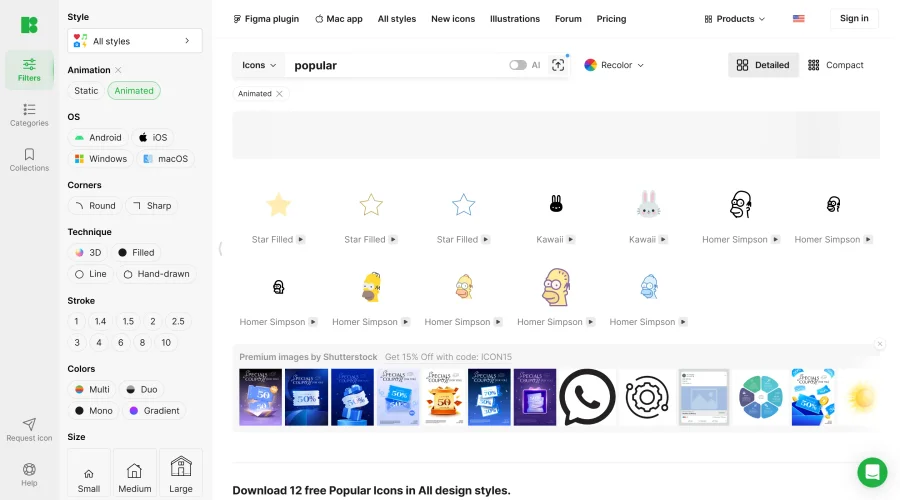

Animated Icons 2.0
Enhance your projects with 900+ animated icons.
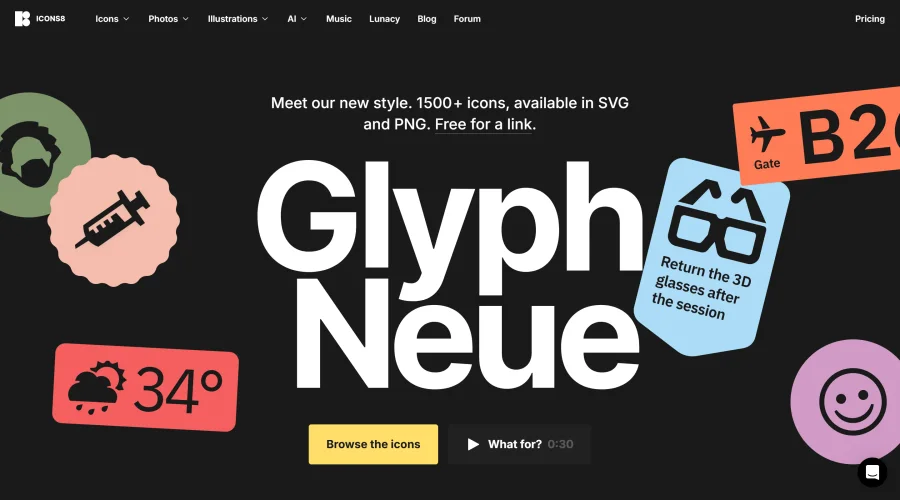

Glyph Neue
Over 1,500 icons in SVG and PNG formats, free with attribution.
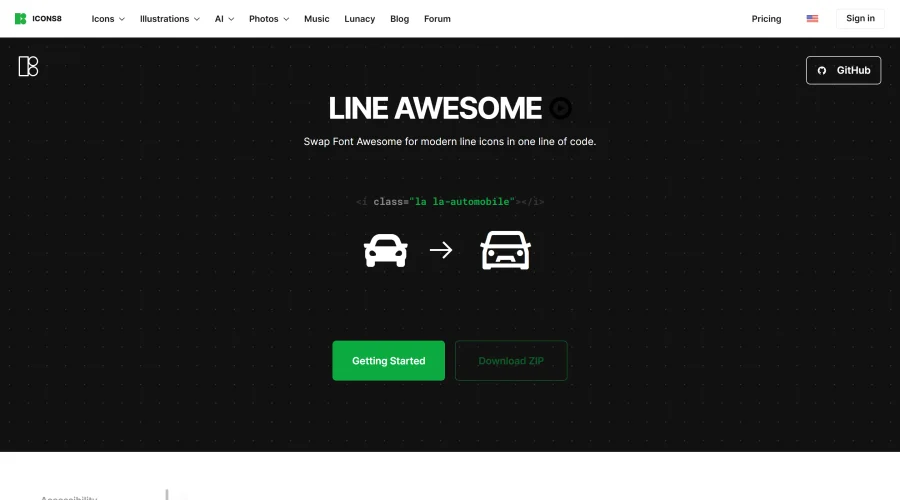

Line Awesome
Easily replace Font Awesome with modern line icons using one line of code.
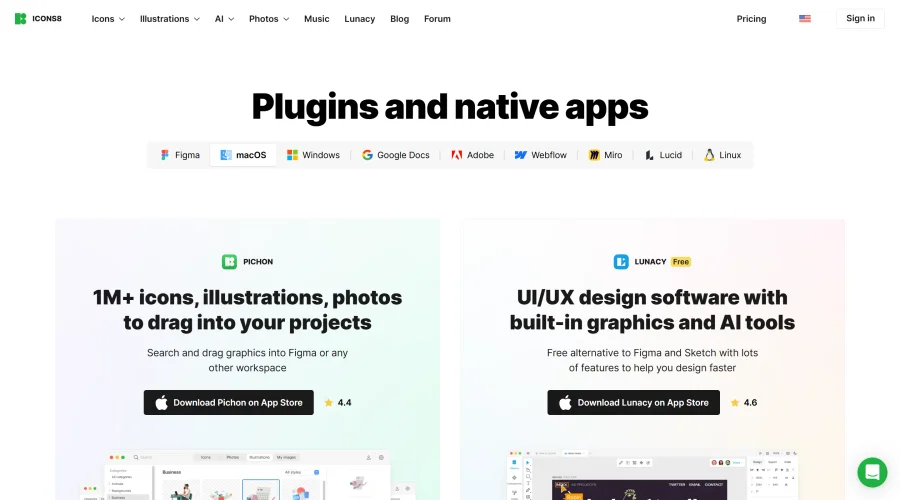

Pichon
Drag and drop the best design graphics with ease.


EmojiSpark
Find and copy emojis, Unicode symbols, and kaomoji with EmojiSpark. Create combos, heart stickers, and text art, or explore the interactive Moon Phase Emoji app. Free, ad-free, and no sign-up.
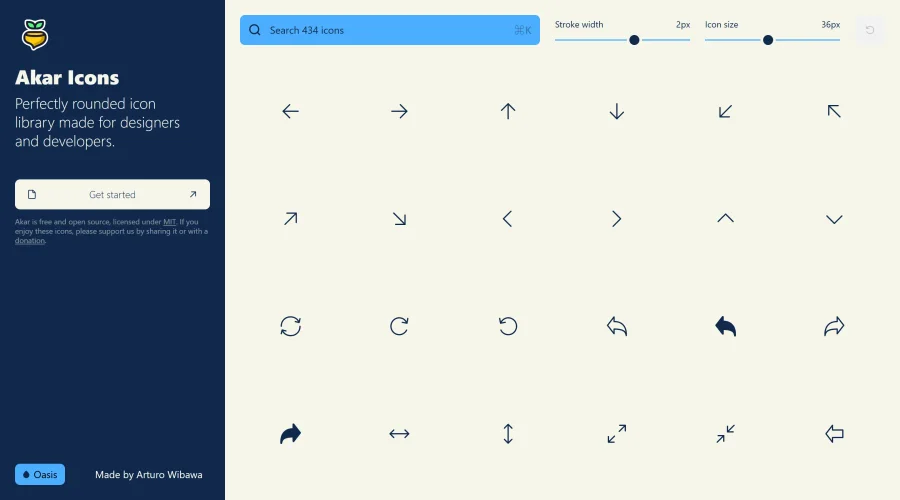

Akar Icons
A perfectly rounded icon library designed for designers and developers.
Explore Other Categories
Discover more design resources
New to Design?
Explore our comprehensive design glossary to master essential terminology from A/B Testing to Wireframes.
Browse GlossaryLooking for something specific?
Search through our entire collection of design tools and resources