
Dedicated site for finding great typography pairings for creative projects.
What it costs
- Free tier
- Yes
- Paid plans from
- $4/mo (billed annually at $48)
Catalog lists Free, but page now shows a freemium model: free font pairings plus Pro at $8/mo, $4/mo annual, or $120 lifetime.
Auto-checked on 8 August 2026Source
About FontPair
What Is FontPair?
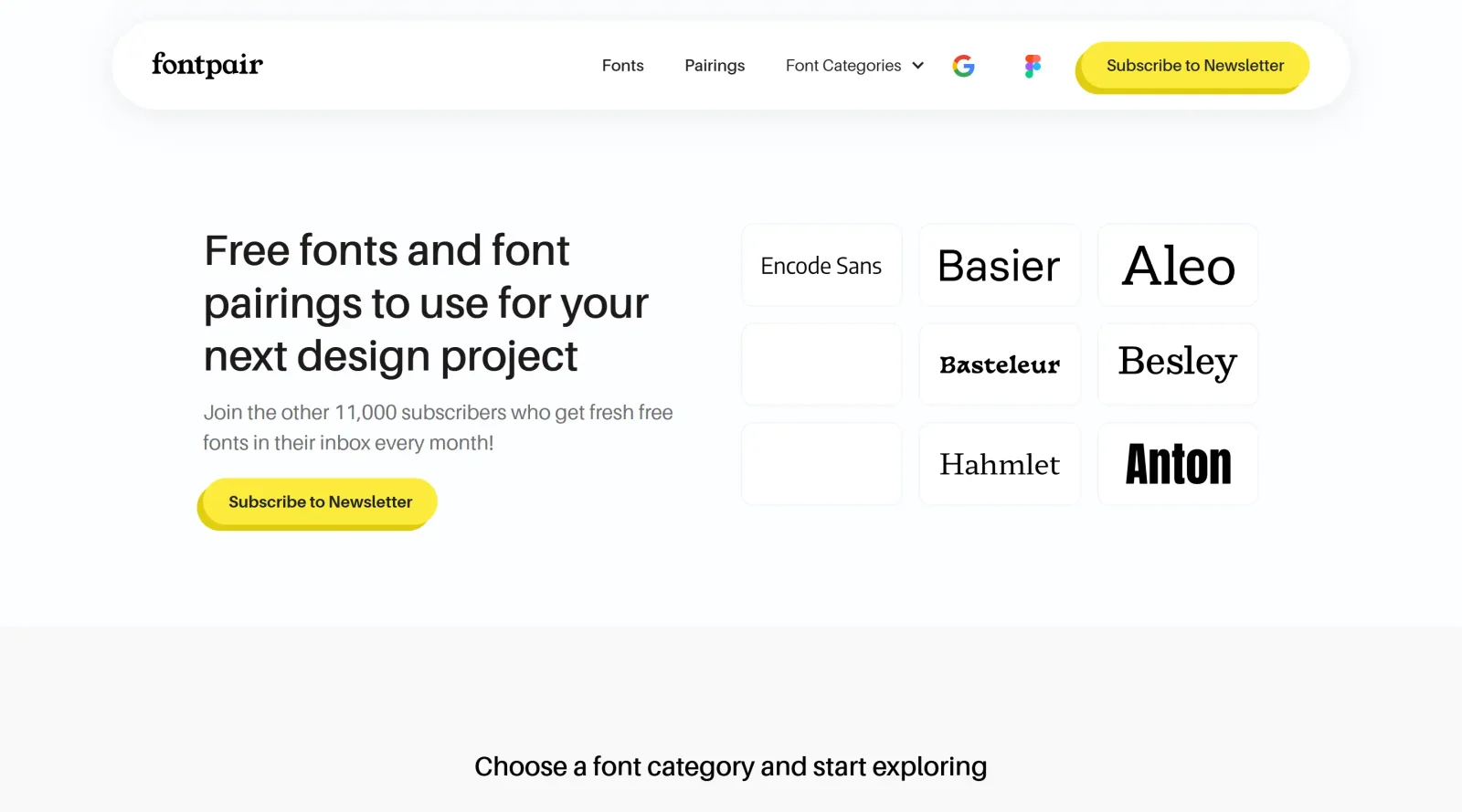
FontPair is a free online resource in the typography category dedicated to providing curated font pairings for design projects. It focuses on harmonious combinations primarily from Google Fonts, enabling users to select complementary fonts without generating random suggestions. FontPair fits into the early stages of the design workflow, where designers establish visual hierarchy through type selection for web, print, or digital interfaces.
What FontPair Does
- Offers pre-selected font combinations curated by experts for reliable harmony.
- Categorizes pairings by font roles such as headers, body text, and italics.
- Groups fonts by design styles, including minimalism and expressive options.
- Displays previews with sample text to evaluate pairings in context.
- Supports Google Fonts exclusively for free, web-optimized use without licensing concerns.
- Allows browsing of ready-made pairs optimized for quick selection in projects.
How FontPair Can Be Used
- Designers browse categorized pairings to match project aesthetics, such as selecting a minimalist header-body combo for a corporate website.
- Web developers copy font stacks directly for implementation in CSS during site builds.
- Teams preview combinations with placeholder text to assess readability across devices in branding workflows.
- Beginners use guided selections to build typography systems for posters, apps, or editorial layouts without trial-and-error.
Who Is FontPair For?
FontPair serves graphic designers, web developers, and UI/UX professionals seeking efficient access to vetted typography pairings. It suits users of all experience levels working on projects requiring balanced font combinations, particularly those prioritizing Google Fonts for web compatibility. Beginners benefit from its structured curation, while experienced typographers use it for rapid inspiration in client briefs or rapid prototyping. Visit FontPair
Featured Tools
Sponsored
Artlist
Royalty-free music, SFX, 8K footage, templates, LUTs and 100+ AI models on a single subscription for video creators.

Icons8
Large icon packs featuring over 10,000 icons for consistent design themes.

Vidu
AI video generator with text, image and reference-to-video modes, producing 3–16 second clips at up to 1080p with characters that stay consistent across shots.
Your tool here
The tools above are our own picks until the slots sell.
Spotlight
SponsoredRotates daily
Glyph Neue
Over 1,500 icons in SVG and PNG formats, free with attribution.
Tools we recommend

Editorially chosen. Some links above are affiliate links — if you sign up we may earn a commission, at no extra cost to you.
More Typography Tools


ZnortDesigns
Explore your local font library, discover font pairings, and find curated typography resources and design deals in one designer-friendly tool.

FontsBy
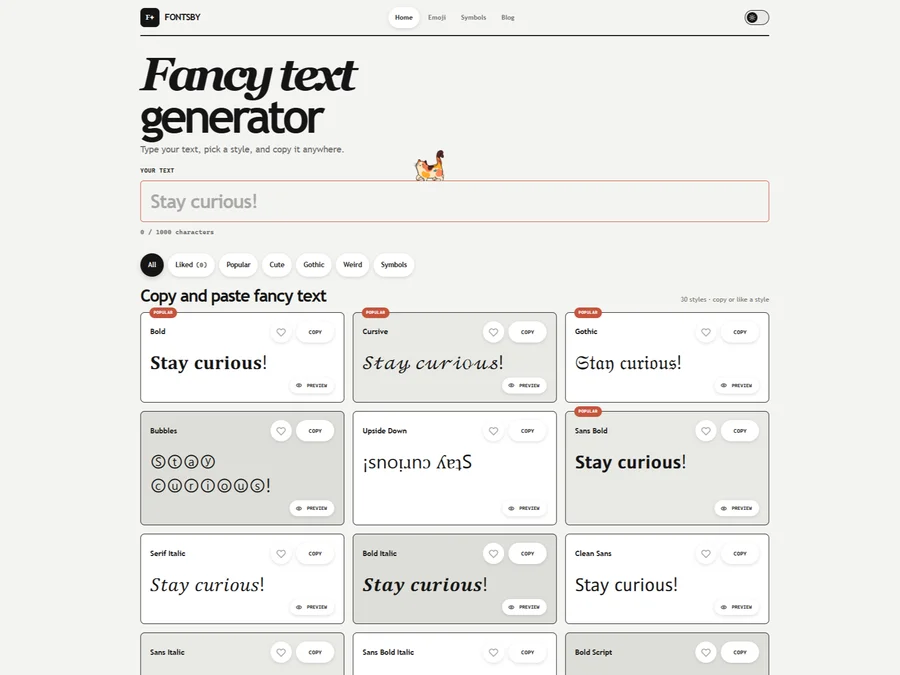
Fancy text generator for Instagram, Twitter, TikTok and Discord. Copy and paste bold, cursive and stylish Unicode fonts, symbols and emoji instantly for bios, usernames, names and social media posts.

FontPlop
Fontplop offers free font testing, conversion, and generation tools, plus stylish text generators for social media. Test glyphs, compare fonts, and convert font files privately in your browser.


205TF
French type foundry showcasing work from independent designers.


All Free Fonts
A selection of beautiful, free fonts curated for quality.


atipo
Digital foundry and design studio specializing in typefaces.
Explore Other Categories
Discover more design resources
New to Design?
Explore our comprehensive design glossary to master essential terminology from A/B Testing to Wireframes.
Browse GlossaryLooking for something specific?
Search through our entire collection of design tools and resources