
Fancy text generator for Instagram, Twitter, TikTok and Discord. Copy and paste bold, cursive and stylish Unicode fonts, symbols and emoji instantly for bios, usernames, names and social media posts.
About FontsBy
FontsBy: Copy-and-Paste Unicode Text for Bios, Usernames and Captions
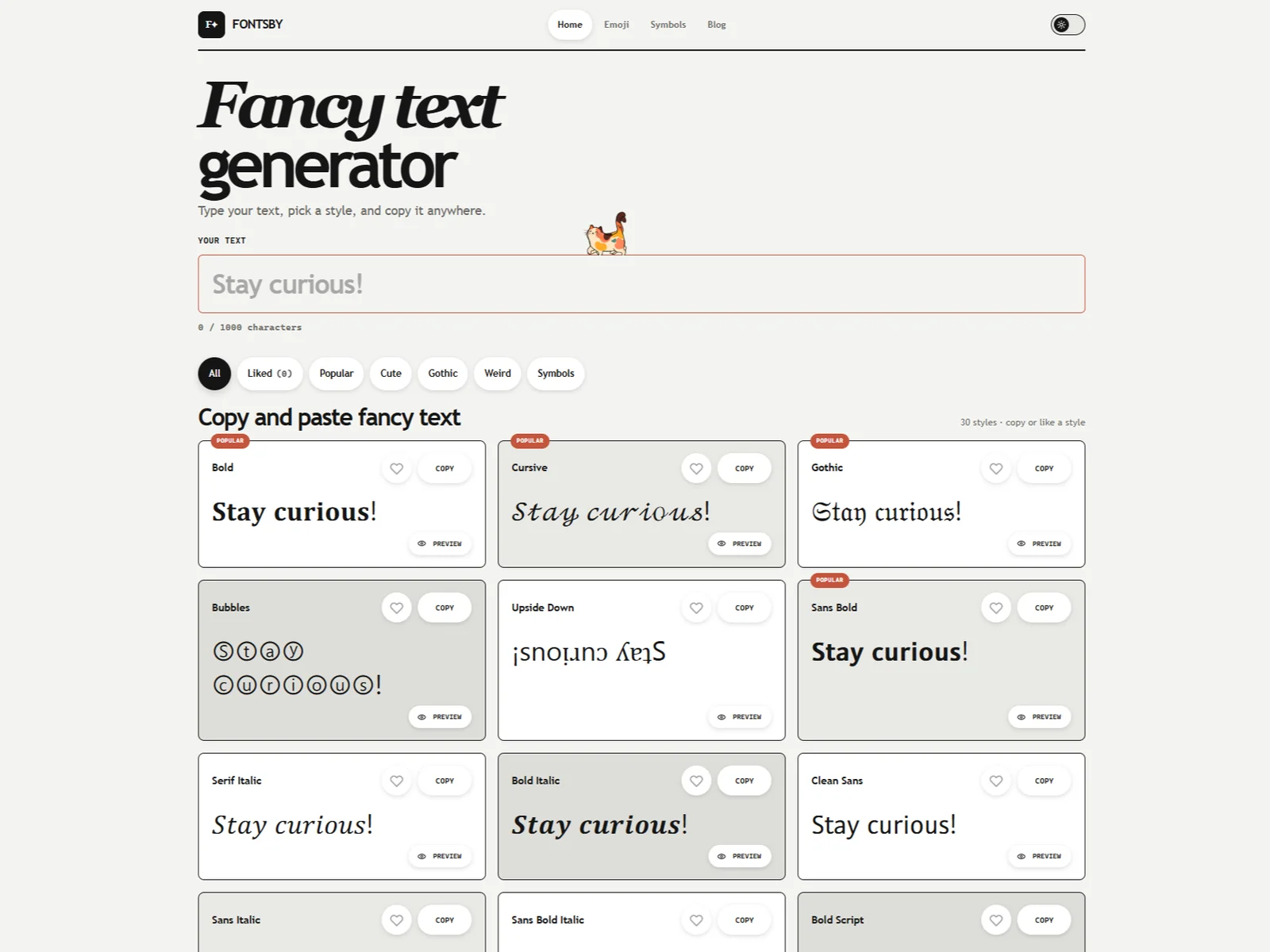
FontsBy converts ordinary Latin letters and numbers into styled Unicode characters you can paste straight into a bio, a username or a caption. It runs entirely in the browser with no account and nothing to install, and it is upfront about what you are actually copying: text, not a font file.
What FontsBy Does
- Turns typed text into 30 styles, filtered by Popular, Cute, Gothic, Weird and Symbols
- Previews the result inside mock Instagram, TikTok, Discord and Twitter/X profiles before you paste it anywhere
- Lets you like the styles you use so they stay together in their own filter
- Handles up to 1,000 characters per conversion
- Includes separate Emoji and Symbols sections for characters you want to copy on their own
Where It Works, and Where It Breaks
Worth knowing before you put styled text somewhere that matters — and to its credit, FontsBy documents these limits itself rather than burying them.
- Most styles only transform Latin A–Z and numbers; Cyrillic, Greek, Arabic and Asian characters stay exactly as typed
- A device without the matching glyph shows empty boxes instead of the character
- Screen readers can struggle to pronounce decorative Unicode, so names and instructions are better left in plain text
- Support varies by platform: a style that renders in a Discord display name may not survive an Instagram caption
Who It's For
Anyone styling a short piece of text in a field that offers no formatting of its own — an Instagram or TikTok bio, a Discord display name, a WhatsApp status line, a gaming profile. It is not a typography tool for design work: there is no font to download and nothing to use in a design file.
Conclusion
A focused free utility that does one job and is honest about its edges. Use it as a short visual accent, keep anything a reader genuinely needs in plain text, and check the result on the platform you are pasting into before you commit to it.
Featured Tools
Sponsored
Artlist
Royalty-free music, SFX, 8K footage, templates, LUTs and 100+ AI models on a single subscription for video creators.

Icons8
Large icon packs featuring over 10,000 icons for consistent design themes.

Vidu
AI video generator with text, image and reference-to-video modes, producing 3–16 second clips at up to 1080p with characters that stay consistent across shots.
Your tool here
The tools above are our own picks until the slots sell.
Spotlight
SponsoredRotates daily
FontLab
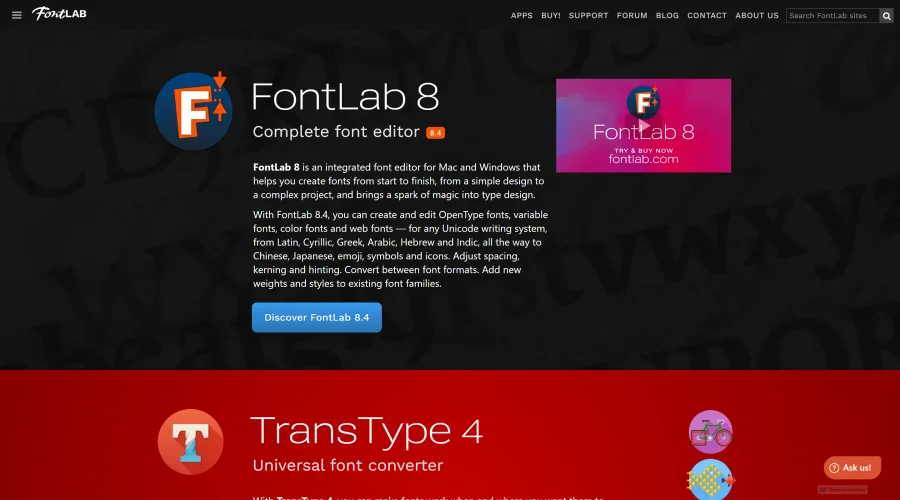
Integrated font editor for creating fonts across various applications.
Tools we recommend
Editorially chosen. Some links above are affiliate links — if you sign up we may earn a commission, at no extra cost to you.
More Typography Tools


205TF
French type foundry showcasing work from independent designers.


All Free Fonts
A selection of beautiful, free fonts curated for quality.


atipo
Digital foundry and design studio specializing in typefaces.


Beautiful Web Type
Guide to the best open-source typefaces.


Birdfont
Browser-based font editor for creating vector graphics.
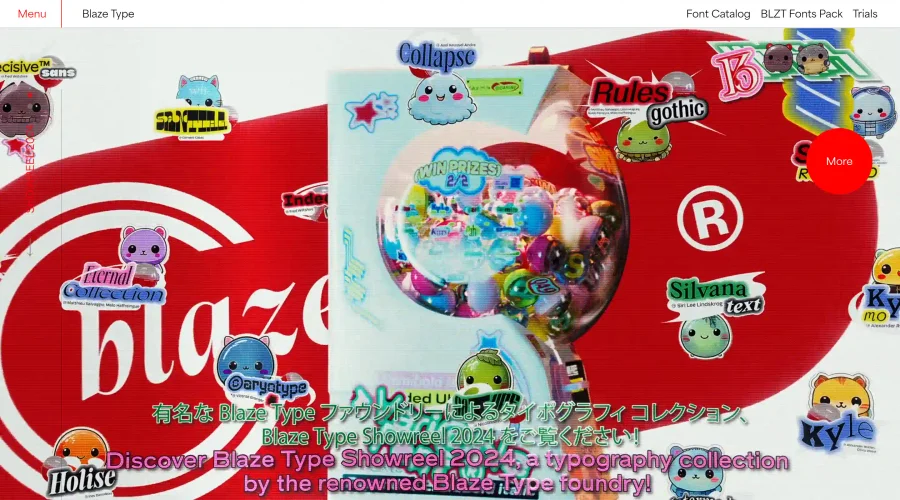

Blaze Type
Independent foundry creating both retail and custom fonts.
Explore Other Categories
Discover more design resources
New to Design?
Explore our comprehensive design glossary to master essential terminology from A/B Testing to Wireframes.
Browse GlossaryLooking for something specific?
Search through our entire collection of design tools and resources