

Combine document writing ease with engaging presentation delivery.
What it costs
- Free tier
- Yes
FAQ confirms a free tier with starter AI credits; paid plans (Plus/Pro/Ultra) are priced on the separate /pricing page, not the homepage.
Auto-checked on 8 August 2026Source
About Gamma
What Is Gamma?
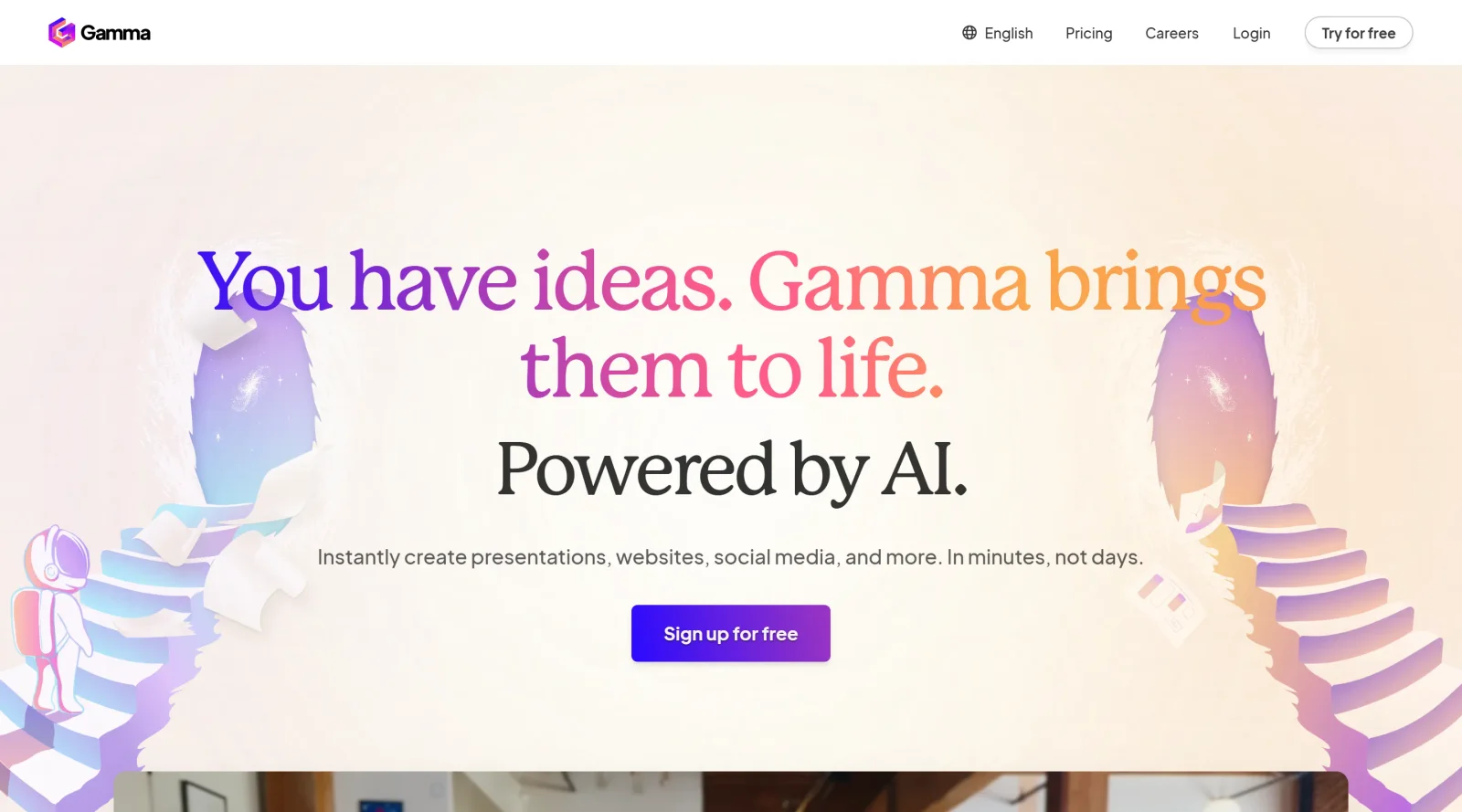
Gamma is an AI-powered tool in the design-tools category that combines document writing ease with engaging presentation delivery. It serves as a unified platform for generating presentations, websites, documents, and social media content using generative AI, smart layouts, and flexible publishing options. Available on a freemium pricing model, Gamma fits into design workflows where users need to create and refine visual content from prompts, outlines, or imported materials without switching between multiple applications.
What Gamma Does
- Generates presentations, documents, webpages, and social media assets from text prompts, outlines, or existing content using over 20 AI models.
- Supports real-time collaboration for co-editing, commenting, and refining content among team members.
- Provides brand themes by importing colors, fonts, and styles or selecting from more than 100 built-in options for visual consistency.
- Offers AI-assisted editing tools to improve writing, adjust length, translate text, generate images, and suggest layouts.
- Allows export to formats such as PowerPoint, PDF, PNG, and Google Slides, or publishing as live websites with engagement tracking.
- Includes API access for developers to automate creation and integrate with tools like Zapier, Make, Workato, and n8n.
How Gamma Can Be Used
- Designers create client proposals or case studies by inputting outlines, letting AI generate structured drafts with visuals, then customizing layouts and exporting to PDF.
- Teams build interactive presentations for meetings by pasting notes, applying themes, and collaborating in real-time to add charts, graphs, or AI-generated images.
- Marketers produce social media content or webpages from prompts, using smart diagrams and media embeds before sharing via links or publishing online.
- Developers automate document generation for reports or white papers through the API, integrating with workflows for scalable content production.
- Educators develop training manuals or lecture decks by refining AI outputs with blocks for text, videos, and visuals in a Notion-like editor.
Who Is Gamma For?
Gamma suits professionals in design, marketing, sales, and education who handle content creation tasks requiring quick generation of presentations, documents, or webpages. It works for individuals starting from ideas without design expertise, as well as teams needing collaboration and automation via API. Beginners benefit from AI-driven layouts and editing, while experienced users leverage customization for brand-aligned outputs in project workflows. Visit Gamma
Featured Tools
Sponsored
Artlist
Royalty-free music, SFX, 8K footage, templates, LUTs and 100+ AI models on a single subscription for video creators.

Icons8
Large icon packs featuring over 10,000 icons for consistent design themes.

Vidu
AI video generator with text, image and reference-to-video modes, producing 3–16 second clips at up to 1080p with characters that stay consistent across shots.
Your tool here
The tools above are our own picks until the slots sell.
Spotlight
SponsoredRotates daily
HyNote
Records and transcribes interviews and meetings, then turns them into summaries and action items.
Tools we recommend


getimg.ai
20+ AI models for image, video & audio in one workspace


OpenArt
All-in-one AI image, video & audio generator


YouCam Online Editor
Free online AI photo & video editor
Editorially chosen. Some links above are affiliate links — if you sign up we may earn a commission, at no extra cost to you.
More Design Tools Tools


Pryzm
Pryzm is a real-time studio for designers who need backgrounds that don't look like everyone else's. Layer procedural gradients, then stack glass, grain, light and blobs.


Modeinspect
Mode turns your product’s codebase into editable canvas frames. Refine real UI with visual controls, experiment with AI then share or hand off for review.


GoProd
Remove backgrounds and upscale images effectively.


Kittl
AI-first design platform with image, vector, and video generation, plus templates, mockups, and print-ready exports.


Lunacy
Free design software enhanced with AI tools and built-in graphics.


Smart Upscaler
Automatically improve image clarity using AI technology.
Explore Other Categories
Discover more design resources
New to Design?
Explore our comprehensive design glossary to master essential terminology from A/B Testing to Wireframes.
Browse GlossaryLooking for something specific?
Search through our entire collection of design tools and resources