

Transform data into custom software without coding or design skills.
What it costs
- Free tier
- Yes
GlideOS marketing page shows no prices; it requires its own subscription separate from Glide Classic, with plans on the /pricing page.
Auto-checked on 8 August 2026Source
About Glide
What Is Glide?
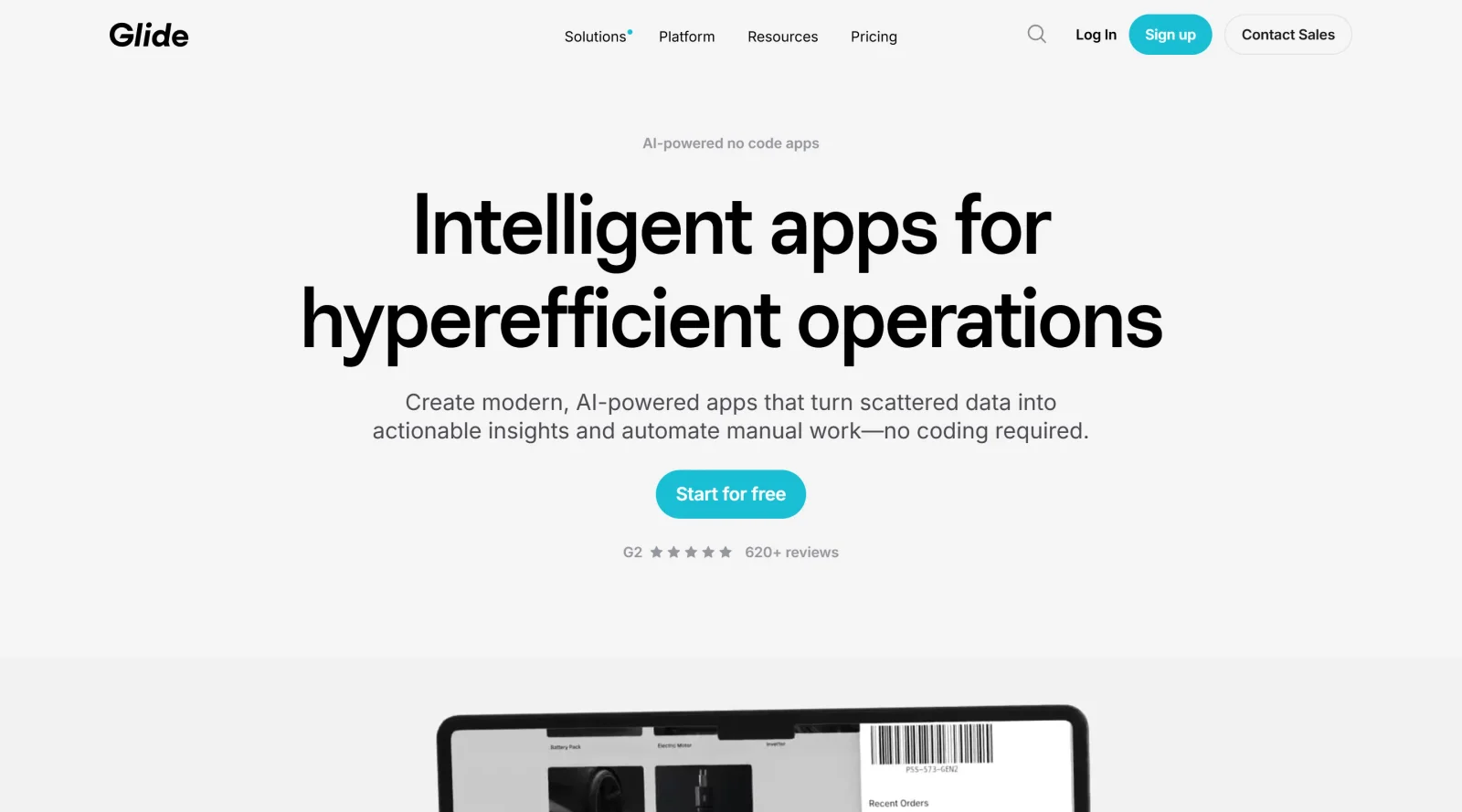
Glide is a no-code platform that transforms data sources like spreadsheets into custom web applications and progressive web apps (PWAs), functioning as a website builder in the no-code category. Its core purpose is to enable users to create functional software from structured data without requiring coding or design skills, using an intuitive drag-and-drop interface. Glide operates on a freemium pricing model, allowing free access to basic features with paid upgrades for advanced capabilities such as custom domains and increased data limits. It fits into design workflows by providing a visual builder for rapid prototyping of data-driven interfaces, bridging the gap between data management and application deployment for teams handling internal tools or client-facing apps.
What Glide Does
- Converts spreadsheets from sources like Google Sheets, CSV, or Excel into interactive web apps through instant app generation.
- Offers a drag-and-drop builder for designing layouts, components like lists, forms, buttons, and filters, with automatic responsiveness across devices.
- Supports Glide Tables as native data storage to improve performance and reduce syncing delays for larger datasets.
- Enables workflows and automations using conditions, computed columns, triggers, webhooks, and API calls for tasks like notifications and data syncing.
- Provides user roles, permissions, and access controls to manage visibility and data privacy in apps.
- Allows integrations with over 57 applications, including Zapier and Make, plus limited low-code options like CSS customization and JavaScript computed columns.
How Glide Can Be Used
- Build internal dashboards for teams tracking inventory, sales data, or project status by syncing spreadsheet data to visual interfaces.
- Create customer support portals where users submit forms, view tickets, and receive automated email notifications via webhooks.
- Develop MVPs or prototypes for startups by uploading CSV data to generate apps for field operations or simple reporting.
- Automate business processes like approvals and scheduling through visual workflow editors that trigger actions based on data changes.
- Construct directory-style apps or client directories by assembling components for searchable lists and detail pages from structured data.
Who Is Glide For?
Glide serves non-technical users such as small to medium-sized businesses, startups, operations teams, and non-developers who need to build data-driven web apps, internal tools, MVPs, dashboards, or mobile PWAs without coding expertise. It suits spreadsheet-savvy individuals in roles like finance, HR, customer support, or field operations handling tasks that benefit from visual data interfaces and basic automations. Designers and product teams use it for quick prototyping in website builder workflows, while teams requiring role-based access find it practical for controlled data environments. Visit Glide
Featured Tools
Sponsored
Artlist
Royalty-free music, SFX, 8K footage, templates, LUTs and 100+ AI models on a single subscription for video creators.

Icons8
Large icon packs featuring over 10,000 icons for consistent design themes.

Vidu
AI video generator with text, image and reference-to-video modes, producing 3–16 second clips at up to 1080p with characters that stay consistent across shots.
Your tool here
The tools above are our own picks until the slots sell.

Tools we recommend

Base44
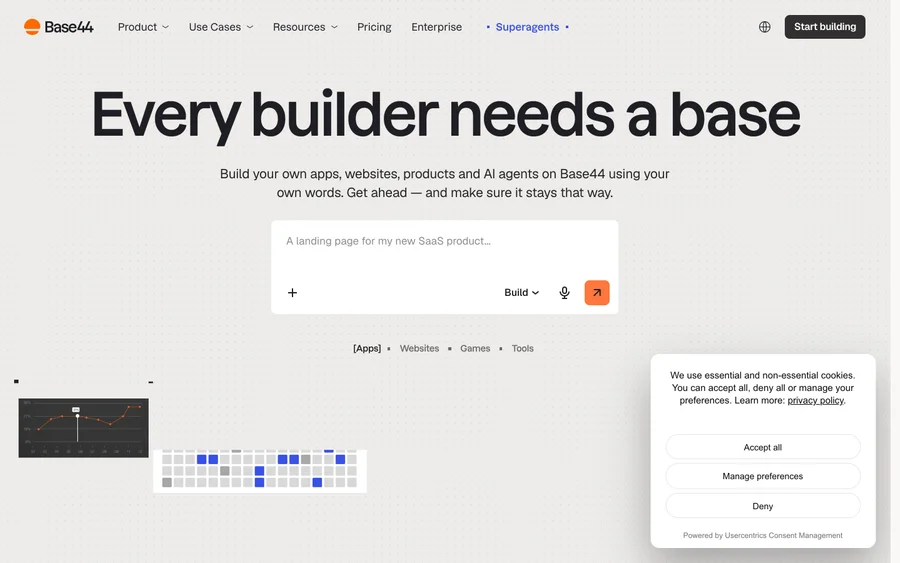
Build full-stack apps from a prompt (by Wix)

SITE123
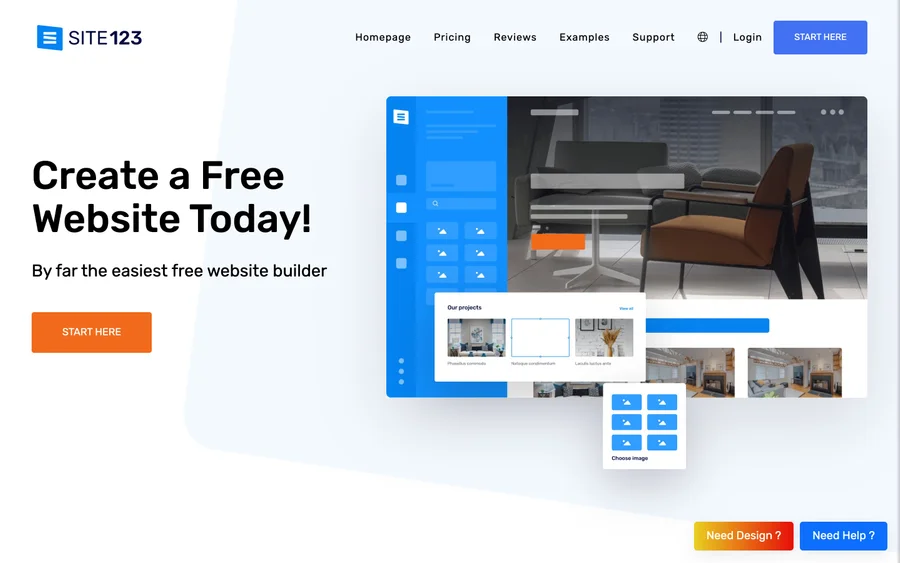
Free website builder with hosting included

Wegic
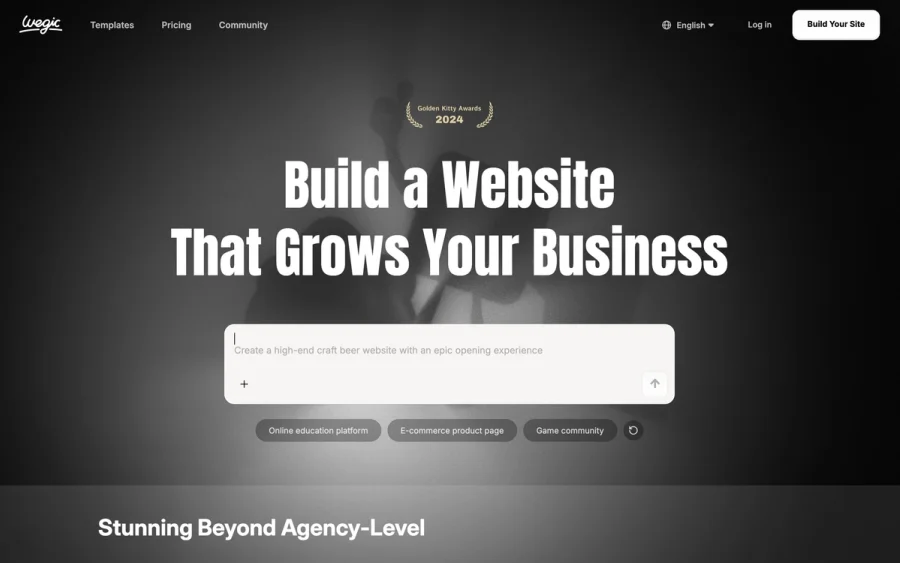
Build & manage a whole site by chatting with AI
Editorially chosen. Some links above are affiliate links — if you sign up we may earn a commission, at no extra cost to you.
More Website Builders Tools


Framer
Design and launch your dream website with no coding required.
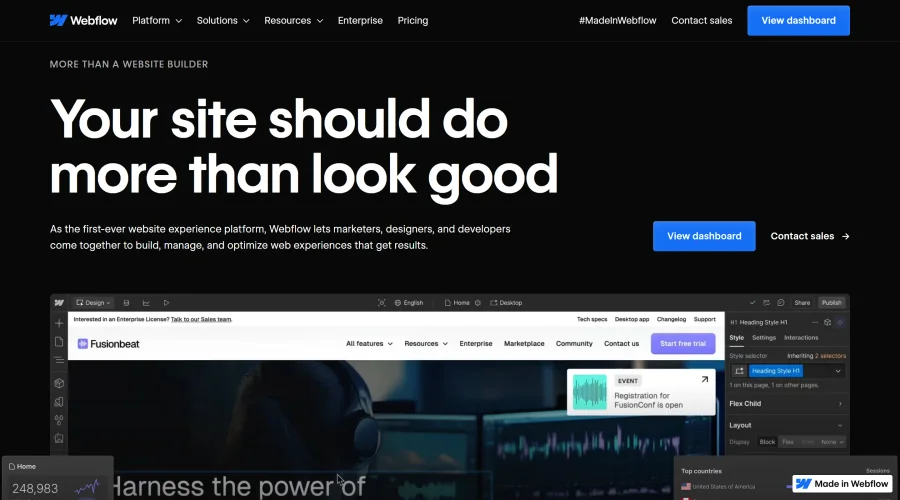

Webflow
Accelerate website creation without needing to code.
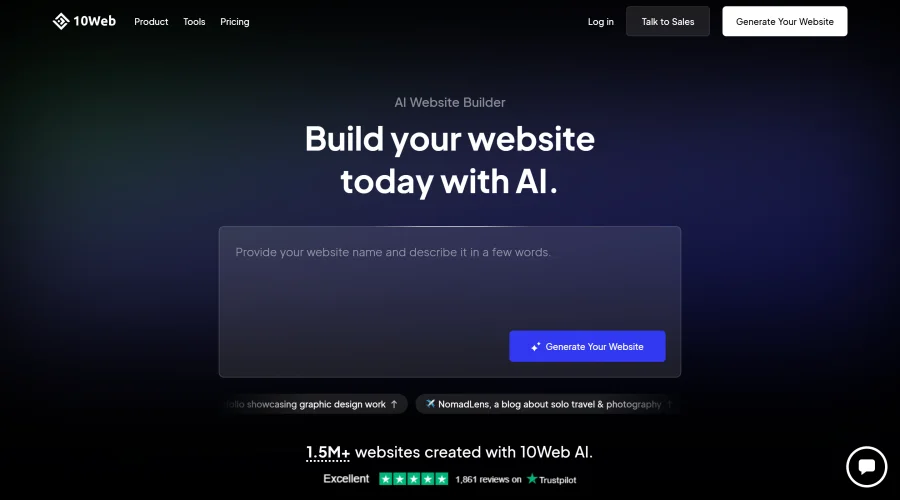

10Web
AI-enhanced WordPress website builder for easy site creation.
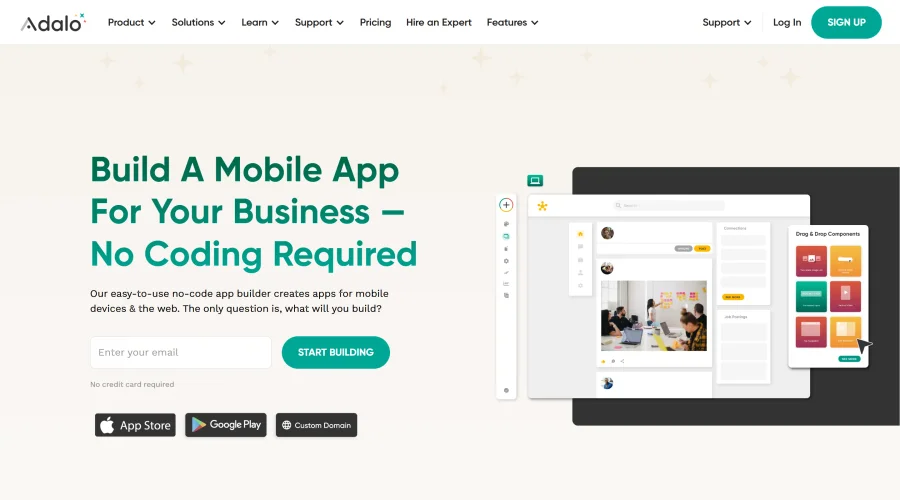

Adalo
Turn app ideas into reality without needing to code.
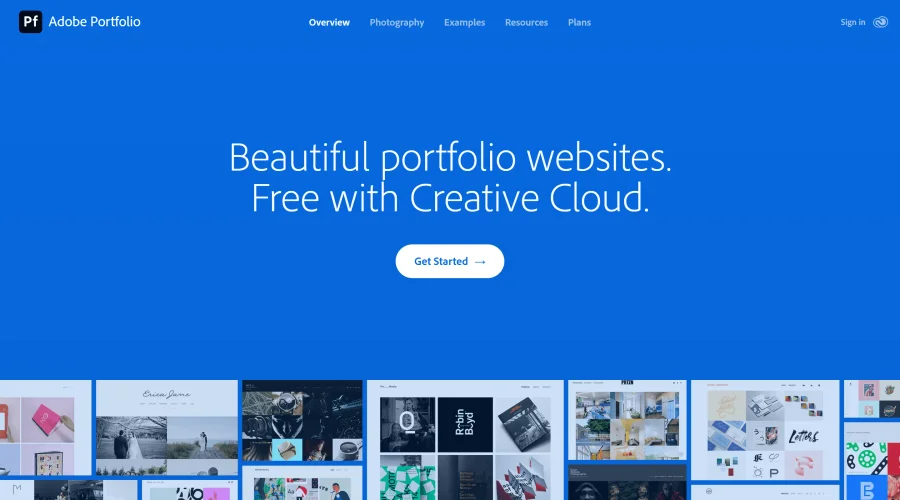

Adobe Portfolio
Build stunning portfolio websites, free with Creative Cloud.
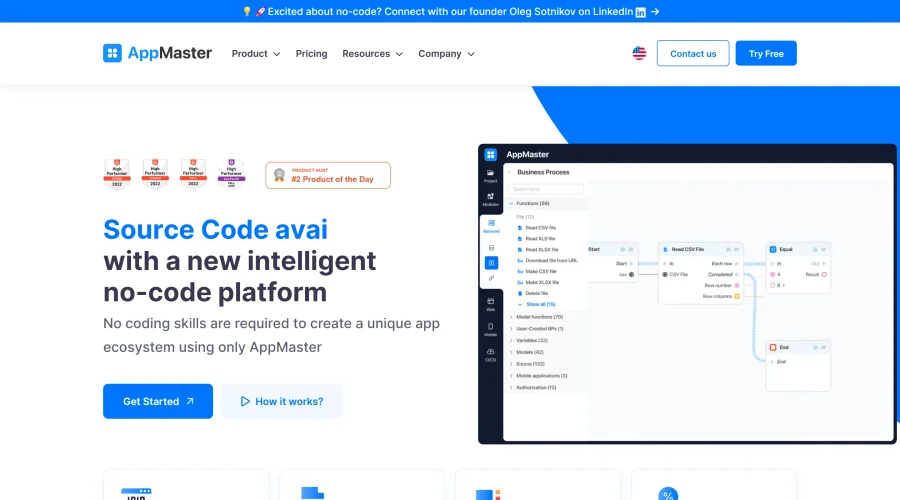

AppMaster
Next-gen no-code platform for automating business processes and building native apps.
Explore Other Categories
Discover more design resources
New to Design?
Explore our comprehensive design glossary to master essential terminology from A/B Testing to Wireframes.
Browse GlossaryLooking for something specific?
Search through our entire collection of design tools and resources