

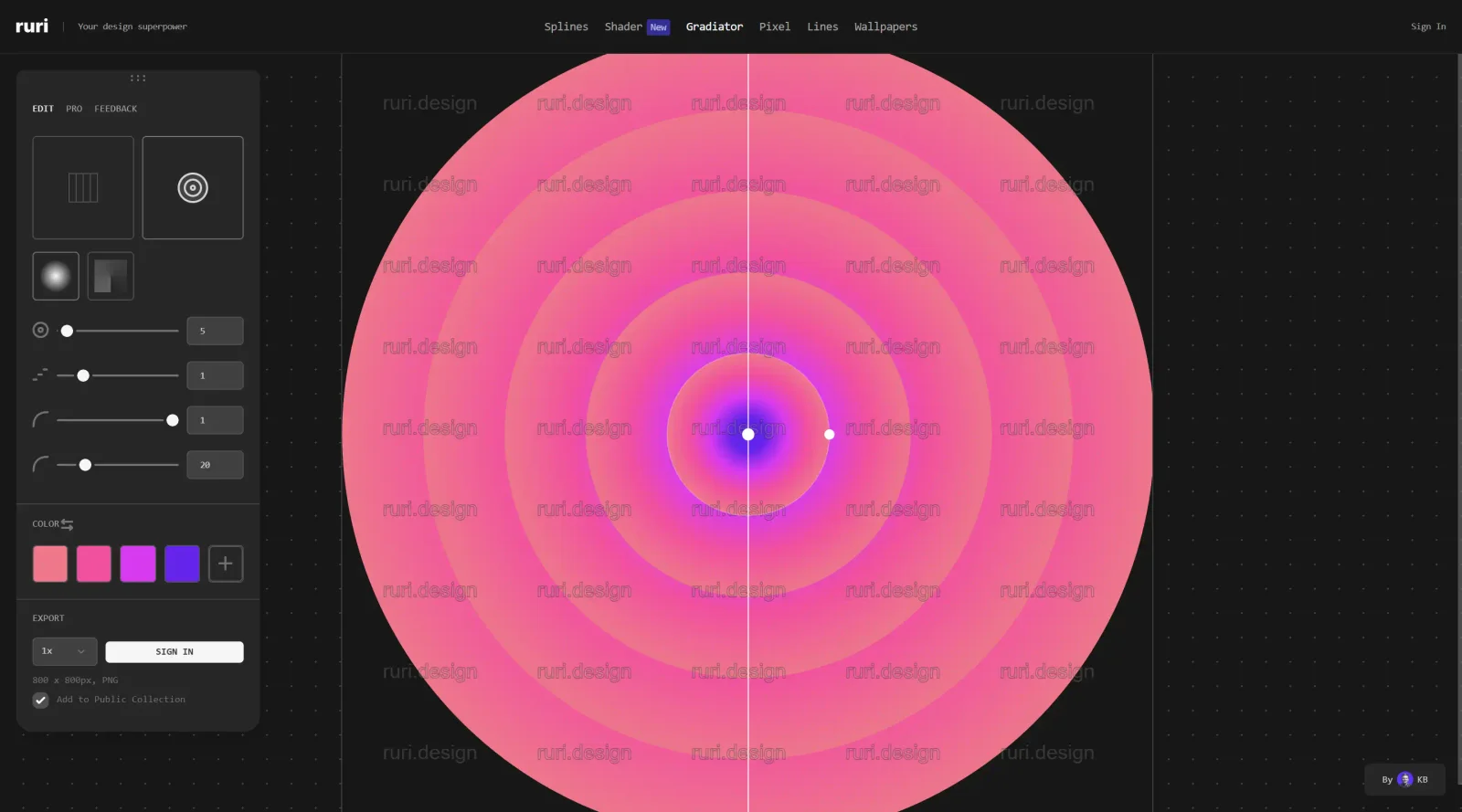
Apple-inspired gradient generator for creative designs.
What it costs
- Free tier
- Yes
Ruri offers a mix of free and paid Figma plugins/assets (paid sold via Gumroad); no numeric prices listed on the page.
Auto-checked on 8 August 2026Source
About Gradiator
What Is Gradiator?
Gradiator is a plugin panel developed by Astute Graphics for Adobe Illustrator, designed to manage linear and radial gradients in vector artwork. It extends the native Gradient panel by providing advanced controls for editing gradients across multiple paths simultaneously. As a design tool in the design-tools category, Gradiator operates on a free-paid pricing model through Astute Graphics' SubScribe subscription, fitting into the workflow of designers creating complex gradient-based illustrations, UI elements, and branding materials.
What Gradiator Does
- Enables numerical control over gradient origin, length, and angle for precise adjustments on fills or strokes of selected paths.
- Allows capturing a gradient from one path, including its absolute position, and applying it to multiple other paths.
- Supports editing multiple gradients at once, such as changing angles, rotating, or randomizing color stop orders.
- Provides selection specification for fills, strokes, or both, with previews of mixed gradients when multiple items are selected.
- Offers controls for opacity, midpoint location, and angle modes including absolute, relative, or random settings between -180° and 180°.
- Includes specialty functions to convert flat color fills and strokes to gradients, or gradients back to flat colors.
How Gradiator Can Be Used
- In UI design workflows, apply consistent gradients across button fills and stroke elements by capturing from a master path and batch-applying to components.
- For illustration projects, randomize color stop orders on multiple gradient objects to quickly generate variations without manual repositioning.
- During branding material creation, numerically set gradient angles relative to path anchor points for aligned effects on logos or icons.
- In preparation for print or web export, convert uniform color areas to subtle gradients or vice versa to match design specifications efficiently.
- When refining complex artwork, use shift-modified apply functions to transfer only gradient length and origin while preserving existing colors.
Who Is Gradiator For?
Gradiator serves vector designers and illustrators using Adobe Illustrator who require detailed control over gradients beyond native tools, including those working on UI kits, icons, and scalable graphics. It suits intermediate to advanced users handling multi-object edits in professional workflows, such as agency teams producing client deliverables or freelance designers iterating on gradient-heavy compositions. Developers prototyping design systems may also use it for precise gradient exports. Visit Gradiator
Featured Tools
Sponsored
Artlist
Royalty-free music, SFX, 8K footage, templates, LUTs and 100+ AI models on a single subscription for video creators.

Icons8
Large icon packs featuring over 10,000 icons for consistent design themes.

Vidu
AI video generator with text, image and reference-to-video modes, producing 3–16 second clips at up to 1080p with characters that stay consistent across shots.
Your tool here
The tools above are our own picks until the slots sell.
Spotlight
SponsoredRotates daily
Hailuo AI
AI video generator from MiniMax with cinematic, language-driven camera control.
Tools we recommend


getimg.ai
20+ AI models for image, video & audio in one workspace


OpenArt
All-in-one AI image, video & audio generator


YouCam Online Editor
Free online AI photo & video editor
Editorially chosen. Some links above are affiliate links — if you sign up we may earn a commission, at no extra cost to you.
More Design Tools Tools


Pryzm
Pryzm is a real-time studio for designers who need backgrounds that don't look like everyone else's. Layer procedural gradients, then stack glass, grain, light and blobs.


Modeinspect
Mode turns your product’s codebase into editable canvas frames. Refine real UI with visual controls, experiment with AI then share or hand off for review.


GoProd
Remove backgrounds and upscale images effectively.


Kittl
AI-first design platform with image, vector, and video generation, plus templates, mockups, and print-ready exports.


Lunacy
Free design software enhanced with AI tools and built-in graphics.


Smart Upscaler
Automatically improve image clarity using AI technology.
Explore Other Categories
Discover more design resources
New to Design?
Explore our comprehensive design glossary to master essential terminology from A/B Testing to Wireframes.
Browse GlossaryLooking for something specific?
Search through our entire collection of design tools and resources