

A free interactive SVG icon pack, ideal for fans of gradient designs.
What it costs
- Free tier
- Yes
Scrape landed on Iconshock's home page; a 'Become premium' CTA links to /premium but no actual prices were shown.
Auto-checked on 8 August 2026Source
About Gradientify
What Is Gradientify?
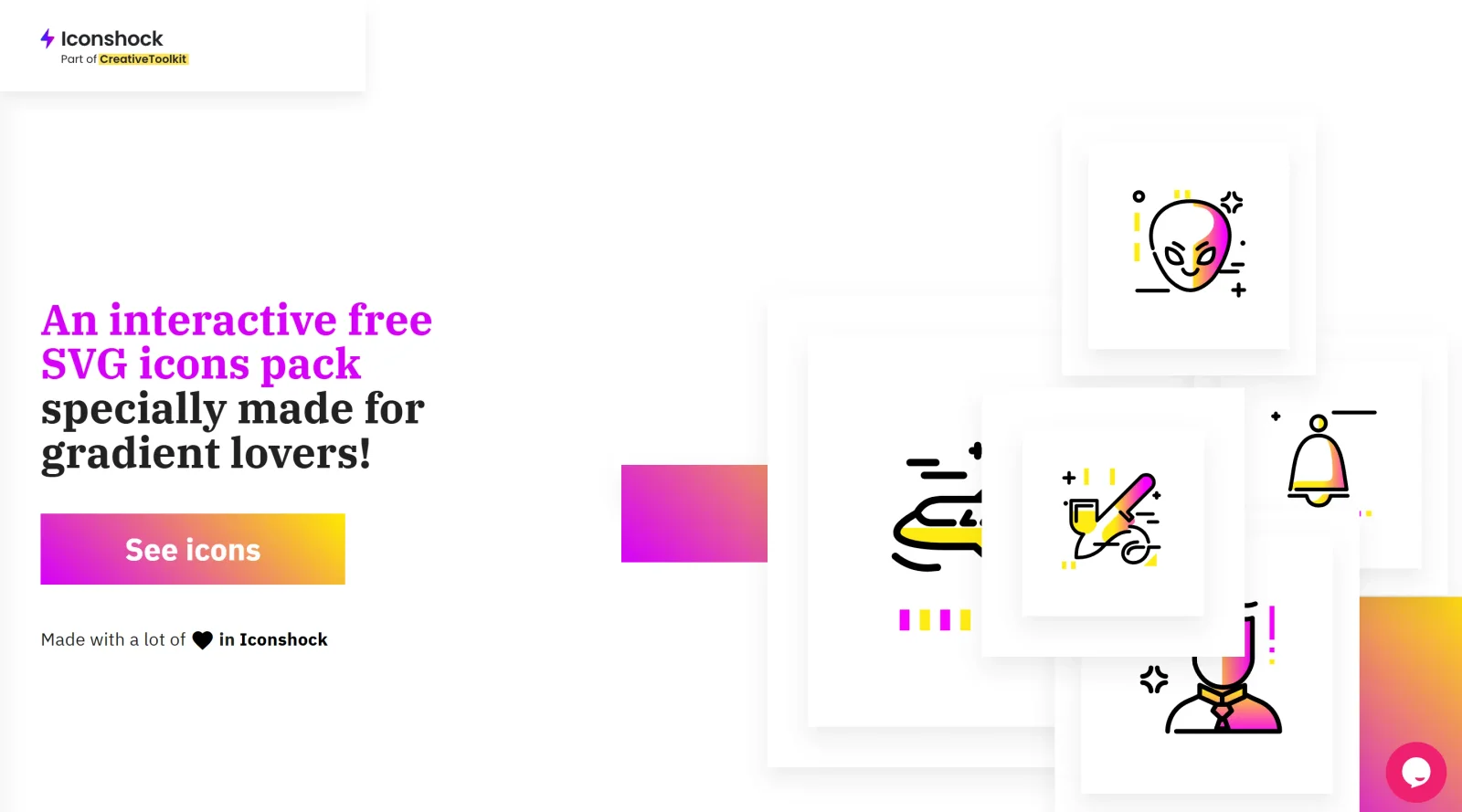
Gradientify is a free interactive SVG icon pack designed for users interested in gradient designs. It falls within the icons category, providing customizable vector icons that incorporate gradient effects. The tool requires attribution for use and serves as a resource in the design workflow for adding stylized icons to websites, applications, and graphics. Designers access Gradientify through its online platform to select and modify icons before exporting them in SVG or PNG formats.
What Gradientify Does
- Offers over 400 SVG icons organized into multiple categories for various design needs.
- Provides an interactive gradient editor to customize colors and styles on individual icons.
- Allows export of icons in SVG and PNG formats suitable for web and print use.
- Supports real-time preview of gradient modifications directly in the browser.
- Includes vector source files for further editing in design software like Adobe Illustrator.
- Delivers icons under an attribution-required license for personal and commercial projects.
How Gradientify Can Be Used
- In web development workflows, developers download customized gradient SVG icons to integrate into HTML/CSS for user interfaces and landing pages.
- UI designers apply Gradientify icons to prototypes, replacing placeholders with vibrant gradient elements that match brand color schemes.
- Graphic artists use the gradient editor to create unique variations for presentations, infographics, and social media graphics.
- App designers incorporate icons into mobile or desktop interfaces, ensuring scalability through SVG format.
- Teams iterate designs by saving and reloading gradient settings for consistent styling across projects.
Who Is Gradientify For?
Gradientify suits designers and developers who work with icon libraries and seek gradient-styled SVG assets. It fits frontend developers building modern websites, UI/UX designers prototyping interfaces with colorful elements, and graphic artists needing editable vectors for branding materials. Experience levels range from intermediate users familiar with SVG editing to those exploring gradient effects in design tools. Projects involving playful, vibrant visuals like apps, newsletters, and marketing graphics benefit from its capabilities. Visit Gradientify
Featured Tools
Sponsored
Artlist
Royalty-free music, SFX, 8K footage, templates, LUTs and 100+ AI models on a single subscription for video creators.

Icons8
Large icon packs featuring over 10,000 icons for consistent design themes.

Vidu
AI video generator with text, image and reference-to-video modes, producing 3–16 second clips at up to 1080p with characters that stay consistent across shots.
Your tool here
The tools above are our own picks until the slots sell.

Tools we recommend


Editorially chosen. Some links above are affiliate links — if you sign up we may earn a commission, at no extra cost to you.
More Icons Tools

Animated Icons 2.0
Enhance your projects with 900+ animated icons.

Glyph Neue
Over 1,500 icons in SVG and PNG formats, free with attribution.

Line Awesome
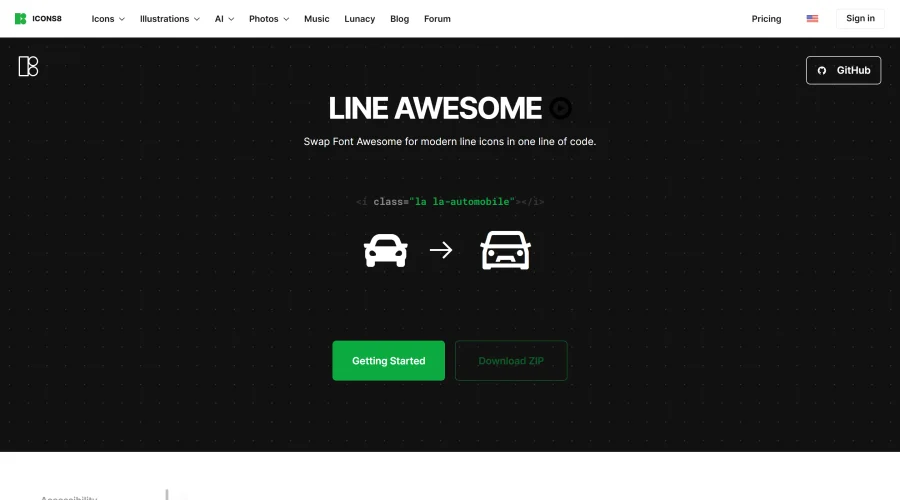
Easily replace Font Awesome with modern line icons using one line of code.
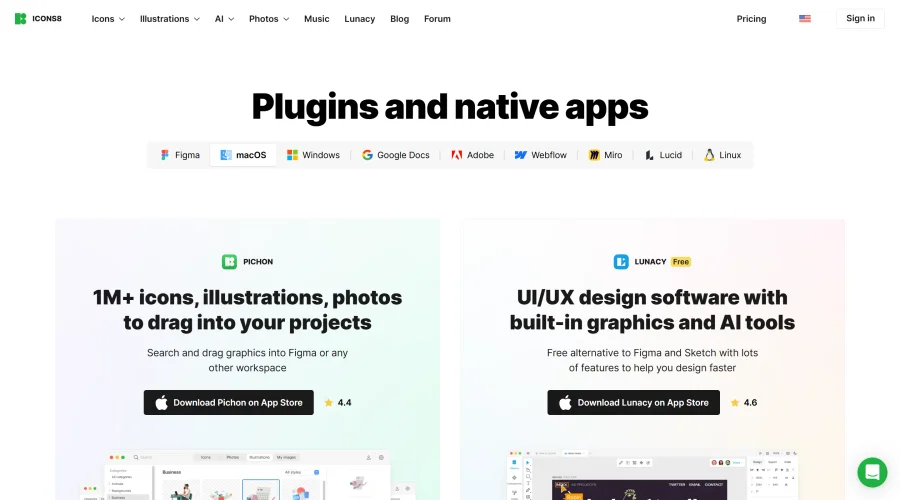

Pichon
Drag and drop the best design graphics with ease.
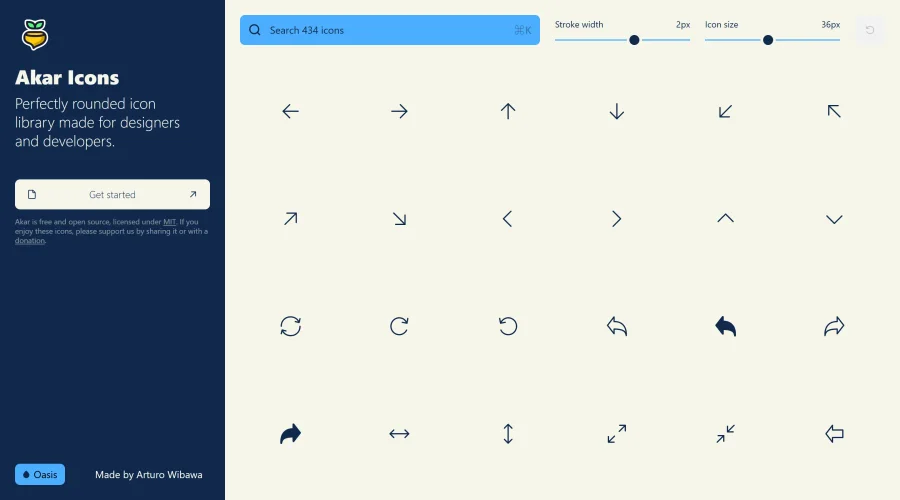

Akar Icons
A perfectly rounded icon library designed for designers and developers.
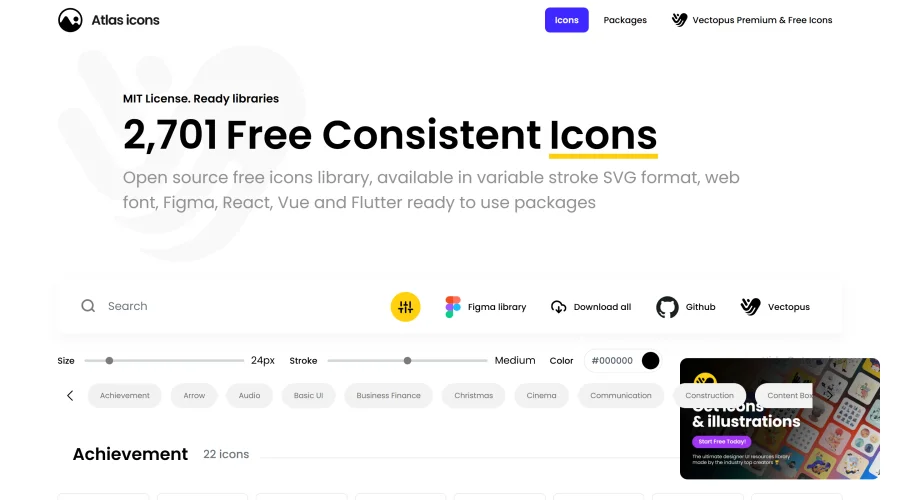

Atlas Icons
Versatile open-source icon library, offering various stroke widths and formats.
Explore Other Categories
Discover more design resources
New to Design?
Explore our comprehensive design glossary to master essential terminology from A/B Testing to Wireframes.
Browse GlossaryLooking for something specific?
Search through our entire collection of design tools and resources