

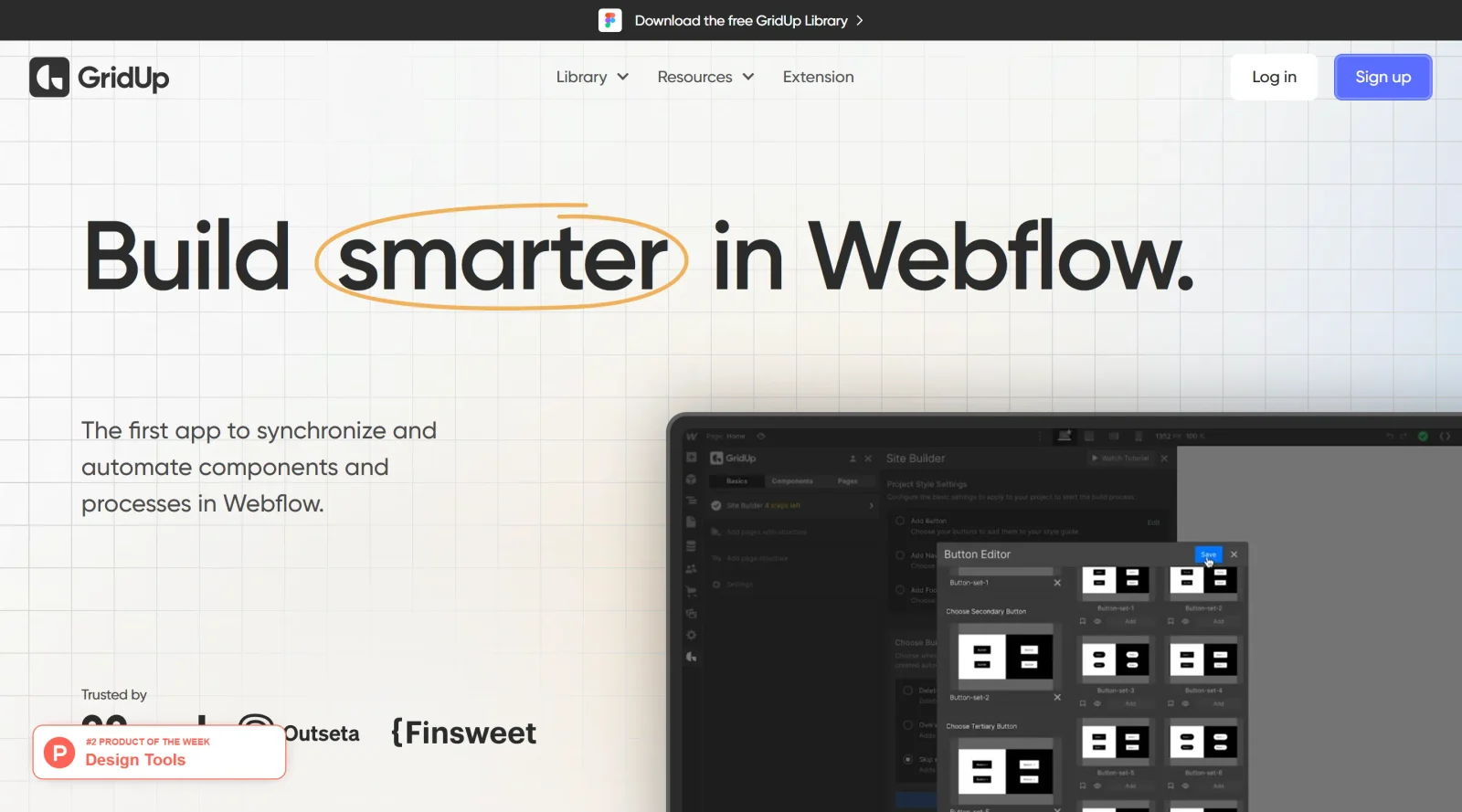
About GridUp
What Is GridUp?
GridUp is a paid tool in the website builders category designed to automate and synchronize the Webflow design process. It fits into the design workflow by streamlining setup tasks, component management, and page creation within Webflow projects. GridUp enables users to maintain consistency across elements like style guides, navigation, and footers without manual class renaming or duplication.
What GridUp Does
- Automates the initial setup process and style guide creation in Webflow projects.
- Provides access to a component library with over 500 components, including sliders and custom elements with pre-linked styles.
- Allows bulk addition of page structures, such as navigation bars and footers, to multiple pages simultaneously.
- Supports creation of individual pages filled with predefined page tracks and components.
- Synchronizes databases and classes across components to avoid repeated renaming.
- Enables centralized management of design elements to reduce errors in the building process.
How GridUp Can Be Used
- Designers start a new Webflow project by using GridUp to add a complete page structure, including navigation and footer, to blank pages in bulk, speeding up the initial layout phase.
- During component integration, select and insert components from the library directly into pages, with automatic class synchronization to maintain design consistency.
- For multi-page sites, generate pages individually or in batches, populating them with sections like sliders or custom buttons that link to a shared style guide.
- In workflows involving style updates, modify classes in one place and see changes propagate across all connected components and pages without manual adjustments.
- Teams building complex sites use GridUp to add structures to existing generated pages, ensuring uniform elements like headers across the entire project.
Who Is GridUp For?
GridUp serves Webflow users such as designers and builders who work on multi-page websites requiring consistent structures and components. It suits those handling repetitive setup tasks, style guide maintenance, or component-heavy projects, particularly at intermediate to advanced experience levels where automation reduces manual effort in class management and page population. Projects involving custom components, bulk page creation, or synchronized databases benefit from its capabilities. Visit GridUp
Featured Tools
Sponsored
Artlist
Royalty-free music, SFX, 8K footage, templates, LUTs and 100+ AI models on a single subscription for video creators.

Icons8
Large icon packs featuring over 10,000 icons for consistent design themes.

Vidu
AI video generator with text, image and reference-to-video modes, producing 3–16 second clips at up to 1080p with characters that stay consistent across shots.
Your tool here
The tools above are our own picks until the slots sell.
Spotlight
SponsoredRotates daily
Glyph Neue
Over 1,500 icons in SVG and PNG formats, free with attribution.
Tools we recommend

Base44
Build full-stack apps from a prompt (by Wix)

SITE123
Free website builder with hosting included


Wegic
Build & manage a whole site by chatting with AI
Editorially chosen. Some links above are affiliate links — if you sign up we may earn a commission, at no extra cost to you.
More Website Builders Tools


Framer
Design and launch your dream website with no coding required.

Webflow
Accelerate website creation without needing to code.
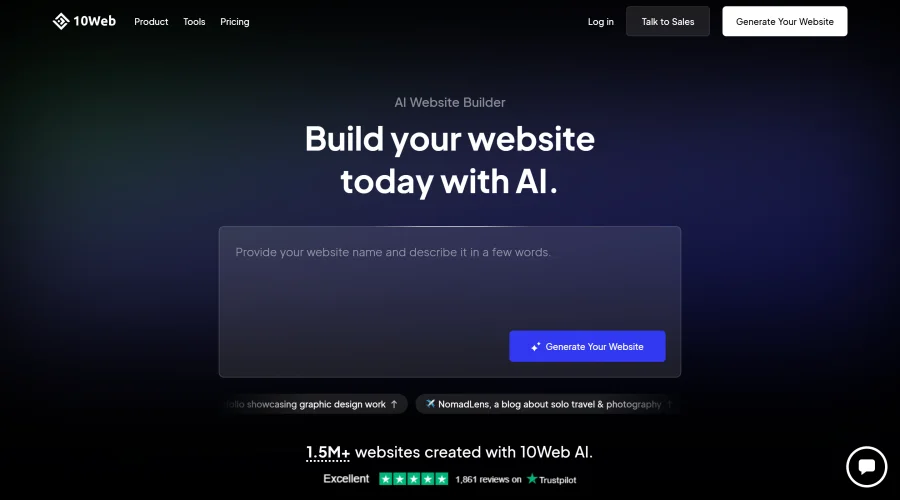

10Web
AI-enhanced WordPress website builder for easy site creation.
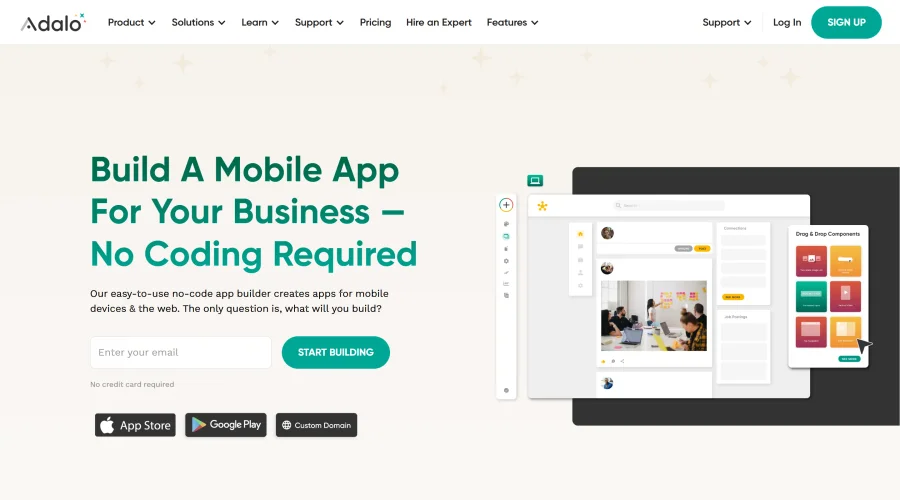

Adalo
Turn app ideas into reality without needing to code.
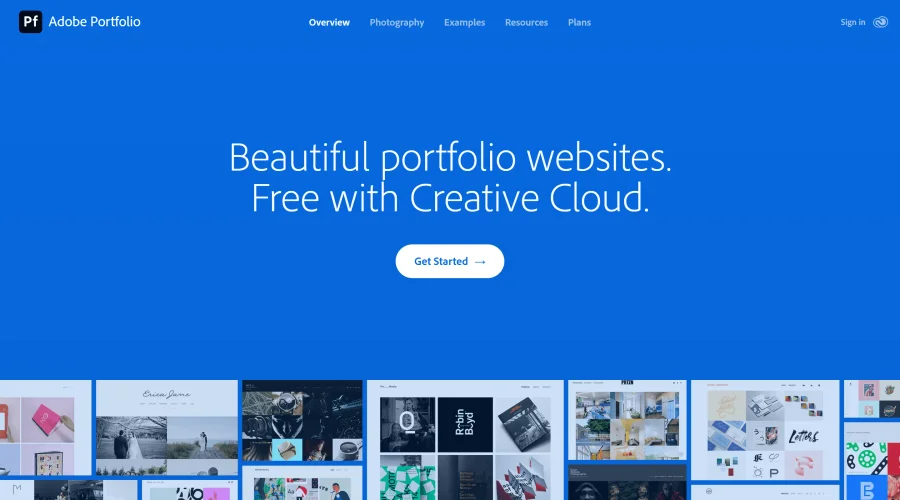

Adobe Portfolio
Build stunning portfolio websites, free with Creative Cloud.
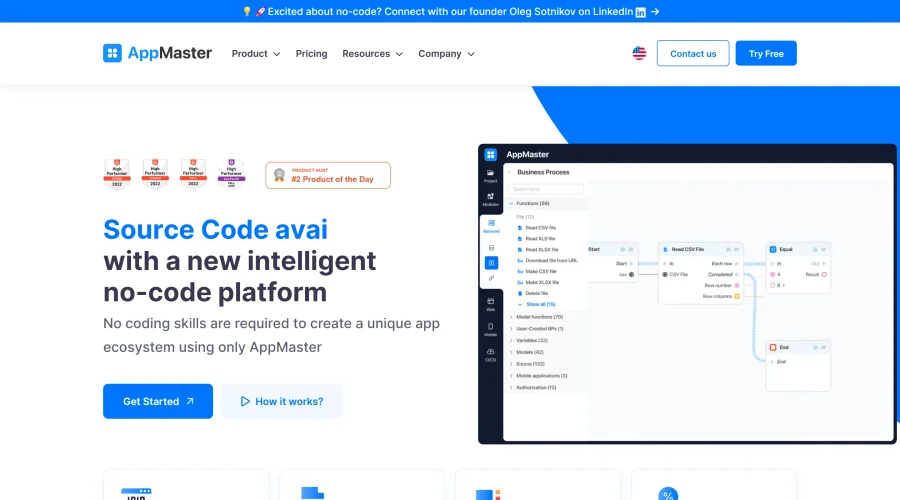

AppMaster
Next-gen no-code platform for automating business processes and building native apps.
Explore Other Categories
Discover more design resources
New to Design?
Explore our comprehensive design glossary to master essential terminology from A/B Testing to Wireframes.
Browse GlossaryLooking for something specific?
Search through our entire collection of design tools and resources