

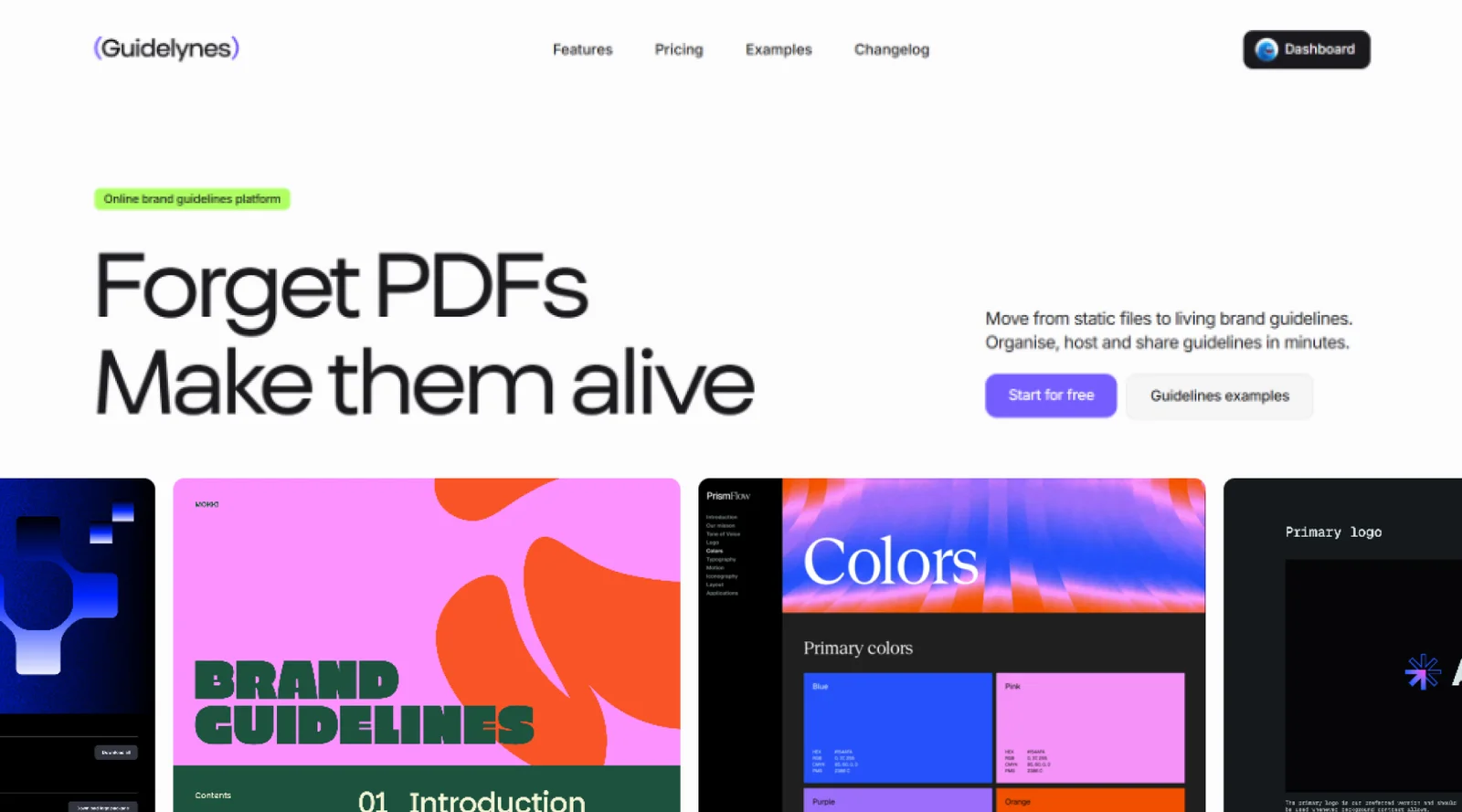
Create modern, interactive, and stylish online brand guidelines. Forget about static PDF manuals. Simply send a web link containing all your brand assets and guidelines.
What it costs
- Free tier
- Yes
- Paid plans from
- $19/mo
Free is genuinely free — $0, no card, but limited to 1 site, 1 editor and 50 MB, with a Guidelynes tag on the published guidelines. Paid prices below are on ANNUAL billing, which is how the page defaults ("Save 20%"), and each card reads "Billed yearly": Starter $19/mo (up to 2 sites, 1 editor, 1 GB), Pro $39/mo (up to 5 sites, 3 editors, 5 GB), Agency $64/mo (unlimited sites and editors, 20 GB) — the site's own calculator confirms Agency at $768/year. Every paid tier removes the badge and adds a custom domain. Monthly billing is offered at a higher rate, but the toggle did not switch when checked, so those figures are unverified and are not quoted here.
Auto-checked on 9 November 2026Source
About Guidelynes
Guidelynes: Brand Guidelines That Stop Being Wrong the Moment You Publish Them
Guidelynes replaces the PDF brand manual with a hosted, living one. The problem it targets is familiar to anyone who has delivered a brand: the document is out of date the moment it is exported, it arrives as an attachment that gets buried in an inbox, and it generates a slow trickle of emails asking for the SVG logo, the font files, or the latest version. Guidelynes gives you a permanent link instead — change a hex code once and it updates everywhere, and let clients pull their own assets straight from the source.
Key Features
- Living guidelines — Edits publish instantly, so there is one URL that is always current.
- Self-service assets — Clients download SVG logos, fonts and icons themselves, with click-to-copy colour codes.
- Smart blocks — Pre-built layouts for logos, palettes and typography; drop assets in rather than designing a document.
- Direct canvas editing — Set background colours, clear space and logo rules visually, on the page itself.
- Video support — Embed motion rules and UI animation guidelines, which a PDF structurally cannot carry.
- Custom domain — Publish a responsive manual to your own domain from the cheapest paid plan up.
The Problem It Actually Solves
The strongest argument for this category is not that a web page looks nicer than a PDF — it is that a PDF is a snapshot of a decision, and brands keep deciding. A tweaked secondary colour, a new logo lockup or a revised clear-space rule means re-exporting, re-sending and hoping everyone discards the old file, which they never entirely do. A hosted manual collapses that into one edit. The second half of the argument is the asset requests: most of the interruptions a design team fields about a brand are not questions, they are retrieval. Putting the logo files, the fonts and the copyable hex values behind the same link the guidelines live on removes that work rather than speeding it up.
Building One
The editor is built around smart blocks — pre-made layouts for the sections every brand manual has, so you populate a logo page or a colour palette rather than laying one out. Fine control happens directly on the canvas: background colours, clear space and logo rules are adjusted with visual controls on the page itself rather than in a panel elsewhere. Publishing is a single action that ships a responsive manual to a custom domain. The pitch is explicitly speed — getting a presentable, correct manual out of the door quickly rather than designing a bespoke document — which will suit agencies delivering several brands a year more than a studio producing one showpiece.
Motion Is the Genuine Differentiator
Of everything here, video support is the part a PDF cannot answer. Modern brands increasingly specify motion — how a logo resolves, how a UI element eases, the rhythm of a transition — and those rules are close to impossible to express in a static document. Guidelynes lets you embed the motion itself alongside the written rule, which is the right way to specify it. Paired with interactive assets — SVG logos ready to download, colour codes that copy on click, font files in place — the result is a manual that behaves like a tool rather than a reference.
What It Costs
There is a genuinely free plan with no card required: one site, one editor, 50 MB of storage, and a Guidelynes tag on the published result. Paid tiers, priced on annual billing, run from Starter at $19 a month for up to two sites and 1 GB, through Pro at $39 for up to five sites, three editors and 5 GB, to Agency at $64 for unlimited sites and editors with 20 GB. Every paid tier removes the badge and adds a custom domain. One thing worth reading carefully: the pricing section is headed "no hidden seat fees" and says you pay for the brands you manage rather than the people accessing them, which is true of viewers but not of editors — those are capped at one on Starter and three on Pro, so a small team can find itself upgrading for seats rather than for brands.
How to Try It
- Start on the free plan — no card — and build one site.
- Populate the smart blocks with your logo, palette and type.
- Adjust clear space and logo rules directly on the canvas.
- Publish, and check how the asset downloads and click-to-copy values feel from a client's side.
- Upgrade when you need the badge gone, a custom domain, more editors or more storage.
Who It's For
- Agencies and freelancers delivering brand identities who want to stop producing PDF manuals
- Design teams fielding repeated requests for logo files, fonts and hex values
- In-house teams maintaining a brand that changes more than once a year
- Anyone specifying motion rules that a static document cannot express
- Studios wanting to hand clients a destination rather than an attachment
Conclusion
Guidelynes is a focused answer to a real and slightly boring problem, and the focus is its strength — it is not trying to be a full digital asset manager or a design system platform, just the place a brand's rules and files live so they are always current and always reachable. The free tier is enough to build something real and judge it, motion support is a genuine advantage over the format it is replacing, and the per-brand pricing suits agencies. Watch the editor caps on the lower tiers, and the storage allowance if your guidelines are going to carry much video.
Featured Tools
Sponsored
Artlist
Royalty-free music, SFX, 8K footage, templates, LUTs and 100+ AI models on a single subscription for video creators.

Icons8
Large icon packs featuring over 10,000 icons for consistent design themes.

Vidu
AI video generator with text, image and reference-to-video modes, producing 3–16 second clips at up to 1080p with characters that stay consistent across shots.
Your tool here
The tools above are our own picks until the slots sell.
Spotlight
SponsoredRotates daily
Glyph Neue
Over 1,500 icons in SVG and PNG formats, free with attribution.
Tools we recommend

getimg.ai
20+ AI models for image, video & audio in one workspace

OpenArt
All-in-one AI image, video & audio generator


YouCam Online Editor
Free online AI photo & video editor
Editorially chosen. Some links above are affiliate links — if you sign up we may earn a commission, at no extra cost to you.
More Design Tools Tools
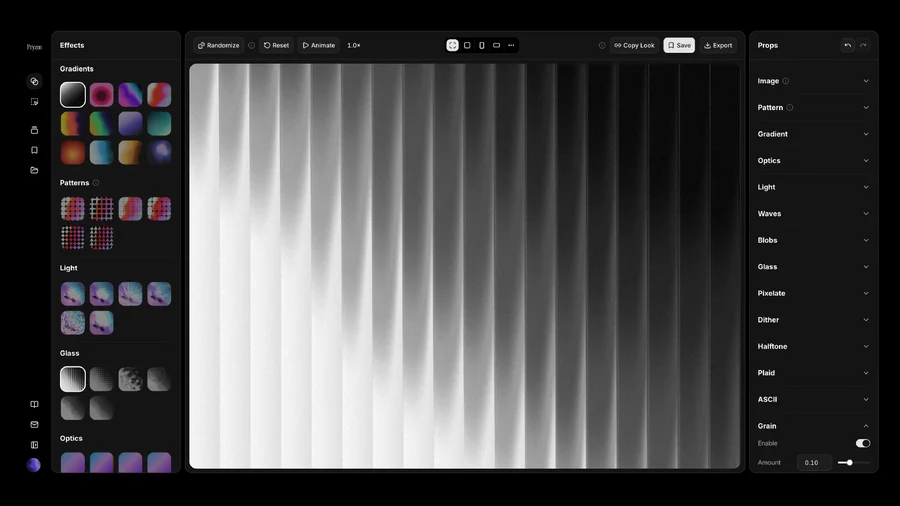
Pryzm
Pryzm is a real-time studio for designers who need backgrounds that don't look like everyone else's. Layer procedural gradients, then stack glass, grain, light and blobs.

Modeinspect
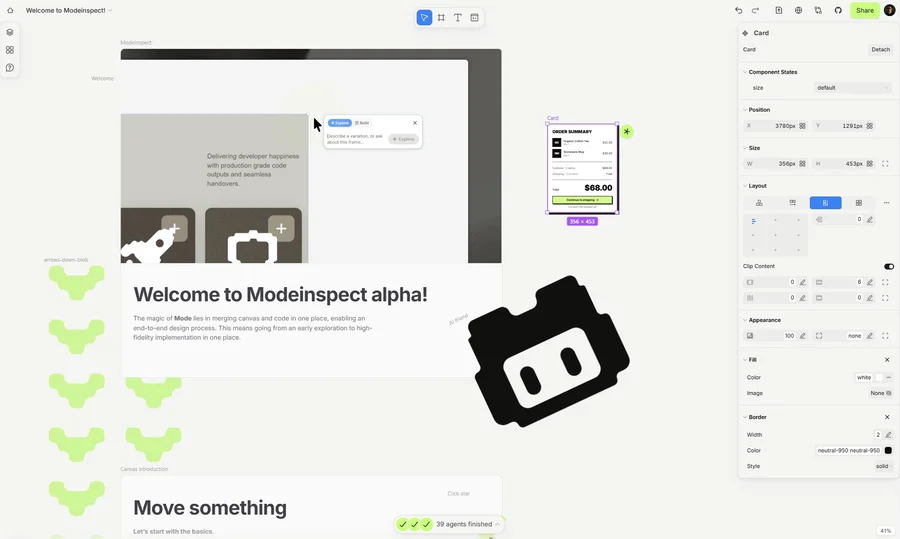
Mode turns your product’s codebase into editable canvas frames. Refine real UI with visual controls, experiment with AI then share or hand off for review.

GoProd
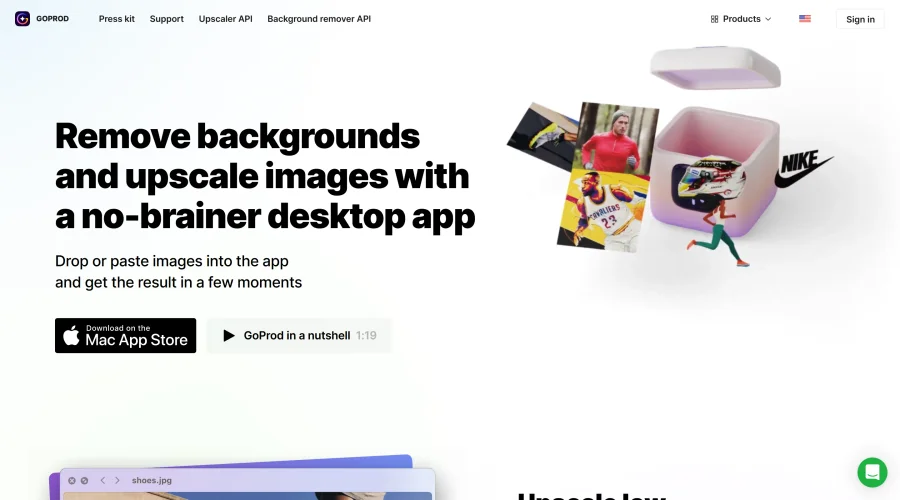
Remove backgrounds and upscale images effectively.

Kittl
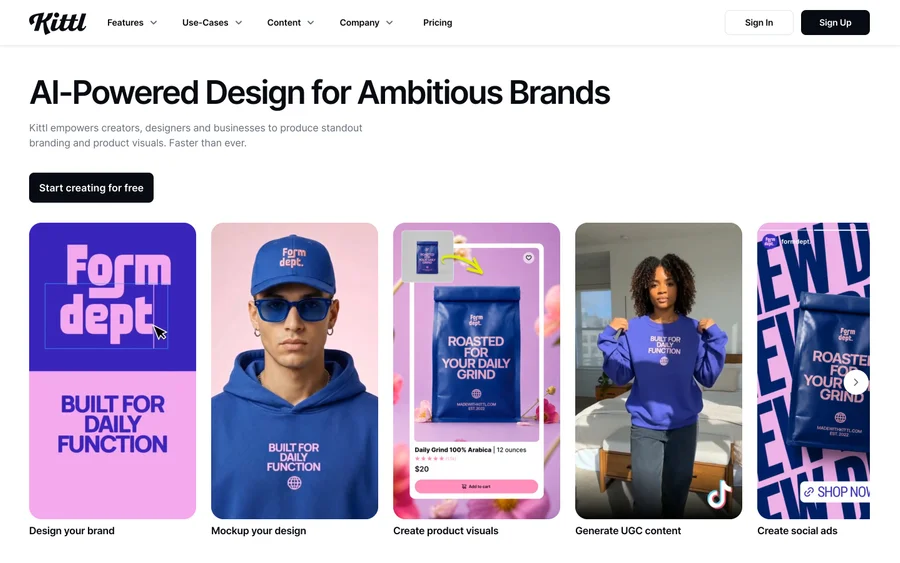
AI-first design platform with image, vector, and video generation, plus templates, mockups, and print-ready exports.

Lunacy
Free design software enhanced with AI tools and built-in graphics.

Smart Upscaler
Automatically improve image clarity using AI technology.
Explore Other Categories
Discover more design resources
New to Design?
Explore our comprehensive design glossary to master essential terminology from A/B Testing to Wireframes.
Browse GlossaryLooking for something specific?
Search through our entire collection of design tools and resources