

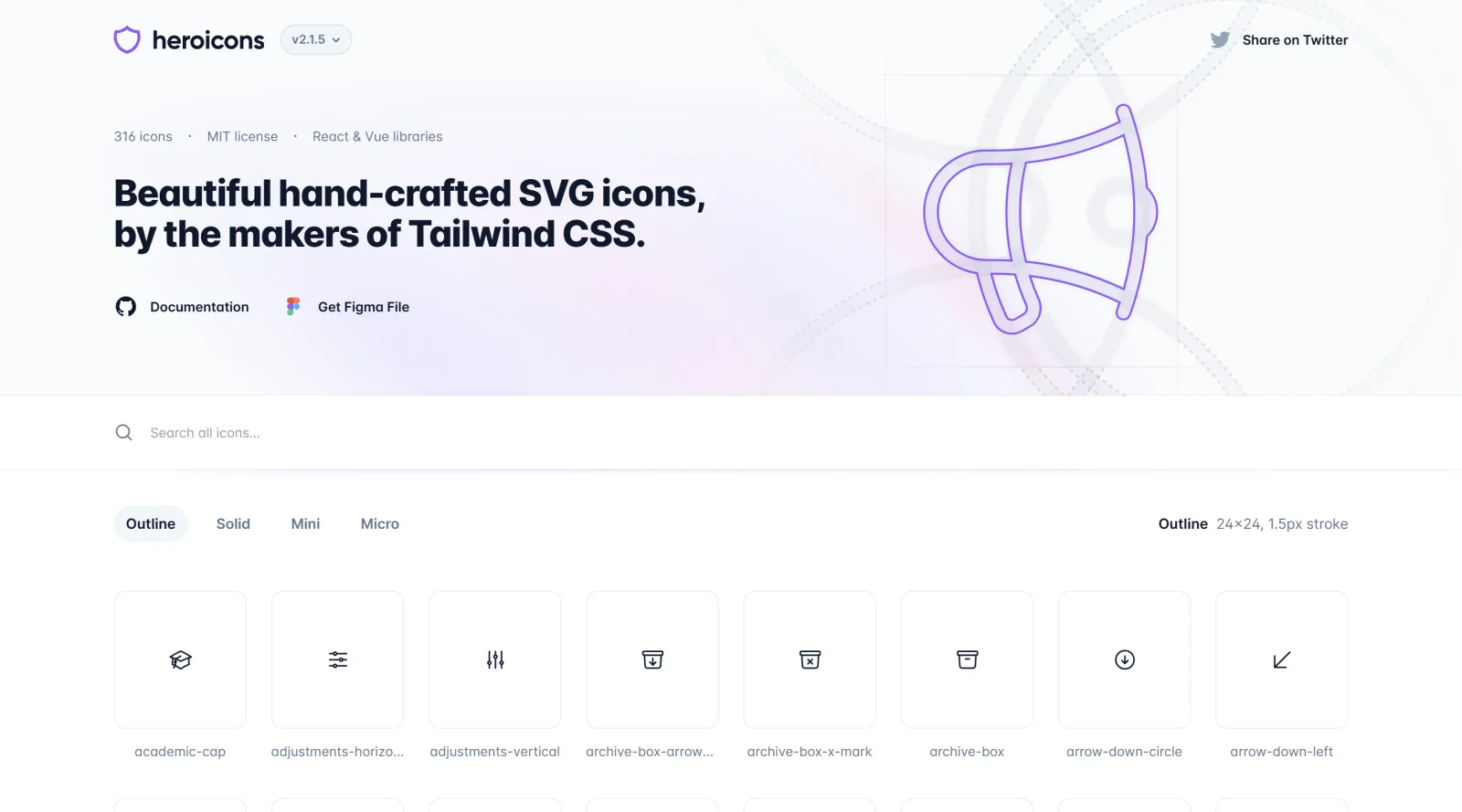
Discover beautifully hand-crafted SVG icons for elegant designs.
What it costs
- Free tier
- Yes
Free, MIT-licensed set of 316 SVG icons by the Tailwind CSS team; no paid plan.
Auto-checked on 8 August 2026Source
About Heroicons
What Is Heroicons?
Heroicons is a **free icon library** offering hand-crafted SVG icons designed for use in web and app projects. As part of the icons category, Heroicons provides over 290 icons in multiple styles, including Outline with a single-stroke design, Solid with filled shapes, Mini, and Micro variations. These icons fit into the design workflow during UI development, where designers and developers need scalable vector graphics for buttons, navigation, and interface elements. Being open-source under the MIT license and completely free, Heroicons allows direct integration without licensing costs.
What Heroicons Does
- Supplies more than 290 SVG icons across Outline, Solid, Mini, and Micro styles for varied design needs.
- Offers Outline icons with a 1.5px stroke width and Solid icons as filled shapes for different visual weights.
- Supports customization of size, stroke width, and color through standard SVG attributes and CSS properties.
- Provides icons in 24x24 pixel size for standard use and smaller 20x20 variants for compact interfaces.
- Enables easy integration via direct SVG copy-paste, local hosting, CDN links, or framework-specific packages.
- Includes first-party libraries for React and Vue to import icons as components by name.
How Heroicons Can Be Used
- In web design projects, copy SVG code from the Heroicons site and paste into HTML for immediate use in prototypes or live sites.
- During frontend development with Tailwind CSS, apply utility classes to style icons for consistent theming across navigation menus and action buttons.
- For React applications, install the @heroicons/react package and import specific icons like BeakerIcon for dynamic rendering in components.
- In Vue.js workflows, use @heroicons/vue to summon icons by name, setting size and classes for dashboards or mobile apps.
- Download the full set as a ZIP file for local hosting, customizing stroke and fill in tools like Figma or code editors for brand-aligned assets.
- Embed via CDN in static sites, adjusting colors with CSS currentColor for responsive icons in e-commerce product pages or forms.
Who Is Heroicons For?
Heroicons serves UI designers seeking a consistent **icon library** for wireframes and high-fidelity mockups, frontend developers building web apps with frameworks like React or Vue, and Tailwind CSS users needing matching SVG assets. It suits projects requiring scalable icons without attribution, from personal portfolios to enterprise interfaces, particularly for those prioritizing open-source resources in their stack. Experience levels range from juniors copying SVGs to seniors integrating via npm packages. Visit Heroicons
Featured Tools
Sponsored
Artlist
Royalty-free music, SFX, 8K footage, templates, LUTs and 100+ AI models on a single subscription for video creators.

Icons8
Large icon packs featuring over 10,000 icons for consistent design themes.

Vidu
AI video generator with text, image and reference-to-video modes, producing 3–16 second clips at up to 1080p with characters that stay consistent across shots.
Your tool here
The tools above are our own picks until the slots sell.
Spotlight
SponsoredRotates daily
HyNote
Records and transcribes interviews and meetings, then turns them into summaries and action items.
Tools we recommend


Editorially chosen. Some links above are affiliate links — if you sign up we may earn a commission, at no extra cost to you.
More Icons Tools
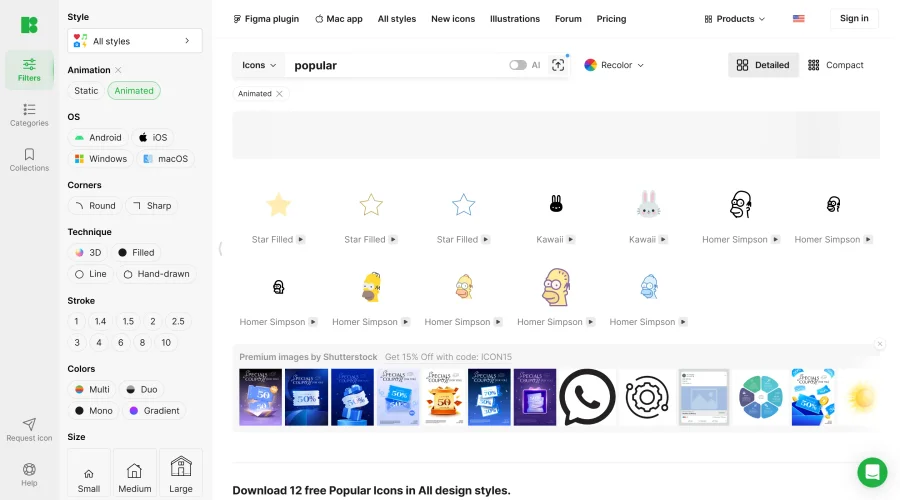

Animated Icons 2.0
Enhance your projects with 900+ animated icons.
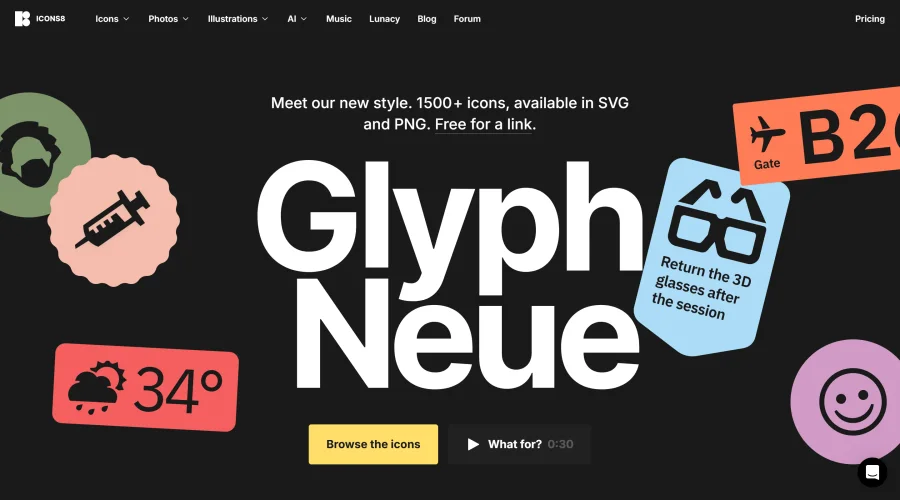

Glyph Neue
Over 1,500 icons in SVG and PNG formats, free with attribution.
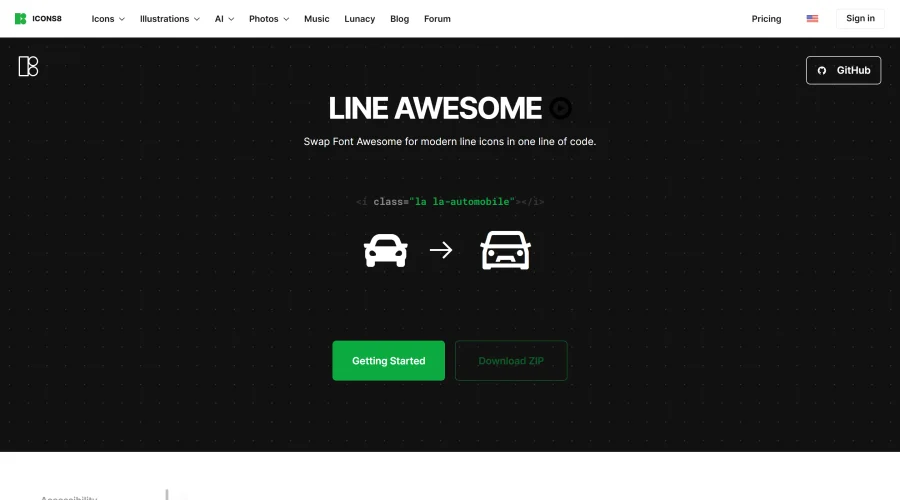

Line Awesome
Easily replace Font Awesome with modern line icons using one line of code.
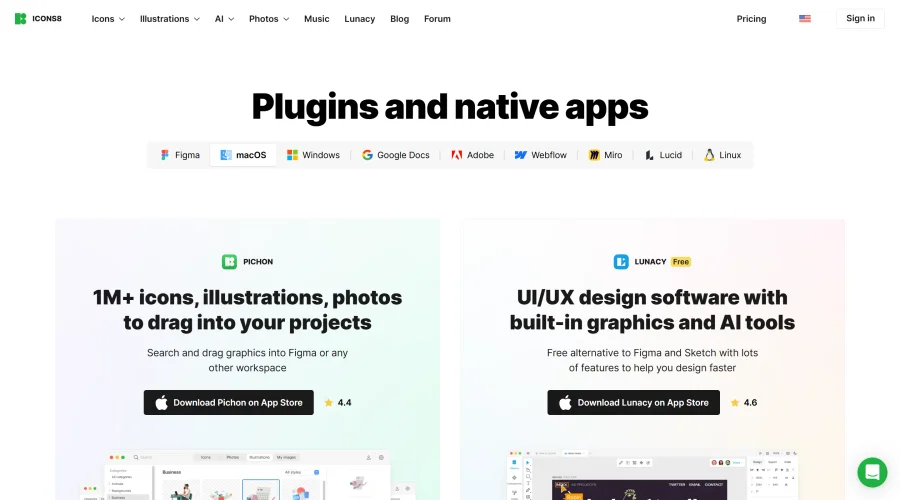

Pichon
Drag and drop the best design graphics with ease.
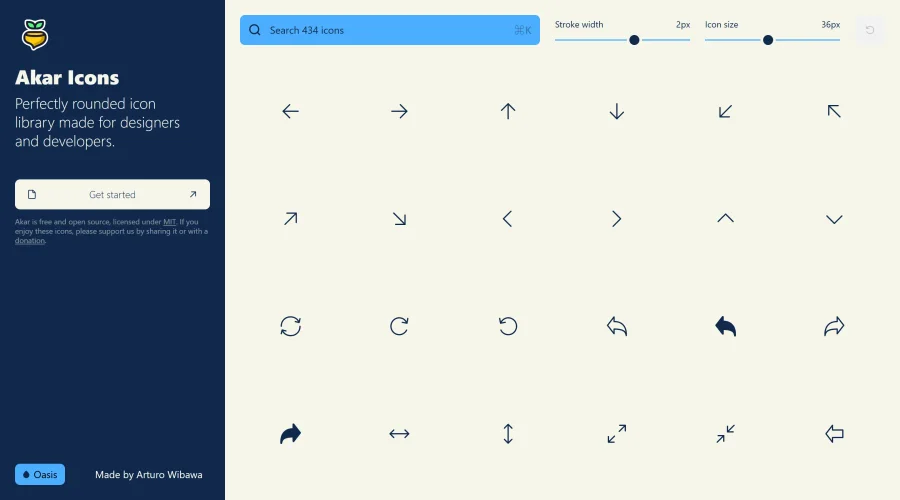

Akar Icons
A perfectly rounded icon library designed for designers and developers.
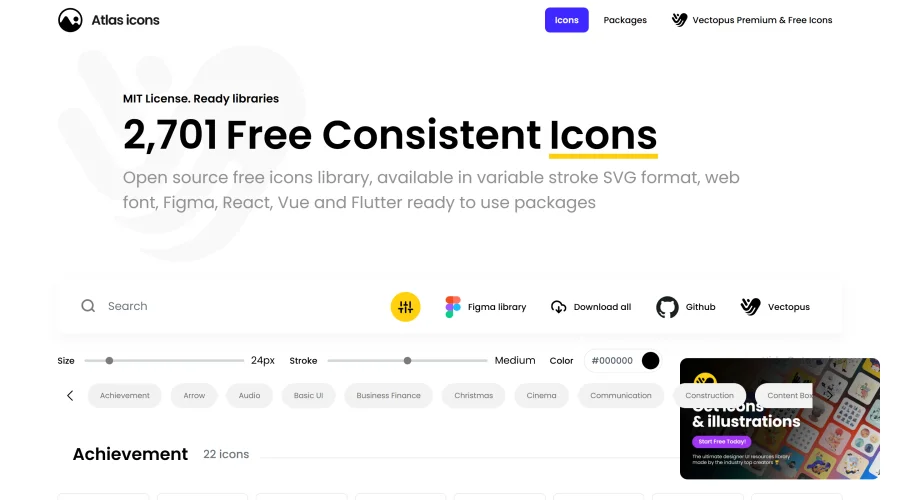

Atlas Icons
Versatile open-source icon library, offering various stroke widths and formats.
Explore Other Categories
Discover more design resources
New to Design?
Explore our comprehensive design glossary to master essential terminology from A/B Testing to Wireframes.
Browse GlossaryLooking for something specific?
Search through our entire collection of design tools and resources