

Dedicated resource for everything related to design systems.
What it costs
- Free tier
- Yes
Free curated resource (guides, reading/watch lists) for learning design systems; no paid plan.
Auto-checked on 8 August 2026Source
About Hey Design Systems
What Is Hey Design Systems?
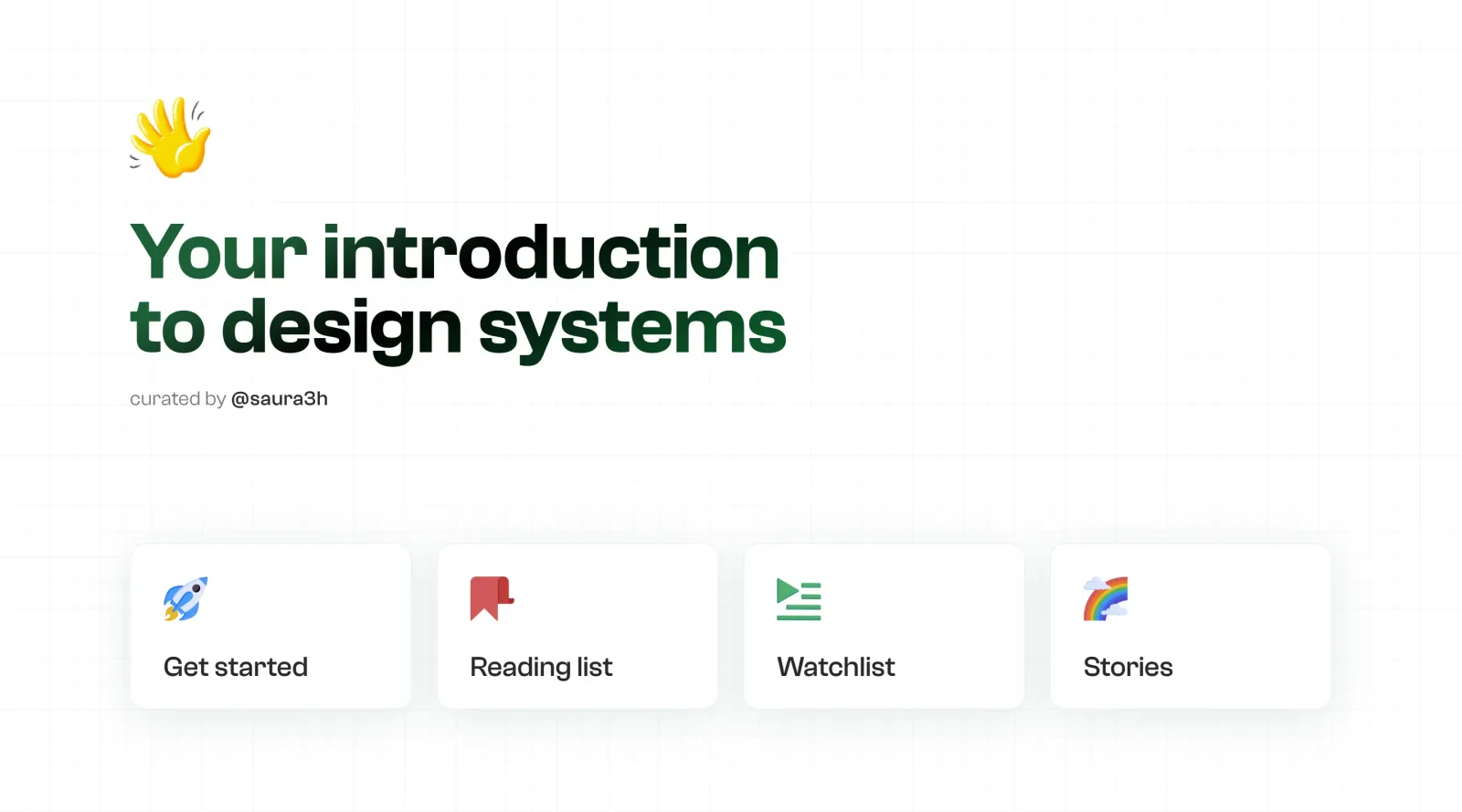
Hey Design Systems is a free educational resource dedicated to design systems, serving as a curated introduction and guide for designers and teams. It covers the full lifecycle of design systems, from initial setup to measurement and maintenance, fitting into the research and learning phase of the design workflow where teams seek structured knowledge on consistent UI development.
What Hey Design Systems Does
- Provides a reading list of articles and guides on design system fundamentals, including principles, colors, spacing, and typography.
- Offers a watchlist of videos and tutorials for visual learning on building and managing design systems.
- Curates real-world stories and case studies from teams implementing design systems.
- Details how-to sections on designing, documenting, governing, developing, measuring, and selling design systems.
- Lists live design systems for reference and inspiration.
- Includes tools, books, and starter kits to support design system creation and maintenance.
How Hey Design Systems Can Be Used
- Teams starting a design system consult the get-started guide and reading list to establish foundational principles like color systems and spacing frameworks.
- Designers reference the how-to sections during Figma organization or variant building to maintain consistency across components.
- Developers use the resources on governing and developing design systems for smoother design-to-code handoffs.
- Product leads review measurement and selling guides to justify design system investments to stakeholders.
- Individuals explore live systems, tools, and starter kits to benchmark their own projects against established examples.
Who Is Hey Design Systems For?
Hey Design Systems targets designers, developers, and product teams building or maintaining UI consistency across projects, particularly those new to design systems or scaling existing ones. It suits junior designers learning typography and icon systems, mid-level teams documenting components, and senior leads governing cross-team adoption. UX researchers and educators also use it for case studies and resources. Visit Hey Design Systems
Featured Tools
Sponsored
Artlist
Royalty-free music, SFX, 8K footage, templates, LUTs and 100+ AI models on a single subscription for video creators.

Icons8
Large icon packs featuring over 10,000 icons for consistent design themes.

Vidu
AI video generator with text, image and reference-to-video modes, producing 3–16 second clips at up to 1080p with characters that stay consistent across shots.
Your tool here
The tools above are our own picks until the slots sell.
Spotlight
SponsoredRotates daily
Animated Icons 2.0
Enhance your projects with 900+ animated icons.
More Educational Tools


10x Designers
Broaden your design skills with this resource.


AJ Smart
Premier resource for UX/UI, design sprints, and design thinking.


Android Design Hub
Android UI design best practices for creating beautiful interfaces.


Baseline
Expertly crafted free design bootcamp for skill enhancement.


Better Web Type
Complimentary web typography course for designers and developers.


Biased by Design
Insights on recognizing and countering cognitive bias in design.
Explore Other Categories
Discover more design resources
New to Design?
Explore our comprehensive design glossary to master essential terminology from A/B Testing to Wireframes.
Browse GlossaryLooking for something specific?
Search through our entire collection of design tools and resources