

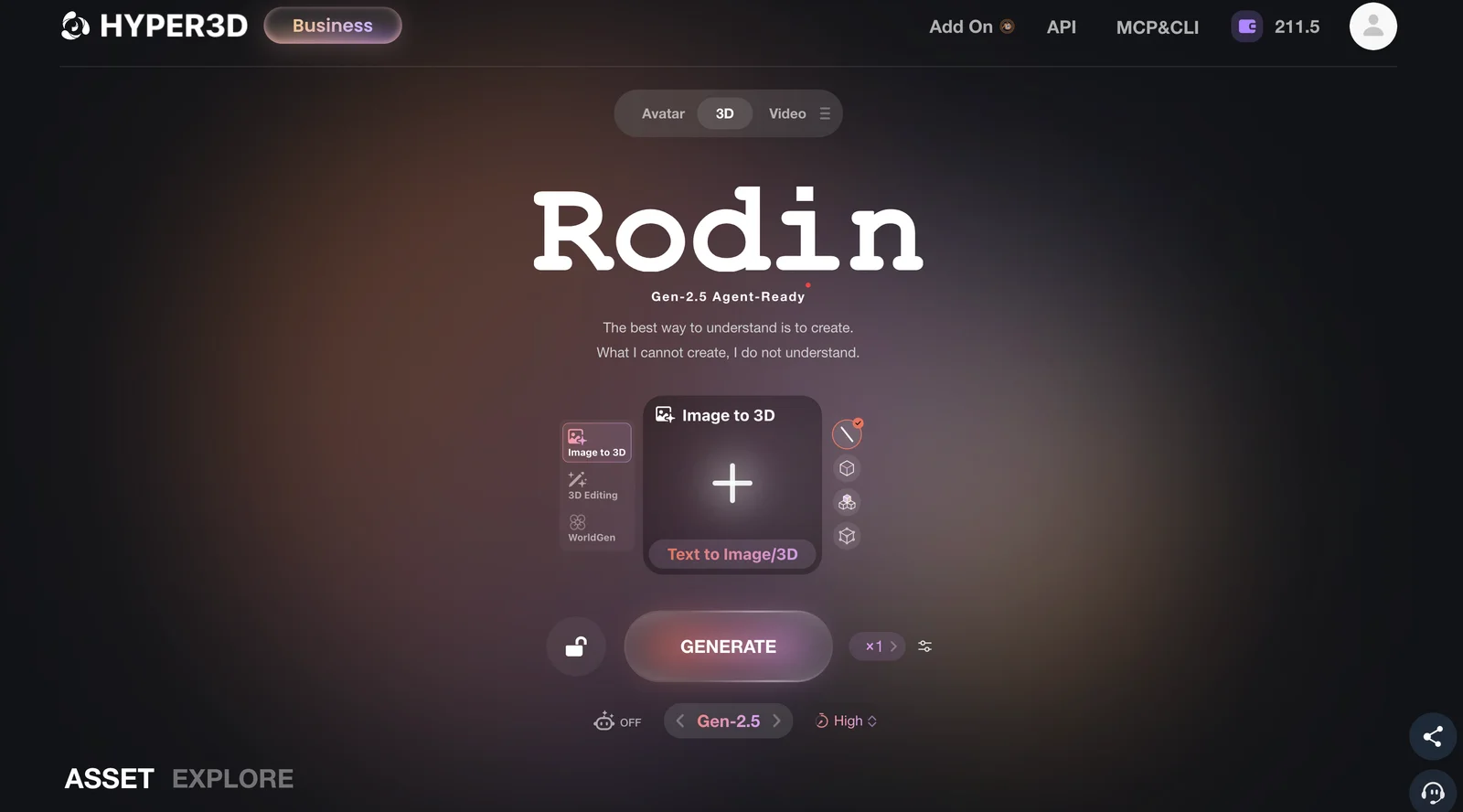
Hyper3D turns text and images into detailed 3D models with realistic PBR textures, flexible editing, and export options that fit professional creative workflows.

Hyper3D
First month $3
Ends 26 October
Your first month of Hyper3D Creator for $3
Two codes arranged for usetools readers. UT7743C90 puts the first month of the Creator plan at $3; UT7743B75 puts the first month of Business at $30. One redemption per account, both valid until 26 October 2027. Check what you renew at before subscribing — Hyper3D's monthly prices carry their own separate discount.
An exclusive code arranged for usetools readers. It never changes what you pay.
What it costs
- Free tier
- Yes
- Paid plans from
- $15/mo
Read 2026-11-06, when a sitewide "-50%" badge was on the monthly plans with NO published end date — so the struck-through list prices are currently notional. Monthly: Creator $15/mo (list $30), Business $60/mo (list $120). Yearly is priced separately: Creator $24/mo billed $288 up front, Business $96/mo billed $1,152. The free plan is $0 with a pay-by-result workflow (preview a generation before confirming credit spend), 10 private assets and exports from legacy models only; pay-as-you-go credits are $1.50 each. API access is Business-only. Enterprise is custom, and there is a separate verified education tier.
Auto-checked on 6 November 2026Source
About Hyper3D
Hyper3D: Text and Images Into 3D Assets, With the Pipeline Around Them
Hyper3D, built by Deemos, generates 3D models from a text prompt or a single image through its Rodin engine — but the reason to take it seriously is everything stacked around that. There is a world generator that turns an image into an editable scene of separate objects, a set of utilities for textures, HDRIs and mesh editing, official plug-ins for every major 3D application, a full API, and an MCP server so a coding agent can drive the whole thing. The free tier is also structured unusually well: you preview a result before you spend anything on it.
Key Features
- Text and image to 3D — Rodin generates from a prompt or a single image, with optional extra views for more control.
- Pay by result — Preview a generation and confirm before any credits are spent.
- WorldGen — Turns an image into an editable 3D world of independent objects with physical relationships.
- OmniCraft utilities — Texture and HDRI generators, image enhancer, SVG to 3D, mesh editor, format converter and model search.
- Plug-ins everywhere — Blender, Unreal, Unity, Godot, Maya, 3DS Max, Cinema 4D and ComfyUI.
- API and MCP — Programmatic access on Business, plus an MCP server for AI agents.
Pay by Result Is the Detail That Matters
Most credit-based generators charge you the moment you hit go, which makes experimenting expensive and makes a bad result feel like a loss. Hyper3D inverts that: you generate, look at what came back, and only confirm the credit spend if you want to keep it. On the free plan that means you can genuinely explore text-to-3D and image-to-3D before paying anything, with ten private assets and a public gallery to publish to. It is not a tier you would run production on — exports are limited to legacy models and direct credits cost $1.50 each — but as a way to find out whether the thing works for your subject matter, it is far more honest than a ten-generation trial.
What the Paid Tiers Actually Add
Creator is aimed at people shipping assets regularly, and the additions are the ones that matter in practice rather than on a feature list: multi-image to 3D for more control over a subject, Smart Low-Poly, HD and custom texturing, normals baked from a high-poly version, more polycount options, and a generous redo allowance — twenty geometry retries and six material ones. Exports become unlimited and so do private assets. Business is the API tier: full programmatic access, high-resolution textures, High-Poly Quads, fifty geometry redos, and documented rate limits of 120 requests per minute rising to 240 on higher tiers. Enterprise covers on-premise deployment, custom fine-tuning and volume pricing, and there is a separate verified tier for education.
It Fits Into Real Software
An AI 3D generator is only useful if the output reaches the application you actually work in, and this is where Hyper3D is stronger than most. Official add-ons cover Blender, Unreal, Unity, Godot, Maya, 3DS Max, Cinema 4D and ComfyUI, so a generated mesh lands in your scene rather than in a downloads folder. For automated work there is a documented API on the Business plan, and an MCP server that lets agents like Claude Code call the generation tools directly — a genuinely forward-looking addition that very few tools in this category have shipped. The surrounding OmniCraft utilities round it out: generate a matching texture or an 8K HDRI, enhance a source image, convert an SVG into geometry, or edit the mesh without leaving the browser.
A Note on the Price You Will See
Hyper3D's pricing deserves a careful read. At the time of writing the monthly plans were showing a sitewide fifty-percent discount with no published end date, so Creator was charging $15 a month against a $30 list price and Business $60 against $120. Yearly billing is priced separately again — $24 a month for Creator, taken as $288 up front, and $96 a month for Business at $1,152. On top of that, each plan has its own credit tiers and an estimated-output slider, so working out what a given month will actually cost you takes more effort than reading a single number. Check what you would be renewing at rather than what the headline says, because the struck-through list price is currently notional.
How to Try It
- Start on the free plan and generate from a prompt or a single image.
- Preview the result before confirming any credit spend.
- Install the plug-in for your 3D application so output lands in your scene.
- Compare the monthly and yearly views on the pricing page before subscribing.
- If you need the API or an agent workflow, that is the Business tier.
Who It's For
- Game developers and indie teams needing props and assets faster than modelling them
- 3D artists who want a generated base mesh to refine rather than a finished model
- Studios needing API access for batch or automated asset generation
- Developers wiring 3D generation into an agent workflow via MCP
- Anyone working in Blender, Unreal or Unity who wants generation inside their existing tool
Conclusion
Hyper3D is one of the more complete offerings in AI 3D generation — not because the generator is necessarily better than its rivals, which is not something a catalogue entry can settle, but because the work of getting an asset from prompt to usable file has clearly been thought about. Pay-by-result makes the free tier genuinely explorable, the plug-in coverage means output lands where you work, and the MCP server points at where this category is going. Go in with your eyes open on pricing: the tiers are layered, the credit maths is fiddly, and the list prices currently carry a discount with no stated expiry.
Featured Tools
Sponsored
Artlist
Royalty-free music, SFX, 8K footage, templates, LUTs and 100+ AI models on a single subscription for video creators.

Icons8
Large icon packs featuring over 10,000 icons for consistent design themes.

Vidu
AI video generator with text, image and reference-to-video modes, producing 3–16 second clips at up to 1080p with characters that stay consistent across shots.
Your tool here
The tools above are our own picks until the slots sell.

Tools we recommend

getimg.ai
20+ AI models for image, video & audio in one workspace


Hailuo AI
Cinematic AI video with camera control

OpenArt
All-in-one AI image, video & audio generator
Editorially chosen. Some links above are affiliate links — if you sign up we may earn a commission, at no extra cost to you.
More AI Tools Tools

Vidu
AI video generator with text, image and reference-to-video modes, producing 3–16 second clips at up to 1080p with characters that stay consistent across shots.
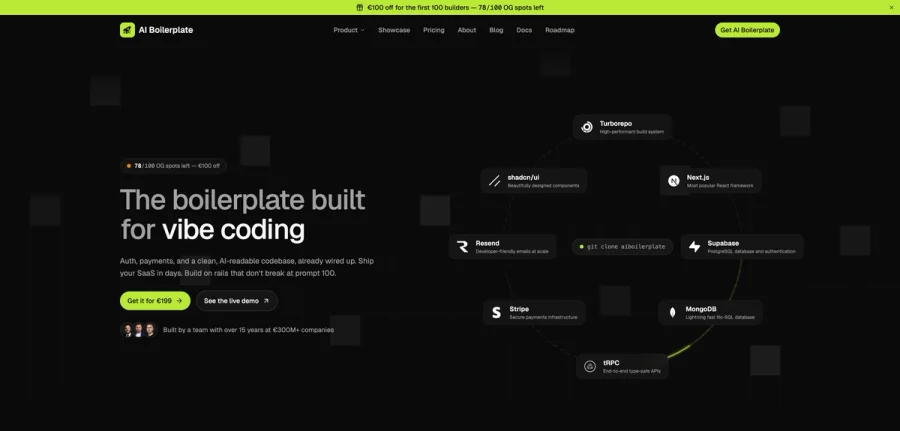

AI Boilerplate
The boilerplate built for vibe coding. Includes authentication, payments, storage, and a clean, AI-readable codebase, already wired up. Build on rails that don't break at prompt 100.
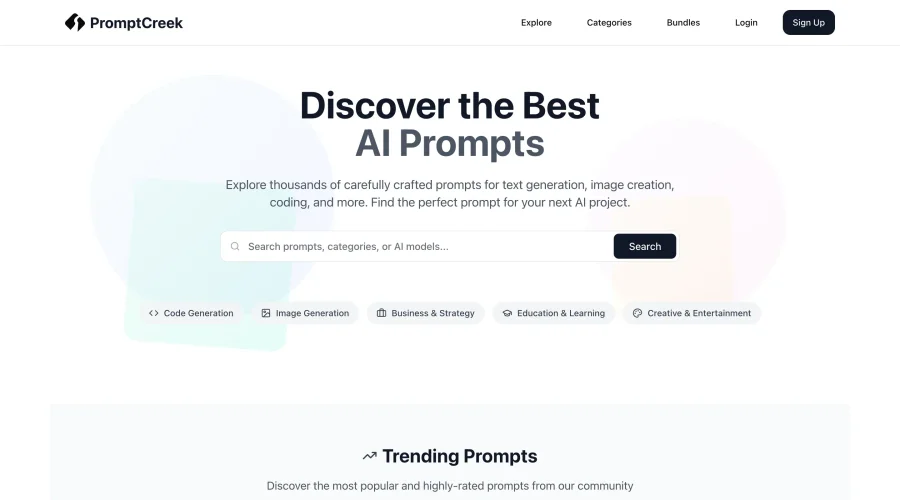

PromptCreek
Prompt Creek is a free community-driven repository featuring thousands of AI prompts. Discover, bookmark, and share quality prompts for ChatGPT, Claude, and other AI tools.


Vatis Tech
Vatis Tech is the most powerful speech-to-text infrastructure. It can be used to transcribe user interviews and client meetings.


DomoAI
AI animation platform that turns text, images, and video into anime, realistic, and custom styles — with video restyle, lip sync, upscaling, and more.

Meshy
AI 3D model generator that turns text or images into game- and print-ready models.
Explore Other Categories
Discover more design resources
New to Design?
Explore our comprehensive design glossary to master essential terminology from A/B Testing to Wireframes.
Browse GlossaryLooking for something specific?
Search through our entire collection of design tools and resources