

Compile all necessary icons in one place, with easy code copying.
What it costs
- Free tier
- Yes
Free and open-source icon-manager app with no paid tier.
Auto-checked on 8 August 2026Source
About Icon Shelf
What Is Icon Shelf?
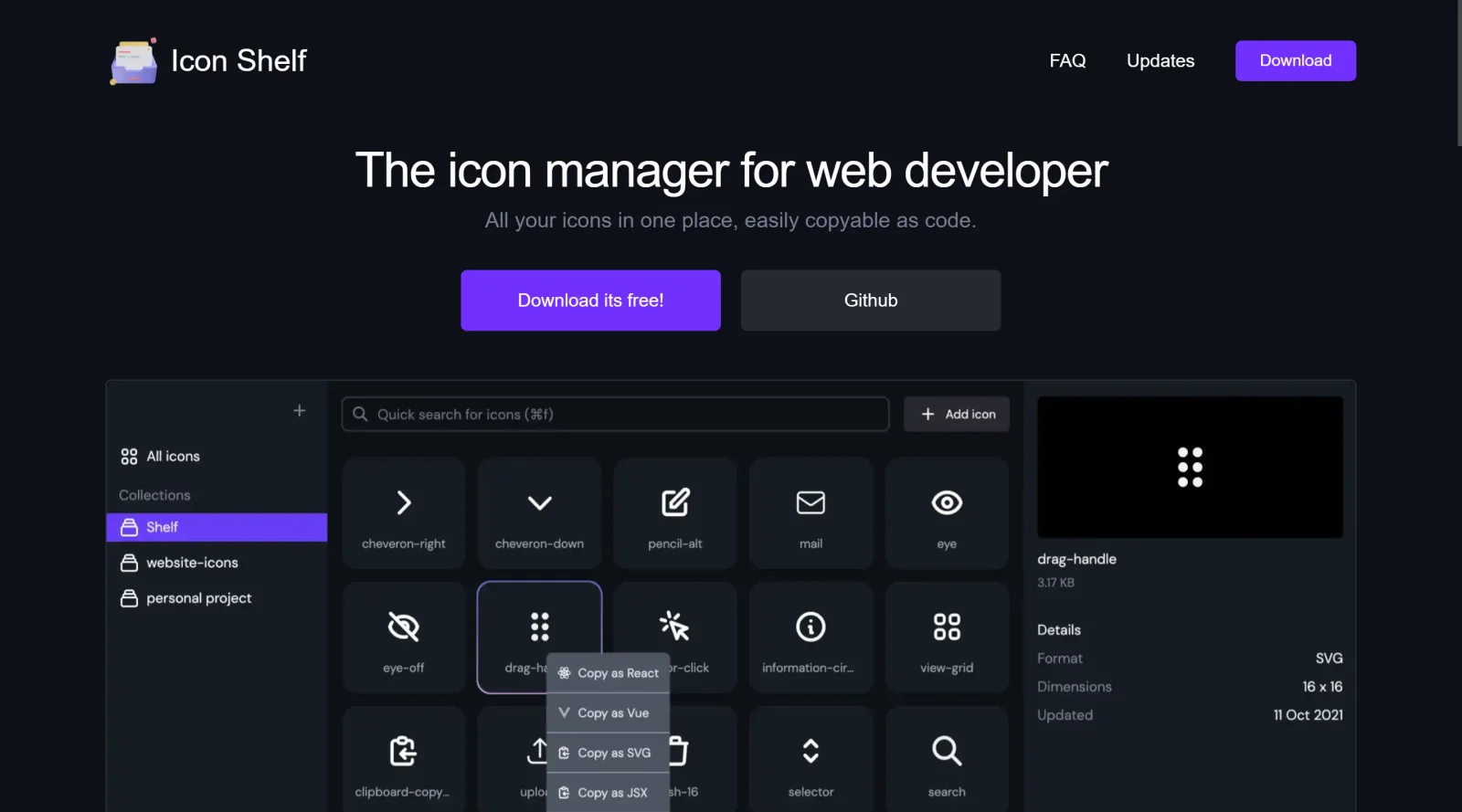
Icon Shelf is a free SVG icon manager designed for developers working on frontend projects. It allows users to link an icons folder from their project and view all icons in a previewable format. As a tool in the icons category, Icon Shelf provides a centralized space to compile and manage icon libraries, supporting easy code copying for integration into web development workflows.
What Icon Shelf Does
- Displays previews of SVG icons from a linked project folder for quick visual inspection.
- Offers searchable functionality across the icon library to locate specific icons efficiently.
- Maintains file-based synchronization, where changes to icons in the app reflect directly in the file system.
- Generates customizable import statements, such as for React, Vue, or Ember, with one-click copying to clipboard.
- Supports cross-platform use on Windows, Mac, and Linux.
- Optimizes imported SVG code through configurable preferences to clean up and prepare icons for web or app development.
How Icon Shelf Can Be Used
- Link a project icons directory to preview and search through SVG files during frontend development, then copy import code directly for frameworks like React or Vue.
- Organize custom icon collections by adding, deleting, or modifying files, with changes syncing back to the file system for version control integration.
- Export optimized SVGs for use in design tools like Inkscape, where icons can be dragged, edited, or color-adjusted for UI prototyping.
- Paste copied SVG URIs into text editors, web browsers, or development environments to test rendering and styling on the fly.
- Switch between light and dark modes while searching icons by color or keyword in ongoing design and coding workflows.
Who Is Icon Shelf For?
Icon Shelf serves web developers, graphic designers, and frontend teams managing SVG icon libraries in their projects. It fits roles involving icon organization for SaaS products, UI/UX design systems, or app development, particularly for those using frameworks that require import statements. Experience levels range from intermediate developers handling file-based assets to designers needing quick previews and exports. Visit Icon Shelf
Featured Tools
Sponsored
Artlist
Royalty-free music, SFX, 8K footage, templates, LUTs and 100+ AI models on a single subscription for video creators.

Icons8
Large icon packs featuring over 10,000 icons for consistent design themes.

Vidu
AI video generator with text, image and reference-to-video modes, producing 3–16 second clips at up to 1080p with characters that stay consistent across shots.
Your tool here
The tools above are our own picks until the slots sell.
Spotlight
SponsoredRotates daily
Animated Icons 2.0
Enhance your projects with 900+ animated icons.
Tools we recommend


Editorially chosen. Some links above are affiliate links — if you sign up we may earn a commission, at no extra cost to you.
More Icons Tools
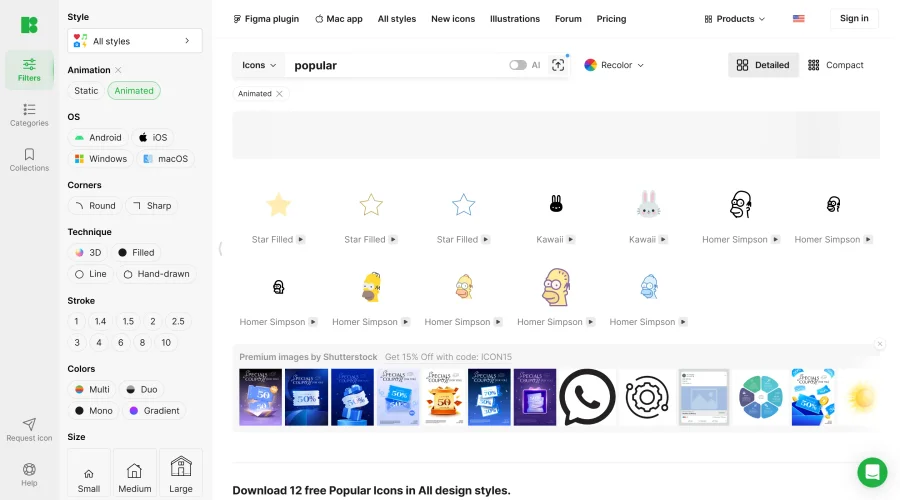

Animated Icons 2.0
Enhance your projects with 900+ animated icons.
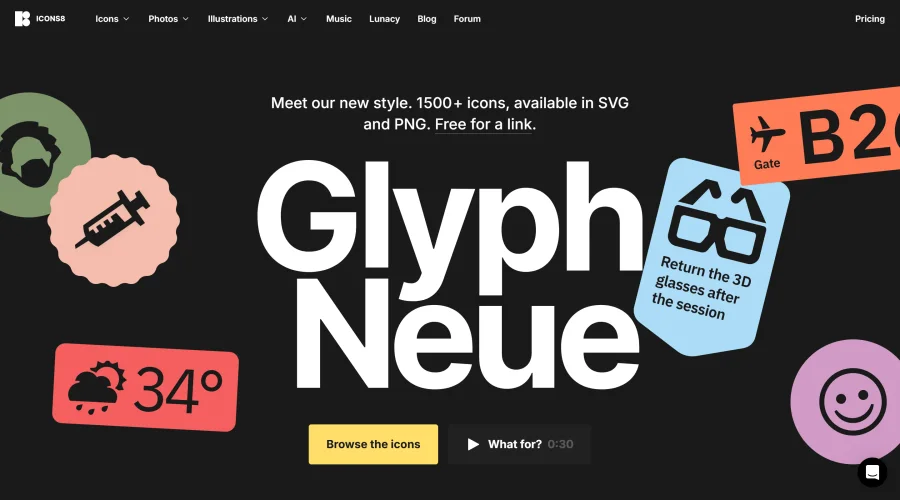

Glyph Neue
Over 1,500 icons in SVG and PNG formats, free with attribution.
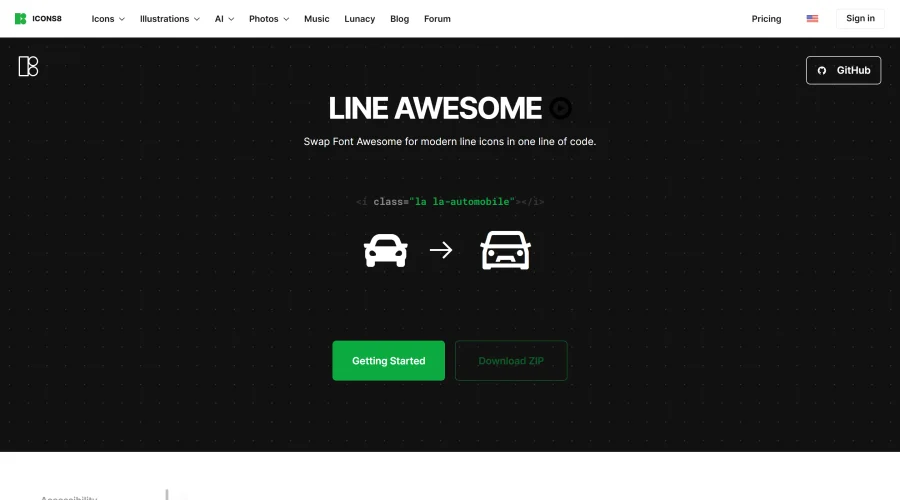

Line Awesome
Easily replace Font Awesome with modern line icons using one line of code.
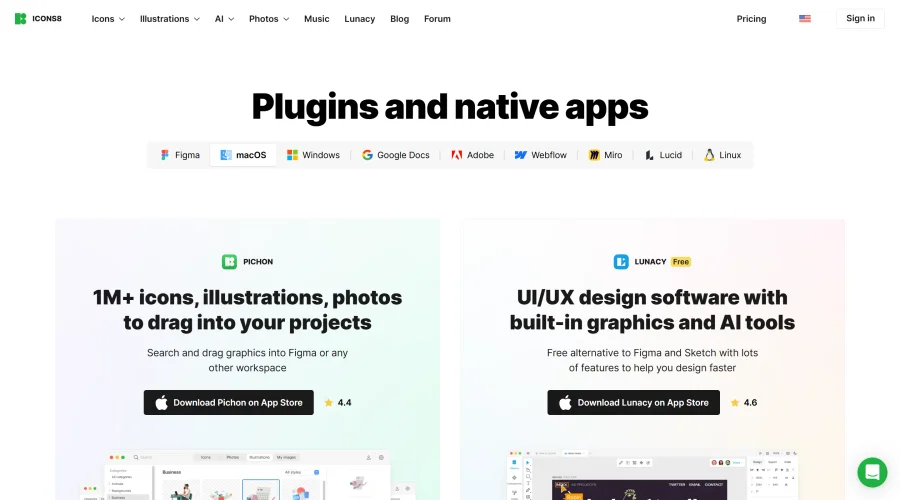

Pichon
Drag and drop the best design graphics with ease.


EmojiSpark
Find and copy emojis, Unicode symbols, and kaomoji with EmojiSpark. Create combos, heart stickers, and text art, or explore the interactive Moon Phase Emoji app. Free, ad-free, and no sign-up.
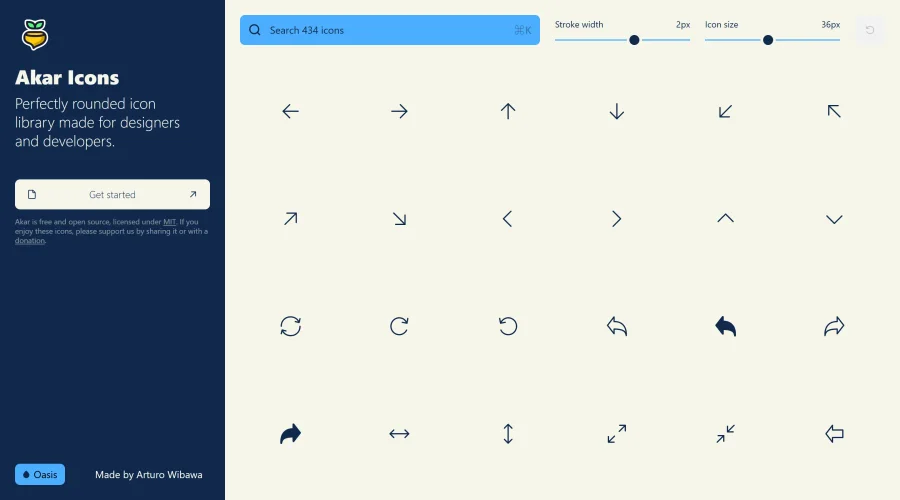

Akar Icons
A perfectly rounded icon library designed for designers and developers.
Explore Other Categories
Discover more design resources
New to Design?
Explore our comprehensive design glossary to master essential terminology from A/B Testing to Wireframes.
Browse GlossaryLooking for something specific?
Search through our entire collection of design tools and resources