

A collection of pixel-perfect icons with flexible usage rights.
What it costs
- Free tier
- Yes
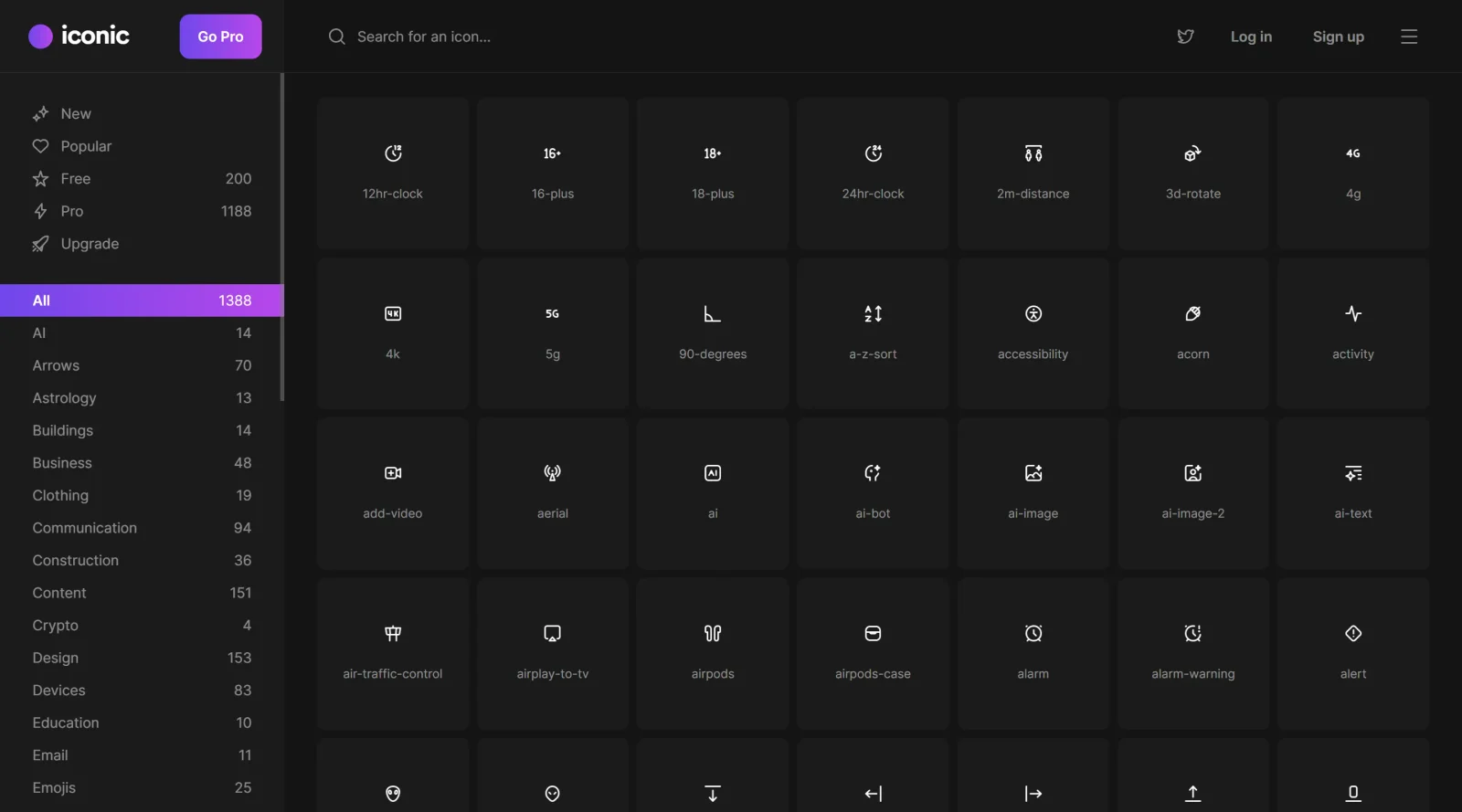
200 icons are free ('do wtf you want with'); the remaining 1,307 require a paid Pro license, but no Pro price appears on the page.
Auto-checked on 8 August 2026Source
About Iconic
What Is Iconic?
Iconic is an **icon library** and design tool that provides a collection of pixel-perfect icons with flexible usage rights. It serves as a resource for designers and developers needing customizable icons for applications, websites, and other digital projects. Available in a free-paid pricing model, Iconic fits into the early stages of the design workflow, where users select and modify icons to match project requirements.
What Iconic Does
- Offers access to thousands of icons from sets like Material Design, Font Awesome, Linea, Entypo, Open Iconic, and Themify.
- Allows customization of icon parameters including size, color, background, border, shadows, positioning, rotation, and scaling.
- Supports adjustment of corner radius for square, rounded, or circular icon shapes.
- Provides a search function to locate specific icons within the library.
- Enables saving of templates and default settings for repeated designs.
- Facilitates exports in multiple resolutions up to 2048x2048 pixels, including PNG with transparent backgrounds and SVG source code access.
How Iconic Can Be Used
- Designers select an icon via search, customize its appearance, and export it for app interfaces or website buttons.
- Developers create custom icon packs compatible with launchers like Nova or Apex for Android home screens.
- Teams build logos or menu icons by combining icons with text styles, shapes, and backgrounds for presentations or company branding.
- Users generate multi-resolution assets for cross-platform projects, such as iOS, Android, macOS, or web applications, streamlining asset preparation.
- Individuals upload custom images or symbols to extend the library for personalized home screen themes on mobile devices.
Who Is Iconic For?
Iconic suits website designers, app developers, and graphic designers who require a versatile **icon library** for creating or customizing vector-based icons. It works for beginners needing simple tools without design skills and experienced users handling precise adjustments for professional outputs. Project types include mobile app icons, web UI elements, logos, and custom themes across platforms. Visit Iconic
Featured Tools
Sponsored
Artlist
Royalty-free music, SFX, 8K footage, templates, LUTs and 100+ AI models on a single subscription for video creators.

Icons8
Large icon packs featuring over 10,000 icons for consistent design themes.

Vidu
AI video generator with text, image and reference-to-video modes, producing 3–16 second clips at up to 1080p with characters that stay consistent across shots.
Your tool here
The tools above are our own picks until the slots sell.

Tools we recommend


Editorially chosen. Some links above are affiliate links — if you sign up we may earn a commission, at no extra cost to you.
More Icons Tools

Animated Icons 2.0
Enhance your projects with 900+ animated icons.

Glyph Neue
Over 1,500 icons in SVG and PNG formats, free with attribution.
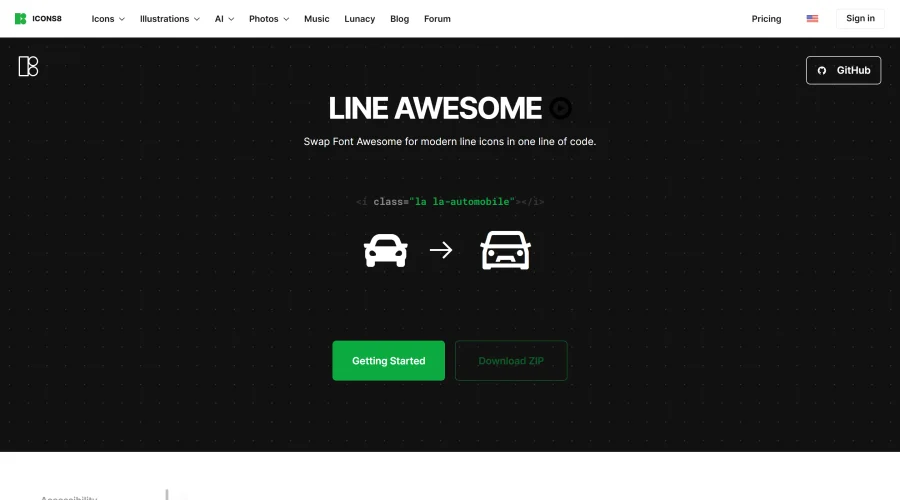

Line Awesome
Easily replace Font Awesome with modern line icons using one line of code.
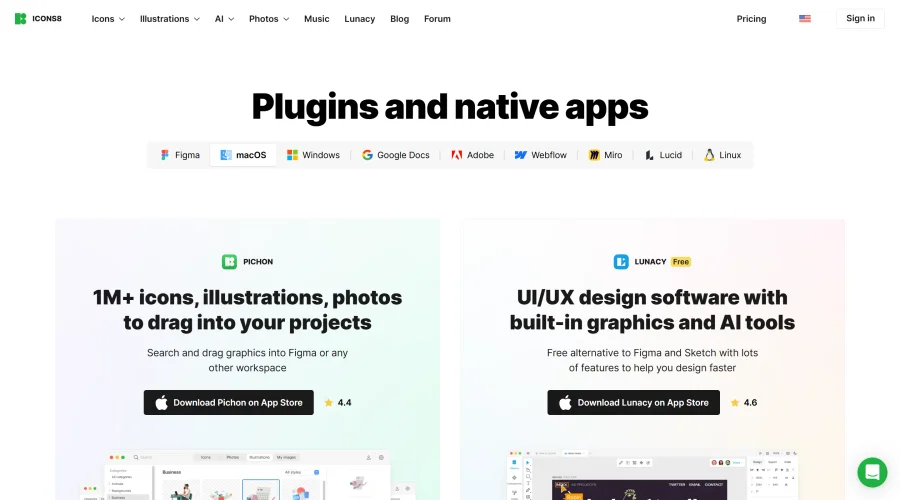

Pichon
Drag and drop the best design graphics with ease.
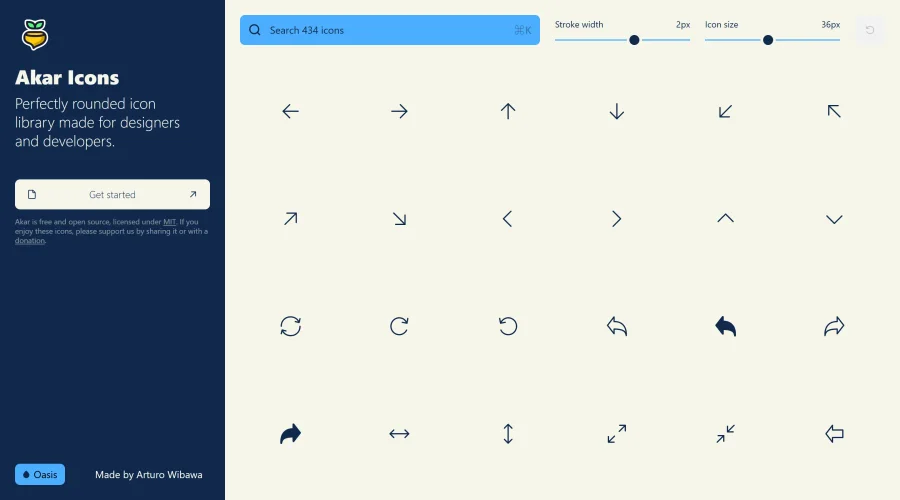

Akar Icons
A perfectly rounded icon library designed for designers and developers.
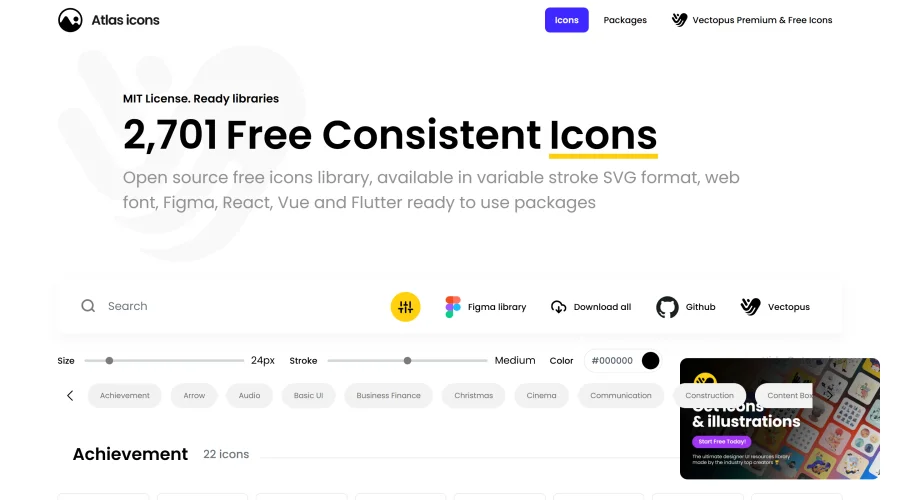

Atlas Icons
Versatile open-source icon library, offering various stroke widths and formats.
Explore Other Categories
Discover more design resources
New to Design?
Explore our comprehensive design glossary to master essential terminology from A/B Testing to Wireframes.
Browse GlossaryLooking for something specific?
Search through our entire collection of design tools and resources