

Icons8
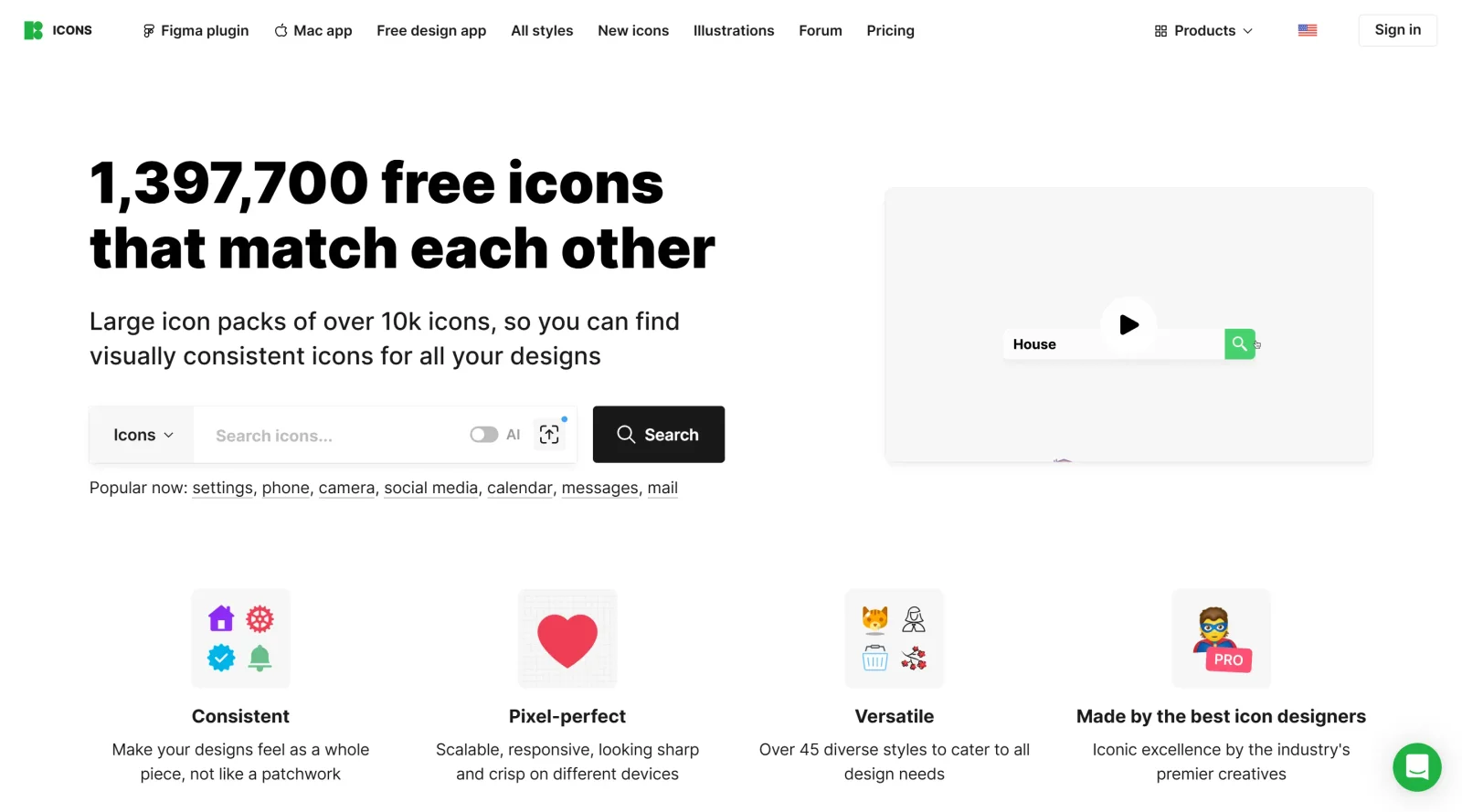
Large icon packs featuring over 10,000 icons for consistent design themes.
What it costs
- Free tier
- Yes
- Paid plans from
- $13/mo (single asset type, e.g. icons, billed annually)
Assets are free to use with an attribution link; a paid single-asset subscription (~$13/mo billed annually) removes attribution, while the full Graphics+Music all-access bundle runs about $89/mo.
Prices checked on 10 August 2026Source

About Icons8
What Is Icons8?
Icons8 is a curated icon library that provides access to large packs of icons in multiple styles and formats. It serves as a resource in the design workflow for teams needing consistent visual elements across platforms like iOS, Android, and Windows. Icons8 operates on a free-paid pricing model, with certain categories available without subscription and premium features requiring payment.
What Icons8 Does
- Offers over 300,000 icons across more than 38 styles, including monochrome, color, 3D, and animated variants in SVG, PNG, and PDF formats.
- Maintains consistency in metaphors, proportions, and stroke logic through centralized in-house production rather than a marketplace model.
- Supports recoloring of icons using specific HEX codes, along with adjustments to padding and position.
- Provides search functionality via text, image upload, or category to locate assets, with synonym-based matching.
- Includes Collections feature for organizing icons into personalized sets by style, theme, or project, with bulk operations like applying colors and exporting as ZIP, sprite, or font.
- Delivers icons compatible with design tools through plugins for Figma, Sketch, Adobe XD, and its own Lunacy vector editor.
How Icons8 Can Be Used
- Designers select icons in one style, such as iOS Glyph, then switch to Material Outlined for cross-platform adaptation without redrawing, exporting as SVGs for direct layout insertion.
- Developers integrate clean SVGs into React or Vue components, or consolidate into sprites for caching and performance in Next.js or Webpack builds.
- Teams build project-specific mini-libraries in Collections, apply brand colors to batches, and download for use in web apps, onboarding screens, or empty states.
- Non-designers access consistent icons via web UI for publishing, worksheets, or social posts, using animated Lottie JSON or GIFs for nudges and success indicators.
- Marketing uses expressive sets like Doodle or 3D Fluency for landing pages, hero spots, or feature promos that render on light and dark UIs.
Who Is Icons8 For?
Icons8 suits UI/UX designers, front-end developers, and product teams requiring depth in icon coverage for navigation, status indicators, social symbols, and technical diagrams within coherent style families. It fits projects needing stylistic flexibility, such as cross-platform apps or brand-aligned visuals, from Windows-centric teams using Lunacy to those in Figma workflows. Experience levels range from individual contributors handling small sets to larger groups managing extensive implementations with Collections. Medical, scientific, or personality-driven brands find targeted collections useful.Visit Icons8
Featured Tools
Sponsored
Artlist
Royalty-free music, SFX, 8K footage, templates, LUTs and 100+ AI models on a single subscription for video creators.

Vidu
AI video generator with text, image and reference-to-video modes, producing 3–16 second clips at up to 1080p with characters that stay consistent across shots.

Framer
Design and launch your dream website with no coding required.
Your tool here
The tools above are our own picks until the slots sell.
Spotlight
SponsoredRotates daily
HyNote
Records and transcribes interviews and meetings, then turns them into summaries and action items.
More Icons Tools
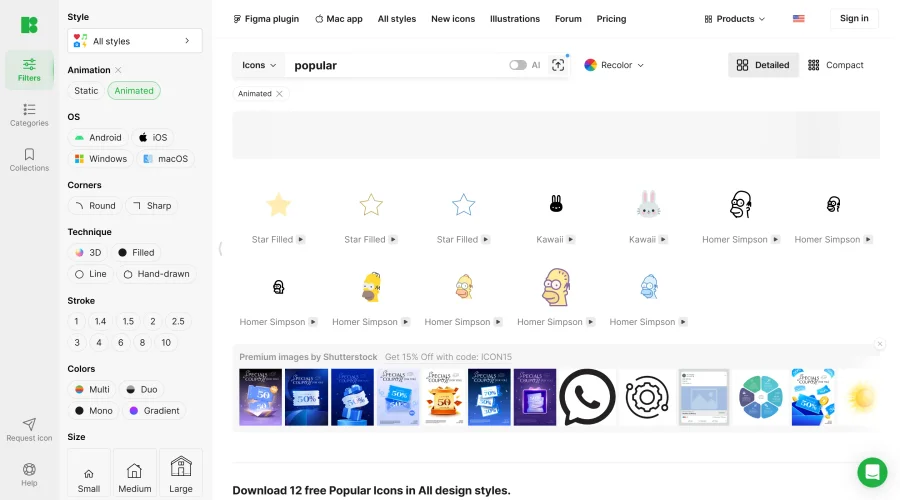

Animated Icons 2.0
Enhance your projects with 900+ animated icons.
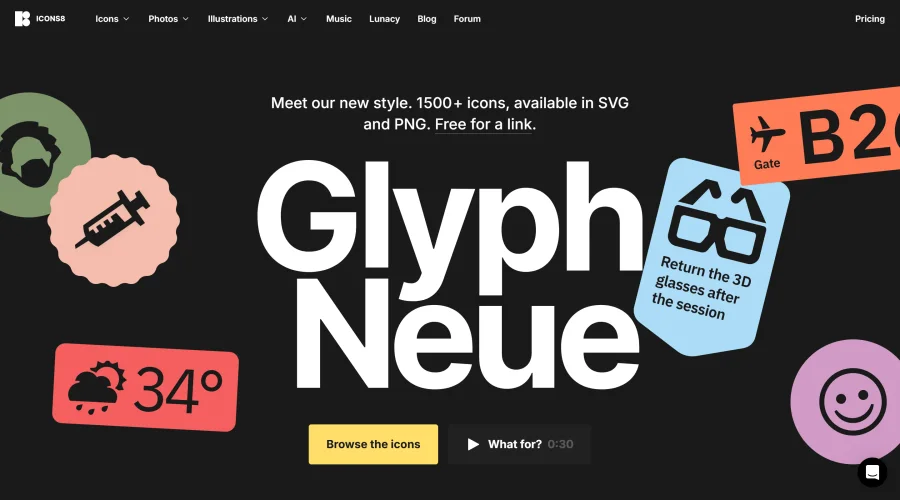

Glyph Neue
Over 1,500 icons in SVG and PNG formats, free with attribution.
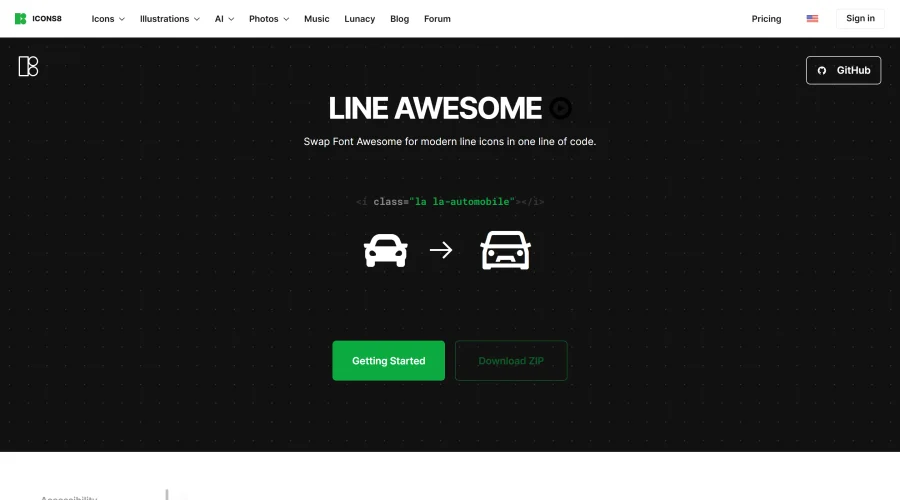

Line Awesome
Easily replace Font Awesome with modern line icons using one line of code.
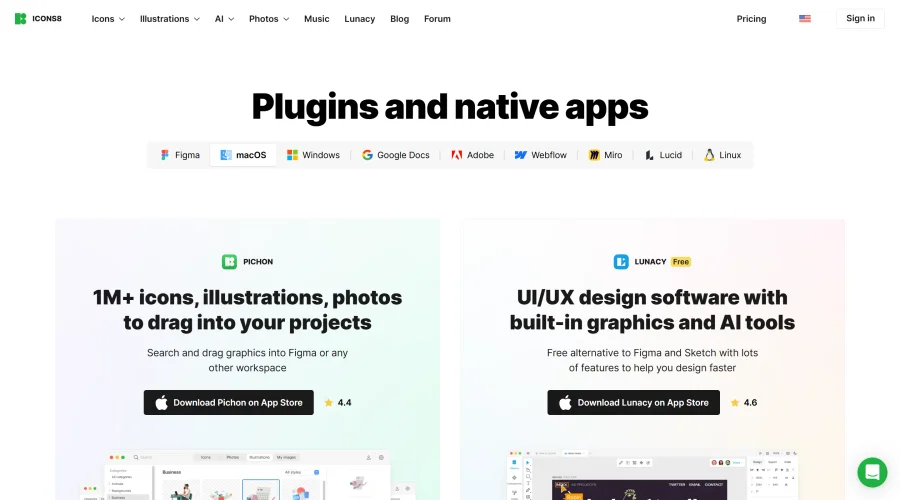
Pichon
Drag and drop the best design graphics with ease.
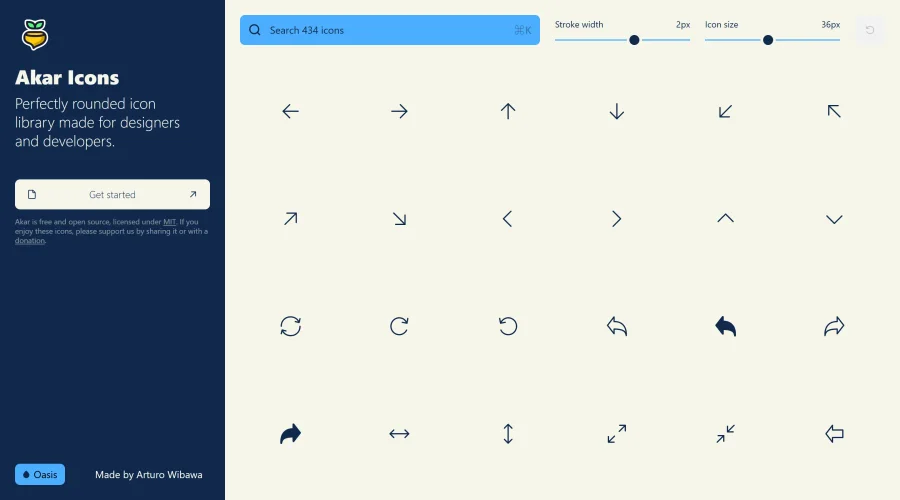

Akar Icons
A perfectly rounded icon library designed for designers and developers.
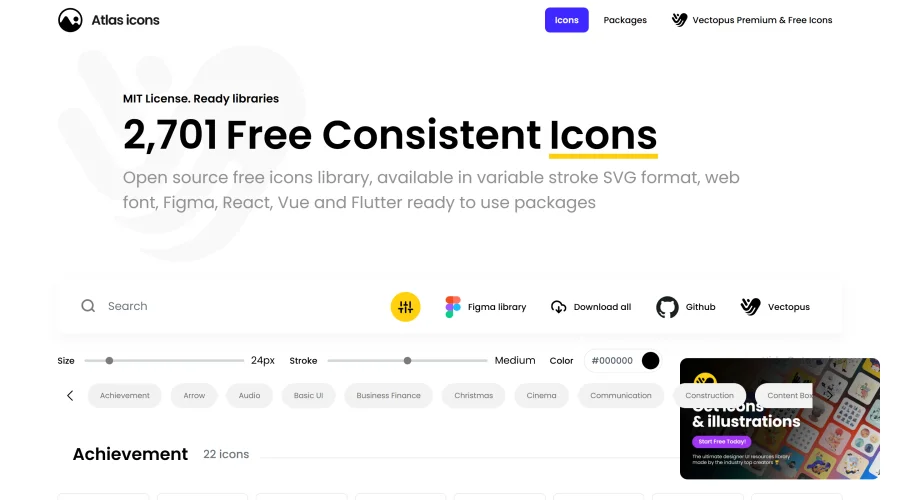

Atlas Icons
Versatile open-source icon library, offering various stroke widths and formats.
Explore Other Categories
Discover more design resources
New to Design?
Explore our comprehensive design glossary to master essential terminology from A/B Testing to Wireframes.
Browse GlossaryLooking for something specific?
Search through our entire collection of design tools and resources