
Explore 1,000 free, well-balanced icons in six diverse styles.
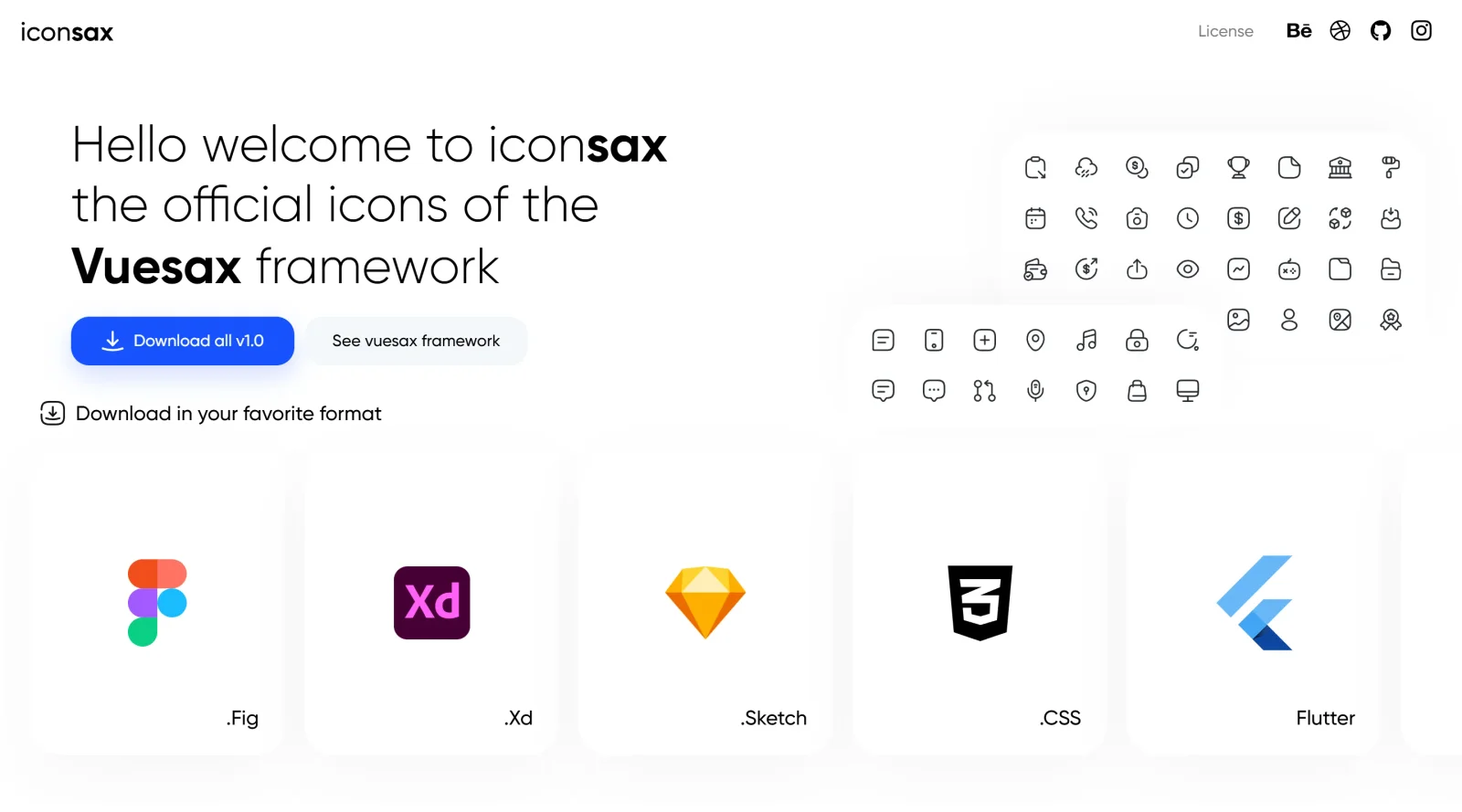
What it costs
- Free tier
- No
Scrape unavailable - page returned a 500 error (WebGL context) with no content or pricing.
Auto-checked on 8 August 2026Source
About Iconsax
What Is Iconsax?
Iconsax is a free icon library offering over 1,000 base icons available in six distinct styles, including Linear, Bold, Bulk, Two-tone, Broken, and Outline. Designers and developers use Iconsax in the early stages of UI/UX workflows to source scalable vector icons for web and mobile interfaces. The collection falls under the icons category and provides free access to thousands of variations through style combinations and terminations like Straight or Rounded, with additional premium options available.
What Iconsax Does
- Provides more than 1,000 base icons across 32 essential categories such as UI, eCommerce, Code, Files, and User.
- Applies six core styles—Linear, Bold, Bulk, Two-tone, Broken, and Outline—to generate up to 12 coherent variations per icon.
- Supports multiple export formats including SVG, PNG, Figma, Sketch, Adobe XD, AI, CSS, Dart, and Jar.
- Allows filtering and searching within the library to locate icons by category, style, or keyword.
- Enables bulk selection, editing for color, stroke weight, and size, and on-demand downloads of customized packs.
- Integrates directly with tools like Figma via plugins for seamless icon insertion and management.
How Iconsax Can Be Used
- In Figma prototypes, designers search Iconsax, apply styles matching their design system, and insert icons directly to maintain visual consistency across UI elements.
- Web developers download SVG icons from Iconsax, customize stroke and color in code, and integrate them into React or Vue projects for responsive interfaces.
- During app development workflows, teams use Iconsax's Bulk and Two-tone styles for mobile icons, exporting to Flutter or CSS for dynamic sizing and color changes.
- For no-code platforms like Bubble, Iconsax serves as a plugin library where users add responsive icons supporting click events and theme adjustments.
- Icon explorers build custom collections in the Iconsax platform, applying terminations like Rounded for project-specific packs before bulk export.
Who Is Iconsax For?
Iconsax suits UI/UX designers seeking a versatile icon library with style variety for prototyping and production designs, as well as frontend developers needing open-source SVGs for web and mobile apps. It fits beginners building personal projects with free resources and teams handling thematic needs like eCommerce or gaming interfaces. Experience levels range from novices using Figma plugins to professionals customizing bulk exports. Visit Iconsax
Featured Tools
Sponsored
Artlist
Royalty-free music, SFX, 8K footage, templates, LUTs and 100+ AI models on a single subscription for video creators.

Icons8
Large icon packs featuring over 10,000 icons for consistent design themes.

Vidu
AI video generator with text, image and reference-to-video modes, producing 3–16 second clips at up to 1080p with characters that stay consistent across shots.
Your tool here
The tools above are our own picks until the slots sell.
Spotlight
SponsoredRotates daily
HyNote
Records and transcribes interviews and meetings, then turns them into summaries and action items.
Tools we recommend


Editorially chosen. Some links above are affiliate links — if you sign up we may earn a commission, at no extra cost to you.
More Icons Tools

Animated Icons 2.0
Enhance your projects with 900+ animated icons.

Glyph Neue
Over 1,500 icons in SVG and PNG formats, free with attribution.
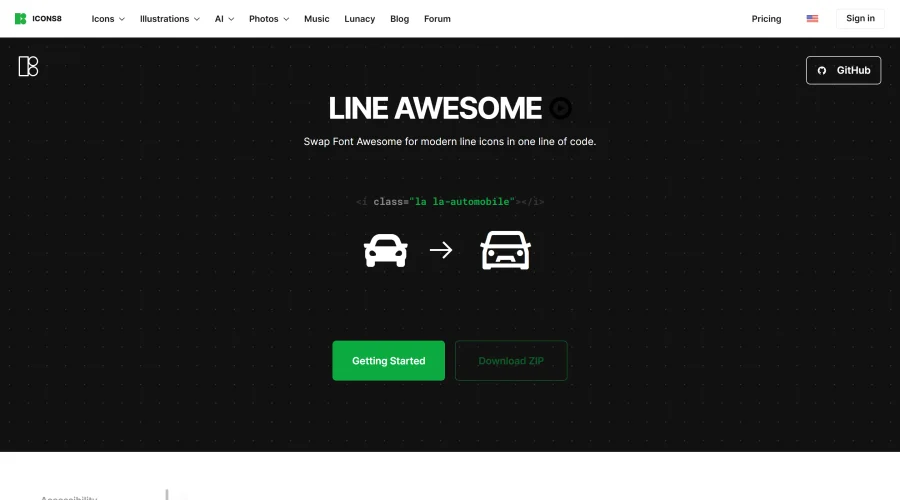

Line Awesome
Easily replace Font Awesome with modern line icons using one line of code.
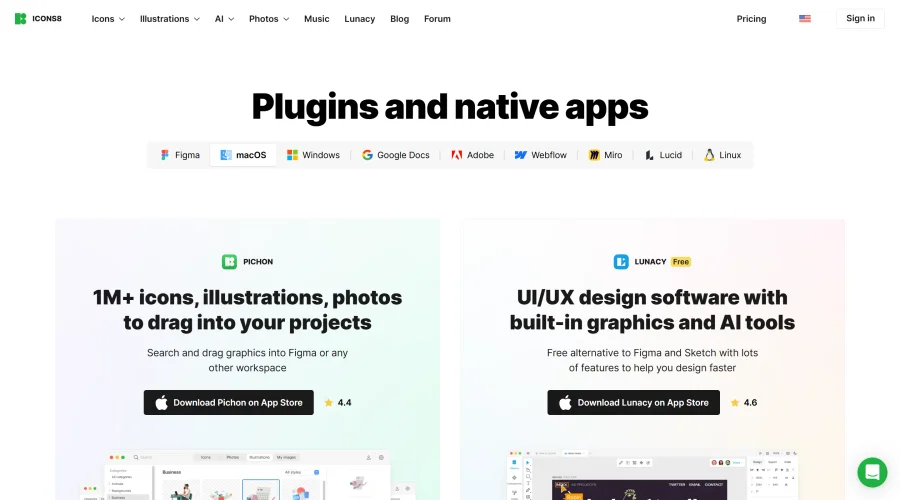

Pichon
Drag and drop the best design graphics with ease.
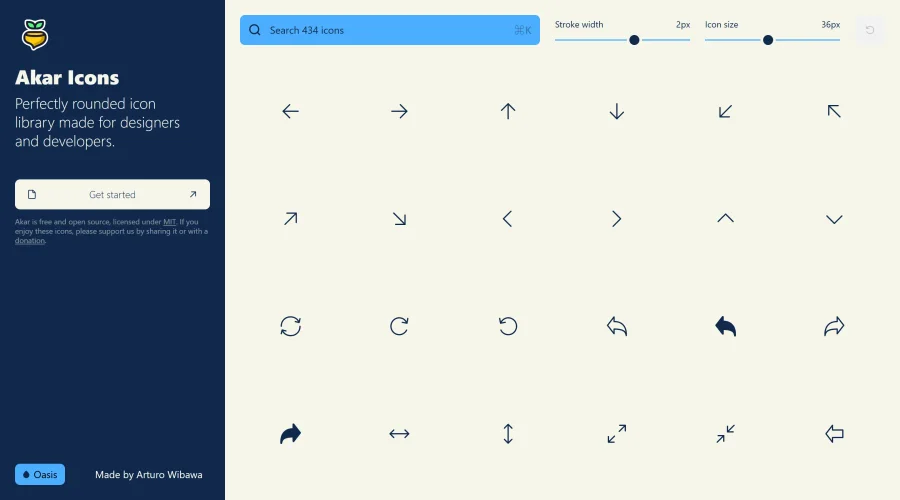

Akar Icons
A perfectly rounded icon library designed for designers and developers.
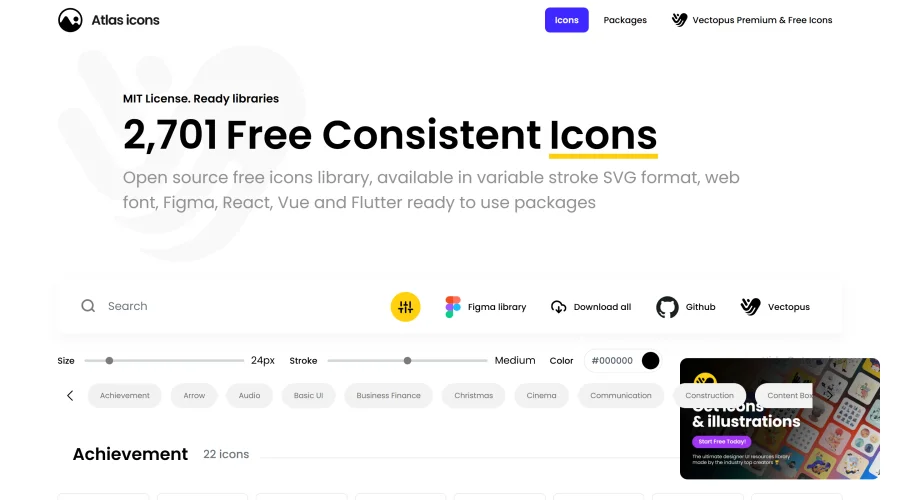

Atlas Icons
Versatile open-source icon library, offering various stroke widths and formats.
Explore Other Categories
Discover more design resources
New to Design?
Explore our comprehensive design glossary to master essential terminology from A/B Testing to Wireframes.
Browse GlossaryLooking for something specific?
Search through our entire collection of design tools and resources