

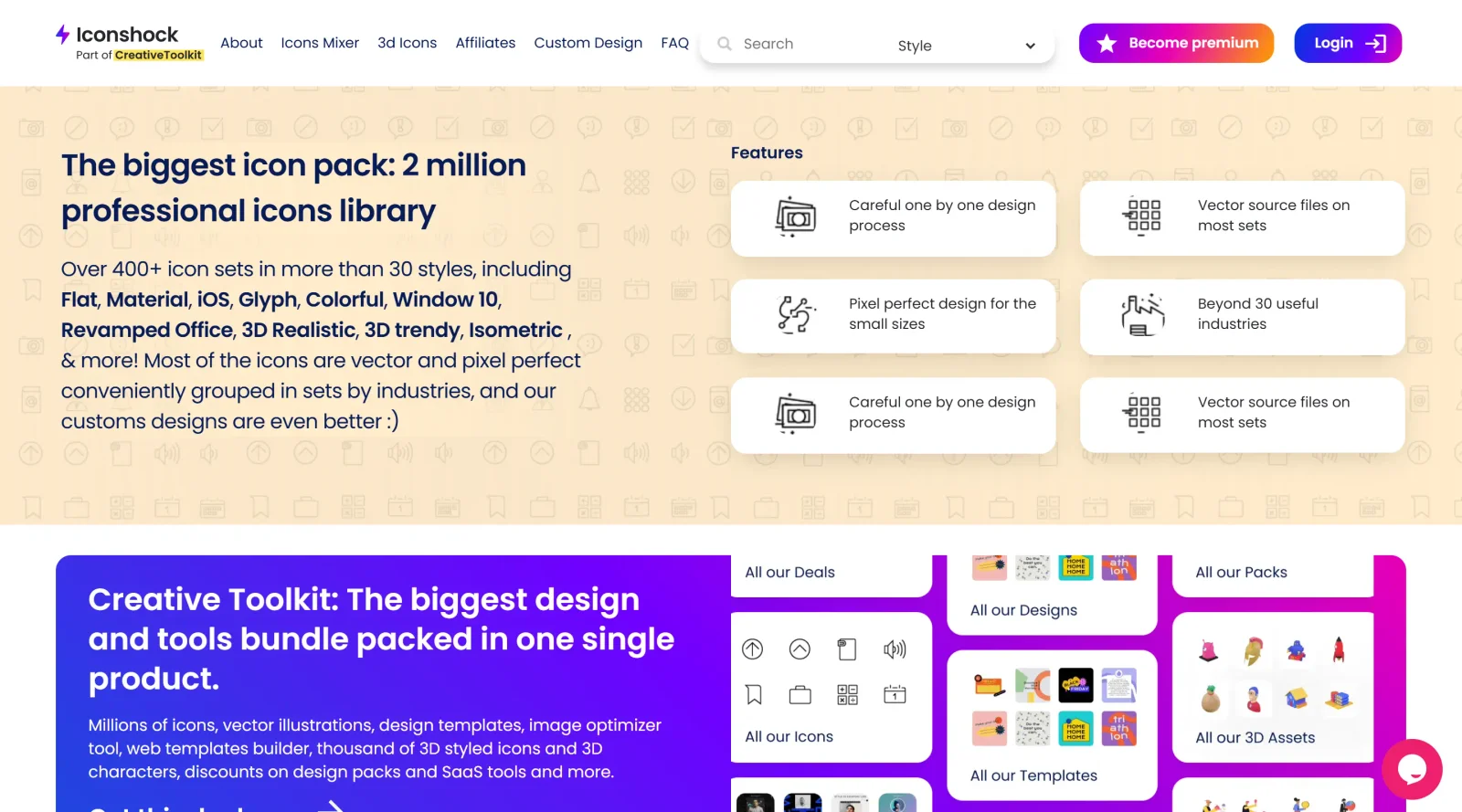
Choose from over 2 million icons in more than 400 sets and 30 styles.
What it costs
- Free tier
- Yes
Premium icon library (2M icons) with a 'Become premium' upgrade; no prices shown on the scraped page (they sit on /premium).
Auto-checked on 8 August 2026Source
About Iconshock
What Is Iconshock?
Iconshock is an icon library that provides access to over 2 million icons organized into more than 400 sets across 30 styles. It serves as a resource for designers and developers needing vector and raster icons for user interfaces, applications, and websites. Iconshock operates on a free-paid pricing model, offering free downloads for personal use with attribution and paid commercial licenses that include vector source files without attribution requirements.
What Iconshock Does
- Offers over 2 million icons in more than 400 sets and 30 styles, including Flat, Material, iOS, Glyph, and 3D Realistic.
- Provides vector files in formats such as AI, SVG, PSD, and Icon Font, along with PNG files in sizes from 16px to 256px or larger.
- Supports built-in search functionality to navigate large collections like the 4000+ 3D icons and characters in specialized packs.
- Includes options for icon customization, such as color changes, sizing adjustments, and generation of icon fonts from monochromatic styles.
- Releases new icons weekly across more than 60 categories, covering industries like technology, finance, social media, and professional services.
- Delivers commercial licenses for unlimited users, with lifetime access to updates in premium bundles like Full Iconshock and Full Shock.
How Iconshock Can Be Used
- Designers select individual icons or entire sets for UI elements in web and mobile applications, such as payment symbols or social media buttons.
- Developers download SVG or Icon Font files to integrate scalable icons into projects, ensuring consistency across screen sizes.
- Teams use the search and preview tools on the platform to browse and customize icons on-the-fly, adjusting colors and sizes before download.
- Projects requiring 3D or realistic icons access specialized libraries like 3D Icons 2.0 for Figma customization or frontal-perspective metaphors.
- Commercial workflows benefit from bulk downloads of sets in categories like website icons or functionality icons for rapid prototyping.
Who Is Iconshock For?
Iconshock suits UI/UX designers, web developers, and graphic artists working on digital products that require extensive icon resources. It fits projects in app development, website design, and branding where scalable, style-consistent icons streamline visual asset creation. Beginners can start with free packs for personal projects, while professionals handling commercial work access premium features for efficiency. Visit Iconshock
Featured Tools
Sponsored
Artlist
Royalty-free music, SFX, 8K footage, templates, LUTs and 100+ AI models on a single subscription for video creators.

Icons8
Large icon packs featuring over 10,000 icons for consistent design themes.

Vidu
AI video generator with text, image and reference-to-video modes, producing 3–16 second clips at up to 1080p with characters that stay consistent across shots.
Your tool here
The tools above are our own picks until the slots sell.
Spotlight
SponsoredRotates daily
HyNote
Records and transcribes interviews and meetings, then turns them into summaries and action items.
Tools we recommend


Editorially chosen. Some links above are affiliate links — if you sign up we may earn a commission, at no extra cost to you.
More Icons Tools
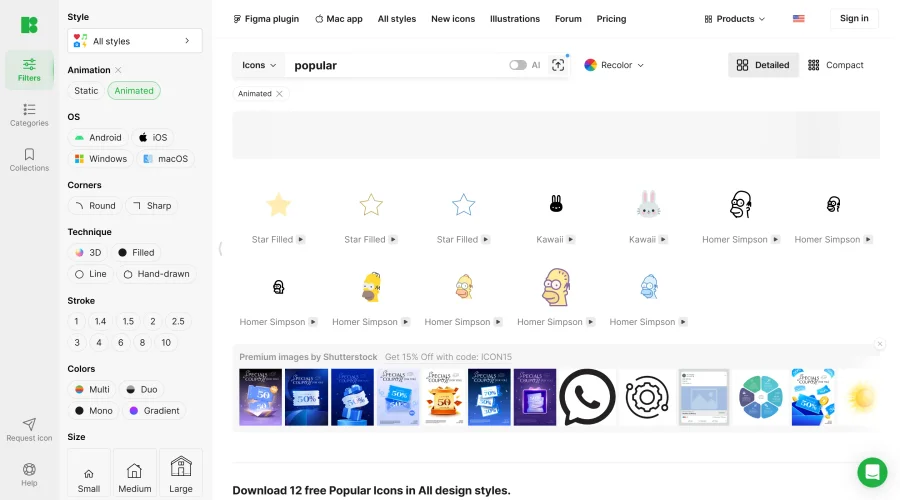

Animated Icons 2.0
Enhance your projects with 900+ animated icons.
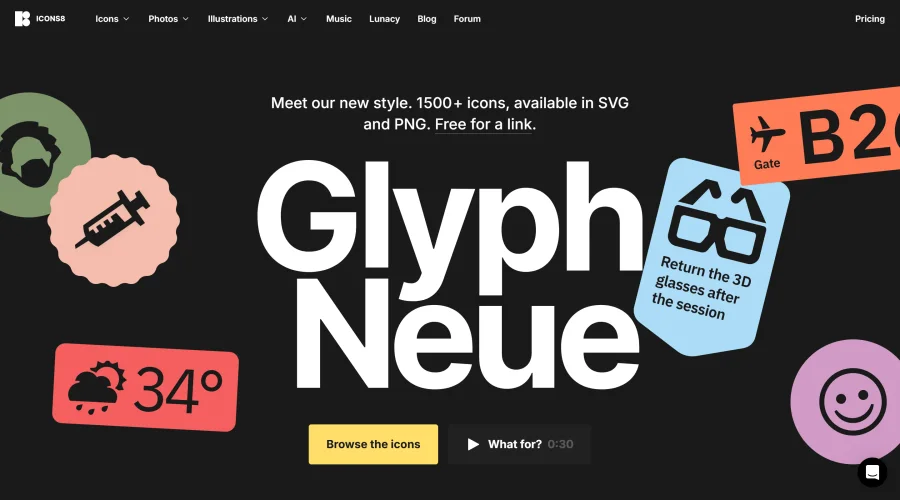

Glyph Neue
Over 1,500 icons in SVG and PNG formats, free with attribution.
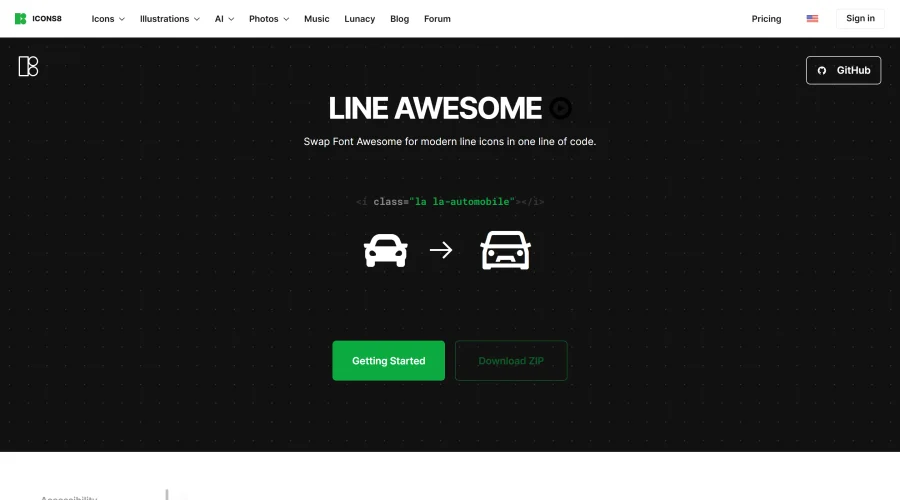

Line Awesome
Easily replace Font Awesome with modern line icons using one line of code.
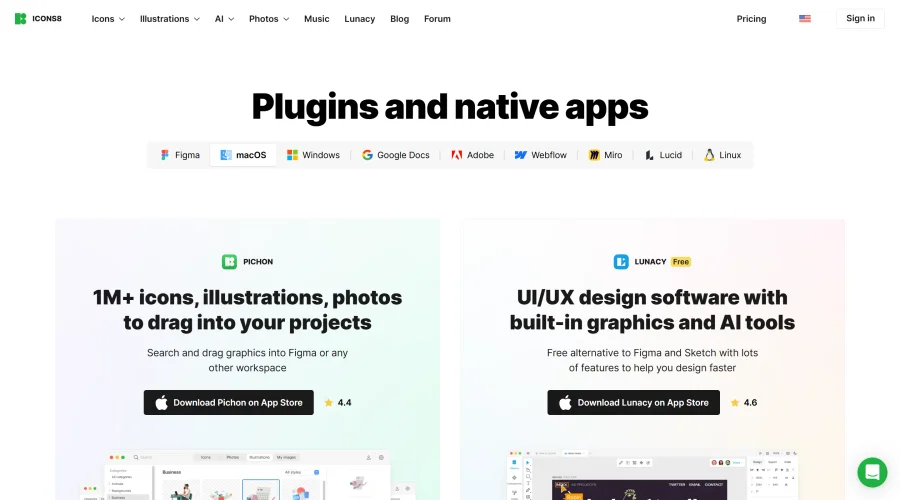

Pichon
Drag and drop the best design graphics with ease.
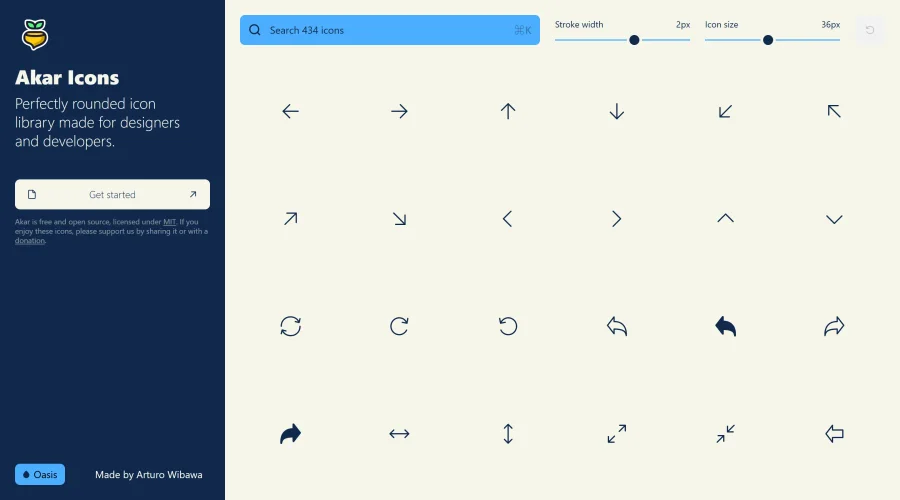

Akar Icons
A perfectly rounded icon library designed for designers and developers.
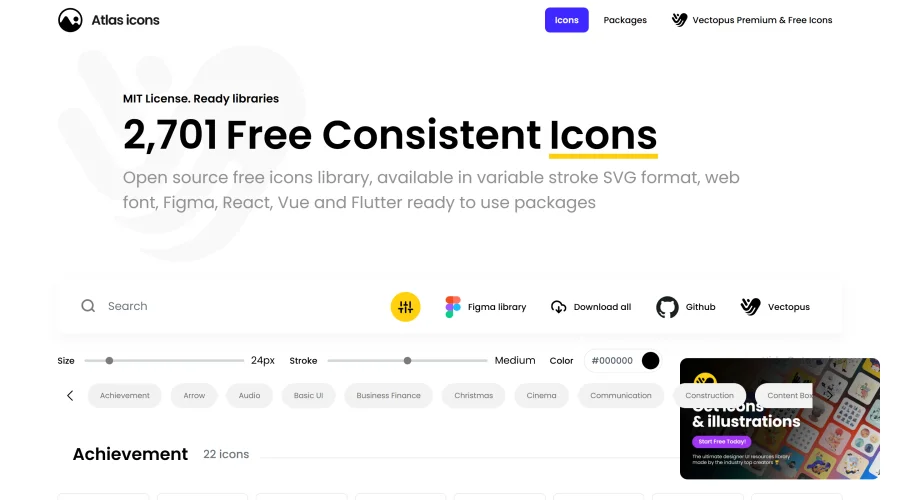

Atlas Icons
Versatile open-source icon library, offering various stroke widths and formats.
Explore Other Categories
Discover more design resources
New to Design?
Explore our comprehensive design glossary to master essential terminology from A/B Testing to Wireframes.
Browse GlossaryLooking for something specific?
Search through our entire collection of design tools and resources