
Optimize images for faster loading and reduced disk space without losing quality.
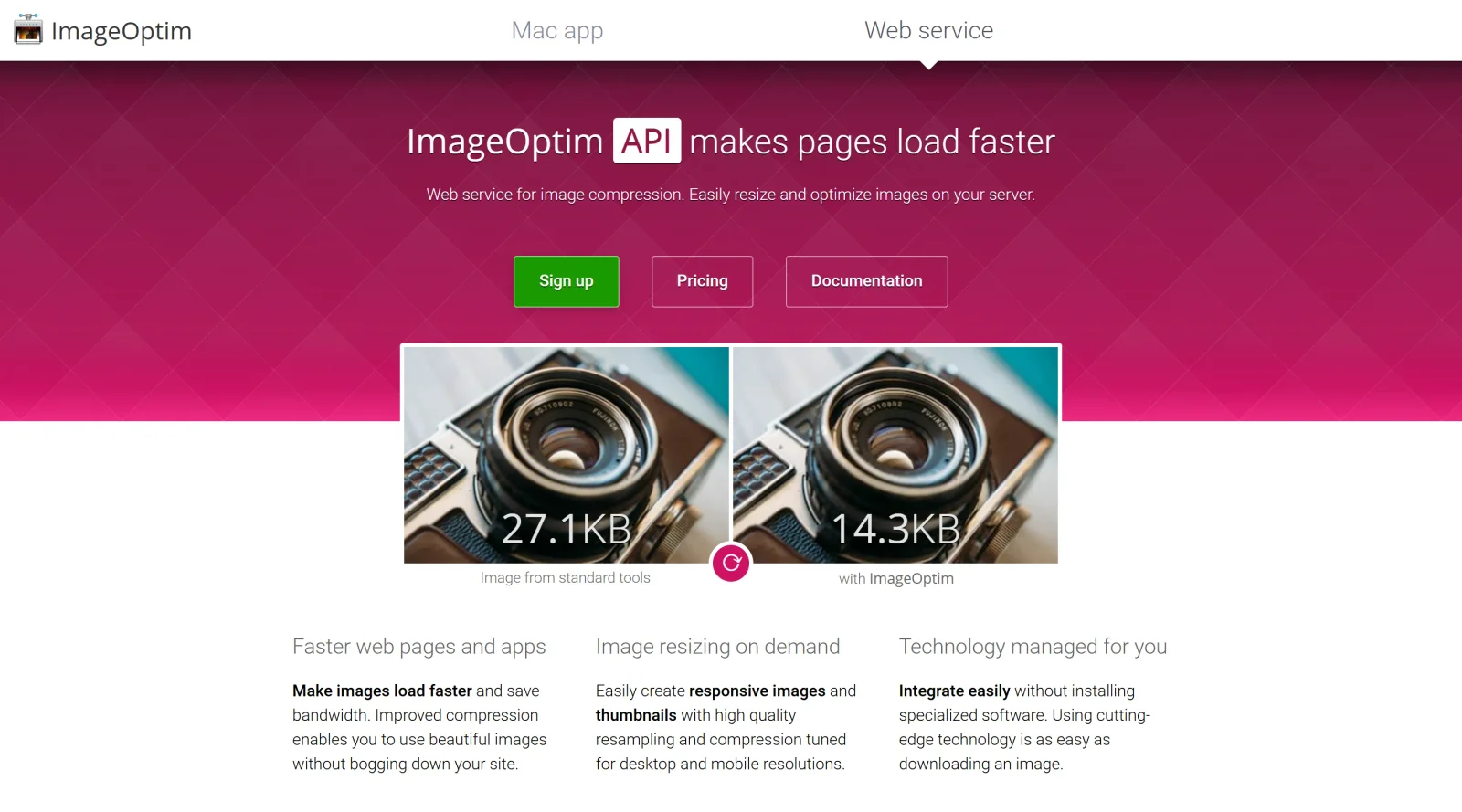
What it costs
- Free tier
- Yes
Free, open-source (GPL) Mac image-optimization app; a separate paid web-service/API exists but the app is free.
Auto-checked on 8 August 2026Source
About Image Optim
What Is Image Optim?
Image Optim is a free design tool in the image optimization category that reduces PNG, JPEG, and GIF file sizes through lossless compression while preserving image quality. It functions as a Mac application where users drag and drop images to strip unnecessary metadata, color profiles, and other data, making it suitable for the final optimization stage in design workflows. Designers and developers use Image Optim after exporting assets from tools like Figma or Photoshop to prepare images for web deployment, ensuring faster loading times and smaller disk space usage without visual degradation.
What Image Optim Does
- Applies lossless compression to PNG, JPEG, and GIF images using multiple open-source tools like MozJPEG, pngquant, Pngcrush, and Zopfli.
- Removes invisible data such as EXIF metadata, embedded thumbnails, comments, and unused color profiles from images.
- Supports batch processing by allowing users to drag entire folders of images for simultaneous optimization.
- Combines outputs from various optimizers to find the smallest file size without quality loss.
- Provides a command-line interface (CLI) version for automated processing in build pipelines.
- Handles GIF re-encoding and SVG optimization through integrated tools like SVGO.
How Image Optim Can Be Used
- Drag exported images from Figma or Sketch directly into Image Optim for quick lossless optimization before uploading to a website or app.
- Pair with ImageAlpha for initial lossy PNG compression followed by Image Optim's lossless cleanup in multi-stage workflows.
- Use the CLI version with tools like Webpack, Grunt, or Gulp to automate image optimization during front-end builds.
- Integrate with macOS automation like Hazel to process images dropped on the Desktop folder automatically.
- Optimize batches of product photos or blog images by dragging folders, reducing total page weight for better web performance.
Who Is Image Optim For?
Image Optim serves web designers, front-end developers, and digital asset managers who need to optimize images for performance without quality loss. It fits roles involving web performance tuning, such as preparing assets for deployment on content management systems or static sites, and suits users handling high volumes of PNG, JPEG, or GIF files in export-heavy workflows. Experience levels range from beginners using the drag-and-drop interface to advanced users scripting with CLI for CI/CD pipelines. Projects like e-commerce sites, portfolios, or mobile apps benefit from its free, open-source approach to reducing load times and storage needs.Visit Image Optim
Featured Tools
Sponsored
Artlist
Royalty-free music, SFX, 8K footage, templates, LUTs and 100+ AI models on a single subscription for video creators.

Icons8
Large icon packs featuring over 10,000 icons for consistent design themes.

Vidu
AI video generator with text, image and reference-to-video modes, producing 3–16 second clips at up to 1080p with characters that stay consistent across shots.
Your tool here
The tools above are our own picks until the slots sell.

Tools we recommend

getimg.ai
20+ AI models for image, video & audio in one workspace

OpenArt
All-in-one AI image, video & audio generator


YouCam Online Editor
Free online AI photo & video editor
Editorially chosen. Some links above are affiliate links — if you sign up we may earn a commission, at no extra cost to you.
More Design Tools Tools
Pryzm
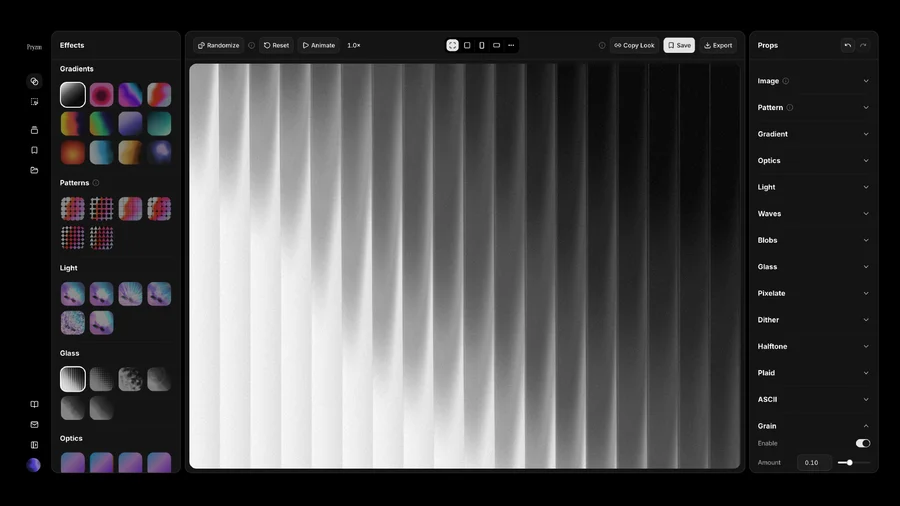
Pryzm is a real-time studio for designers who need backgrounds that don't look like everyone else's. Layer procedural gradients, then stack glass, grain, light and blobs.

Modeinspect
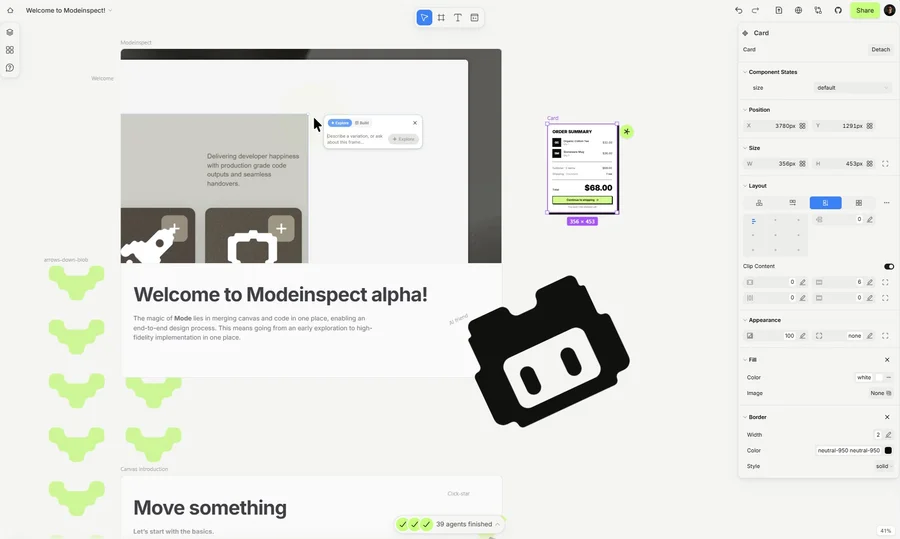
Mode turns your product’s codebase into editable canvas frames. Refine real UI with visual controls, experiment with AI then share or hand off for review.

GoProd
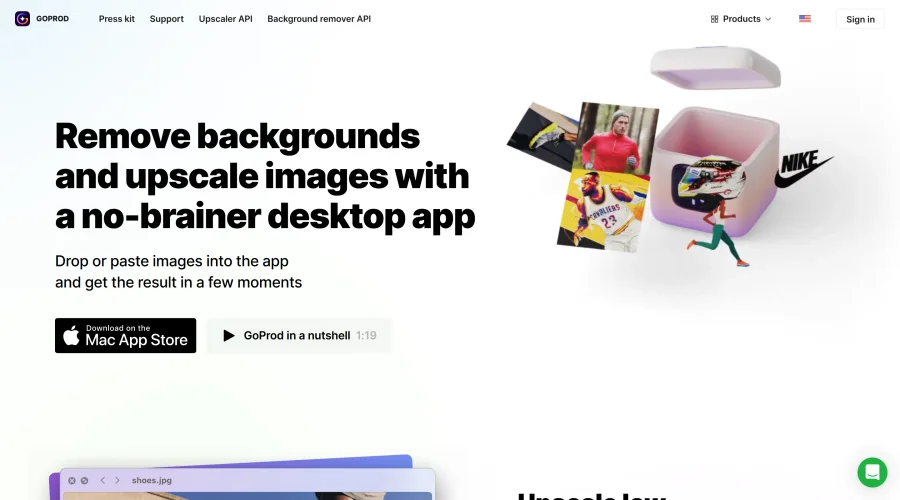
Remove backgrounds and upscale images effectively.
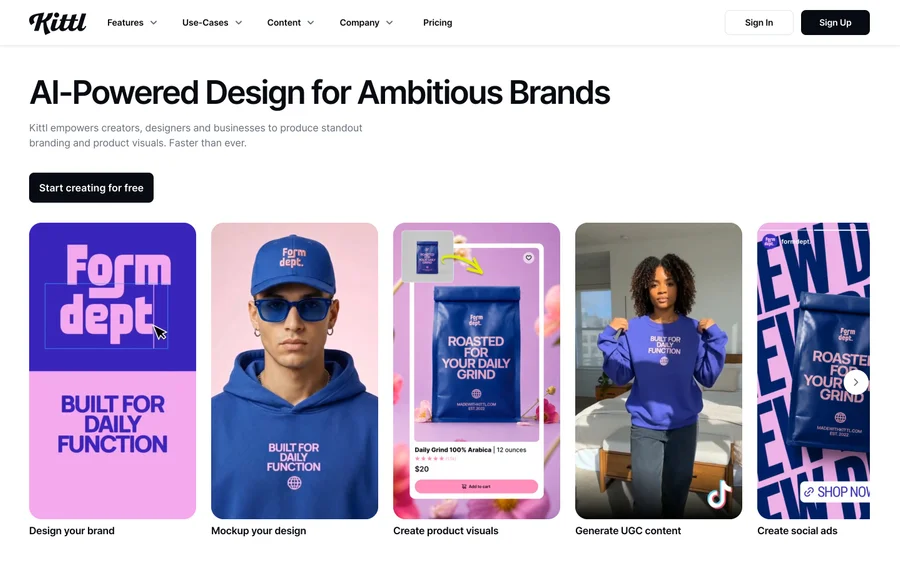

Kittl
AI-first design platform with image, vector, and video generation, plus templates, mockups, and print-ready exports.
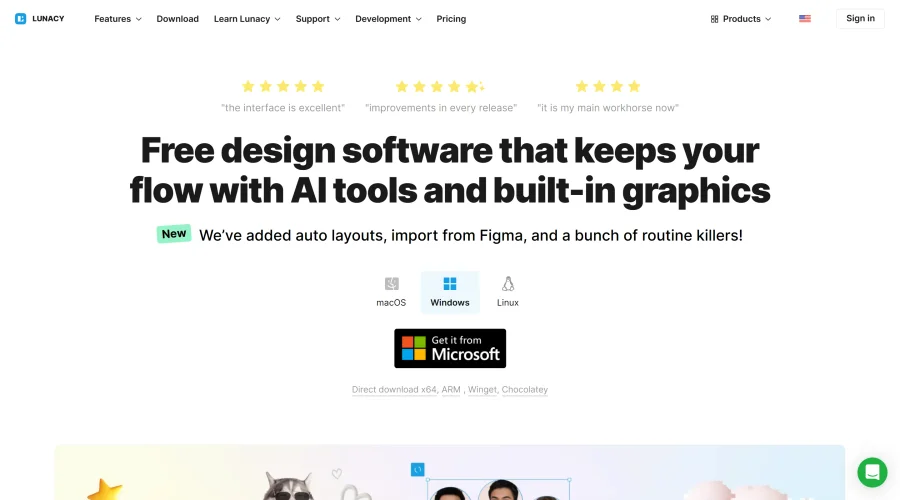

Lunacy
Free design software enhanced with AI tools and built-in graphics.
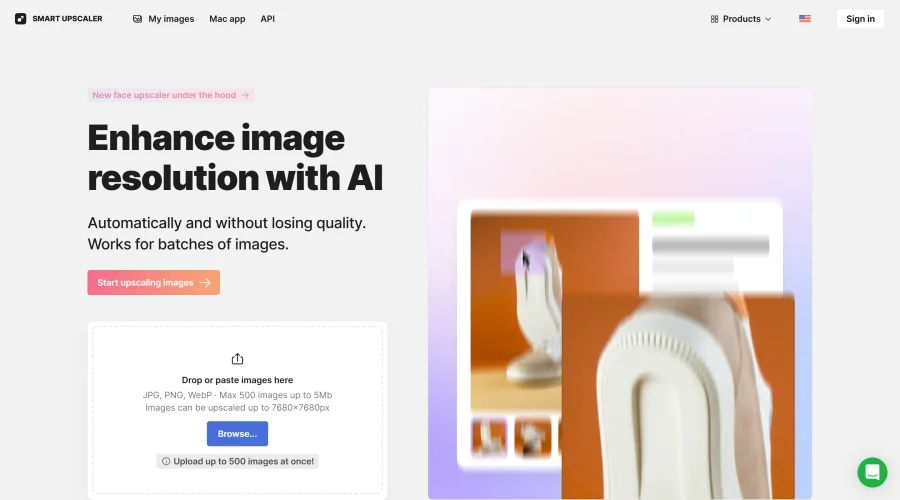

Smart Upscaler
Automatically improve image clarity using AI technology.
Explore Other Categories
Discover more design resources
New to Design?
Explore our comprehensive design glossary to master essential terminology from A/B Testing to Wireframes.
Browse GlossaryLooking for something specific?
Search through our entire collection of design tools and resources