

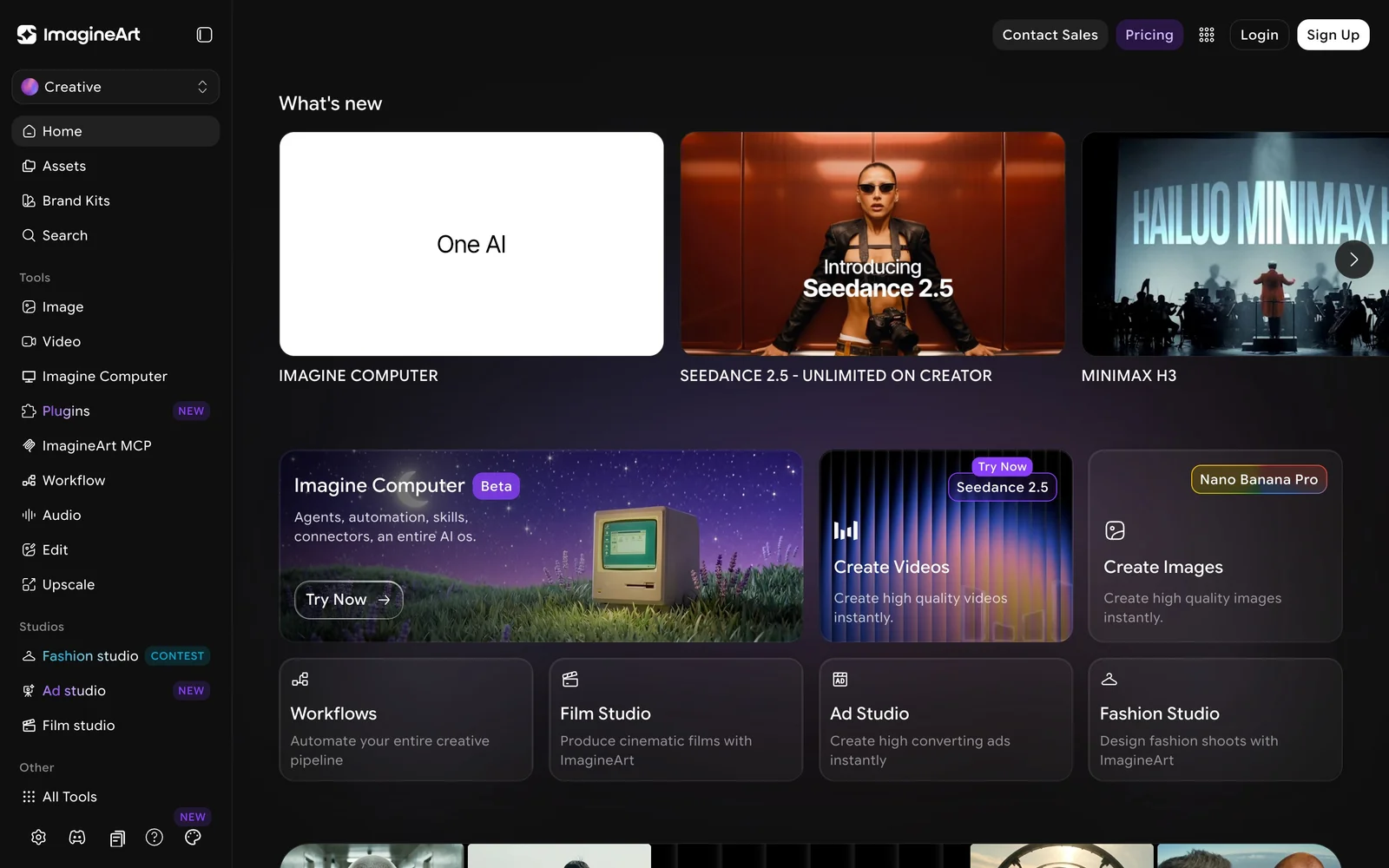
AI creative suite bundling image, video and audio generation across Seedance, Veo, Kling, Flux and GPT Image, with studios for film, fashion, ads and lipsync.
What it costs
- Free tier
- Yes
- Paid plans from
- $13/mo (billed yearly)
On the Basic plan image generation visibility is PUBLIC — private generation starts at Standard, which matters more than the price gap for client or NDA work. List prices billed yearly: Basic $13/mo (3,000 credits), Standard $30/mo (8,000), Ultimate $55/mo (16,000), Creator $350/mo (100,000). Video burns roughly 30x an image's credits, and unlimited-model access is Ultimate and above. Sitewide discounts of ~50% run frequently, so list price is the ceiling.
Prices checked on 5 September 2026Source

About ImagineArt
ImagineArt: One Subscription Across Seedance, Veo, Kling, Flux and GPT Image
ImagineArt is an AI creative suite that bundles image, video and audio generation into a single credit-based subscription, with a deliberately wide model roster behind it. Rather than committing to one generator, you get access to Seedance 2.5, Google Veo 3.1, Kling 3.0 Pro, Nano Banana Pro, GPT Image 2, Flux 2, Runway 4.5, PixVerse v6, Recraft V4, LUMA RAY2 and others from the same account. Around that sit purpose-built studios — Film, Fashion, Ad and Lipsync — plus upscaling, inpainting, workflow automation and an agent layer called Imagine Computer.
Key Features
- Multi-model access on one plan — Switch between leading image and video models without holding a separate subscription for each, which is the core reason to use an aggregator at all.
- Image, video and audio in one place — Generation and editing across all three, including AI speech, song and music generation and voice cloning.
- Purpose-built studios — Film Studio for cinematic sequences, Fashion Studio for design shoots, Ad Studio for marketing creative, and Lipsync Studio using Kling Avatars, WAN and Infini Talk.
- Editing tools, not just generation — Upscaling, inpainting and image edits, so output can be fixed in place rather than regenerated from scratch.
- Workflows and agents — Imagine Computer and Workflows automate multi-step pipelines instead of running each generation by hand.
- Team seats on higher plans — Three users on Standard, six on Ultimate, twenty on Creator, with collaboration built in.
How ImagineArt Works
Everything is credits. Each plan carries a monthly credit allowance and every generation spends from it, with video costing substantially more than images — Basic's 3,000 credits stretch to roughly 600 images or about 97 videos, which tells you most of what you need to know about the exchange rate. Higher plans add concurrency rather than just volume: Basic runs 4 image and 2 video generations at once, Creator runs 16 and 5. The unlimited-model perks, where certain models stop drawing credits entirely, are restricted to the Ultimate and Creator tiers.
The Catch on the Entry Plan
One detail deserves flagging because it is easy to miss and hard to undo: on the Basic plan, image generation visibility is public. Private generation starts at Standard. If you are producing client work, unreleased product imagery or anything under NDA, Basic is not a cheaper version of the same product — it is a different product, and the entry price is not the number that matters. Basic also excludes higher queue priority and caps references at one.
Plans and Pricing
List prices, billed yearly, run $13/month for Basic (3,000 credits), $30/month for Standard (8,000 credits, private generation, priority support, 3 users), $55/month for Ultimate (16,000 credits, unlimited access to a long list of premium models, 6 users) and $350/month for Creator (100,000 credits, 20 users). Worth knowing before you buy: ImagineArt runs sitewide promotional discounts frequently and aggressively — commonly around 50% off with a countdown timer — so the effective price is often well below list. Treat the list price as the ceiling rather than the number you will pay.
How to Choose a Plan
- Decide first whether your generations can be public — if not, start at Standard, not Basic.
- Estimate in videos, not credits: videos consume roughly 30x what an image does.
- Check whether the specific models you want are on the unlimited list, which is Ultimate and above.
- Count seats — collaboration is bundled into the tier, not sold separately.
- Check for an active promotion before committing to an annual term.
Who It's For
- Creators who want to compare Seedance, Veo, Kling and Flux without four subscriptions
- Marketing and ad teams producing high volumes of image and video variations
- Small studios that need seats, concurrency and a shared credit pool
- Anyone doing lipsync, voice cloning or AI audio alongside visual work
Conclusion
ImagineArt's pitch is consolidation: one bill, one interface, and most of the frontier image and video models behind it, which is genuinely useful when the model you want changes month to month. The things to go in knowing are that credits deplete far faster on video than images, that the unlimited-model perks live only on the upper tiers, and that the Basic plan publishes your images by default. Price it on the tier that matches your privacy and volume needs rather than the headline entry number, and check for a live discount before committing to a year.
Featured Tools
Sponsored
Artlist
Royalty-free music, SFX, 8K footage, templates, LUTs and 100+ AI models on a single subscription for video creators.

Icons8
Large icon packs featuring over 10,000 icons for consistent design themes.

Vidu
AI video generator with text, image and reference-to-video modes, producing 3–16 second clips at up to 1080p with characters that stay consistent across shots.
Your tool here
The tools above are our own picks until the slots sell.
Spotlight
SponsoredRotates daily
Base44
No-code AI platform that builds full-stack apps and websites from plain-language prompts.
Tools we recommend


getimg.ai
20+ AI models for image, video & audio in one workspace


Hailuo AI
Cinematic AI video with camera control


OpenArt
All-in-one AI image, video & audio generator
Editorially chosen. Some links above are affiliate links — if you sign up we may earn a commission, at no extra cost to you.
More AI Tools Tools


Vidu
AI video generator with text, image and reference-to-video modes, producing 3–16 second clips at up to 1080p with characters that stay consistent across shots.

AI Boilerplate
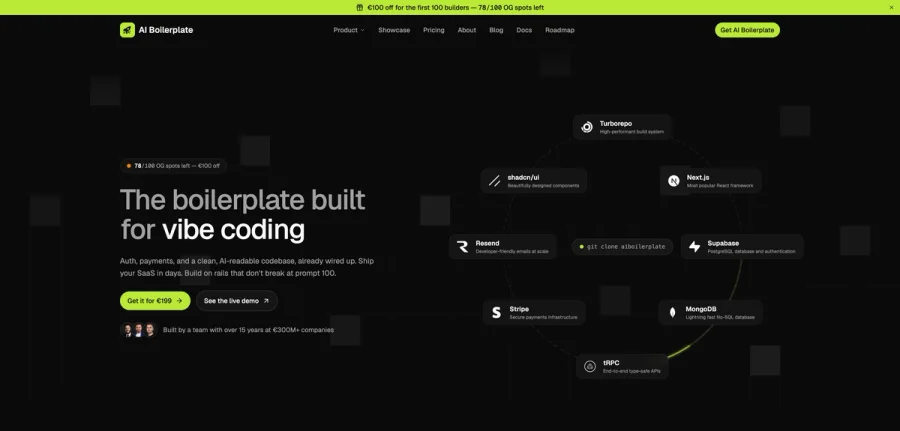
The boilerplate built for vibe coding. Includes authentication, payments, storage, and a clean, AI-readable codebase, already wired up. Build on rails that don't break at prompt 100.

PromptCreek
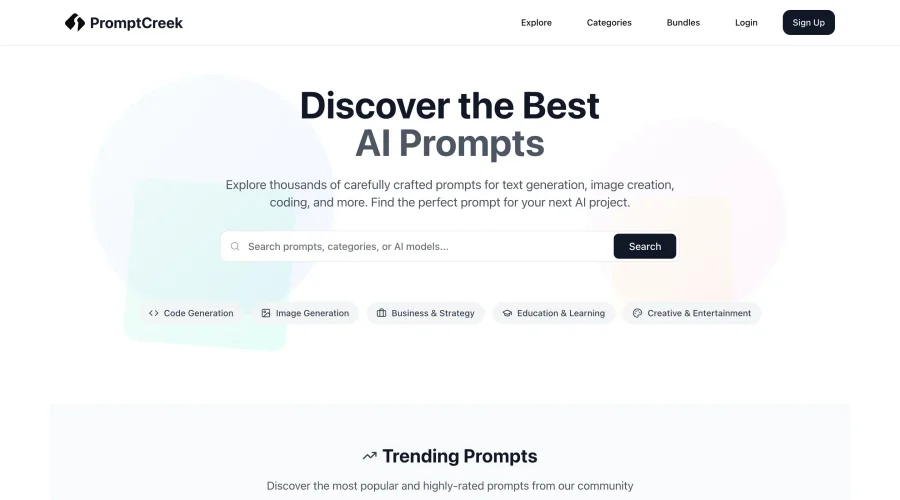
Prompt Creek is a free community-driven repository featuring thousands of AI prompts. Discover, bookmark, and share quality prompts for ChatGPT, Claude, and other AI tools.

Vatis Tech
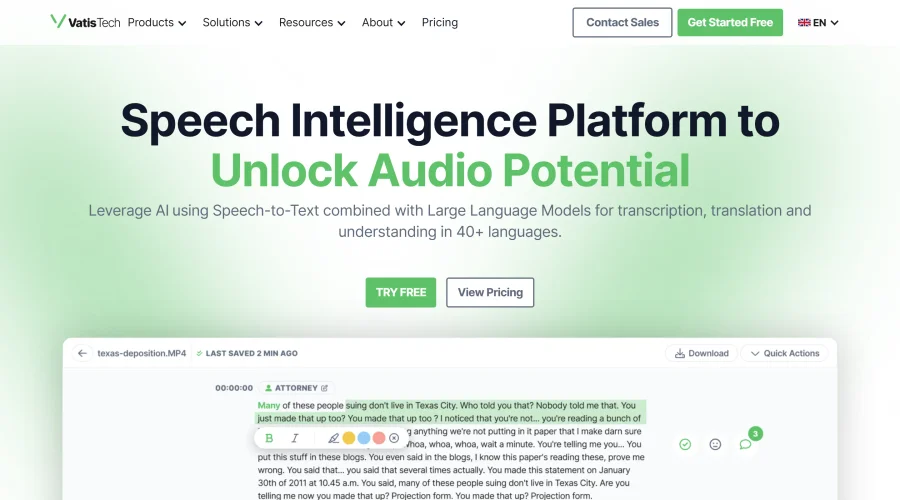
Vatis Tech is the most powerful speech-to-text infrastructure. It can be used to transcribe user interviews and client meetings.


DomoAI
AI animation platform that turns text, images, and video into anime, realistic, and custom styles — with video restyle, lip sync, upscaling, and more.

Meshy
AI 3D model generator that turns text or images into game- and print-ready models.
Explore Other Categories
Discover more design resources
New to Design?
Explore our comprehensive design glossary to master essential terminology from A/B Testing to Wireframes.
Browse GlossaryLooking for something specific?
Search through our entire collection of design tools and resources