

What it costs
- Free tier
- Yes
Scrape resolved to Figma's homepage rather than the Jony Eye tool; no tool-specific prices shown (Figma has a free tier).
Auto-checked on 8 August 2026Source
About Jony Eye
What Is Jony Eye?
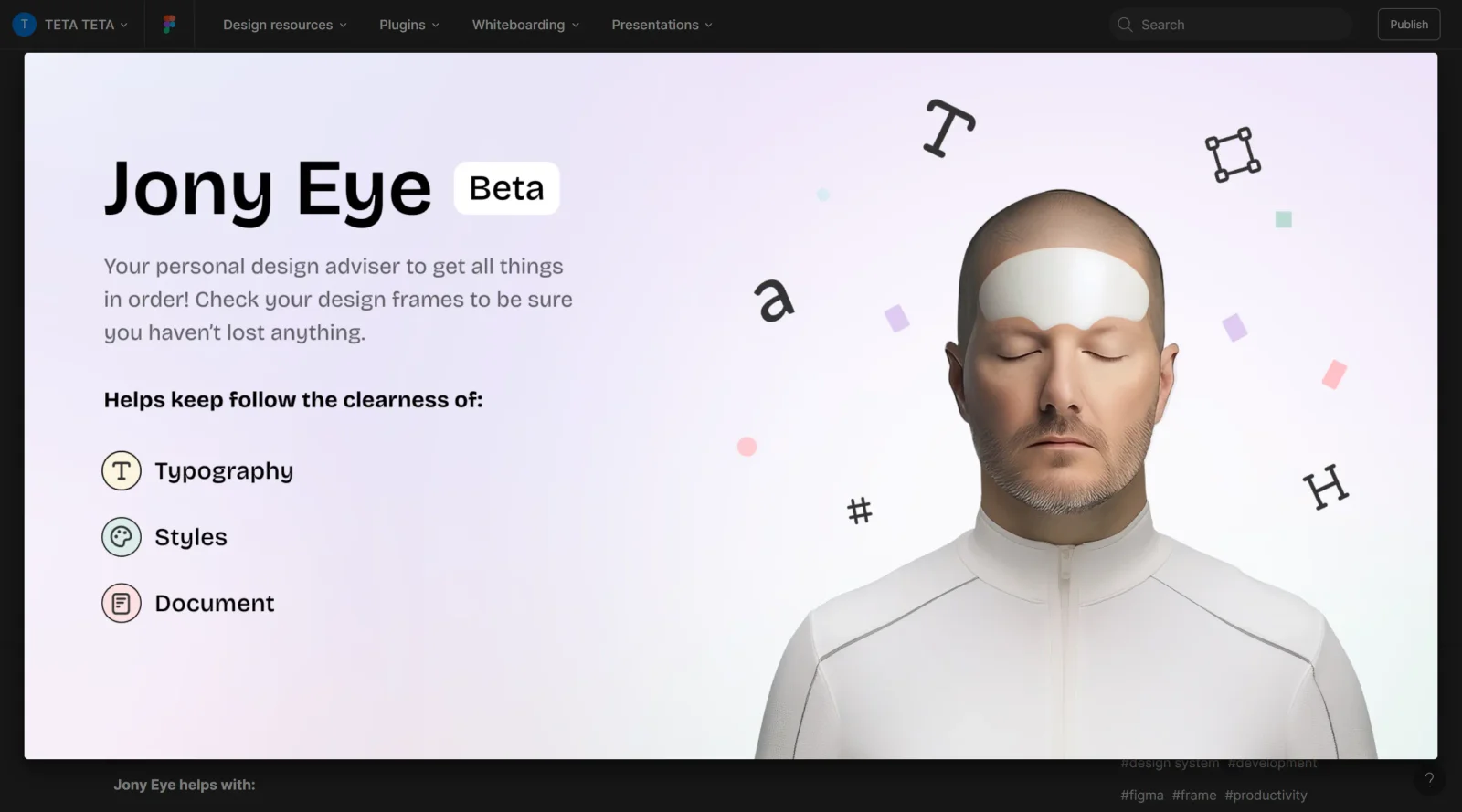
Jony Eye is a free Figma plugin designed to enhance the design refinement process by automatically scanning design files for errors and inconsistencies. As a design-tools category plugin, Jony Eye integrates directly into Figma's ecosystem, allowing designers to identify and resolve issues without leaving their primary design environment. The tool focuses on catching details that are easy to overlook, making it a practical addition to any designer's workflow.
What Jony Eye Does
- Scans entire design files to identify accidentally used or inconsistent fonts
- Detects style-related errors across your design system
- Identifies potential accessibility issues in your designs
- Flags problems and inconsistencies that may impact design quality
- Provides actionable fixes and recommendations for detected issues
- Operates as a design assistant that runs directly within Figma Desktop
How Jony Eye Can Be Used
Jony Eye serves practical purposes across common design workflows. Designers use it during design refinement stages to catch font inconsistencies before handoff to development. It helps maintain design system integrity by flagging style violations across larger files. Teams leverage Jony Eye to ensure accessibility standards are met before designs move into implementation. The plugin is particularly useful when working on complex files with multiple components or when collaborating across team members who may inadvertently introduce inconsistencies.
Who Is Jony Eye For?
Jony Eye is designed for UX/UI designers, design system maintainers, and product design teams who want to improve design quality and catch errors before handoff. It works well for designers managing complex Figma files, teams implementing design systems, and anyone seeking to reduce design review cycles by automating error detection. The free pricing makes Jony Eye accessible to freelance designers, small design teams, and larger organizations alike. Visit Jony Eye
Featured Tools
Sponsored
Artlist
Royalty-free music, SFX, 8K footage, templates, LUTs and 100+ AI models on a single subscription for video creators.

Icons8
Large icon packs featuring over 10,000 icons for consistent design themes.

Vidu
AI video generator with text, image and reference-to-video modes, producing 3–16 second clips at up to 1080p with characters that stay consistent across shots.
Your tool here
The tools above are our own picks until the slots sell.
Spotlight
SponsoredRotates daily
HyNote
Records and transcribes interviews and meetings, then turns them into summaries and action items.
Tools we recommend


getimg.ai
20+ AI models for image, video & audio in one workspace


OpenArt
All-in-one AI image, video & audio generator


YouCam Online Editor
Free online AI photo & video editor
Editorially chosen. Some links above are affiliate links — if you sign up we may earn a commission, at no extra cost to you.
More Design Tools Tools


Pryzm
Pryzm is a real-time studio for designers who need backgrounds that don't look like everyone else's. Layer procedural gradients, then stack glass, grain, light and blobs.


Modeinspect
Mode turns your product’s codebase into editable canvas frames. Refine real UI with visual controls, experiment with AI then share or hand off for review.


GoProd
Remove backgrounds and upscale images effectively.


Kittl
AI-first design platform with image, vector, and video generation, plus templates, mockups, and print-ready exports.


Lunacy
Free design software enhanced with AI tools and built-in graphics.


Smart Upscaler
Automatically improve image clarity using AI technology.
Explore Other Categories
Discover more design resources
New to Design?
Explore our comprehensive design glossary to master essential terminology from A/B Testing to Wireframes.
Browse GlossaryLooking for something specific?
Search through our entire collection of design tools and resources