

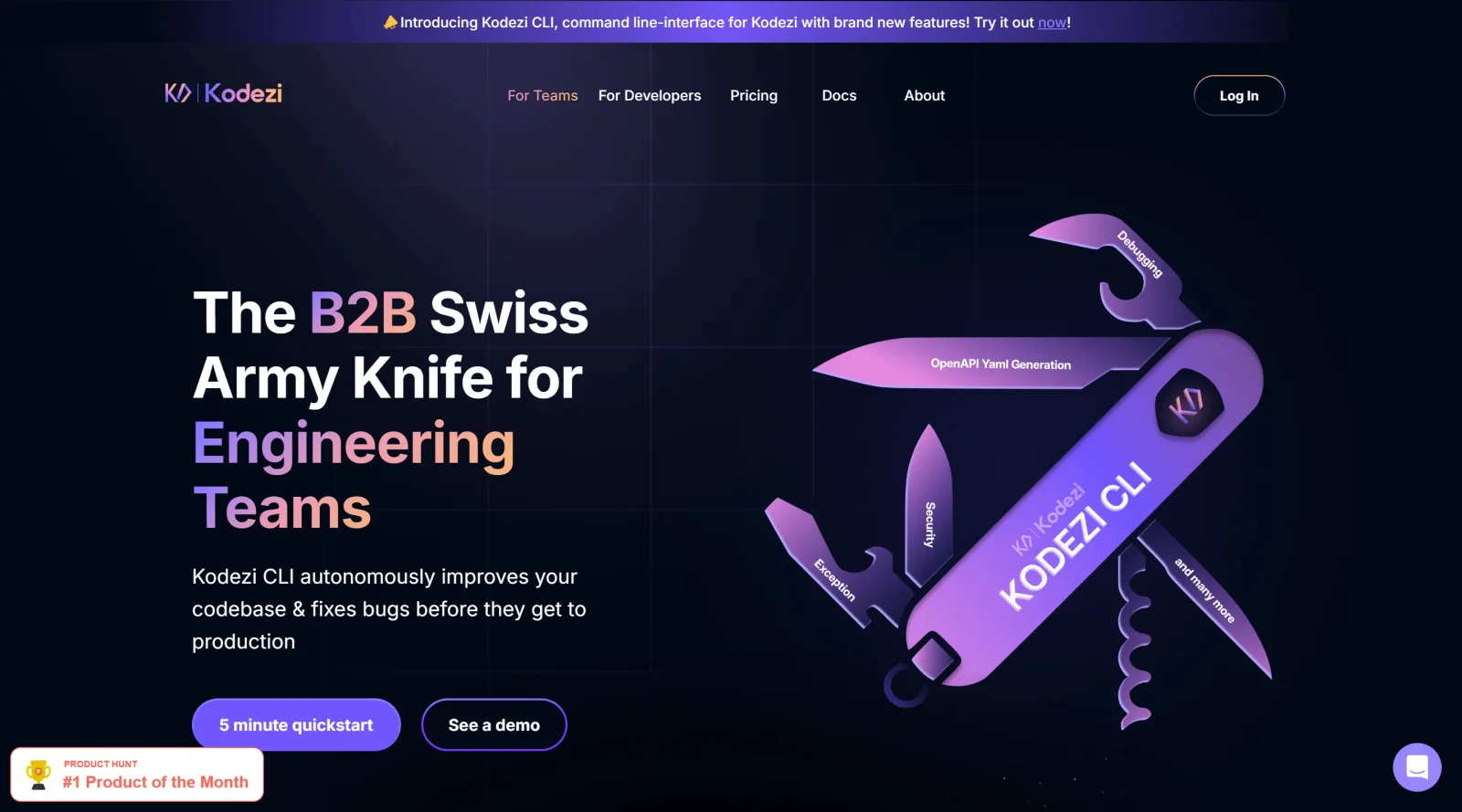
AI tool for coding with automatic corrections and completions.
What it costs
- Free tier
- Yes
- Paid plans from
- $9.99/mo
Catalog says Free but page shows a free tier (25 credits/day) plus paid Kodezi Pro at $9.99/mo and CLI+OS at $59.99/mo per user.
Auto-checked on 8 August 2026Source
About Kodezi
What is Kodezi
Kodezi is an AI-powered developer tool designed to enhance coding productivity and efficiency. It serves as an autocorrect tool for programmers, offering a range of features to streamline the coding process and improve code quality. With a focus on debugging, optimizing, converting, generating, and documenting code, Kodezi acts as a comprehensive assistant for developers at all skill levels.
What Kodezi does
Kodezi automates various aspects of coding, including debugging code with detailed explanations, optimizing code for efficiency, converting code between languages or frameworks, generating code documentation, and even creating code from natural language input. It integrates seamlessly with popular IDEs like Visual Studio Code and provides a chat interface for interacting with the AI assistant. By leveraging AI technology, Kodezi aims to save time, boost productivity, and enhance the overall coding experience for programmers.
Who is Kodezi for
Kodezi caters to a wide audience, including developers, students, and teams working on coding projects. For developers, Kodezi offers a valuable tool to expedite the coding process, improve code quality, and reduce manual effort in debugging and optimization. Students can benefit from Kodezi by submitting assignments more efficiently and learning coding best practices. Teams can leverage Kodezi to accelerate product launches and enhance collaboration in coding projects. Overall, Kodezi is suitable for anyone looking to enhance their coding skills, boost productivity, and streamline the development process.
Featured Tools
Sponsored
Artlist
Royalty-free music, SFX, 8K footage, templates, LUTs and 100+ AI models on a single subscription for video creators.

Icons8
Large icon packs featuring over 10,000 icons for consistent design themes.

Vidu
AI video generator with text, image and reference-to-video modes, producing 3–16 second clips at up to 1080p with characters that stay consistent across shots.
Your tool here
The tools above are our own picks until the slots sell.
Spotlight
SponsoredRotates daily
HyNote
Records and transcribes interviews and meetings, then turns them into summaries and action items.
Tools we recommend


getimg.ai
20+ AI models for image, video & audio in one workspace


Hailuo AI
Cinematic AI video with camera control


OpenArt
All-in-one AI image, video & audio generator
Editorially chosen. Some links above are affiliate links — if you sign up we may earn a commission, at no extra cost to you.
More AI Tools Tools


Vidu
AI video generator with text, image and reference-to-video modes, producing 3–16 second clips at up to 1080p with characters that stay consistent across shots.
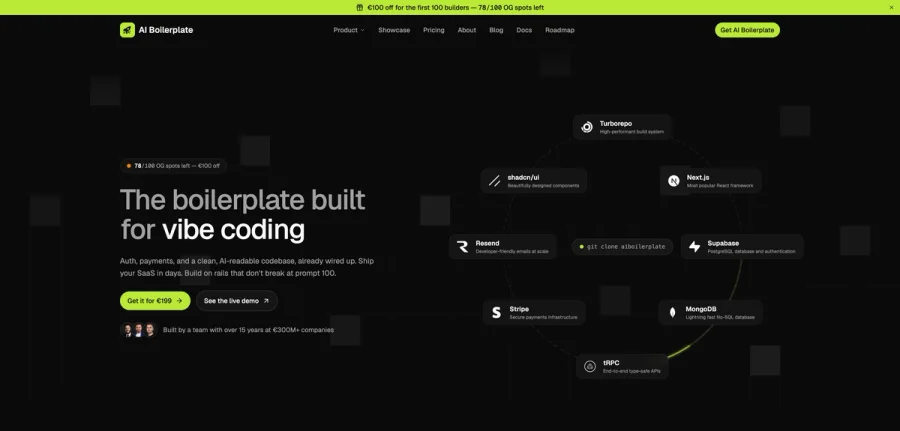

AI Boilerplate
The boilerplate built for vibe coding. Includes authentication, payments, storage, and a clean, AI-readable codebase, already wired up. Build on rails that don't break at prompt 100.
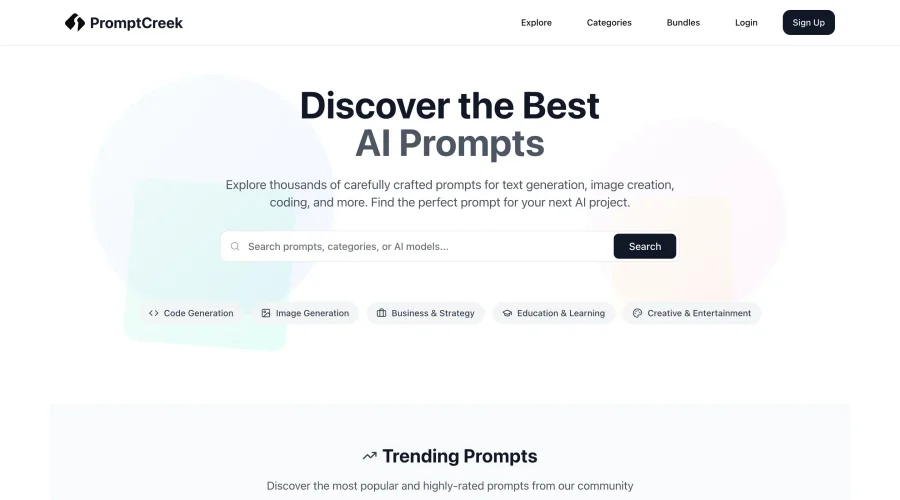

PromptCreek
Prompt Creek is a free community-driven repository featuring thousands of AI prompts. Discover, bookmark, and share quality prompts for ChatGPT, Claude, and other AI tools.
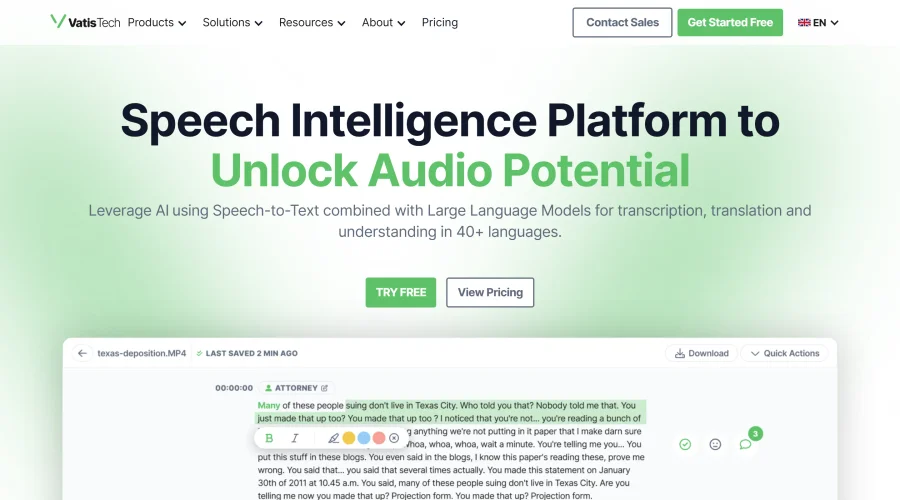

Vatis Tech
Vatis Tech is the most powerful speech-to-text infrastructure. It can be used to transcribe user interviews and client meetings.


DomoAI
AI animation platform that turns text, images, and video into anime, realistic, and custom styles — with video restyle, lip sync, upscaling, and more.

Meshy
AI 3D model generator that turns text or images into game- and print-ready models.
Explore Other Categories
Discover more design resources
New to Design?
Explore our comprehensive design glossary to master essential terminology from A/B Testing to Wireframes.
Browse GlossaryLooking for something specific?
Search through our entire collection of design tools and resources