
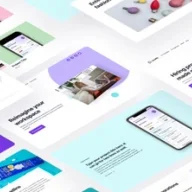
Figma Landing Page UI Kit: Design efficiently with a tool that speeds up the process.
What it costs
- Free tier
- No
- Paid plans from
- $119
One-time payment Figma UI kit ($119 Personal / $249 Team); only a free Figma preview, no free tier.
Auto-checked on 8 August 2026Source
About Landify
What Is Landify?
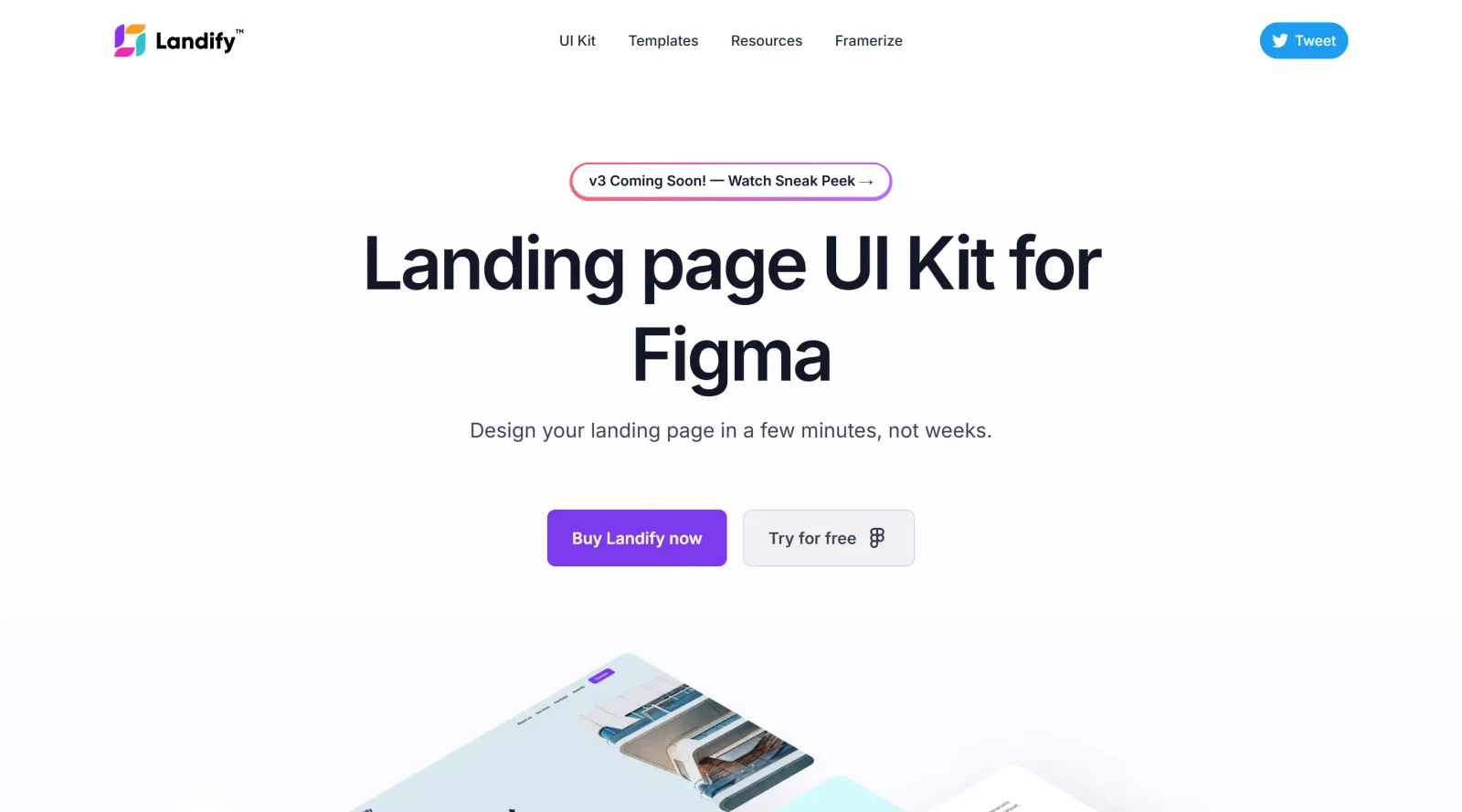
Landify is a Figma-based landing page UI kitdesigned to accelerate the creation of website designs. It provides pre-built sections and components that designers can assemble into complete landing pages, fitting into the early stages of the design workflow where rapid prototyping is needed. As a paid tool in the UI kits category, Landify supports efficient customization through Figma's native features, allowing users to build responsive layouts without starting from scratch.
What Landify Does
- Offers 170+ blocks and 500+ components organized into 13 categories for various landing page sections like headers, heroes, and features.
- Includes Figma Variables for managing theme colors, typography, and styles across designs.
- Utilizes Auto Layout 5.0 to ensure components adapt to different screen sizes and content changes.
- Provides responsive layouts that work across desktop, tablet, and mobile breakpoints.
- Contains UI components such as buttons, inputs, badges, and mockups for phones, tablets, and browsers.
- Features well-organized layers, text styles, color styles, and effect styles for straightforward editing and instance swapping.
How Landify Can Be Used
- Assemble landing pages by mixing and matching blocks to create hero sections, feature lists, testimonials, and pricing areas for startup websites.
- Customize themes using Figma Variables to switch between color schemes or typography sets while maintaining consistency.
- Prototype responsive designs by leveraging Auto Layout for desktop, tablet, and mobile views without manual adjustments.
- Build complete pages from 5 ready-made templates, adapting them for marketing sites similar to Stripe-style layouts.
- Incorporate device mockups to showcase web or mobile apps within landing page designs.
Who Is Landify For?
Landify serves designers, startups, and agencies working on landing page projects who need to produce high-fidelity prototypes quickly under tight deadlines. It suits UI/UX designers familiar with Figma, particularly those handling web marketing sites, SaaS products, or client pitches requiring multiple layout variations. Experience levels range from intermediate users comfortable with components and variables to advanced designers seeking organized block systems for efficiency. Visit Landify
Featured Tools
Sponsored
Artlist
Royalty-free music, SFX, 8K footage, templates, LUTs and 100+ AI models on a single subscription for video creators.

Icons8
Large icon packs featuring over 10,000 icons for consistent design themes.

Vidu
AI video generator with text, image and reference-to-video modes, producing 3–16 second clips at up to 1080p with characters that stay consistent across shots.
Your tool here
The tools above are our own picks until the slots sell.
Spotlight
SponsoredRotates daily
HyNote
Records and transcribes interviews and meetings, then turns them into summaries and action items.
More UI Kits Tools
Apple Design Resources
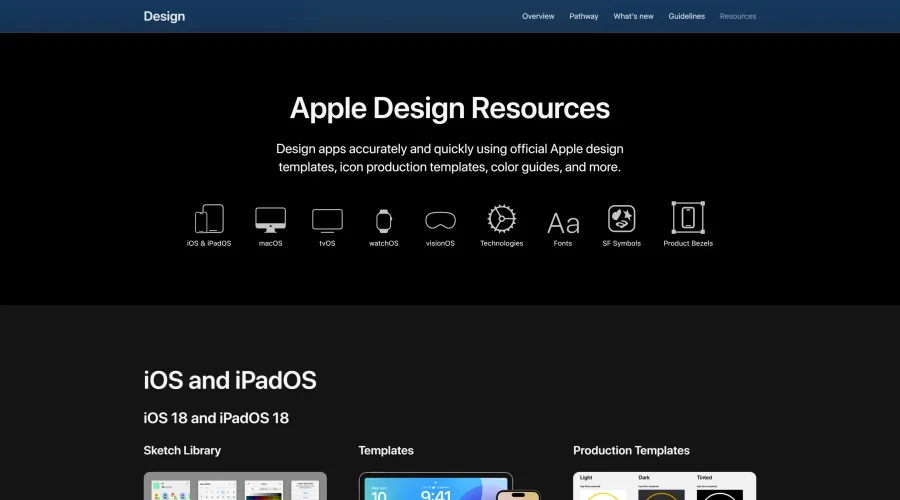
Apple’s official resources for iOS: Sketch, Photoshop, and XD templates and guides.
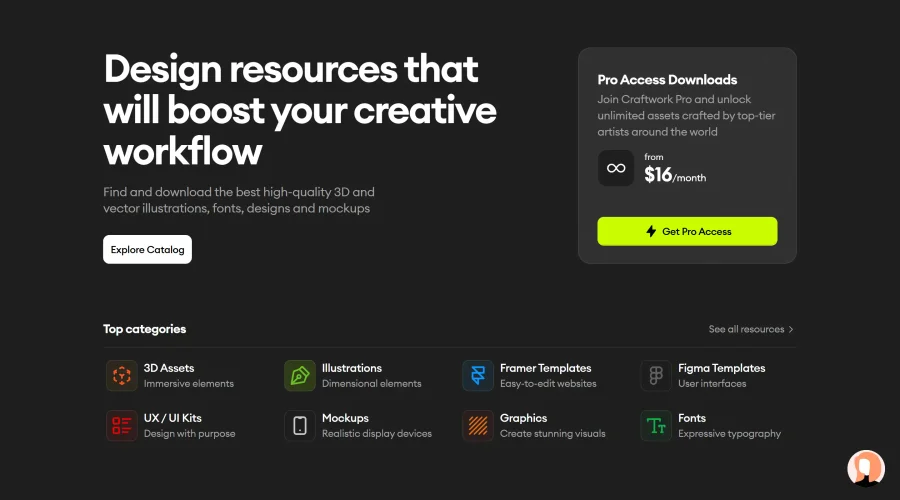

Blank 2.5
Fast and efficient UI kit and design system for landing page projects.
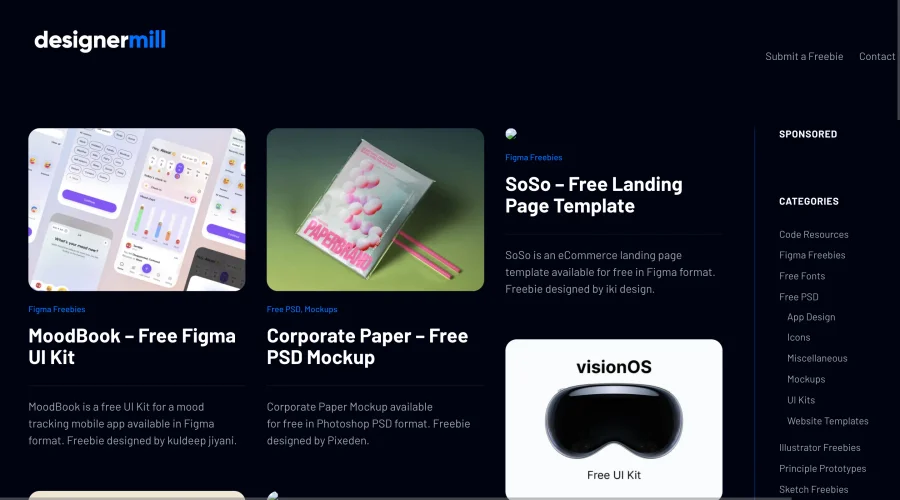

DesignerMill
Free collection of PSDs, Sketch files, fonts, and more for designers.
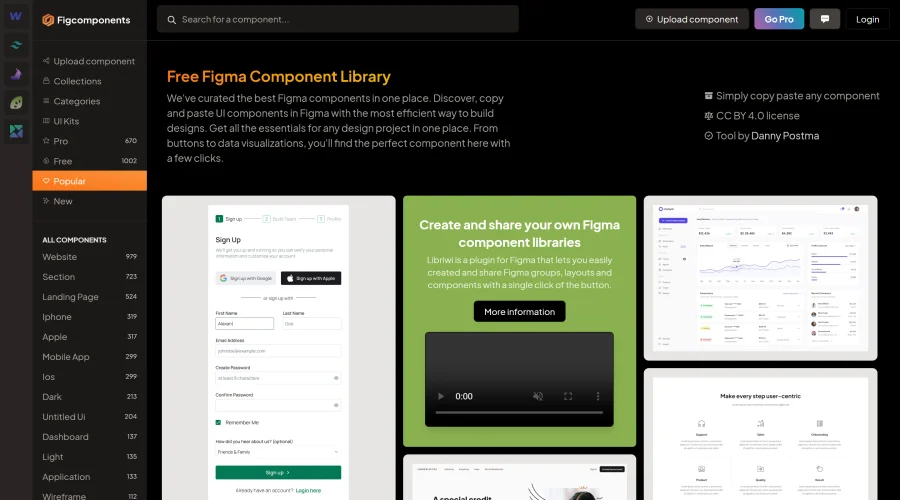

Figcomponents
A free library of Figma components for easy copying and pasting.
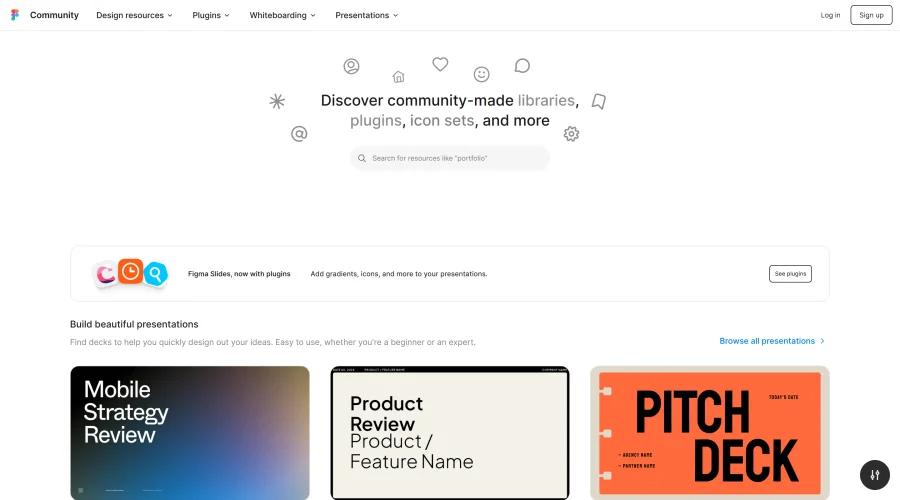
Figma Community
Exclusive files and plugins designed for Figma.
FigmaOP
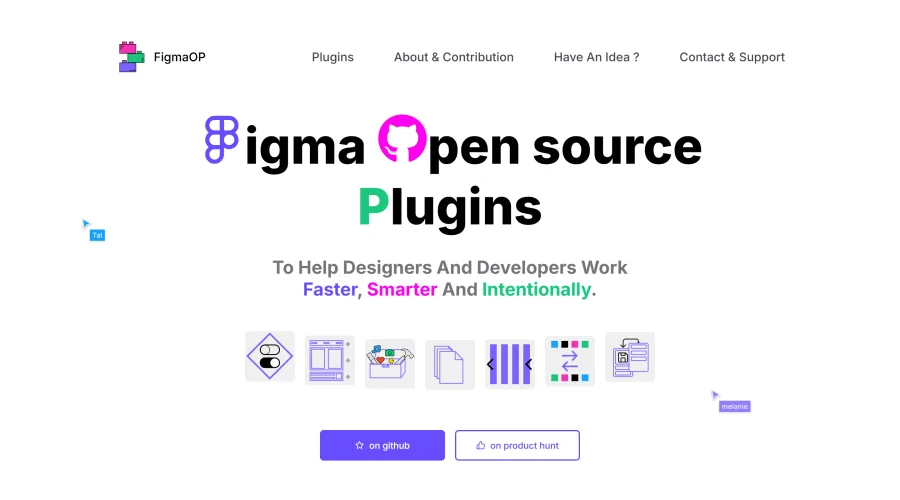
Open-source plugins to enhance efficiency and intentionality in design.
Explore Other Categories
Discover more design resources
New to Design?
Explore our comprehensive design glossary to master essential terminology from A/B Testing to Wireframes.
Browse GlossaryLooking for something specific?
Search through our entire collection of design tools and resources