
Create professional video mockups in just 2 minutes by uploading your design. No Photoshop, 3D software, or video editing skills required. Perfect for POD sellers and designers.
What it costs
- Free tier
- Yes
- Paid plans from
- $9.99
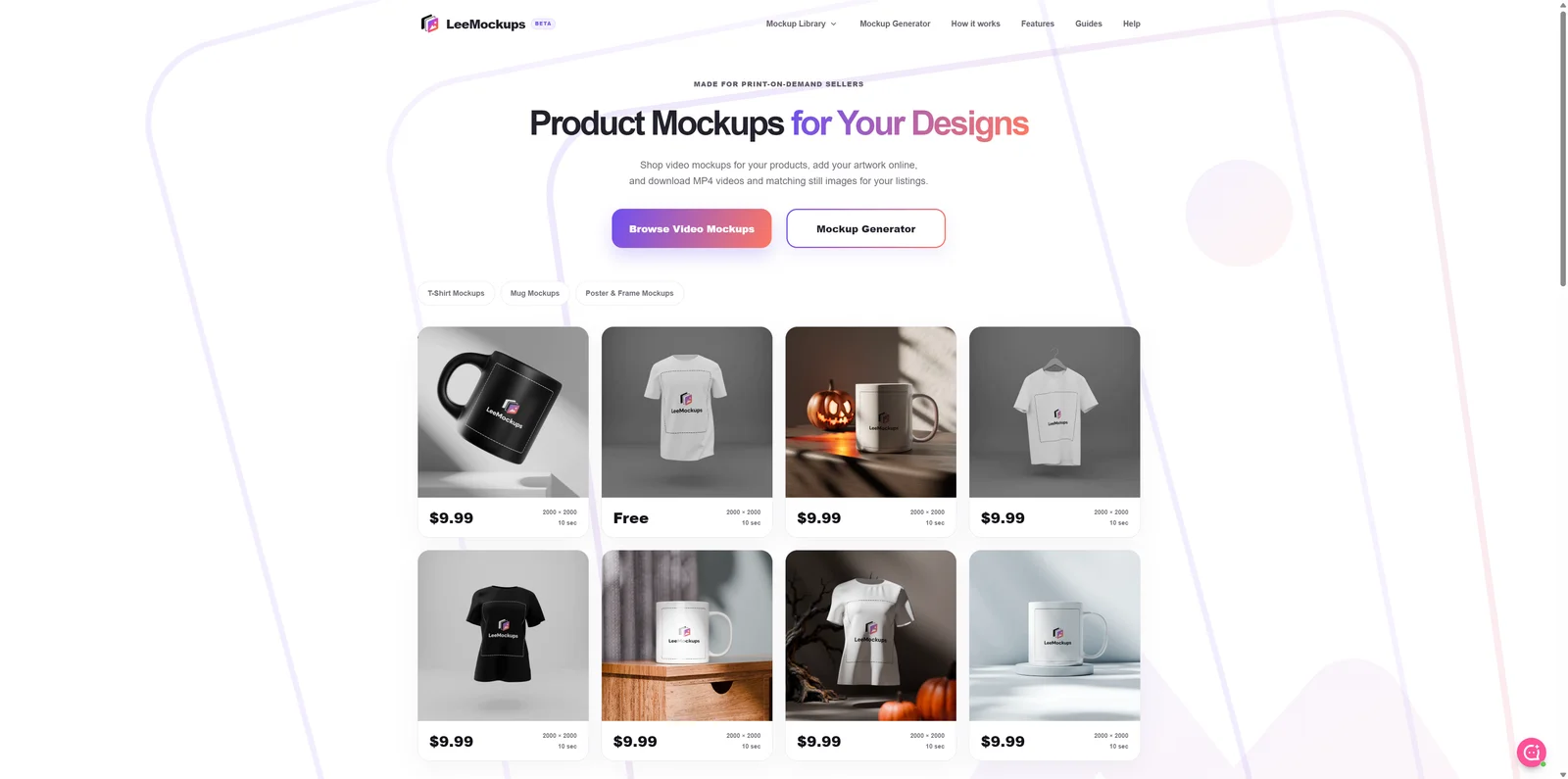
Pay per mockup, with no subscription anywhere in the flow — most scenes are $9.99 each. Several are completely free and export in full, so you can run your own artwork through the whole process before paying. Every scene outputs a 10-second MP4 at 2000 × 2000 plus matching still images. A refund policy is published alongside the terms.
Auto-checked on 16 November 2026Source
About LeeMockups
LeeMockups: Turn a Flat Design Into a Listing Video Without Opening Photoshop
LeeMockups makes video mockups for print-on-demand sellers. You pick a scene — a t-shirt, a mug, a framed poster — upload a PNG or JPG of your artwork, and it maps the design into the shot with the right perspective and motion, then exports an MP4 alongside matching still images. The point is the format: marketplace listings increasingly reward video, and producing one normally means 3D software or a video editor. This does it in a browser, in about the time it takes to find the file.
Key Features
- Video and stills together — Every scene exports a 10-second MP4 plus ready-to-use still images for the same listing.
- Three steps, no software — Choose a scene, drop in artwork, export. No Photoshop, 3D package or video editor.
- Live preview — Your design maps into the scene instantly, with motion and perspective handled for you.
- Runs in the browser — Nothing to install, and your artwork stays on your own machine.
- Free scenes to try — Several mockups are free to use end to end, with no payment and no account.
- No subscription — Mockups are bought individually at $9.99, so occasional use costs occasional money.
Why Video Mockups Specifically
A still photo of a t-shirt is table stakes on any marketplace. A short video of it is still unusual enough to stand out in a grid of listings, and platforms tend to surface listings that have one. The obstacle has always been production: shooting real video means samples, a camera and a set, while faking it means learning Blender or After Effects. LeeMockups takes the third path — pre-built scenes where the camera move, lighting and perspective are already solved, and the only variable is the artwork you supply. Each export gives you both the MP4 and still frames, so one pass produces the whole set of images a listing needs rather than sending you back for a second round.
How It Works
The workflow is deliberately short. Browse the library and open a scene in the online creator. Add a PNG or JPG and watch it map into the shot, following the motion and the surface it sits on. Then export, and upload the results to your shop. Everything happens in the browser, which has a quiet benefit worth noting for anyone selling original artwork: the design never leaves your machine during the process. There are also written guides for the surrounding questions sellers actually have — how to make an Etsy listing video without filming, how to choose mockups for a print-on-demand store — plus a full video walkthrough if you would rather watch the process before trying it.
What's in the Library
The catalogue covers the three things most print-on-demand shops sell: apparel, mugs and posters or framed prints. Within those, scenes vary by styling rather than by product — a white hanging t-shirt, a black oversized tee, a matte black ceramic mug, a floating mug, an industrial bedroom frame, a moody shadow frame, a natural wood frame with sun shadows. Every scene is 2000 × 2000 at ten seconds, which suits the square format marketplaces prefer. The focus is intentional: this is a tool for a specific kind of seller rather than a general mockup library, and the scenes are built for the listings those sellers actually publish.
What It Costs
Mockups are $9.99 each, bought one at a time, with no subscription anywhere in the flow. Several scenes are completely free and export fully, so you can run your own artwork through the whole process and judge the output before paying for anything. That is a genuinely useful way to buy: if you need one listing video this month you spend ten dollars, and if you need none you spend nothing. A refund policy is published alongside the terms. The free scenes also serve a practical purpose the site points out — rendering happens on your own computer, so trying a free one tells you how the process performs on your hardware before you commit.
How to Use It
- Browse the library by product type and pick a scene.
- Open it in the online creator and add your PNG or JPG.
- Check the live preview, adjusting the design placement as needed.
- Export the MP4 and the matching stills.
- Upload both to your product listing.
Who It's For
- Print-on-demand sellers who want listing videos without filming anything
- Etsy shop owners adding video to apparel, mug or print listings
- Designers who want to show work in motion without learning 3D software
- Anyone who needs a mockup occasionally and does not want another subscription
- Sellers who prefer their original artwork never to leave their own computer
Conclusion
LeeMockups does one job and keeps it simple: artwork in, listing video out, in a browser, without a subscription. The free scenes make it easy to judge for yourself — run a real design through one and you will know within minutes whether the output suits your shop. For a print-on-demand seller who wants motion in their listings and has no interest in learning video software to get it, that is a direct and reasonably priced route.
Featured Tools
Sponsored
Artlist
Royalty-free music, SFX, 8K footage, templates, LUTs and 100+ AI models on a single subscription for video creators.

Icons8
Large icon packs featuring over 10,000 icons for consistent design themes.

Vidu
AI video generator with text, image and reference-to-video modes, producing 3–16 second clips at up to 1080p with characters that stay consistent across shots.
Your tool here
The tools above are our own picks until the slots sell.
Spotlight
SponsoredRotates daily
Business Characters
Detailed and vibrant 3D people illustrations to enhance your work.
More Mockups Tools

Mockuuups Studio
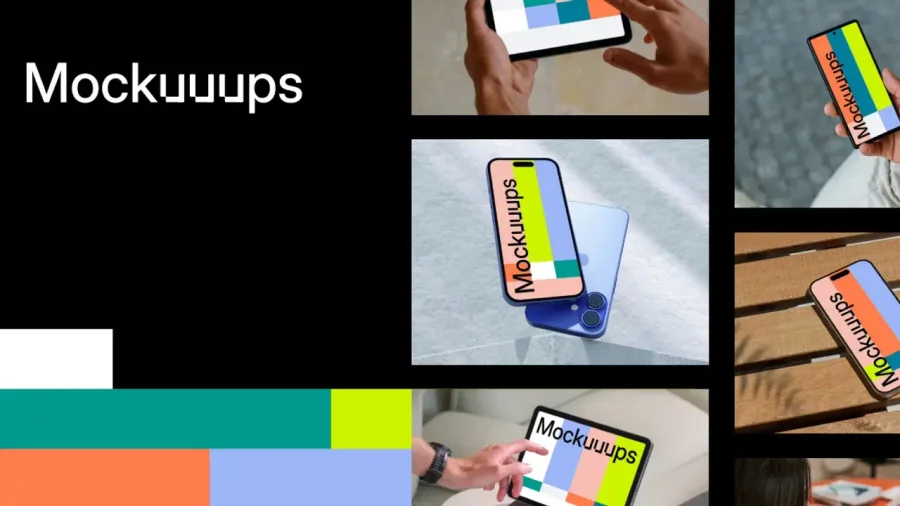
Photorealistic device and print mockups in the browser or Figma. Drop in your design and export polished app, portfolio, and marketing scenes in seconds.
3D Transformer
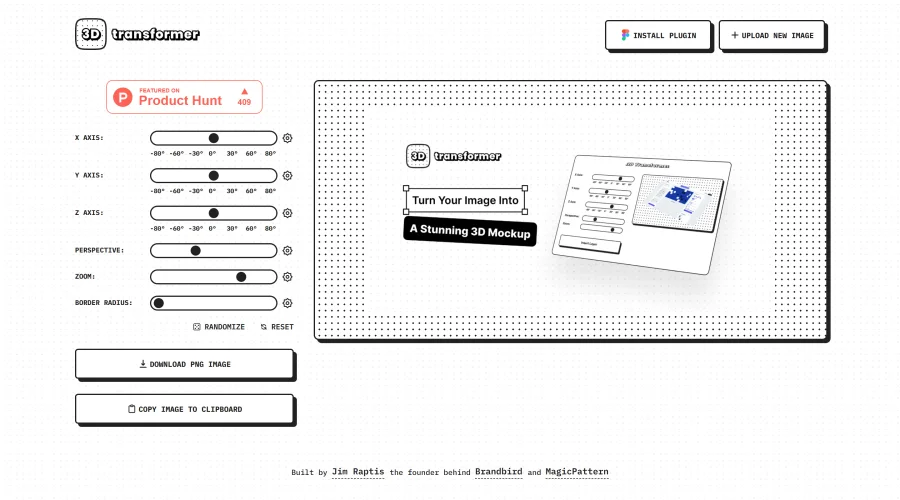
Transform frames into striking 3D mockups online and in Figma.
All Hands
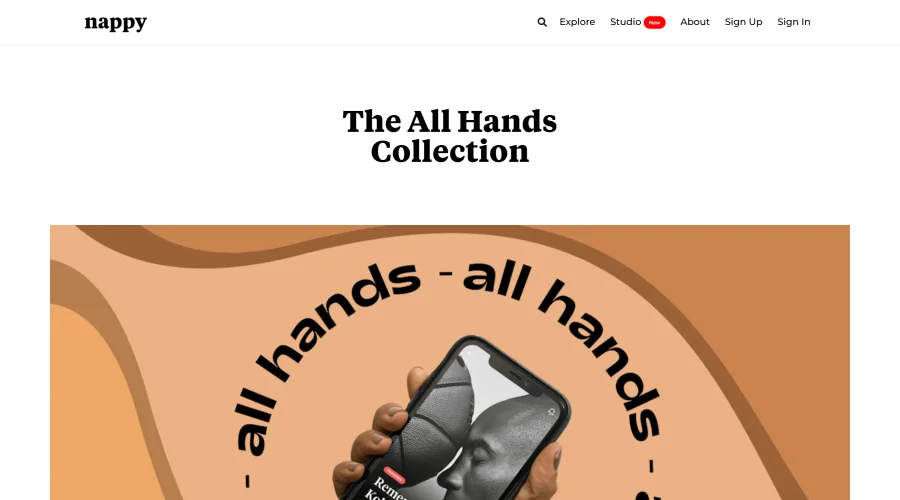
25 free device mockups showcasing diverse hand types.

Angle
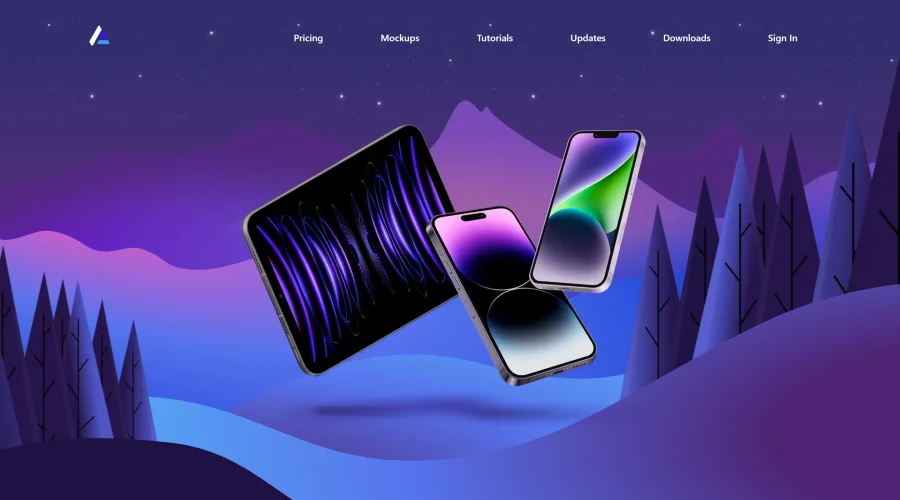
1,000 vector and 3D device mockups compatible with Sketch, Figma, and XD.
Art Directed
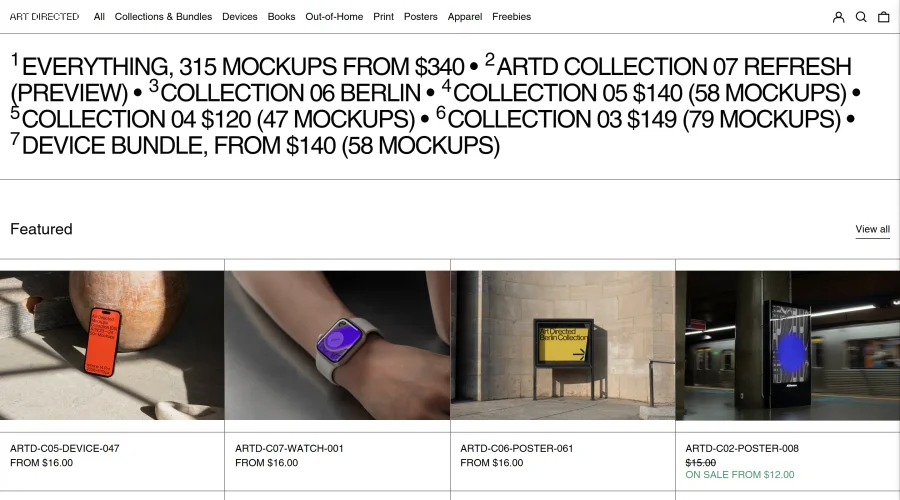
Modern mockups designed for contemporary design presentations.

Artboard Studio Mockup Generator
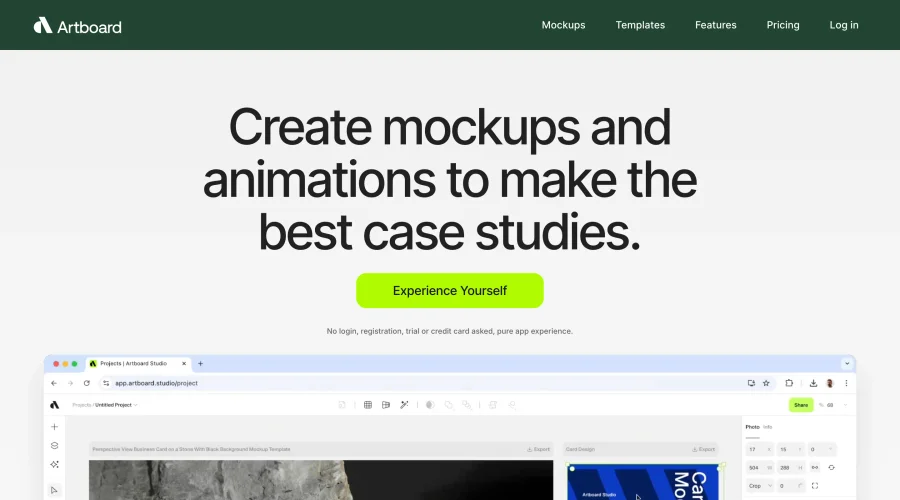
Design amazing mockups and realistic scenes effortlessly.
Explore Other Categories
Discover more design resources
New to Design?
Explore our comprehensive design glossary to master essential terminology from A/B Testing to Wireframes.
Browse GlossaryLooking for something specific?
Search through our entire collection of design tools and resources