
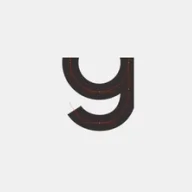
Geometric sans-serif typeface crafted with code by Jongmin Kim.
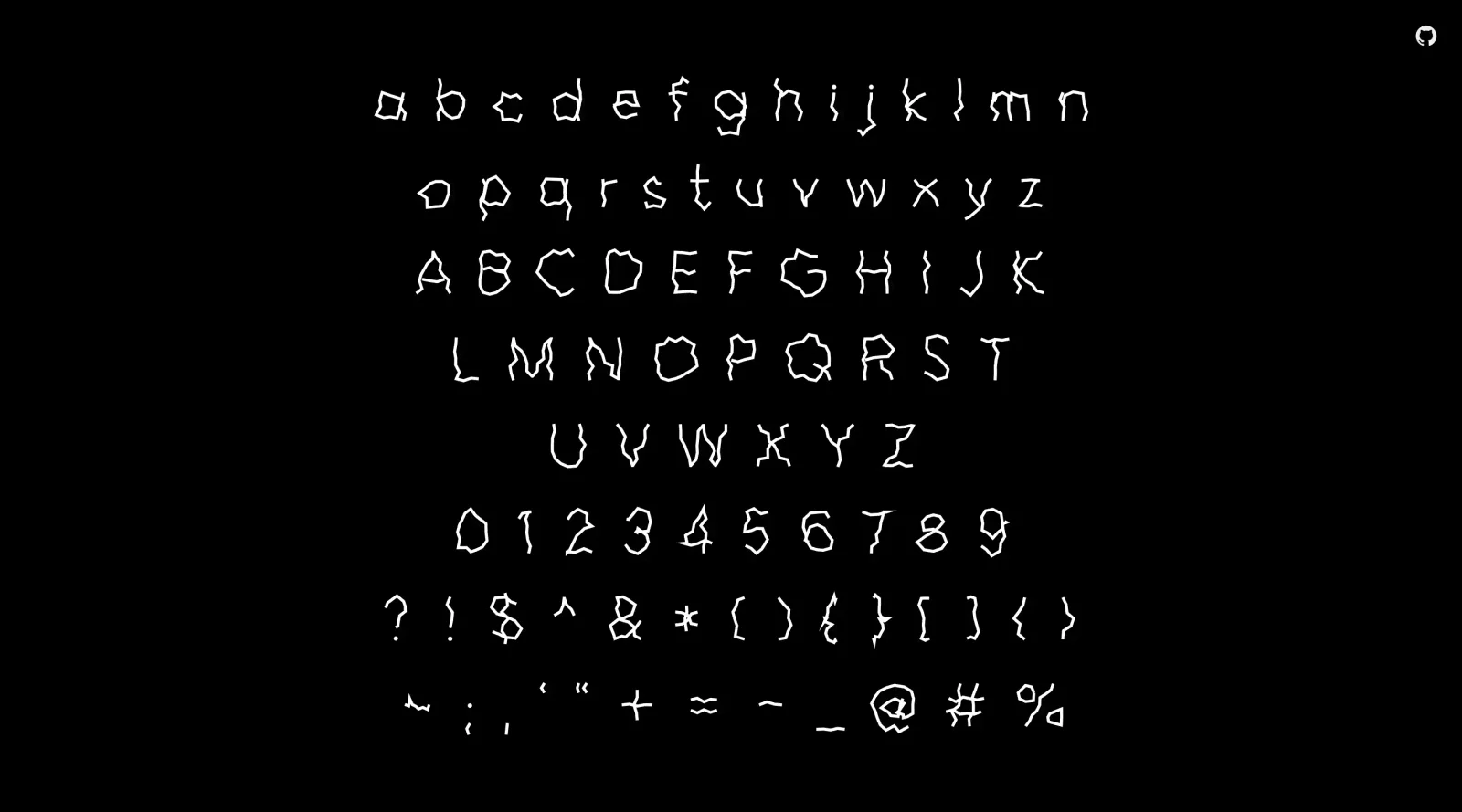
About Leon Sans
What Is Leon Sans?
Leon Sans is a geometric sans-serif typeface created with code by Jongmin Kim in 2019. Designed as a typography tool, it operates through JavaScript to render text in an HTML5 canvas element, allowing programmatic control over glyph rendering. Leon Sans fits into design workflows involving web-based typography, animations, and custom text effects, where traditional static fonts fall short. As a free resource available under an open license, it enables designers and developers to implement dynamic type without licensing costs.
What Leon Sans Does
- Renders text using coordinate-based drawing points for each glyph in an HTML5 canvas.
- Adjusts font weight dynamically from 1 to 900 via JavaScript options.
- Supports customizable text size, specified as an integer value.
- Allows per-character color assignment through an array of color values.
- Provides properties like lineWidth for stroke thickness and scale for character sizing relative to a base font size of 500.
- Exposes a drawing array to control animation progress from 0 to 1 for each character.
How Leon Sans Can Be Used
- Generate animated text sequences, such as drawing effects where glyphs form progressively from start to end states.
- Create weight-shifting transitions in web interfaces, simulating variable font behavior without external dependencies.
- Apply wave distortions or metaball effects to text by modifying glyph coordinates for interactive visuals.
- Produce colorful patterns across characters using predefined or custom color arrays for branding or artistic displays.
- Integrate into HTML5 canvas projects for plant-like growth animations or shape morphing based on drawing points.
- Embed in web pages to display dynamic typography that responds to user interactions or timelines.
Who Is Leon Sans For?
Leon Sans serves web designers, front-end developers, and creative coders working on interactive typography projects. It suits those with JavaScript experience who need programmatic control over sans-serif fonts for animations, effects, or custom shapes in browser environments. Projects involving canvas-based visuals, such as landing pages, data visualizations, or experimental art, benefit from its coordinate-driven approach. Experience levels range from intermediate coders familiar with canvas APIs to advanced users exploring glyph manipulation. Available for commercial use under an open license, Leon Sans supports diverse applications from personal portfolios to client websites. Visit Leon Sans
Featured Tools
Sponsored
Artlist
Royalty-free music, SFX, 8K footage, templates, LUTs and 100+ AI models on a single subscription for video creators.

Icons8
Large icon packs featuring over 10,000 icons for consistent design themes.

Vidu
AI video generator with text, image and reference-to-video modes, producing 3–16 second clips at up to 1080p with characters that stay consistent across shots.
Your tool here
The tools above are our own picks until the slots sell.
Spotlight
SponsoredRotates daily
Glyph Neue
Over 1,500 icons in SVG and PNG formats, free with attribution.
Tools we recommend
Editorially chosen. Some links above are affiliate links — if you sign up we may earn a commission, at no extra cost to you.
More Typography Tools

ZnortDesigns
Explore your local font library, discover font pairings, and find curated typography resources and design deals in one designer-friendly tool.
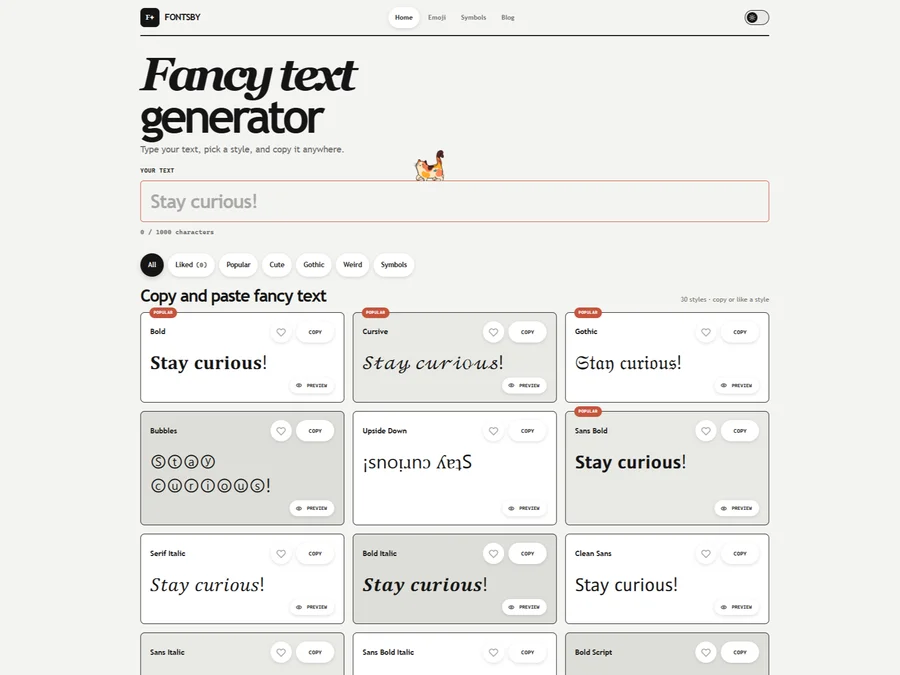
FontsBy
Fancy text generator for Instagram, Twitter, TikTok and Discord. Copy and paste bold, cursive and stylish Unicode fonts, symbols and emoji instantly for bios, usernames, names and social media posts.

FontPlop
Fontplop offers free font testing, conversion, and generation tools, plus stylish text generators for social media. Test glyphs, compare fonts, and convert font files privately in your browser.


205TF
French type foundry showcasing work from independent designers.


All Free Fonts
A selection of beautiful, free fonts curated for quality.


atipo
Digital foundry and design studio specializing in typefaces.
Explore Other Categories
Discover more design resources
New to Design?
Explore our comprehensive design glossary to master essential terminology from A/B Testing to Wireframes.
Browse GlossaryLooking for something specific?
Search through our entire collection of design tools and resources