

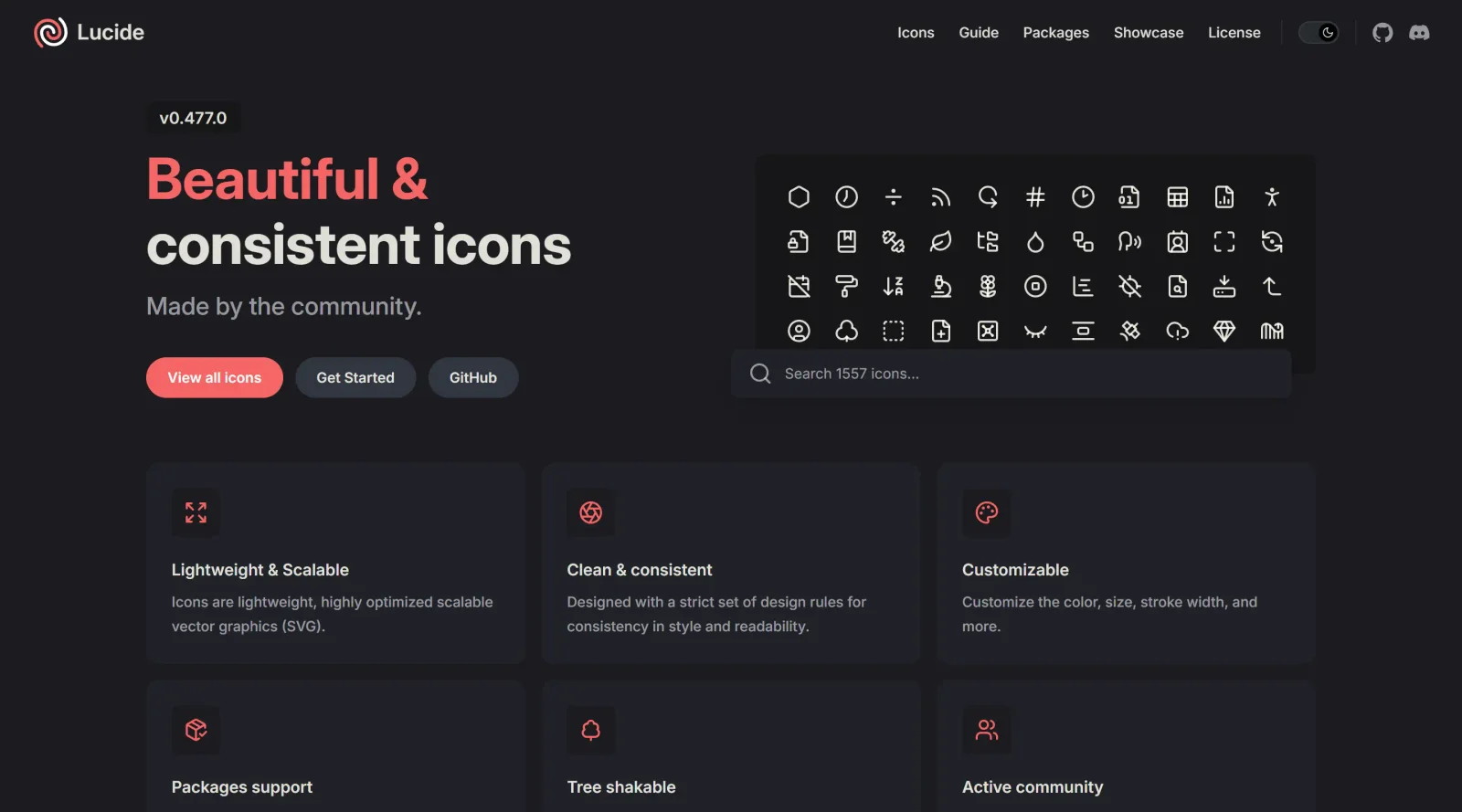
Explore a consistent and beautiful icon toolkit created by the community.
What it costs
- Free tier
- Yes
Community-made open-source icon set released under the ISC License; completely free.
Auto-checked on 8 August 2026Source
About Lucide
What Is Lucide?
Lucide is a free, open-source icon librarythat provides over 1,000 scalable vector graphics (SVG) icons for use in digital and non-digital projects. Created and maintained by the community as a fork of Feather Icons, Lucide offers a consistent icon toolkit designed on a 24x24 pixel grid with a stroke width of 2 pixels, ensuring uniformity across its collection. It fits into design and development workflows where developers and designers need lightweight, customizable icons for web applications, static sites, mobile apps, and other interfaces, available through official packages without framework dependencies.
What Lucide Does
- Delivers over 1,000 SVG icons covering categories like navigation, social media, files, and UI elements, with weekly additions based on community requests.
- Supports tree-shaking to import only required icons, minimizing bundle sizes in JavaScript projects.
- Allows customization of icon size, stroke width, color, and attributes via CSS classes, inline styles, or JavaScript options.
- Provides official packages for frameworks including React, Vue, Svelte, Angular, React Native, and vanilla JavaScript.
- Enables dynamic icon insertion using data attributes in HTML or JavaScript functions like createIcons.
- Offers variants and states for icons, such as filled or outlined versions, to match specific project needs.
How Lucide Can Be Used
- Incorporate icons into static HTML sites by adding data attributes, which JavaScript replaces with SVGs for lightweight integration.
- Build navigation menus or UI components in React or Vue applications by importing specific icons and rendering them dynamically.
- Customize icons for design systems, adjusting stroke and color to maintain consistency across buttons, forms, and sidebars in web apps.
- Use in legacy applications or environments without modern frameworks, relying on vanilla JavaScript for broad browser compatibility.
- Apply icons in shadow DOM or custom root elements for modular components in complex single-page applications.
- Embed icons in documentation, prototypes, or print materials as vector files for scalable, high-resolution output.
Who Is Lucide For?
Lucide serves web developers integrating icons into JavaScript-based projects, UI/UX designers creating consistent visual systems, and teams working with frameworks like React, Vue, or Svelte who require a free, expandable icon toolkit. It suits projects ranging from small personal sites to enterprise applications, particularly where bundle size optimization and customization matter, as well as contributors interested in open-source icon design on a standardized 24x24 grid. Frontend developers handling navigation, file management, or social features find its packages practical for rapid implementation.Visit Lucide
Featured Tools
Sponsored
Artlist
Royalty-free music, SFX, 8K footage, templates, LUTs and 100+ AI models on a single subscription for video creators.

Icons8
Large icon packs featuring over 10,000 icons for consistent design themes.

Vidu
AI video generator with text, image and reference-to-video modes, producing 3–16 second clips at up to 1080p with characters that stay consistent across shots.
Your tool here
The tools above are our own picks until the slots sell.

Tools we recommend


Editorially chosen. Some links above are affiliate links — if you sign up we may earn a commission, at no extra cost to you.
More Icons Tools
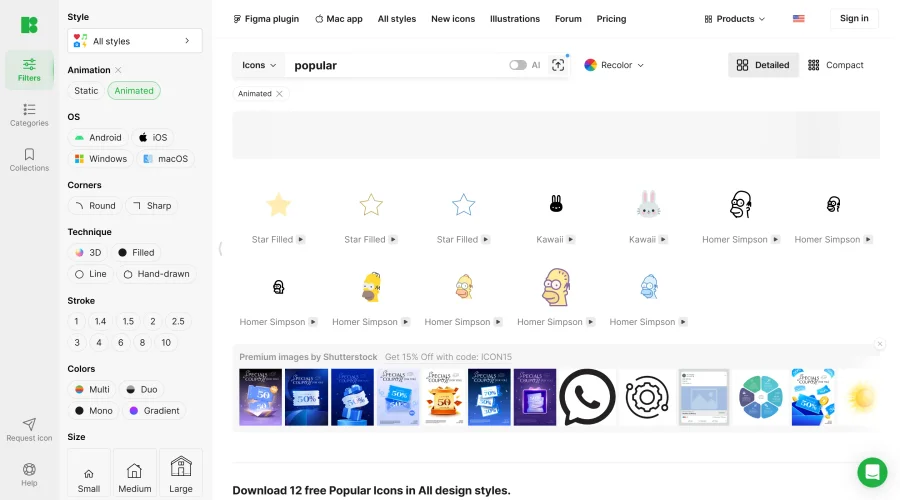

Animated Icons 2.0
Enhance your projects with 900+ animated icons.
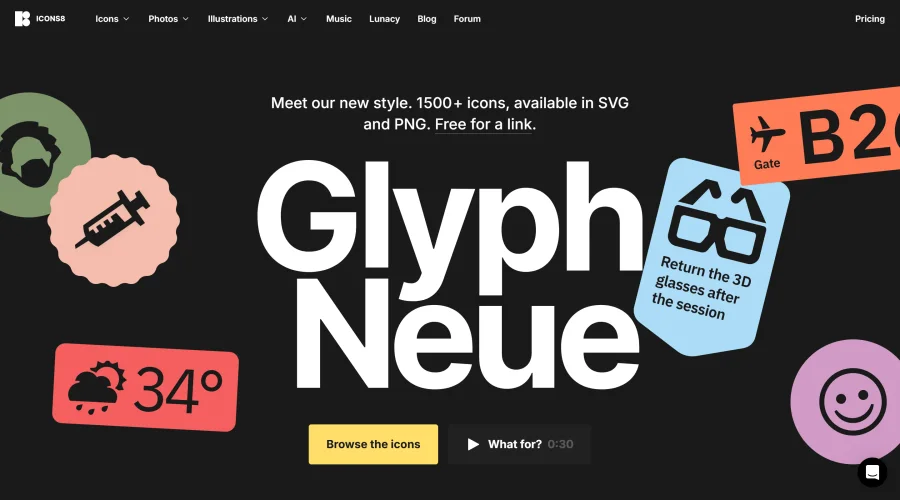

Glyph Neue
Over 1,500 icons in SVG and PNG formats, free with attribution.
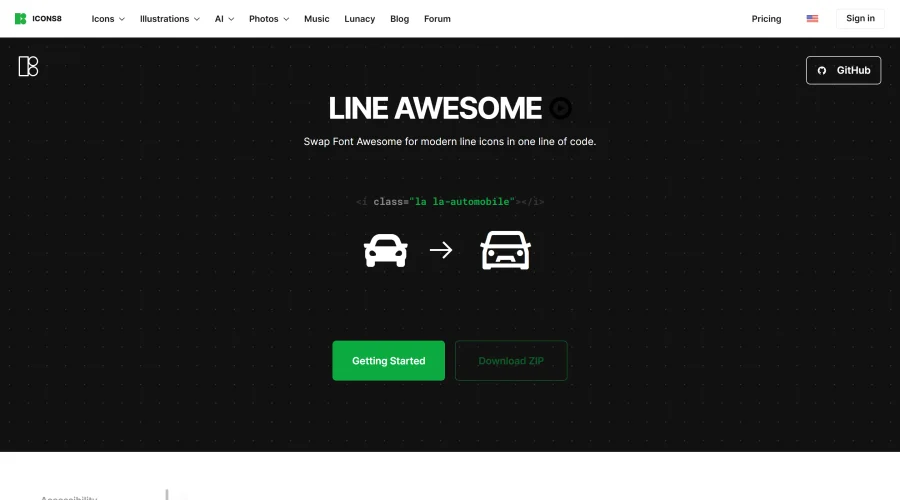

Line Awesome
Easily replace Font Awesome with modern line icons using one line of code.
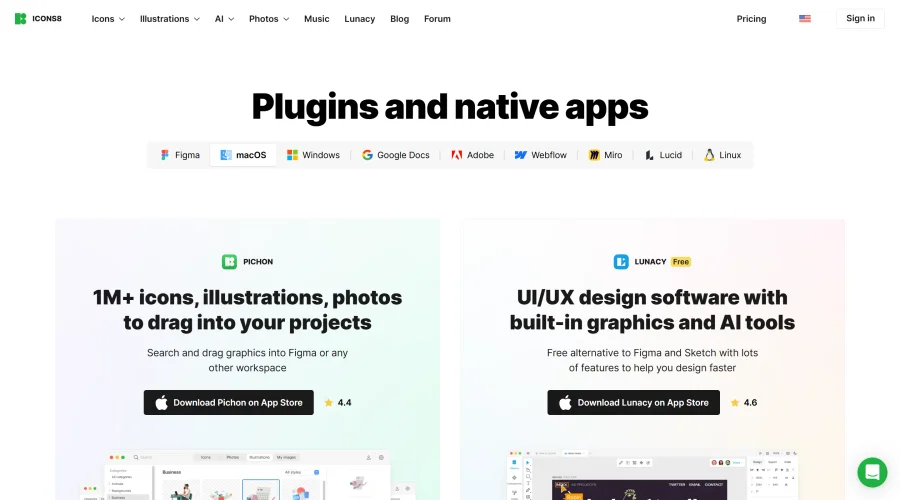

Pichon
Drag and drop the best design graphics with ease.
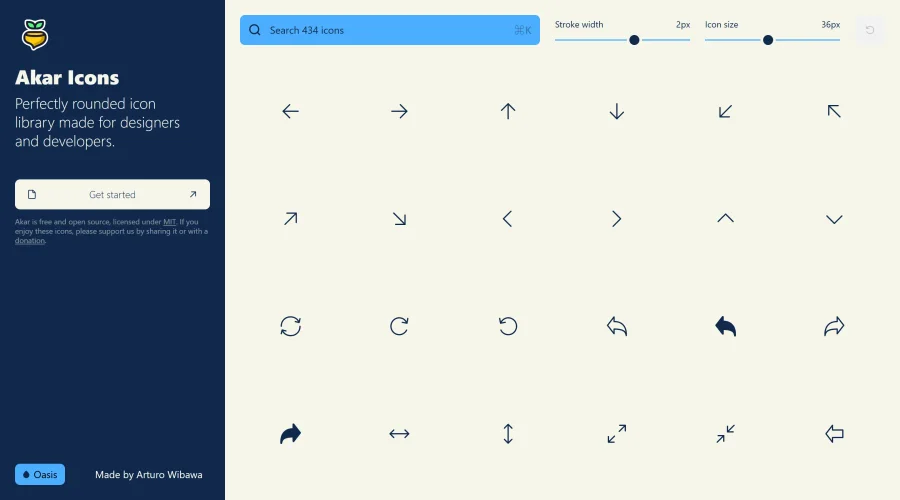

Akar Icons
A perfectly rounded icon library designed for designers and developers.
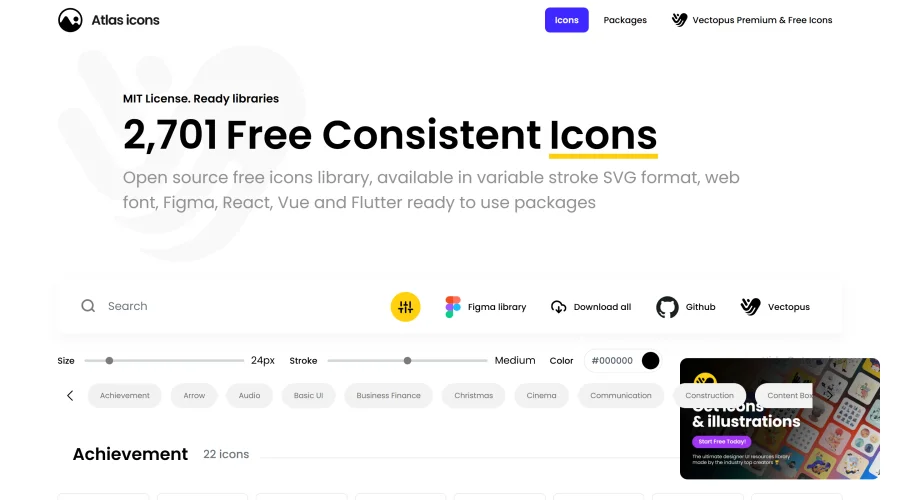

Atlas Icons
Versatile open-source icon library, offering various stroke widths and formats.
Explore Other Categories
Discover more design resources
New to Design?
Explore our comprehensive design glossary to master essential terminology from A/B Testing to Wireframes.
Browse GlossaryLooking for something specific?
Search through our entire collection of design tools and resources