

What it costs
- Free tier
- No
magician.design now resolves to an unrelated Indonesian online-gambling site; the original design tool appears defunct.
Auto-checked on 8 August 2026Source
About Magician
What is Magician.design
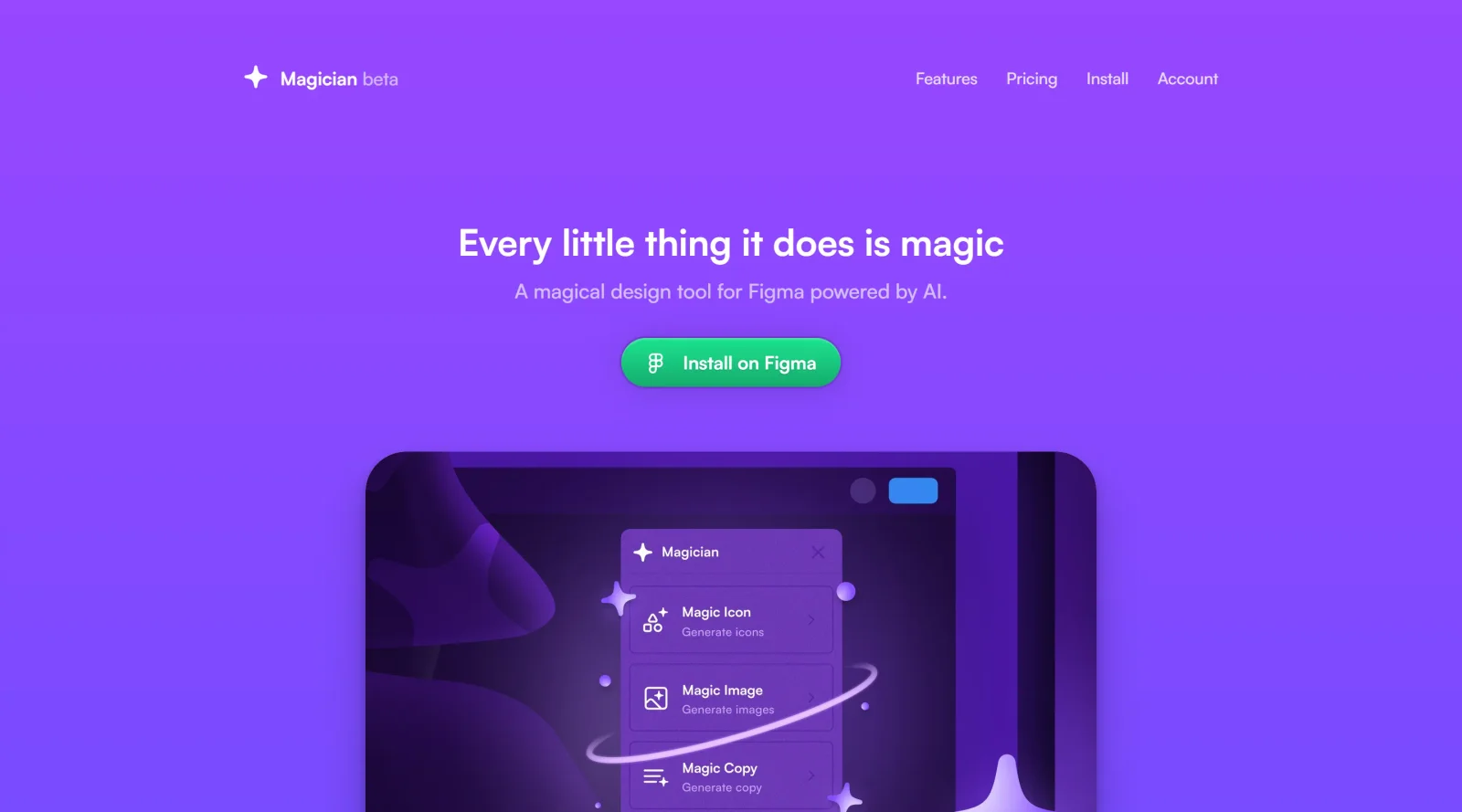
Magician is an innovative AI-powered design tool that integrates seamlessly with the popular design platform, Figma. Developed by the team at Diagram, Magician aims to revolutionize the design workflow by infusing it with the power of artificial intelligence. At its core, Magician is a Figma plugin that acts as a virtual design assistant, empowering users to streamline various aspects of the design process. Unlike traditional design tools, Magician leverages advanced AI algorithms to automate repetitive tasks, generate creative ideas, and enhance the overall design experience.
What Magician.design does
Magician offers a suite of "magic spells" that can be utilized within the Figma environment. These spells, or features, are designed to tackle different design challenges and unlock new possibilities for creativity. Some of the key capabilities of Magician include:
- Magic Icon: This feature allows users to generate unique and visually appealing icons from simple text inputs. Users can type in a word or phrase, and Magician will create an icon that matches the concept, with the ability to customize the style, color, and size.
- Magic Copy: Magician's copywriting capabilities enable users to generate relevant and captivating headlines, slogans, and descriptions for their designs. By inputting a topic or keyword, the AI-powered tool can produce a variety of options to choose from, saving designers time and effort.
- Magic Image: With this feature, users can generate realistic images from textual descriptions. Whether it's a product shot, a landscape, or a conceptual illustration, Magician can create visuals that align with the user's vision, allowing for further refinement and customization.
- Magic Rename: Magician can also assist with organizing and managing design layers by automatically renaming them based on the content or context. This feature helps maintain a clean and structured Figma file, enhancing collaboration and project management.
These "magic spells" are designed to work seamlessly within the Figma environment, empowering designers to explore new creative avenues, save time, and enhance the overall quality of their designs.
Who is Magician.design for
Magician is primarily targeted at Figma users who are looking to streamline their design workflow and unlock new creative possibilities. Whether you're a professional designer, a marketing specialist, or an entrepreneur, Magician can be a valuable addition to your design toolkit. The tool is particularly beneficial for those who:
- Struggle with time-consuming tasks like icon creation, copywriting, or image generation
- Seek to infuse their designs with a touch of creativity and uniqueness
- Aim to enhance their design process and improve the overall quality of their work
- Collaborate with teams and need a way to organize and manage design assets efficiently
By leveraging the power of AI, Magician empowers users to focus on the strategic and conceptual aspects of design, while automating the more repetitive and time-consuming tasks. This allows designers to be more productive, innovative, and ultimately, deliver better results for their clients or projects.
In summary, Magician is a game-changing AI-powered design tool that seamlessly integrates with Figma, offering a suite of "magic spells" to streamline the design workflow and unlock new creative possibilities. Whether you're a seasoned designer or a budding creative, Magician is worth exploring to elevate your design process and achieve exceptional results. 124
Featured Tools
Sponsored
Artlist
Royalty-free music, SFX, 8K footage, templates, LUTs and 100+ AI models on a single subscription for video creators.

Icons8
Large icon packs featuring over 10,000 icons for consistent design themes.

Vidu
AI video generator with text, image and reference-to-video modes, producing 3–16 second clips at up to 1080p with characters that stay consistent across shots.
Your tool here
The tools above are our own picks until the slots sell.

Tools we recommend


getimg.ai
20+ AI models for image, video & audio in one workspace


Hailuo AI
Cinematic AI video with camera control


OpenArt
All-in-one AI image, video & audio generator
Editorially chosen. Some links above are affiliate links — if you sign up we may earn a commission, at no extra cost to you.
More AI Tools Tools


Vidu
AI video generator with text, image and reference-to-video modes, producing 3–16 second clips at up to 1080p with characters that stay consistent across shots.
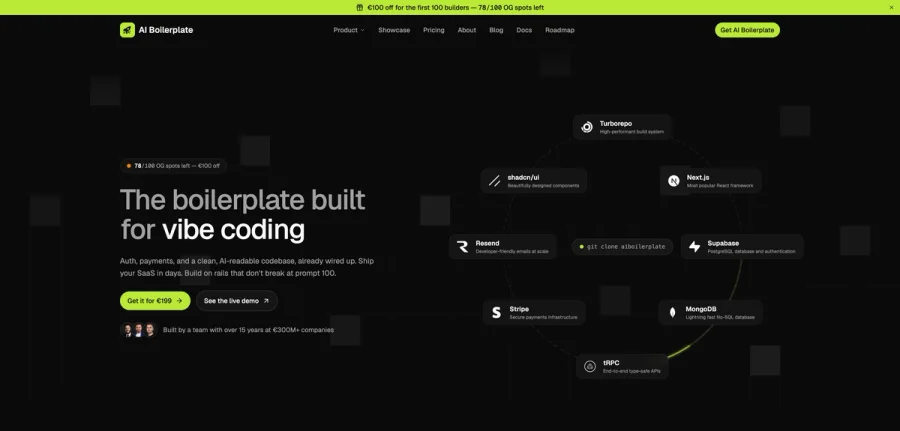

AI Boilerplate
The boilerplate built for vibe coding. Includes authentication, payments, storage, and a clean, AI-readable codebase, already wired up. Build on rails that don't break at prompt 100.
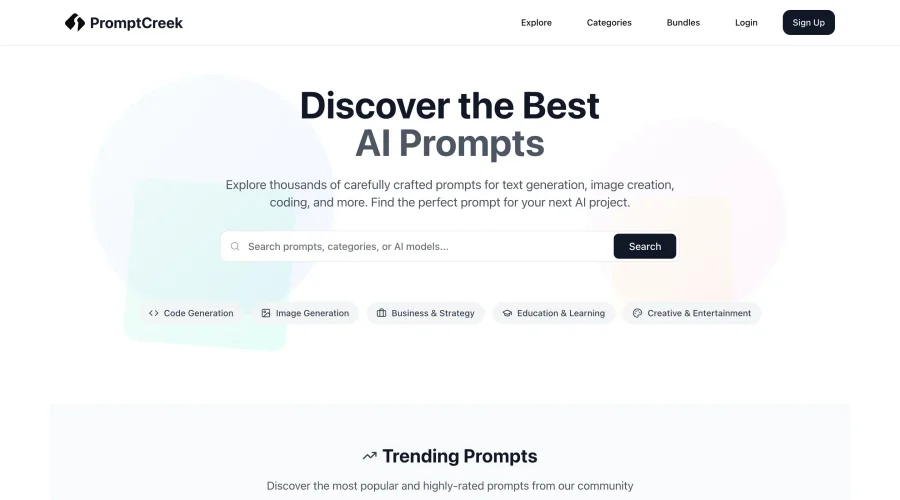

PromptCreek
Prompt Creek is a free community-driven repository featuring thousands of AI prompts. Discover, bookmark, and share quality prompts for ChatGPT, Claude, and other AI tools.
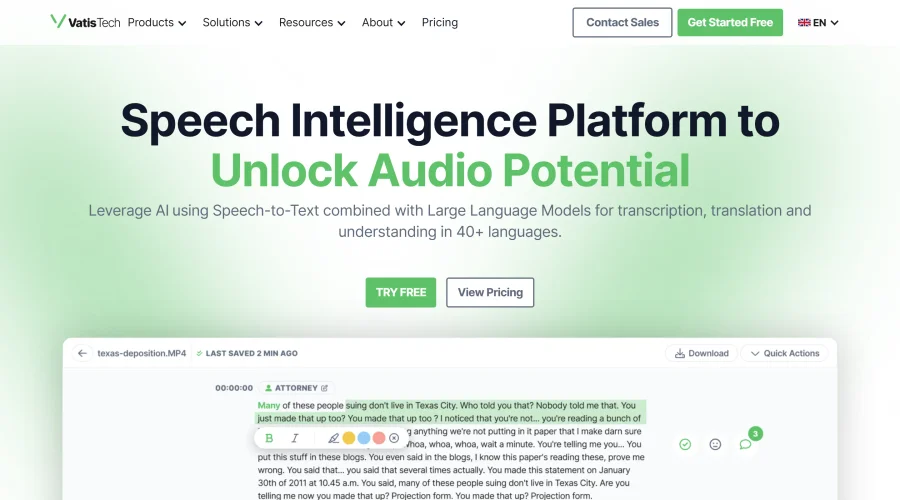

Vatis Tech
Vatis Tech is the most powerful speech-to-text infrastructure. It can be used to transcribe user interviews and client meetings.


DomoAI
AI animation platform that turns text, images, and video into anime, realistic, and custom styles — with video restyle, lip sync, upscaling, and more.

Meshy
AI 3D model generator that turns text or images into game- and print-ready models.
Explore Other Categories
Discover more design resources
New to Design?
Explore our comprehensive design glossary to master essential terminology from A/B Testing to Wireframes.
Browse GlossaryLooking for something specific?
Search through our entire collection of design tools and resources